Loan Payoff Letter Form For Bank In Travis
Description

Get your form ready online
Our built-in tools help you complete, sign, share, and store your documents in one place.
Make edits, fill in missing information, and update formatting in US Legal Forms—just like you would in MS Word.
Download a copy, print it, send it by email, or mail it via USPS—whatever works best for your next step.
Sign and collect signatures with our SignNow integration. Send to multiple recipients, set reminders, and more. Go Premium to unlock E-Sign.
If this form requires notarization, complete it online through a secure video call—no need to meet a notary in person or wait for an appointment.
We protect your documents and personal data by following strict security and privacy standards.

Make edits, fill in missing information, and update formatting in US Legal Forms—just like you would in MS Word.

Download a copy, print it, send it by email, or mail it via USPS—whatever works best for your next step.

Sign and collect signatures with our SignNow integration. Send to multiple recipients, set reminders, and more. Go Premium to unlock E-Sign.

If this form requires notarization, complete it online through a secure video call—no need to meet a notary in person or wait for an appointment.

We protect your documents and personal data by following strict security and privacy standards.
Looking for another form?
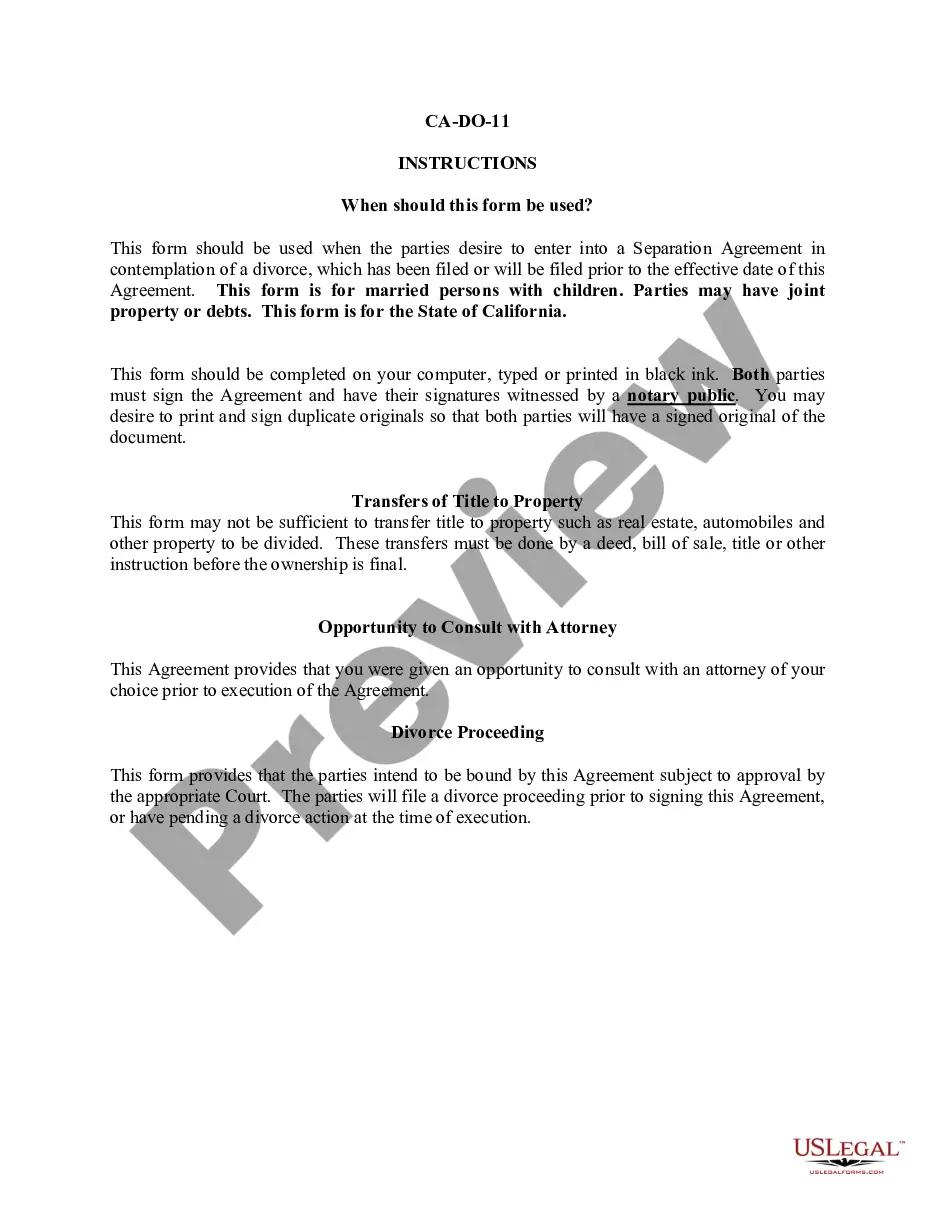
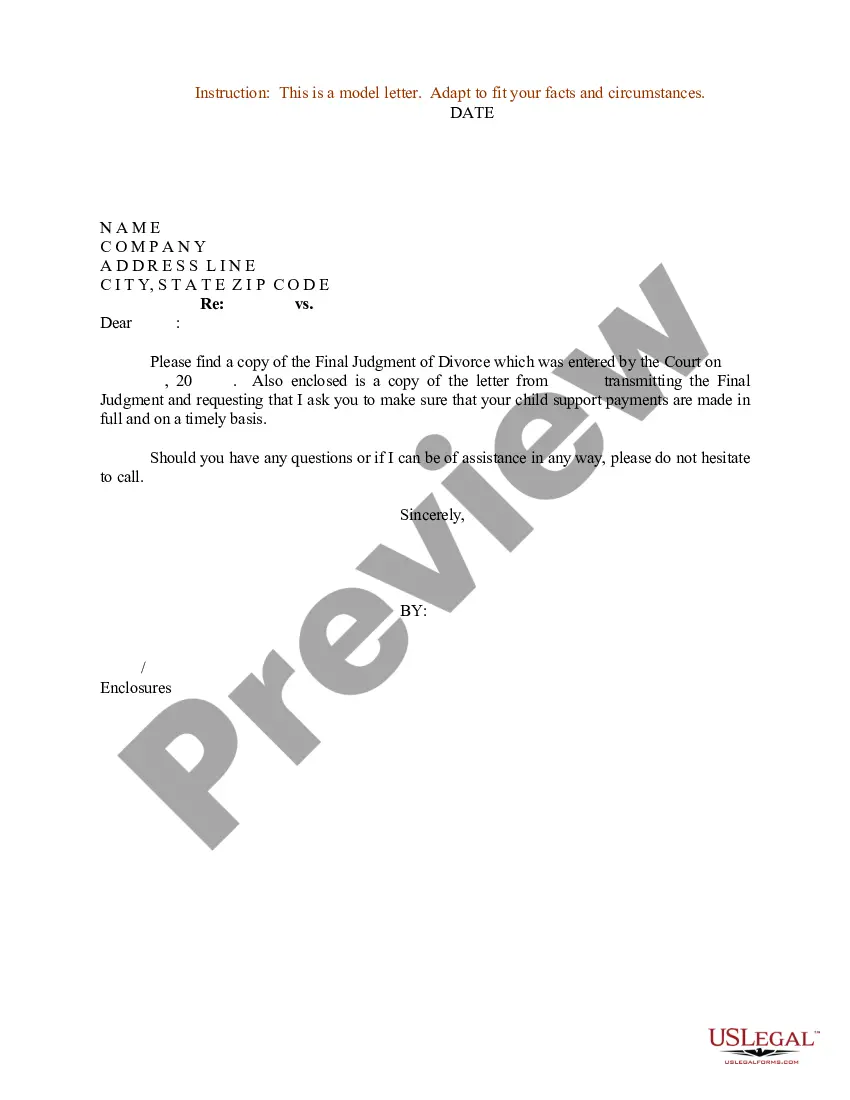



Form popularity
FAQ
During a rolling 12-month period, applicants are eligible to skip 2 months of payments on installment loans or line of credit; and one skipped payment on a credit card.
If you do not have your member number, please call (800) 877-8328 or visit any branch location for further assistance.
The pros of credit unions include better interest rates than banks, while the cons include fewer branches and ATMs.
The Call 24 PIN is the 4 digit PIN # used when calling the PowerLine (automated phone access). When the account is opened, the Call 24 PIN is the last four digits of the primary member's social security number. When/if you call the PowerLine, you will be prompted to change your PIN.
TCU's routing number: 321170839. TCU Direct Deposit Transfer Form. Your employer or institution's address and phone number. Call 1-800-333-1795 or visit GoDirect to set up direct deposit for Social Security.
If your ATM, Debit or Credit Card is Lost or Stolen If your TCU card is lost or stolen, or you suspect unauthorized use of your card, immediately call Travis Credit Union at (707) 449-4000 or (800) 877-8328 during normal business hours.
What should I do? Report the card lost/stolen under the Account Services tab in MyCardInfo. This will disable the card, limiting any unauthorized spending. You may also report specific transactions as fraud under the Dispute Transaction function within Account Services.
To activate your card, please call the number provided on the activation label affixed to your card. If no label is attached, call the number on the back of your card. It is best to call from your home phone.
Through Landline No. 040 - 2468 3210.
