Mortgage Payoff Statement Form With Payment In Fulton
Description

Get your form ready online
Our built-in tools help you complete, sign, share, and store your documents in one place.
Make edits, fill in missing information, and update formatting in US Legal Forms—just like you would in MS Word.
Download a copy, print it, send it by email, or mail it via USPS—whatever works best for your next step.
Sign and collect signatures with our SignNow integration. Send to multiple recipients, set reminders, and more. Go Premium to unlock E-Sign.
If this form requires notarization, complete it online through a secure video call—no need to meet a notary in person or wait for an appointment.
We protect your documents and personal data by following strict security and privacy standards.

Make edits, fill in missing information, and update formatting in US Legal Forms—just like you would in MS Word.

Download a copy, print it, send it by email, or mail it via USPS—whatever works best for your next step.

Sign and collect signatures with our SignNow integration. Send to multiple recipients, set reminders, and more. Go Premium to unlock E-Sign.

If this form requires notarization, complete it online through a secure video call—no need to meet a notary in person or wait for an appointment.

We protect your documents and personal data by following strict security and privacy standards.
Looking for another form?






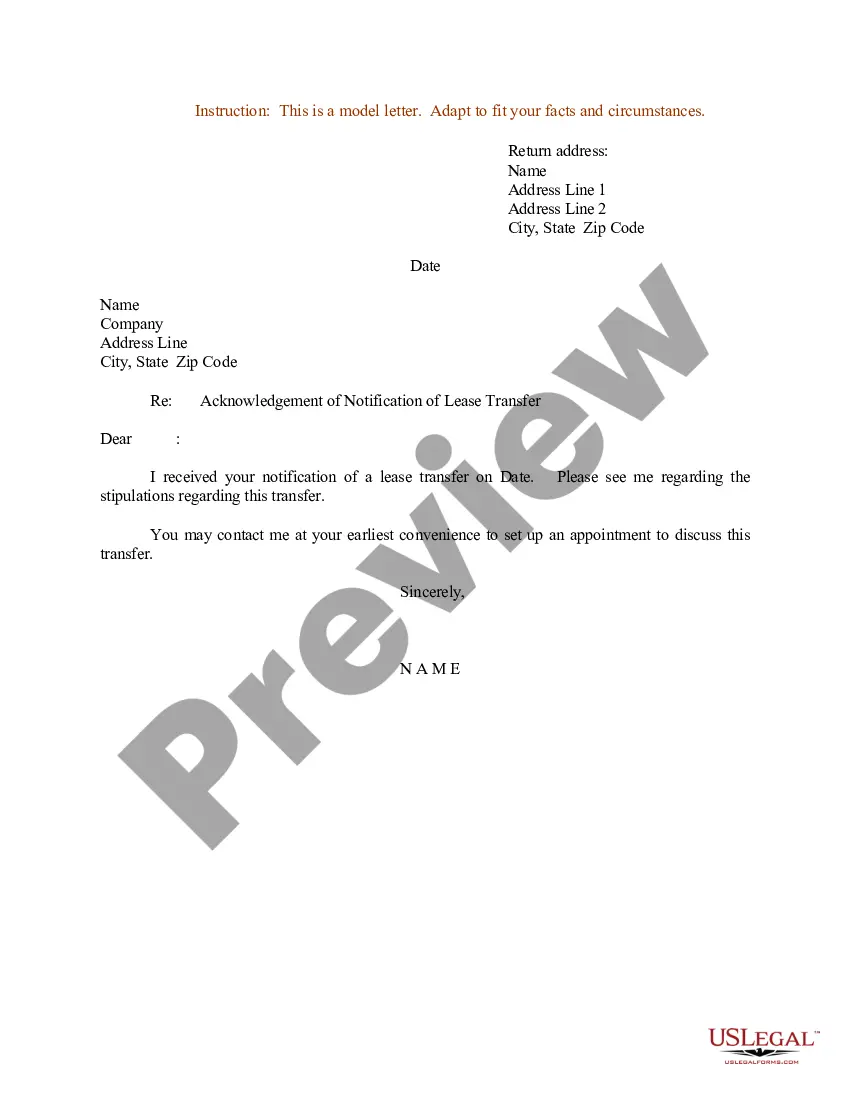
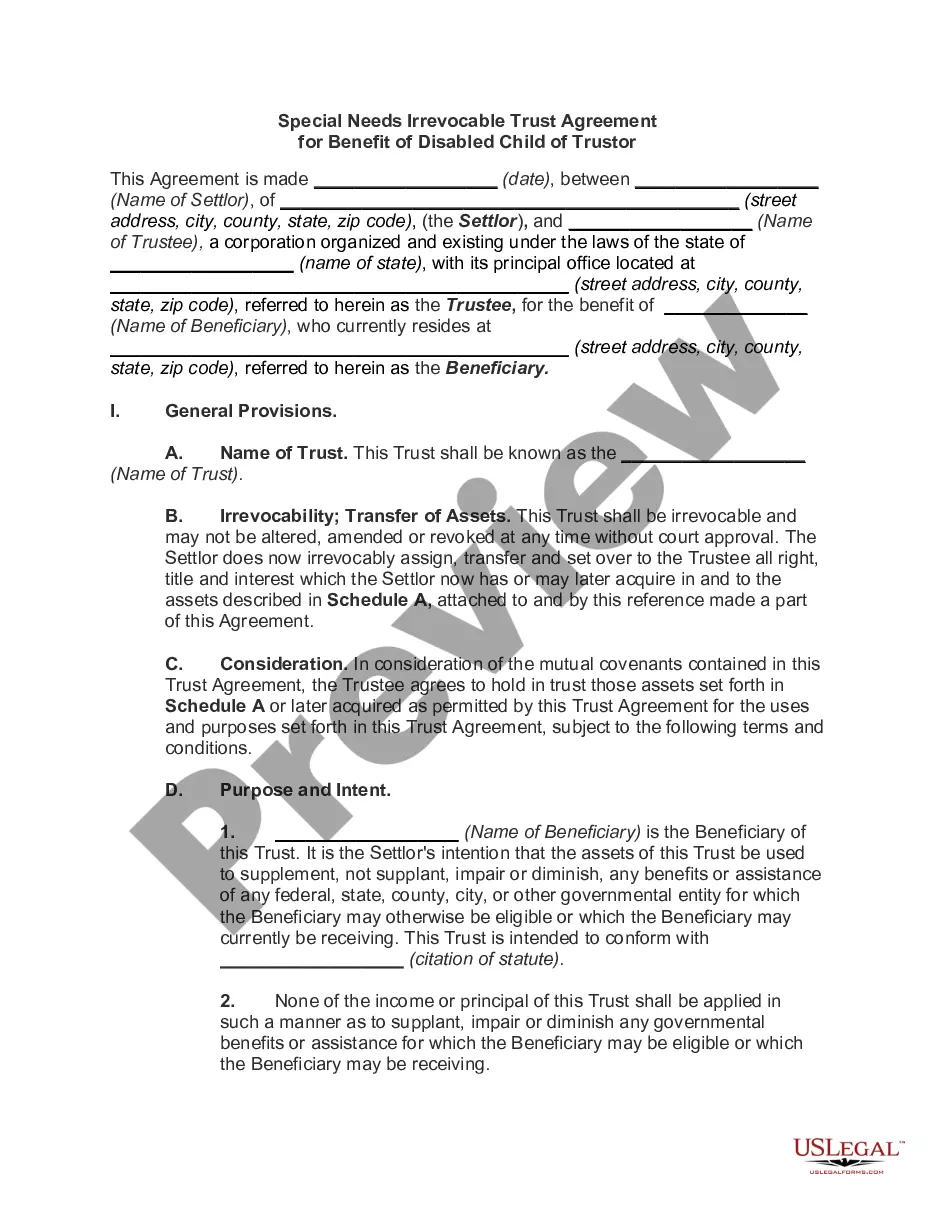


Form popularity
FAQ
Merger. In fall 2019, Fulton Bank completed its consolidation of The Columbia Bank in Howard County, Maryland.
Some banks even have a procedure to activate the Debit Card via Phone Banking. There is usually a phone banking PIN or some identifier in the bank's welcome kit. Dial the bank's phone banking number and use the PIN number or security questions to verify yourself.
Activate Your Card Log in to Digital Banking (Opens in a new Window) on your desktop or in the app, scroll to "Card management," select the card you want to activate, then select "Activate new card" Call the phone number provided on the activation label. Make a withdrawal or balance inquiry with your PIN at any ATM.
How do I turn my debit card ON or OFF? From the Fulton Bank Debit Card Controls main screen within Online Banking or using the Fulton Bank Mobile App, tap on the toggle switch to turn your debit card OFF or ON. Changes are effective immediately and you can control your debit card 24/7.
How do I turn my debit card ON or OFF? From the Fulton Bank Debit Card Controls main screen within Online Banking or using the Fulton Bank Mobile App, tap on the toggle switch to turn your debit card OFF or ON. Changes are effective immediately and you can control your debit card 24/7.
Most banks provide a specific application for address change in bank accounts. You can find this form on your bank's website/mobile app or obtain it from your local branch. Fill out the form with accuracy. Enter the updated address with all necessary details, such as flat/house number, area, PIN Code, etc.
You need to submit a written bank branch transfer application to your home branch (the old one) or the new branch. It should contain your present branch name, account number, the new branch's name and the reason why you are requesting a branch transfer.
Here's a step-by-step guide on how to change address in bank account: Access Your Online Banking Account. Log in to your bank's internet banking portal or mobile banking application using your credentials. Locate the Address Update Option. Enter the New Address Details. Upload Supporting Documents. Review and Confirm.
Fulton Bank branches accept already rolled coins. Branches do not have coin counters and do not accept loose coins. Coin wrappers are available for customers at any branch.
Sign in to Associated Bank Digital. Under the profile picture icon at the top right, select “Profile.” From there, you can update your mailing address, email address and phone number.

