Welcome Letter For New Board Member In Bexar
Description

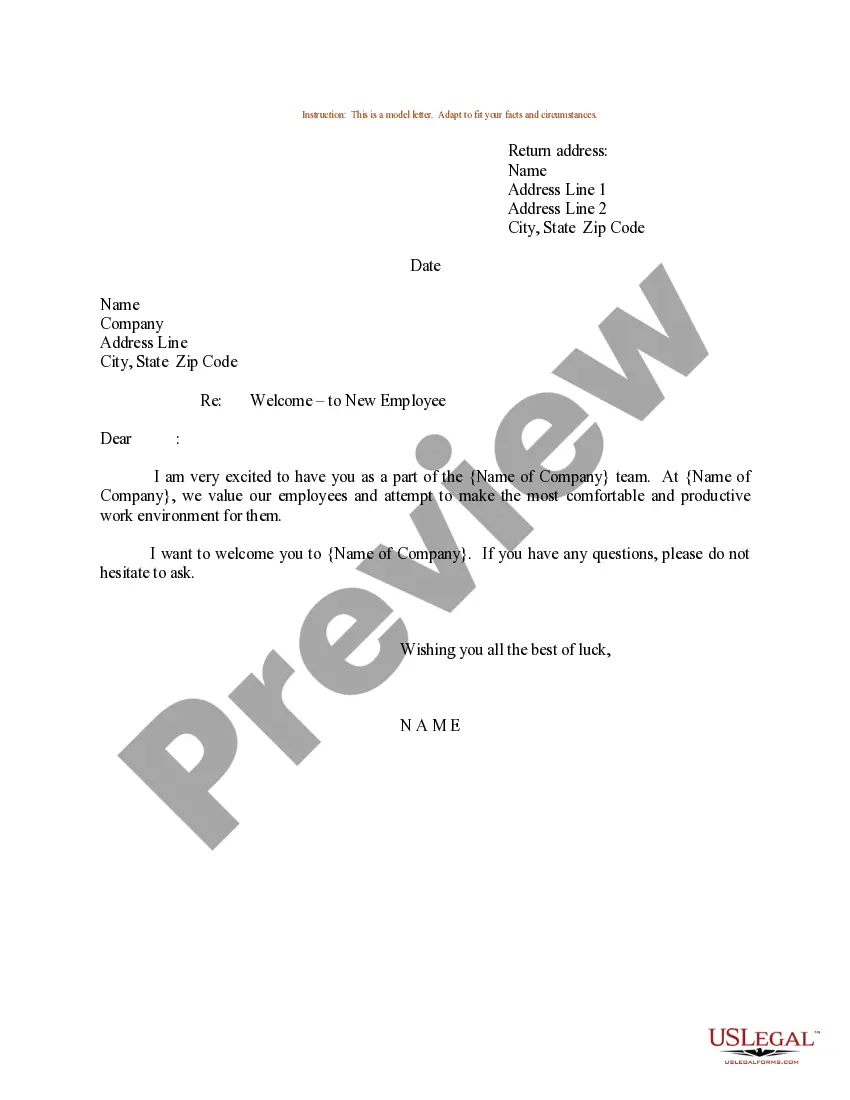
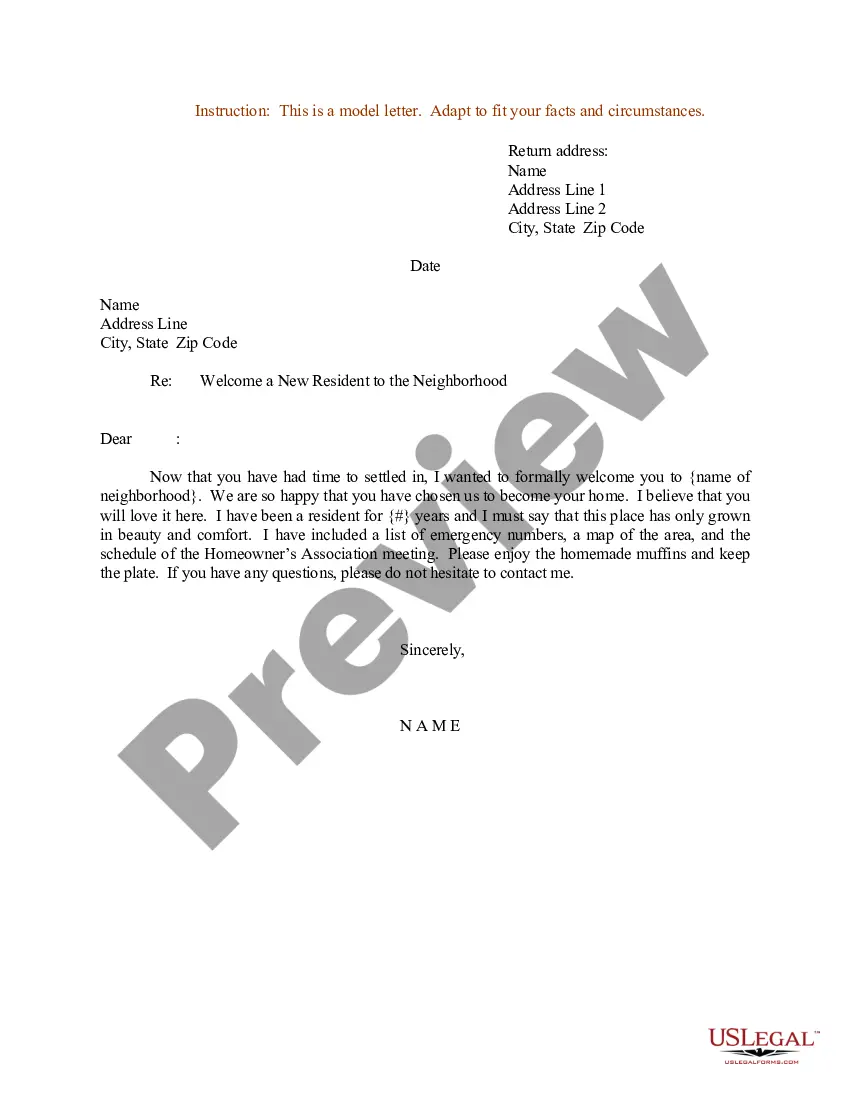
Get your form ready online
Our built-in tools help you complete, sign, share, and store your documents in one place.
Make edits, fill in missing information, and update formatting in US Legal Forms—just like you would in MS Word.
Download a copy, print it, send it by email, or mail it via USPS—whatever works best for your next step.
Sign and collect signatures with our SignNow integration. Send to multiple recipients, set reminders, and more. Go Premium to unlock E-Sign.
If this form requires notarization, complete it online through a secure video call—no need to meet a notary in person or wait for an appointment.
We protect your documents and personal data by following strict security and privacy standards.

Make edits, fill in missing information, and update formatting in US Legal Forms—just like you would in MS Word.

Download a copy, print it, send it by email, or mail it via USPS—whatever works best for your next step.

Sign and collect signatures with our SignNow integration. Send to multiple recipients, set reminders, and more. Go Premium to unlock E-Sign.

If this form requires notarization, complete it online through a secure video call—no need to meet a notary in person or wait for an appointment.

We protect your documents and personal data by following strict security and privacy standards.
Looking for another form?







Form popularity
FAQ
Follow these steps if you are not sure how to introduce yourself in a meeting effectively: Offer basic information. Begin your introduction by offering necessary biographical information about yourself. Describe your background. Share your goals for the meeting. Be available for questions.
Informal Template We are delighted to welcome you to NONPROFIT NAME's membership program. Our organization strives to MISSION DESCRIPTION. As an active member of our program, you will now be able to make a worthwhile difference in COMMUNITY NAME. That is something to celebrate!
Start with a present-tense fact about yourself, which can simply be your name and title. Follow that up with a little bit about your past experience. After a brief overview of your past accomplishments, you'll wrap up with a sentence or two about what you're looking forward to in the future.
How to Write a Board Member Welcome Letter Write a Short Welcome Letter. Include Access to Important Documents. Include Contact Information for Other Members. Outline Board Accomplishments and New Initiatives. List Upcoming Board Meetings.
Start with a present-tense fact about yourself, which can simply be your name and title. Follow that up with a little bit about your past experience. After a brief overview of your past accomplishments, you'll wrap up with a sentence or two about what you're looking forward to in the future.
You need to announce the new board members on two levels: externally and internally. The public announcement is generally a press release that highlights the value the new director is bringing to the board and includes quotes from the chairman or other key executive and from the joining director.
The very first thing is to add the new member to your board management platform, make an official announcement, and begin to include them in board communications. Then, at the new director's first meeting, schedule their introduction early in the agenda and ensure the chairman approves.
What to Include in a Welcome Letter Congratulations and welcome to the team. Hiring manager's name and job title. Trainer's name and job title, if different. Onboarding buddy's name and job title. Start date and time. Address (include cross streets if the location is hard to find) Parking instructions. Dress code.

