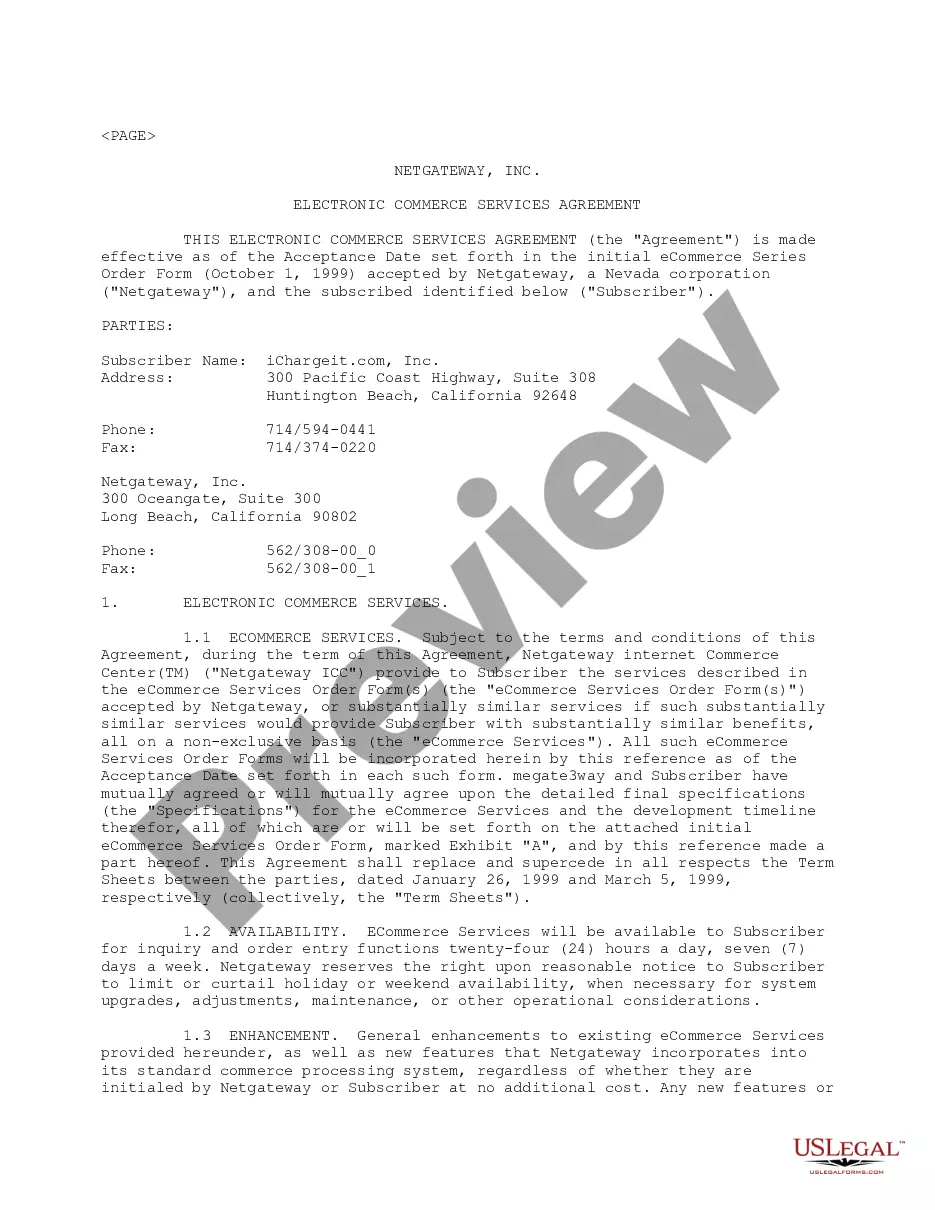
E Commerce Agreement For Service Industry In Montgomery
Description

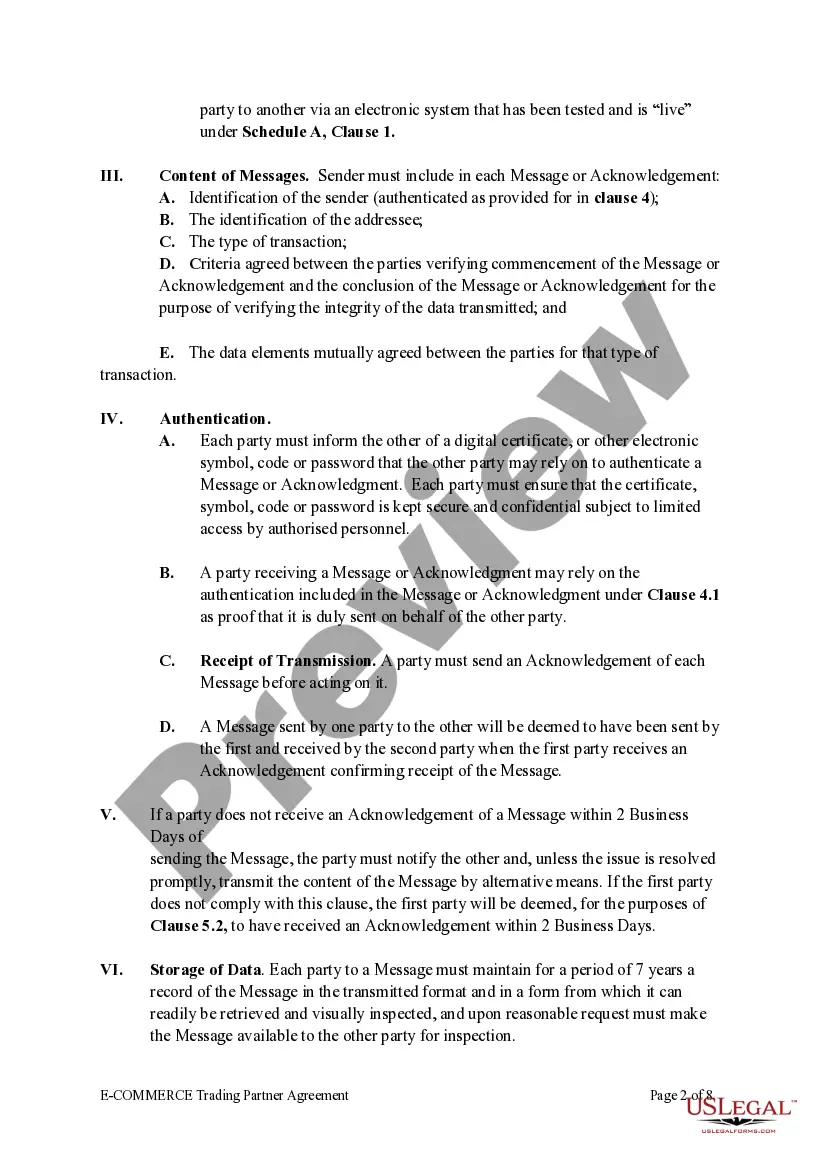
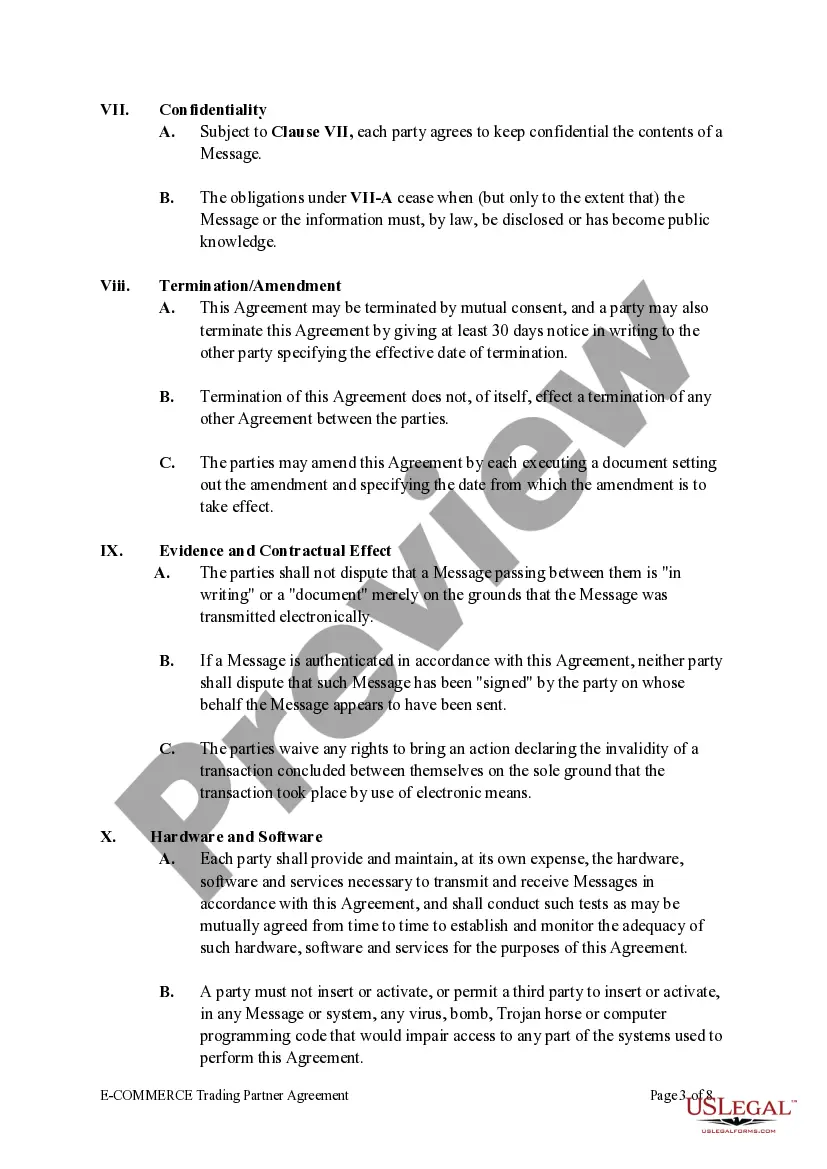
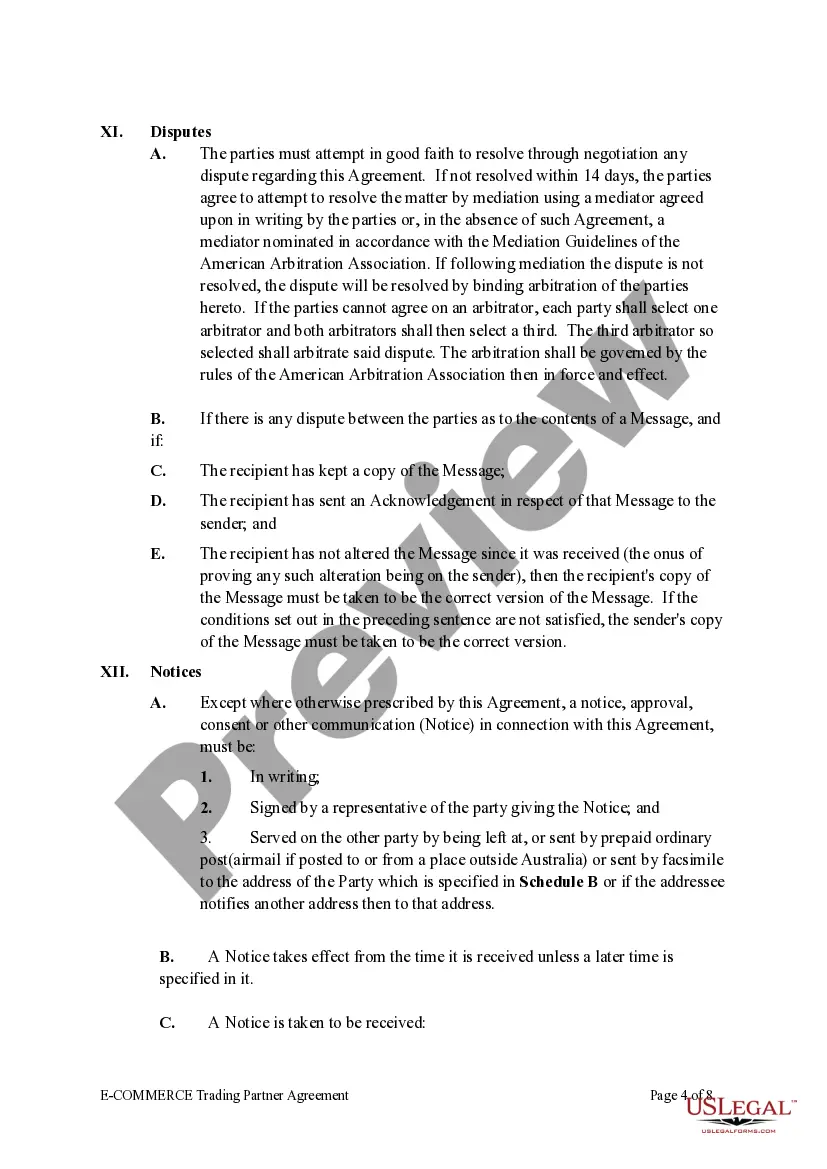
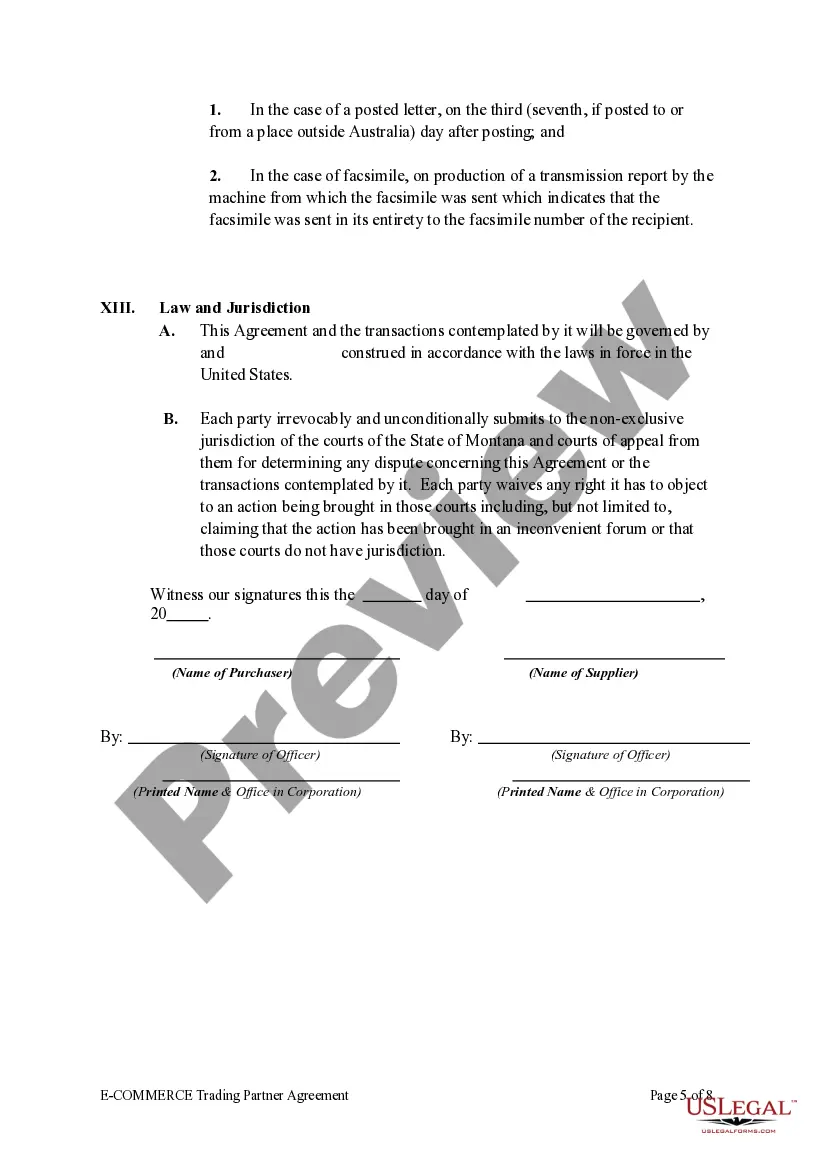
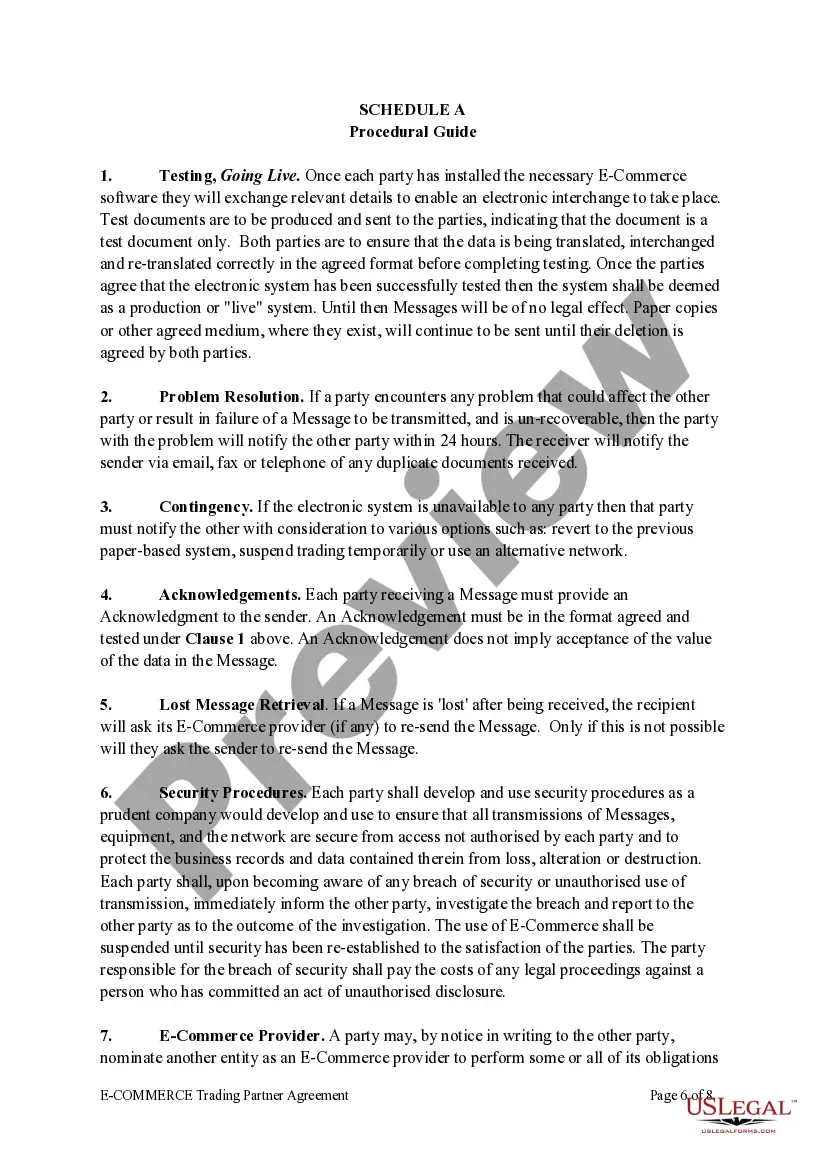
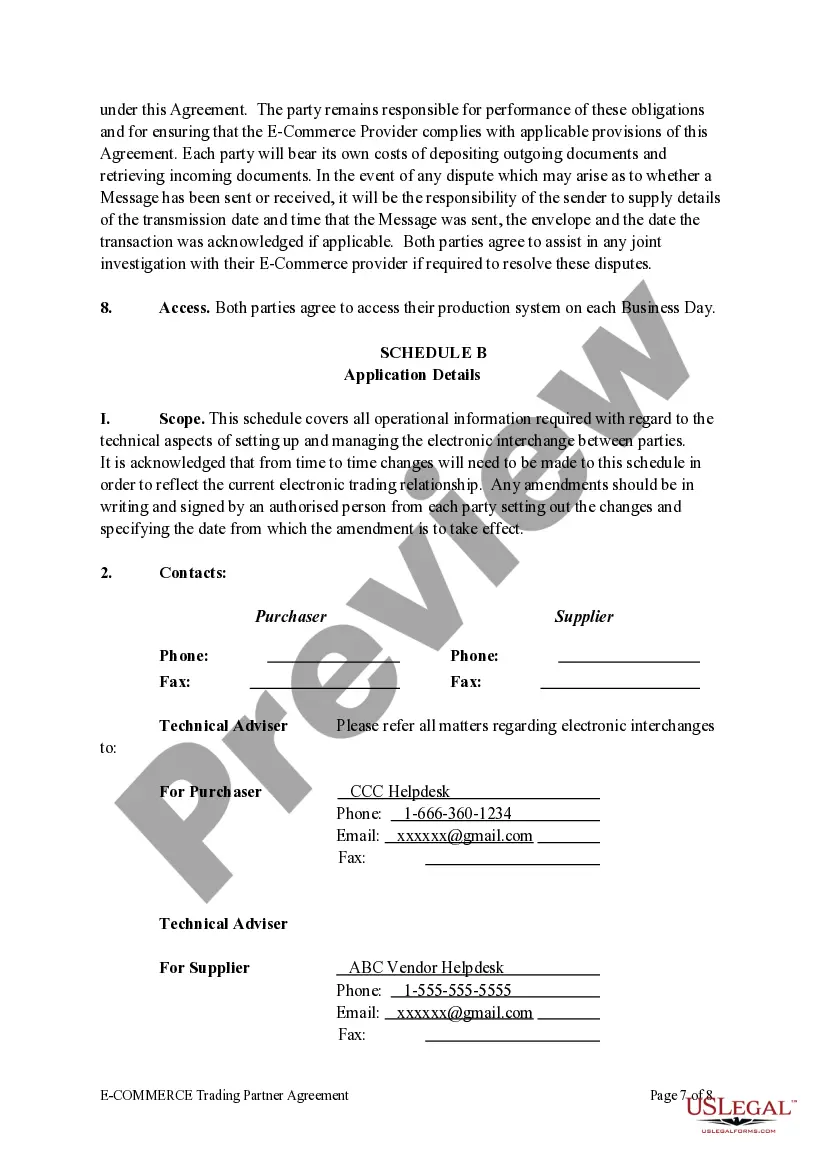


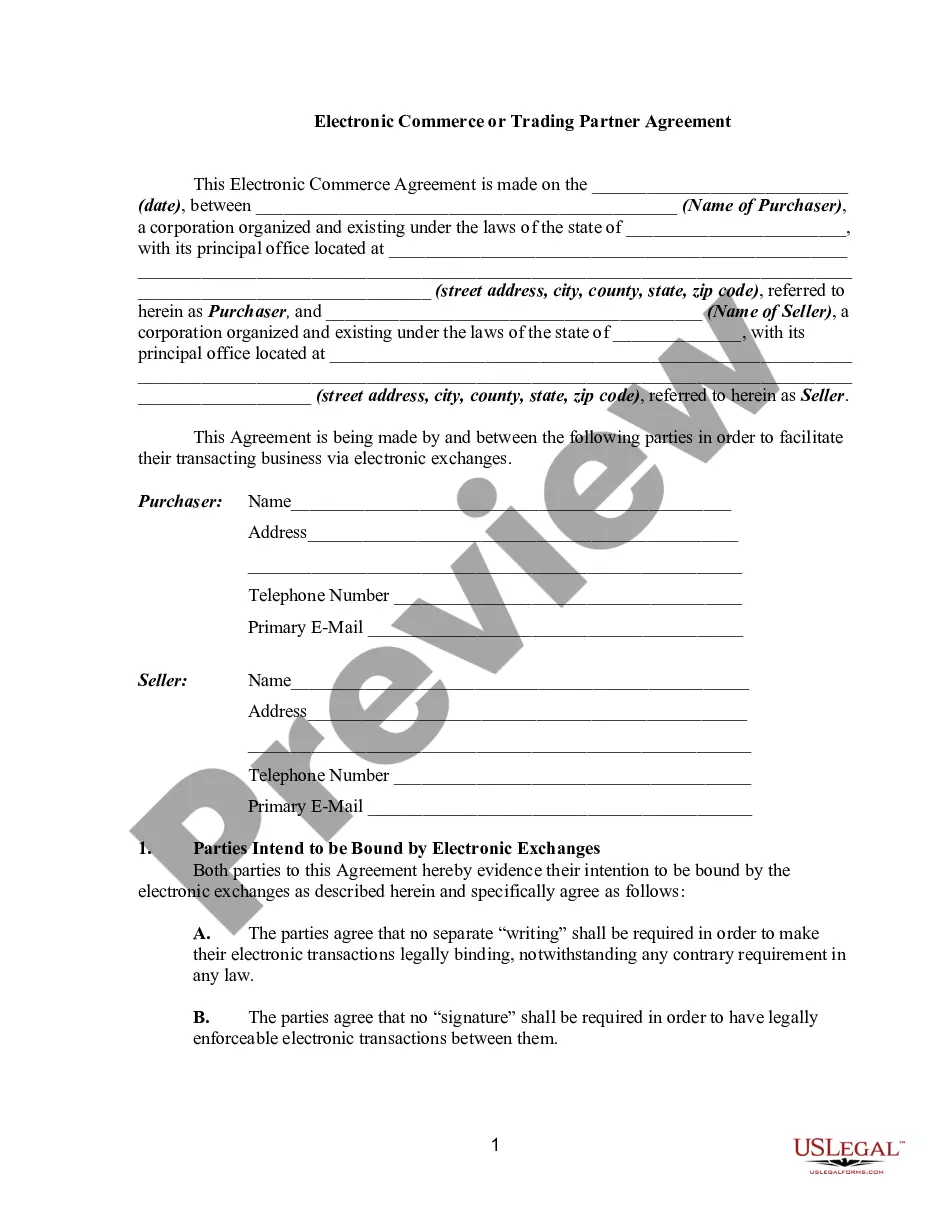
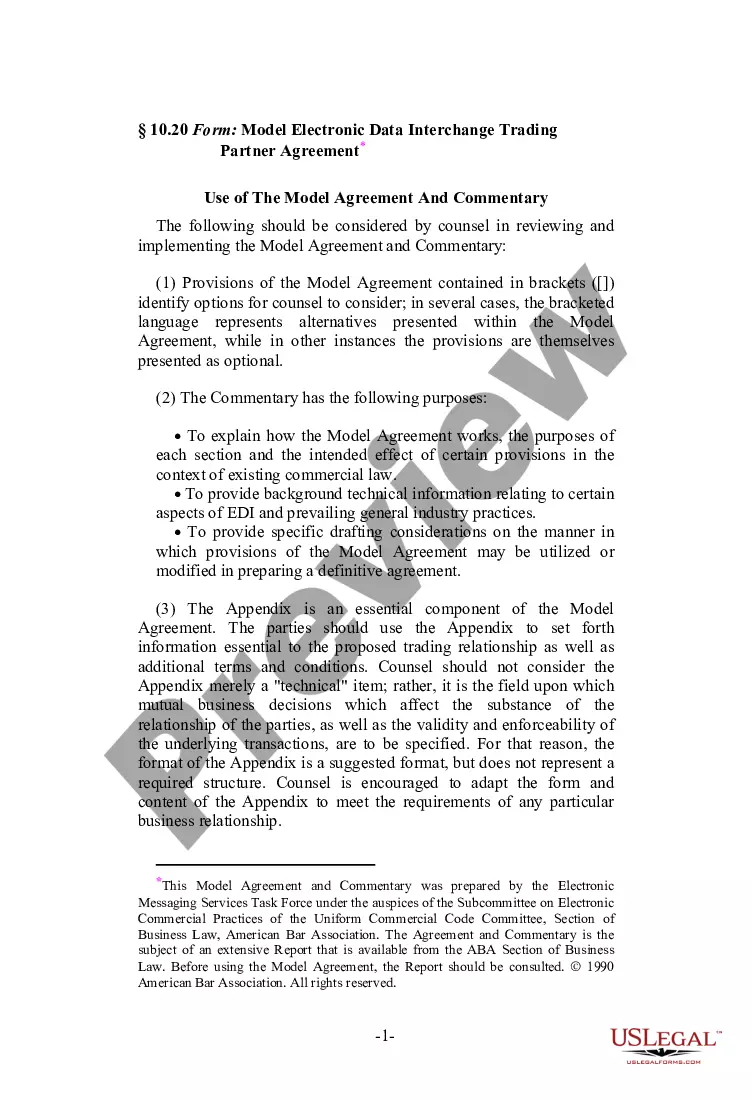
Get your form ready online
Our built-in tools help you complete, sign, share, and store your documents in one place.
Make edits, fill in missing information, and update formatting in US Legal Forms—just like you would in MS Word.
Download a copy, print it, send it by email, or mail it via USPS—whatever works best for your next step.
Sign and collect signatures with our SignNow integration. Send to multiple recipients, set reminders, and more. Go Premium to unlock E-Sign.
If this form requires notarization, complete it online through a secure video call—no need to meet a notary in person or wait for an appointment.
We protect your documents and personal data by following strict security and privacy standards.

Make edits, fill in missing information, and update formatting in US Legal Forms—just like you would in MS Word.

Download a copy, print it, send it by email, or mail it via USPS—whatever works best for your next step.

Sign and collect signatures with our SignNow integration. Send to multiple recipients, set reminders, and more. Go Premium to unlock E-Sign.

If this form requires notarization, complete it online through a secure video call—no need to meet a notary in person or wait for an appointment.

We protect your documents and personal data by following strict security and privacy standards.
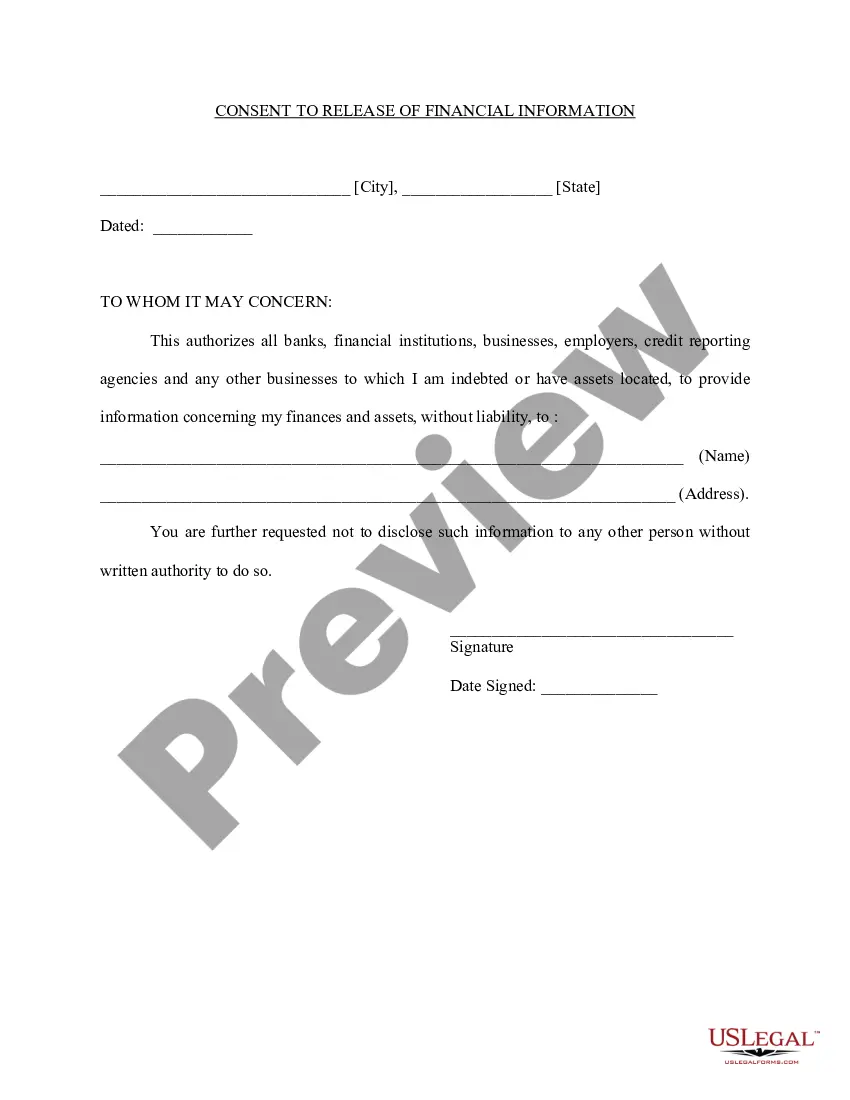
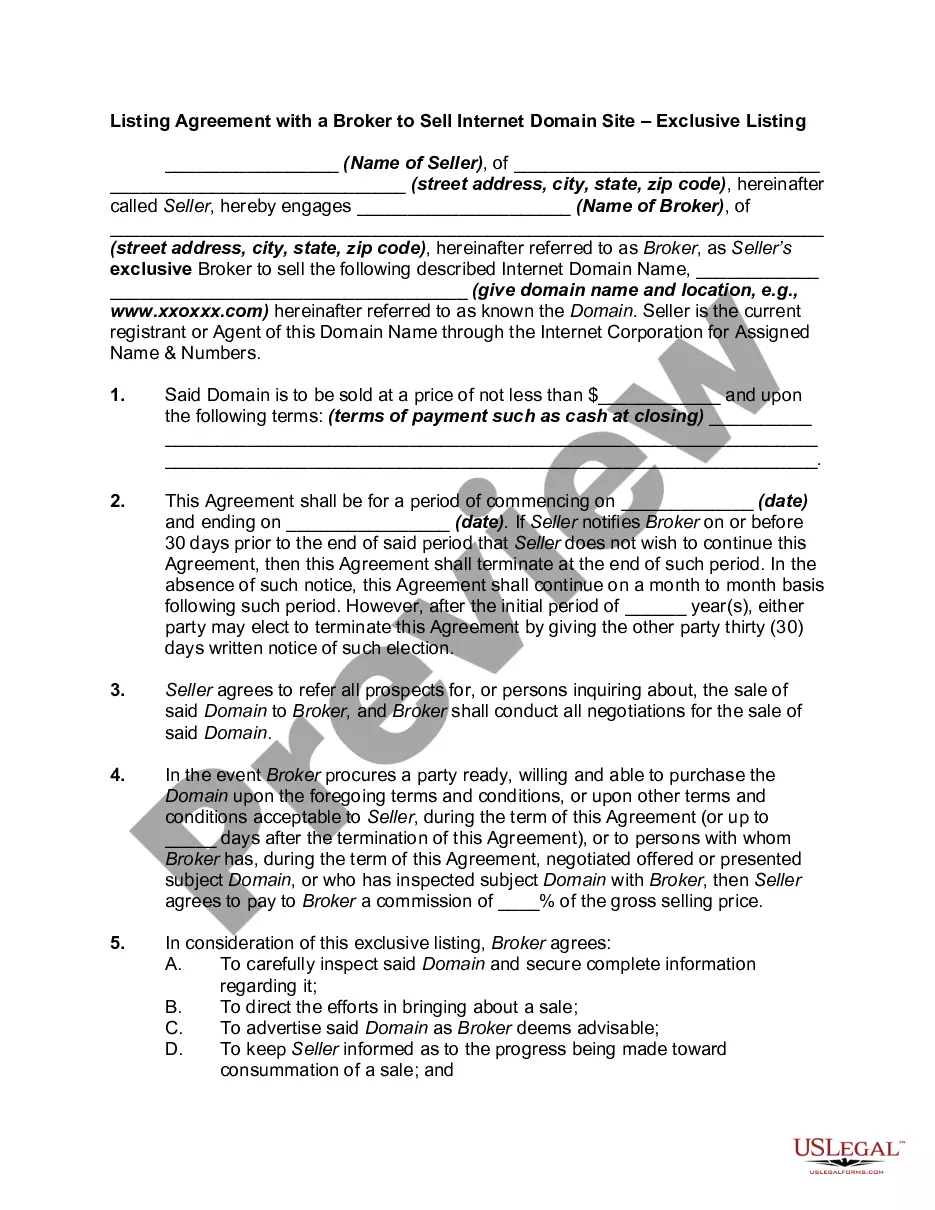
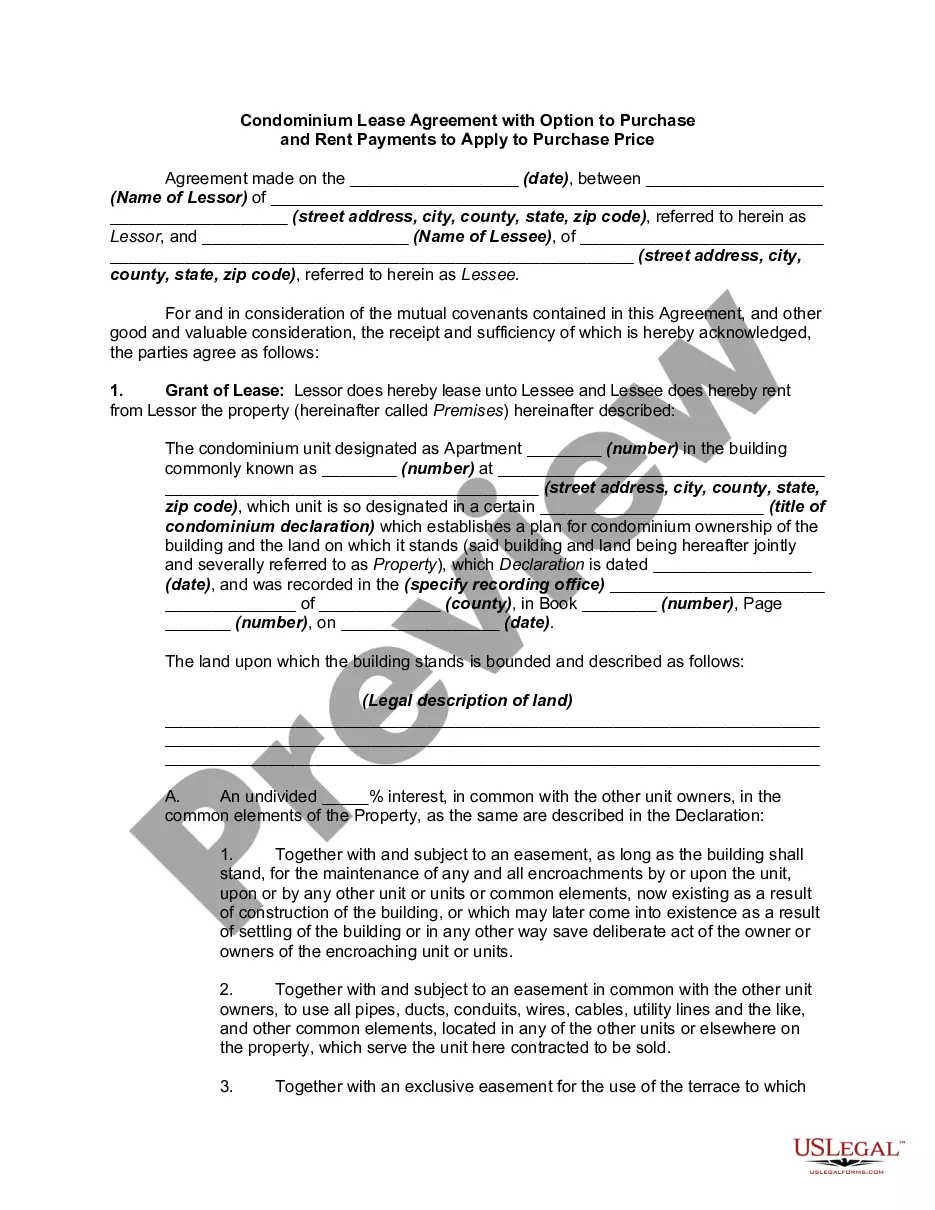
Looking for another form?






Form popularity
FAQ
A website that allows people to buy and sell physical goods, services, and digital products over the internet rather than at a brick-and-mortar location. Through an e-commerce website, a business can process orders, accept payments, manage shipping and logistics, and provide customer service.
ECommerce agreements disclose the contractual relationship and obligations between a website owner and its commercial users.
commerce (electronic commerce) is the buying and selling of goods and services, or the transmitting of funds or data, over an electronic network, primarily the internet.
Start an Online eCommerce Business Choose your niche. Do your research. Choose your product and target market. Validate your product. Decide how you'll get your product. Write your business plan. Pick your business name and legal structure. Apply for your EIN, permits, and licenses.
Business-to-Business (B2B) Business-to-Consumer (B2C) Consumer-to-Consumer (C2C) Consumer-to-Business (C2B)
How To Write Terms and Conditions – Step by Step Write the Introduction. Draft the Terms of Service. Create an Acknowledgment Statement. Limit Your Liability. List Who Owns Intellectual Property Rights. Generate a Privacy Policy. Spell Out What Happens for Non-Compliance. Add a Signature and Dateline for Both Parties.
First, let's walk through all the steps you should plan to take when writing your own terms and conditions agreement: Step One: Determine what laws apply to your business. Step Two: Make an outline. Step Three: Pick all clauses relevant to your business. Step Four: Start writing using clear, straightforward language.
A user agreement is any contract between a website user and the site's owner or operator. These e-commerce contracts can be end-user license agreements (EULAs), terms of service/terms and conditions, or privacy policies. They outline the rights and obligations of both parties.
Yes, you can write your own Terms and Conditions. Many large companies hire lawyers to write their Terms and Conditions. However, you don't need a lawyer or attorney to create legally enforceable Terms and Conditions.
On-demand delivery allows customers to choose exactly when and where they prefer to have an order delivered. Oftentimes, customers can choose from a number of different delivery speeds based on their needs. These speeds might include express (within 2 hours), same-day, or scheduled.
