Pleading Form With 28 Lines In Palm Beach
Description




Get your form ready online
Our built-in tools help you complete, sign, share, and store your documents in one place.
Make edits, fill in missing information, and update formatting in US Legal Forms—just like you would in MS Word.
Download a copy, print it, send it by email, or mail it via USPS—whatever works best for your next step.
Sign and collect signatures with our SignNow integration. Send to multiple recipients, set reminders, and more. Go Premium to unlock E-Sign.
If this form requires notarization, complete it online through a secure video call—no need to meet a notary in person or wait for an appointment.
We protect your documents and personal data by following strict security and privacy standards.

Make edits, fill in missing information, and update formatting in US Legal Forms—just like you would in MS Word.

Download a copy, print it, send it by email, or mail it via USPS—whatever works best for your next step.

Sign and collect signatures with our SignNow integration. Send to multiple recipients, set reminders, and more. Go Premium to unlock E-Sign.

If this form requires notarization, complete it online through a secure video call—no need to meet a notary in person or wait for an appointment.

We protect your documents and personal data by following strict security and privacy standards.
Looking for another form?








Form popularity
FAQ
Forms can be filed electronically online once completed, signed and notarized. First-time users will need to create an account. Please choose “Self-Represented Litigant” as the filer role when registering. Before you file, please make sure it is signed and notarized as required.
With the exception of motions filed pursuant to rule 9.410(b), a party may serve 1 response to a motion within 15 days of service of the motion. The court may shorten or extend the time for response to a motion.
You can electronically record documents online (eRecording) or you can bring your original documents to the Main Courthouse, South County Courthouse, North County Courthouse, West County Courthouse, Royal Palm Beach branch or mail your documents.
Things You Should Know Write your legal argument by stating the rule and explaining how your facts apply to it. Then, add your signature, a Certificate of Service, and a Notice of Hearing. File your motion with the clerk of court overseeing your case. Then, give copies to each defendant.
Proposed orders for all Civil Court case types must be submitted directly to the court through the 15th Judicial Circuit's Online Scheduling System (OLS). Proposed orders cannot be submitted in person, by mail, by fax or by email to the court or to the Clerk's office.
If you want to file a motion, the process is generally something like this: You write your motion. You file your motion with the court clerk. The court clerk inserts the date and time your motion will be heard by the judge. You “serve” (mail) your motion to the other side.
The Florida Courts E-Filing Portal is a single statewide website where users can file court documents in Florida's trial and appellate courts. E-filing is the electronic filing of documents to the clerk's office.
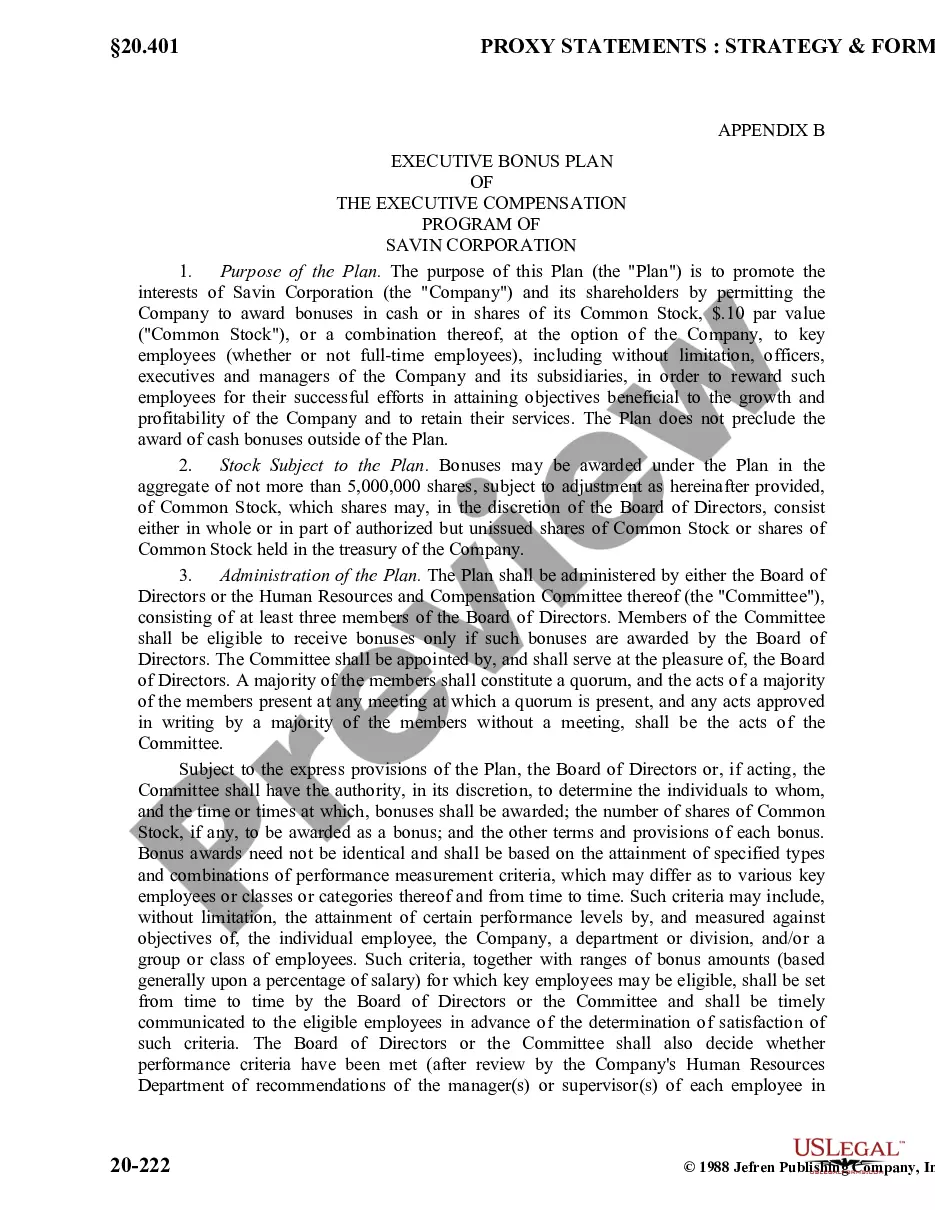
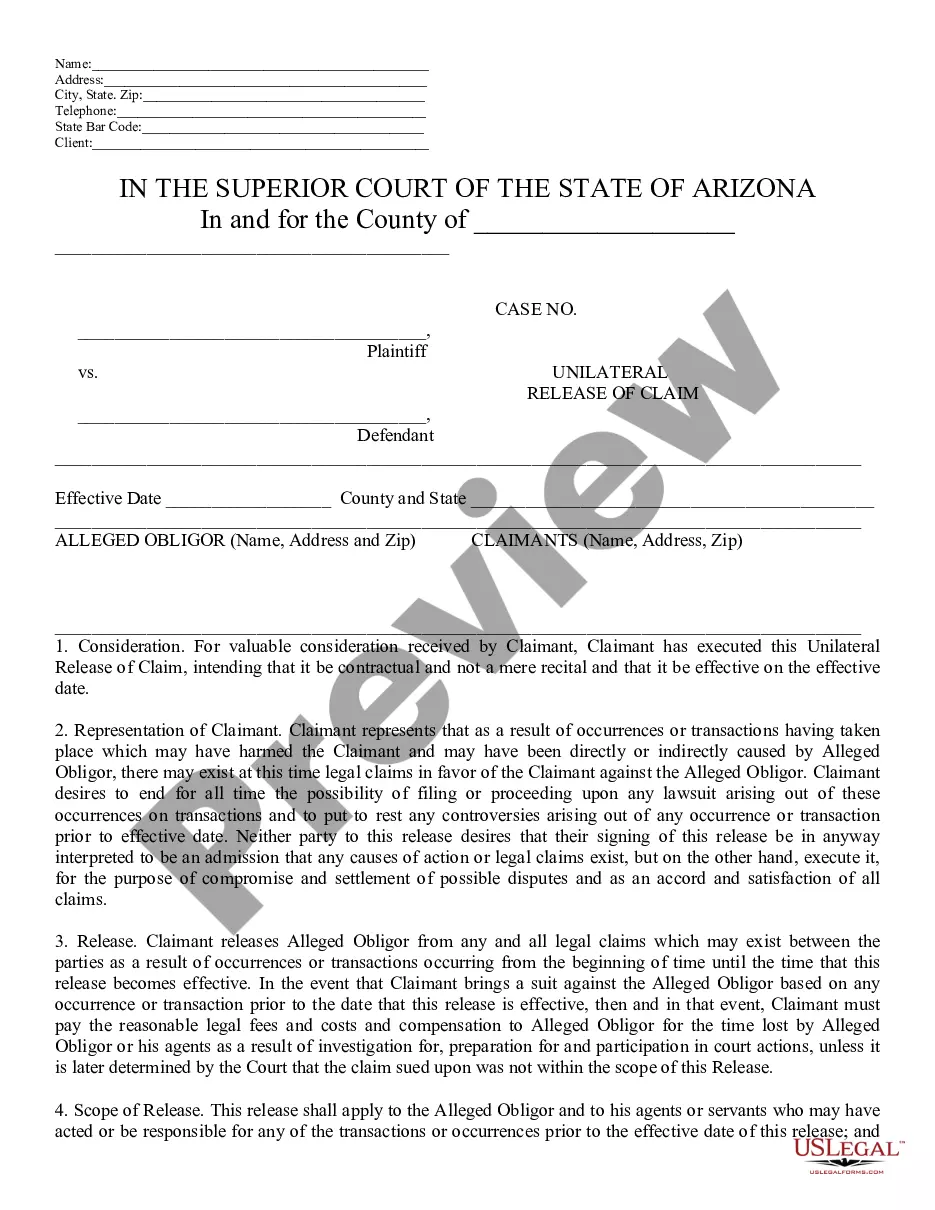
“Pleading paper” is the format required for filing documents in court when there is no pre-printed form available. This pleading paper is blank and can be used anywhere 28-line paper is accepted. Check your court's local rules for other format requirements such as fonts, font size, and line spacing.
Every pleading must have a caption with the court's name, a title, a file number, and a Rule 7(a) designation. The title of the complaint must name all the parties; the title of other pleadings, after naming the first party on each side, may refer generally to other parties. (b) Paragraphs; Separate Statements.
Pleading Paper Your name must start on line 1. The Court name and location must start on line 8. The caption of the case must start on line 11. You must have a footer with the title of the document. After the caption (the box with the name of the Plaintiff/Respondent) you can use the space as needed, using double spacing.

