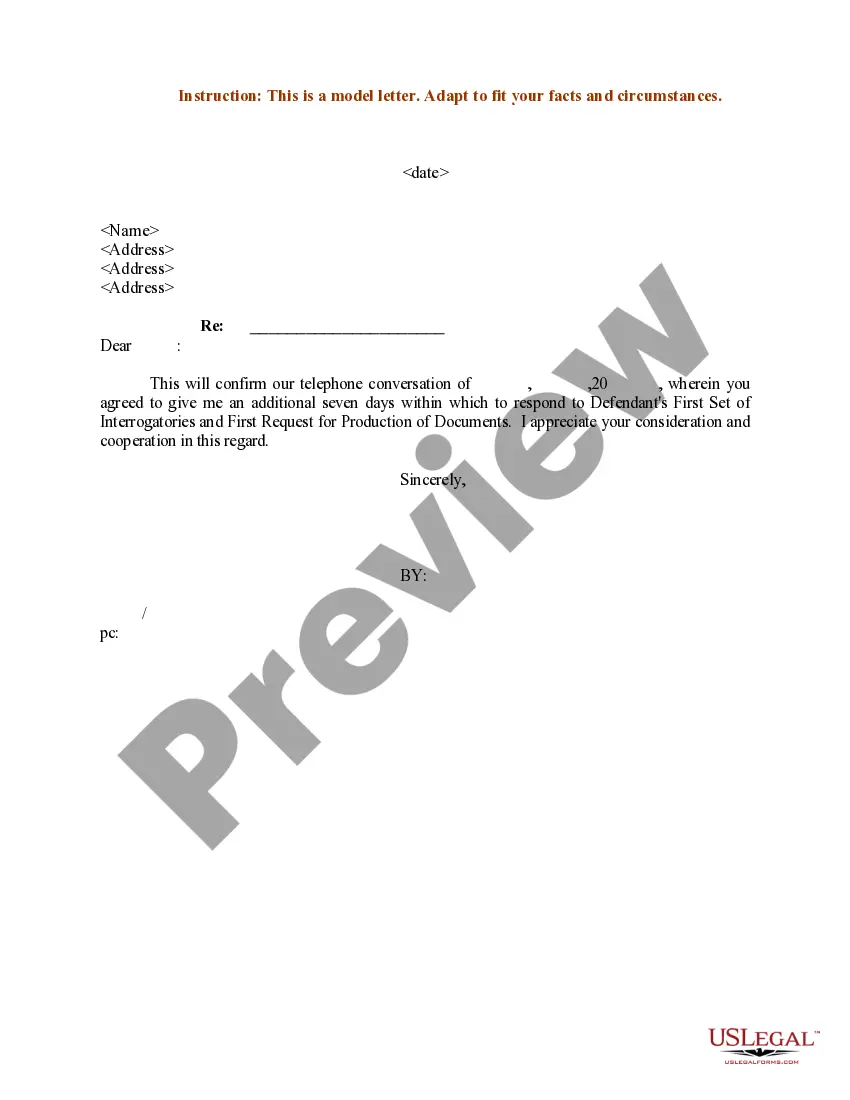
Confirmation Letter Example With Dear In Collin
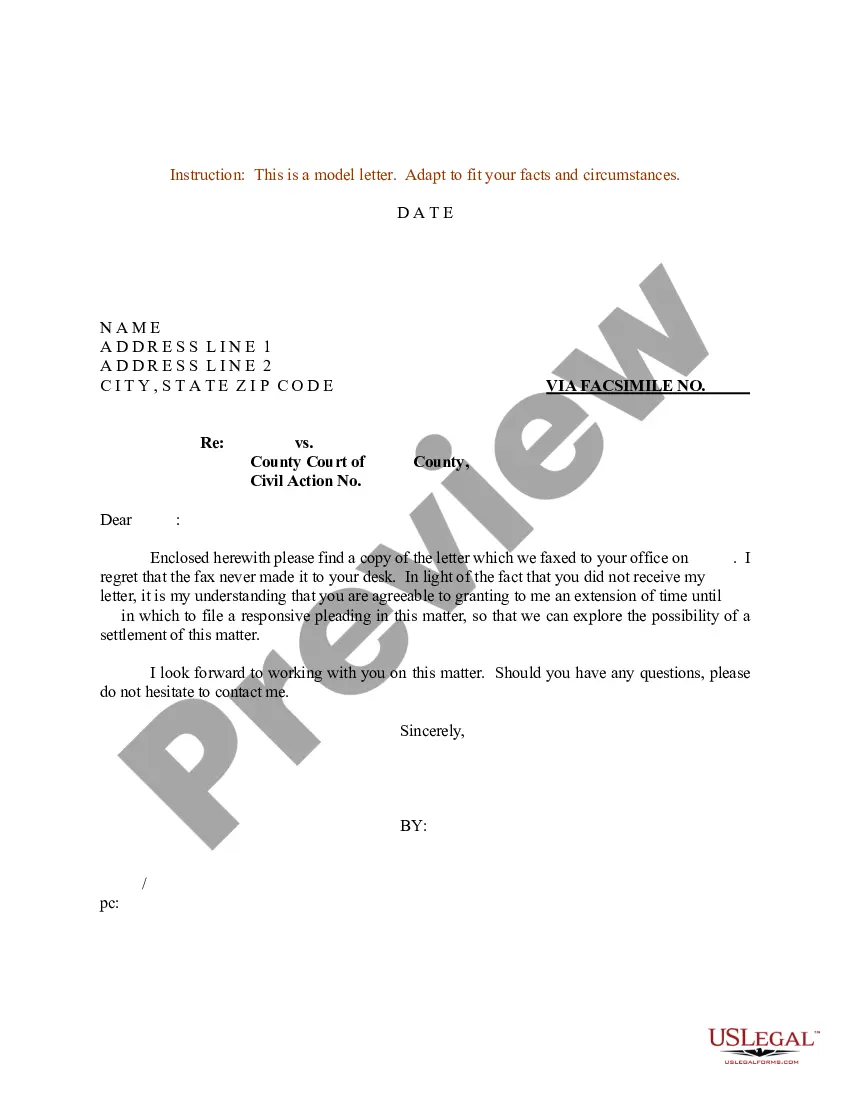
Description


Get your form ready online
Our built-in tools help you complete, sign, share, and store your documents in one place.
Make edits, fill in missing information, and update formatting in US Legal Forms—just like you would in MS Word.
Download a copy, print it, send it by email, or mail it via USPS—whatever works best for your next step.
Sign and collect signatures with our SignNow integration. Send to multiple recipients, set reminders, and more. Go Premium to unlock E-Sign.
If this form requires notarization, complete it online through a secure video call—no need to meet a notary in person or wait for an appointment.
We protect your documents and personal data by following strict security and privacy standards.

Make edits, fill in missing information, and update formatting in US Legal Forms—just like you would in MS Word.

Download a copy, print it, send it by email, or mail it via USPS—whatever works best for your next step.

Sign and collect signatures with our SignNow integration. Send to multiple recipients, set reminders, and more. Go Premium to unlock E-Sign.

If this form requires notarization, complete it online through a secure video call—no need to meet a notary in person or wait for an appointment.

We protect your documents and personal data by following strict security and privacy standards.
Looking for another form?



Form popularity
FAQ
Here's how to ask for confirmation in an email sample. Hi (Recipient's name), I sent you a message on (date) about (whatever you're asking about). Please confirm that you have received this message and let me know if you can attend.
Here's how to ask for confirmation in an email sample. Hi (Recipient's name), I sent you a message on (date) about (whatever you're asking about). Please confirm that you have received this message and let me know if you can attend.
structured confirmation letter should contain a header with contact details, an explanation of your decision, relevant information about the confirmation, details about attached documents, a supportive statement, and should be thoroughly proofread.
Confirmation Letter Format Header: Includes the company's name, address, and official contact information. Date: Includes the date on which the letter is being sent. Recipient's information: Includes the recipient's name, title, and official address. Subject: It describes the purpose of the letter.
Thank the recipient for being in your life and bringing you love and joy. For example, you might write "I am extremely proud of you, and all the blessings you have brought to my life. I am honored to be your Confirmation sponsor, and pray that you will continue to grow in faith, hope, and charity."
If you need to write a confirmation letter, here are five helpful steps you can use to write your own: Include a letter header. Start with an explanation. Add detailed information. Highlight attachments. End with a supportive statement.
Writing the Confirmation Letter Step 1: Start with a Proper Salutation. Address the recipient using their professional title and name. Step 2: Clearly State the Purpose of the Letter. Step 3: Provide Relevant Details. Step 4: Include Any Necessary Instructions or Next Steps. Step 5: Express Gratitude and Offer Assistance.
“Dear Name, …” Use this salutation when you're addressing someone or sending business documents such as a cover letter to show your respect, professionalism, and politeness. In this case, you can use “Dear” followed by a person's title (Mr., Ms.) and their last name: “Dear Mr.
This greeting is a more formal way to start a professional email. "Dear" is appropriate for an initial email, but it may sound stuffy and repetitive if you add it to every message in a long email chain. In subsequent emails, you can use "Hello" instead.
Open with a respectful greeting Regardless of the content of your letter, try to begin with a friendly and respectful greeting. Use the recipient's full name and open with a salutation such as “dear Miss. Adkins”, followed by “I hope this letter finds you well.”

