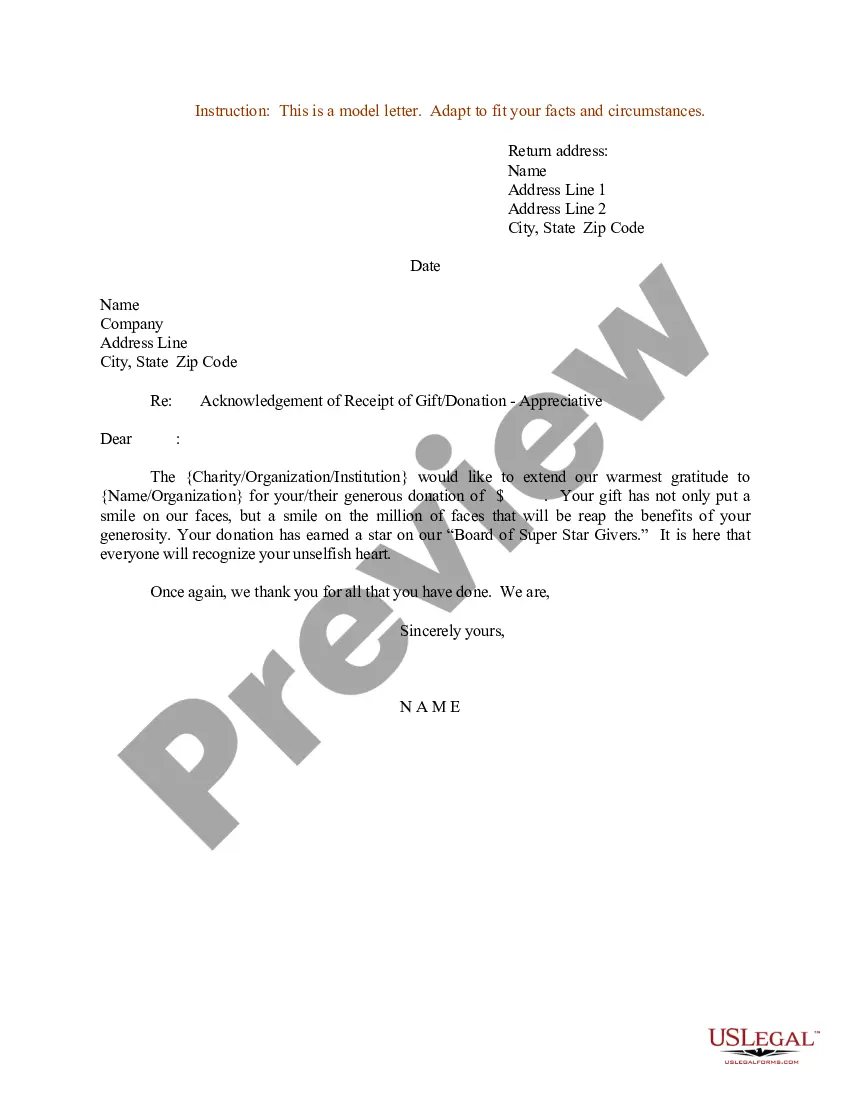
Gift Letter Form With Signature In Arizona
Description
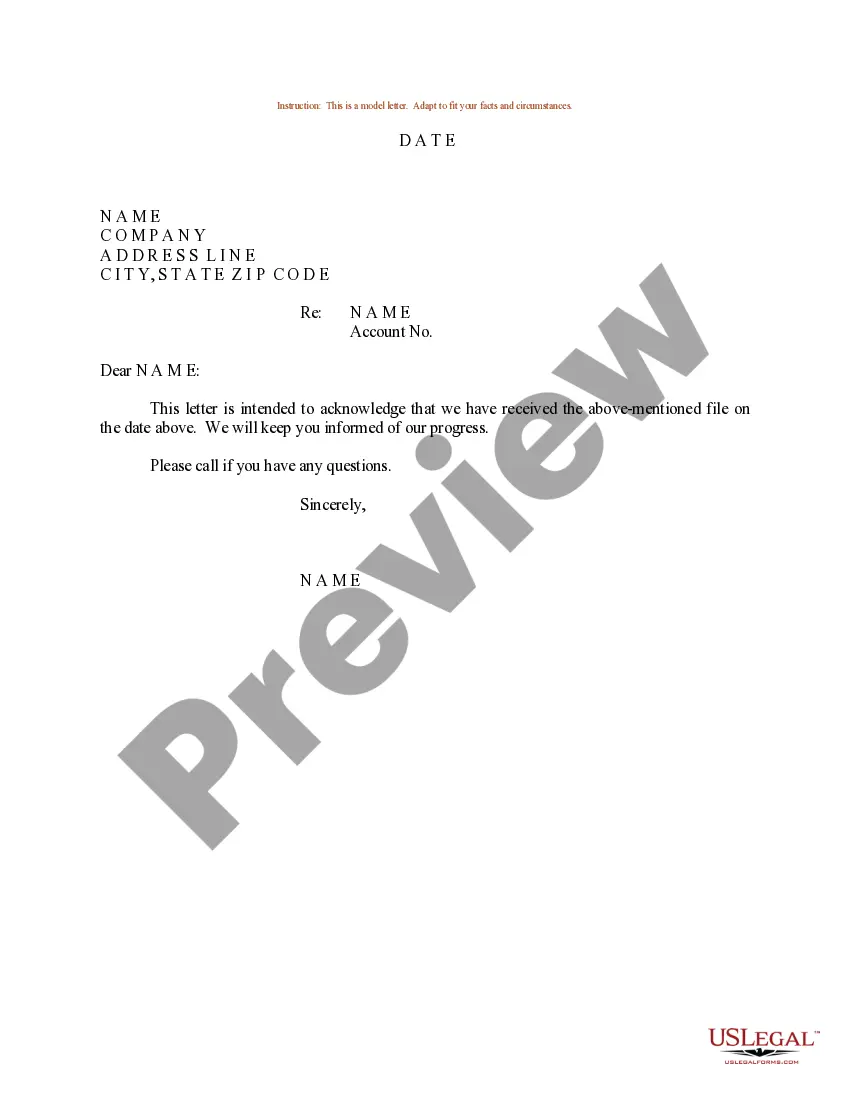
Get your form ready online
Our built-in tools help you complete, sign, share, and store your documents in one place.
Make edits, fill in missing information, and update formatting in US Legal Forms—just like you would in MS Word.
Download a copy, print it, send it by email, or mail it via USPS—whatever works best for your next step.
Sign and collect signatures with our SignNow integration. Send to multiple recipients, set reminders, and more. Go Premium to unlock E-Sign.
If this form requires notarization, complete it online through a secure video call—no need to meet a notary in person or wait for an appointment.
We protect your documents and personal data by following strict security and privacy standards.

Make edits, fill in missing information, and update formatting in US Legal Forms—just like you would in MS Word.

Download a copy, print it, send it by email, or mail it via USPS—whatever works best for your next step.

Sign and collect signatures with our SignNow integration. Send to multiple recipients, set reminders, and more. Go Premium to unlock E-Sign.

If this form requires notarization, complete it online through a secure video call—no need to meet a notary in person or wait for an appointment.

We protect your documents and personal data by following strict security and privacy standards.
Looking for another form?
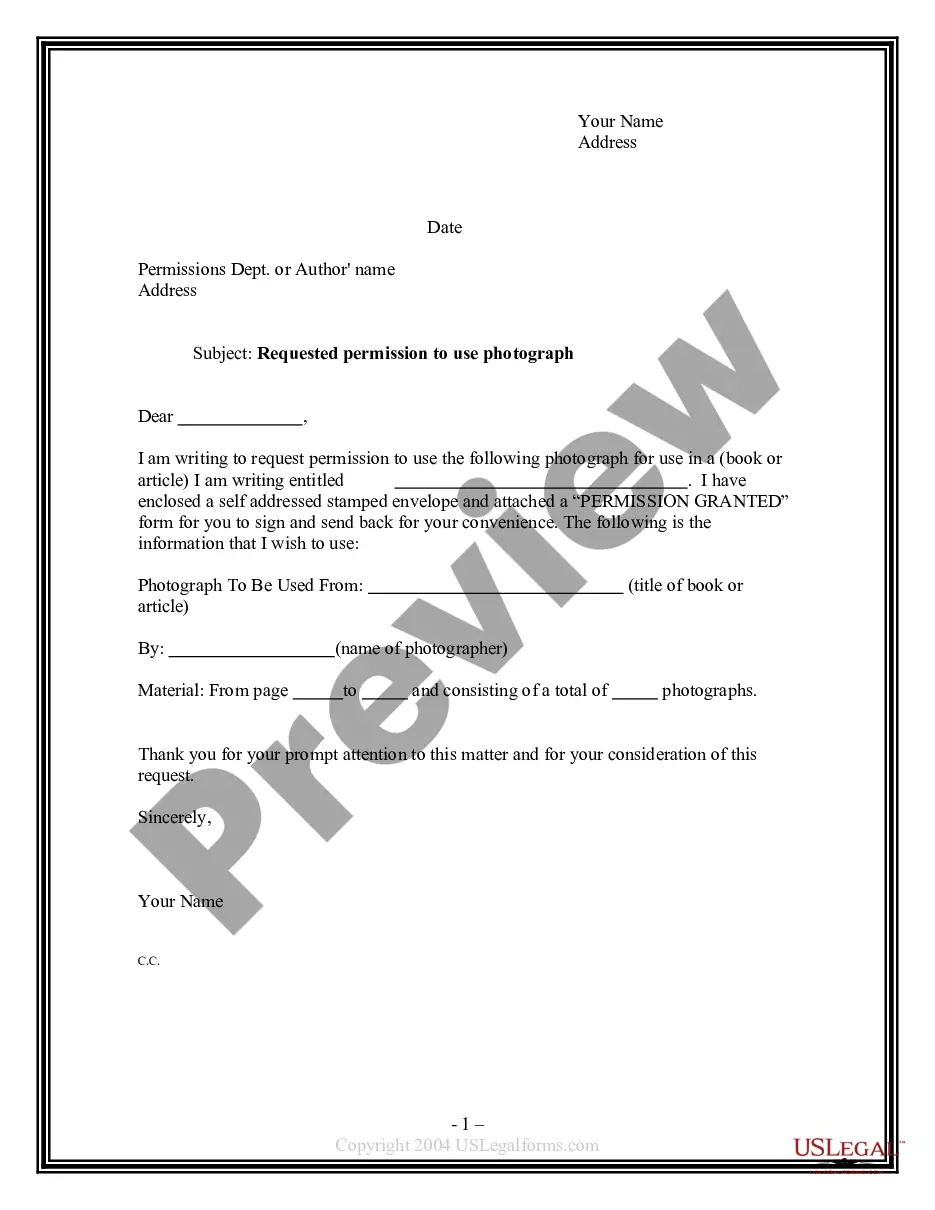
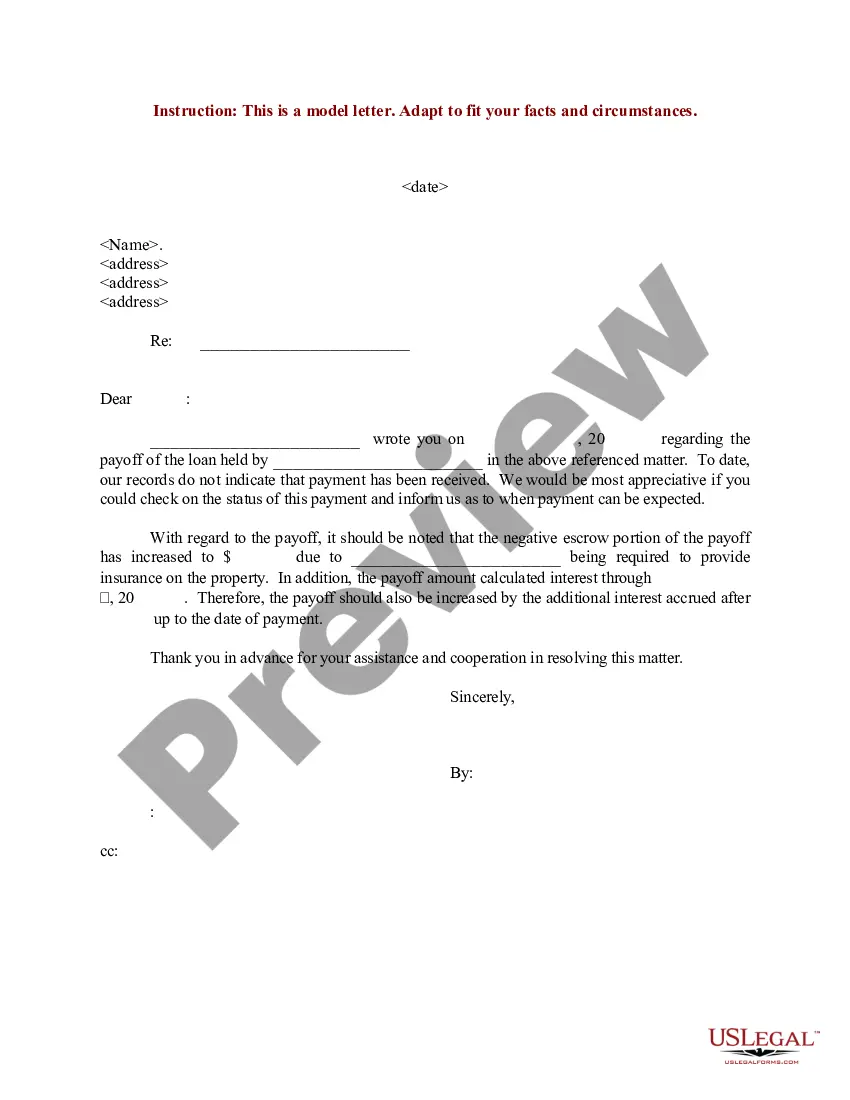
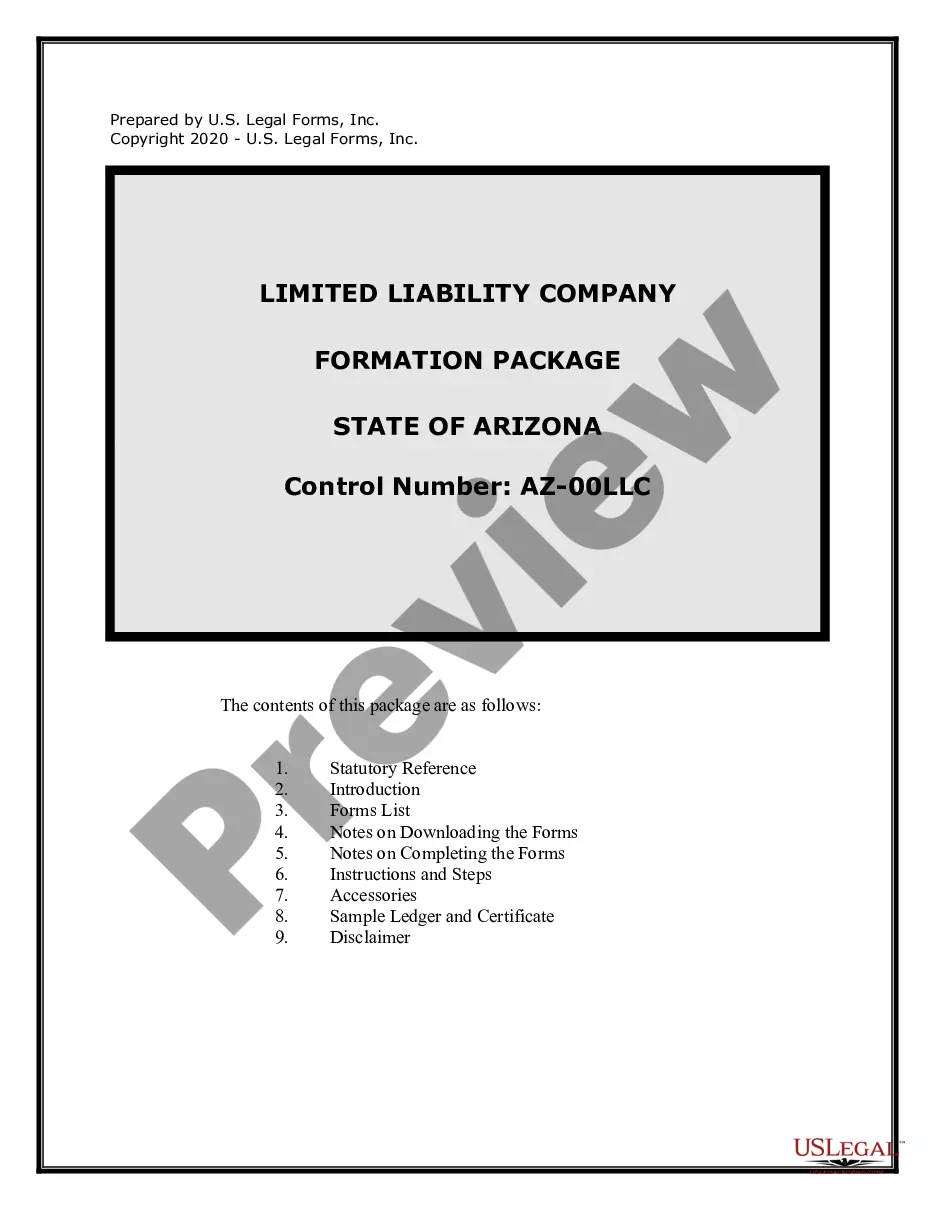
Form popularity
FAQ
What documents cannot be signed electronically? Certain documents, including wills, codicils, testamentary trusts, divorce and adoption papers, some court orders, and notarized contracts, cannot typically be signed electronically. Always verify specific state regulations for precise limitations.
Types of acceptable electronic signatures The IRS will accept a wide range of electronic signatures. An electronic signature is a way to get approval on electronic documents. It can be in many forms and created by many technologies.
You can e-sign almost any type of document. It's a faster and easier way of getting consent or approval on electronic documents or forms. (But consider using a digital signature when you need to validate a signature for a higher level of security.)
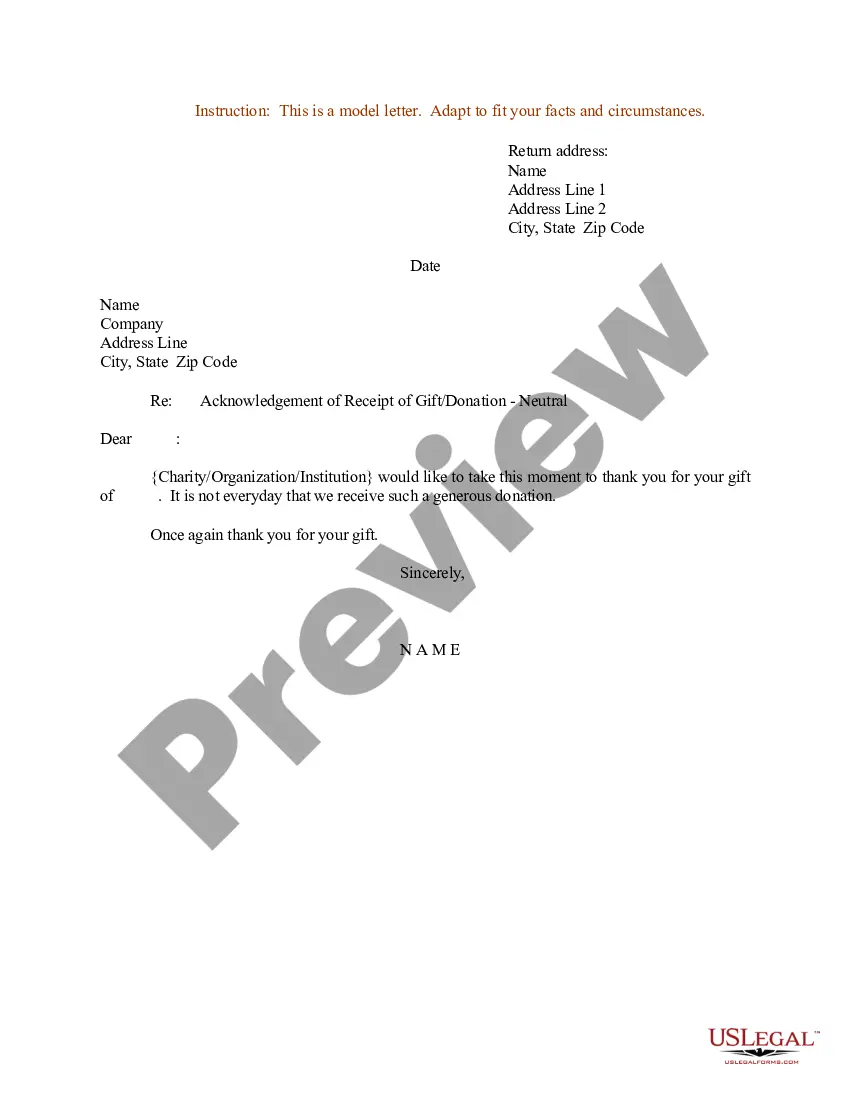
How Do I Write a Gift Letter? The donor's name, address and phone number. The donor's relationship to the client. The dollar amount of the gift. The date when the funds were (or will be) transferred. A statement from the donor that no repayment is expected. The donor's signature.
(Date) Dear (Donor): I have received your "Offer of Gift," dated ___________________, by which you, on behalf of the (Name of Company), offered to convey (Description of Property) to the United States of America as a gift. I accept with pleasure your gift and conveyance of the (Property), pursuant to 10 U.S.C. 2601.
Just like wills, there is generally no requirement that a contract be notarized in order to be legally binding. However, if a party who signed a business agreement decides to dispute that agreement in court, a notarized contract can help a great deal.
Most mortgage providers will have a template that you can follow, but in general, your gift letter should include: The donor's name, address and phone number. The donor's relationship to the client. The dollar amount of the gift. The date when the funds were (or will be) transferred.
They are legally binding — While giving a family member a financial gift may not feel like a big deal to some people, gift letters are not only a formality. They are a legally binding document that both parties must sign.
Does a Gift Letter Need to be Signed? Because a gift letter is legally binding, lenders will require the letter to be signed by the donor.