Deeds Of Trust To Secure In Ohio
Description








Get your form ready online
Our built-in tools help you complete, sign, share, and store your documents in one place.
Make edits, fill in missing information, and update formatting in US Legal Forms—just like you would in MS Word.
Download a copy, print it, send it by email, or mail it via USPS—whatever works best for your next step.
Sign and collect signatures with our SignNow integration. Send to multiple recipients, set reminders, and more. Go Premium to unlock E-Sign.
If this form requires notarization, complete it online through a secure video call—no need to meet a notary in person or wait for an appointment.
We protect your documents and personal data by following strict security and privacy standards.

Make edits, fill in missing information, and update formatting in US Legal Forms—just like you would in MS Word.

Download a copy, print it, send it by email, or mail it via USPS—whatever works best for your next step.

Sign and collect signatures with our SignNow integration. Send to multiple recipients, set reminders, and more. Go Premium to unlock E-Sign.

If this form requires notarization, complete it online through a secure video call—no need to meet a notary in person or wait for an appointment.

We protect your documents and personal data by following strict security and privacy standards.
Looking for another form?

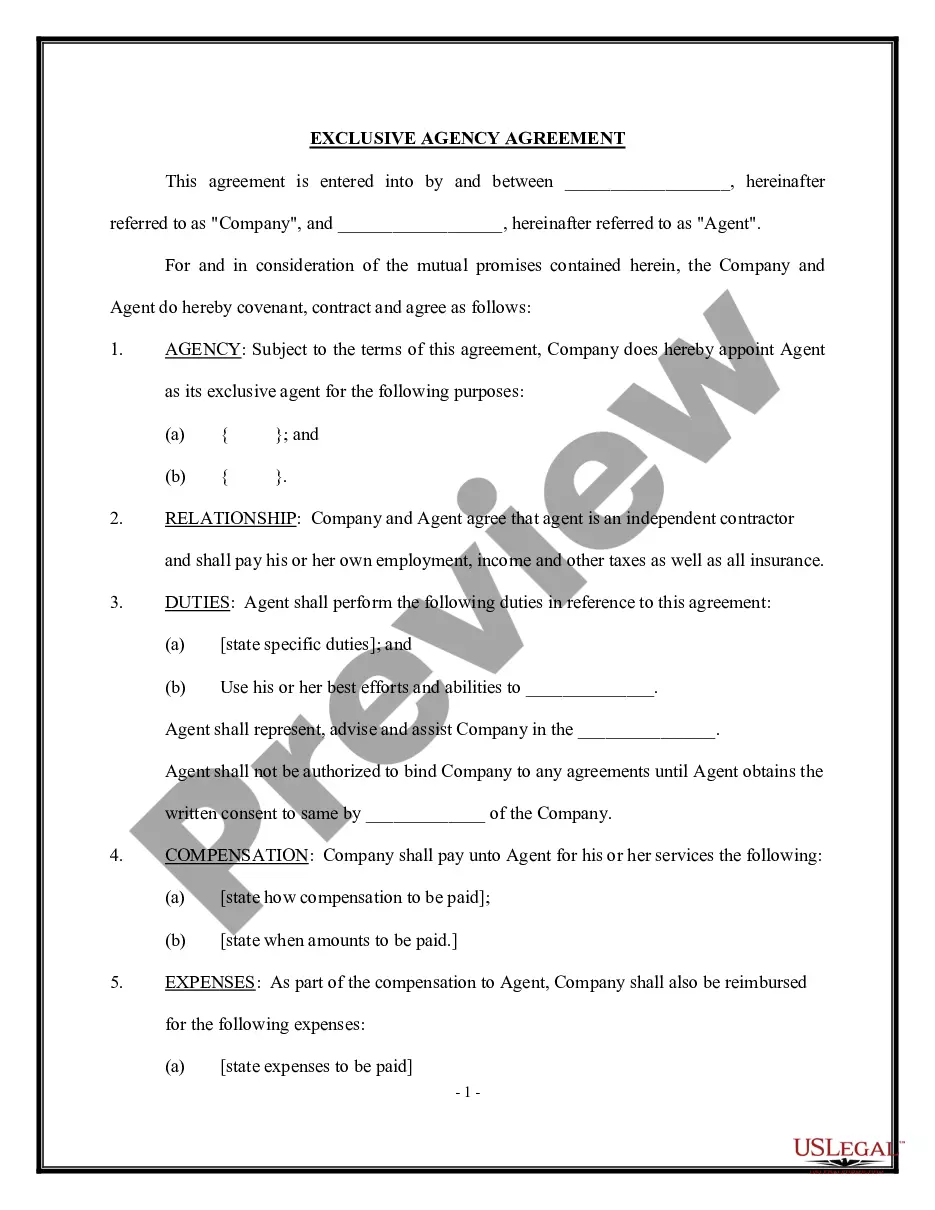



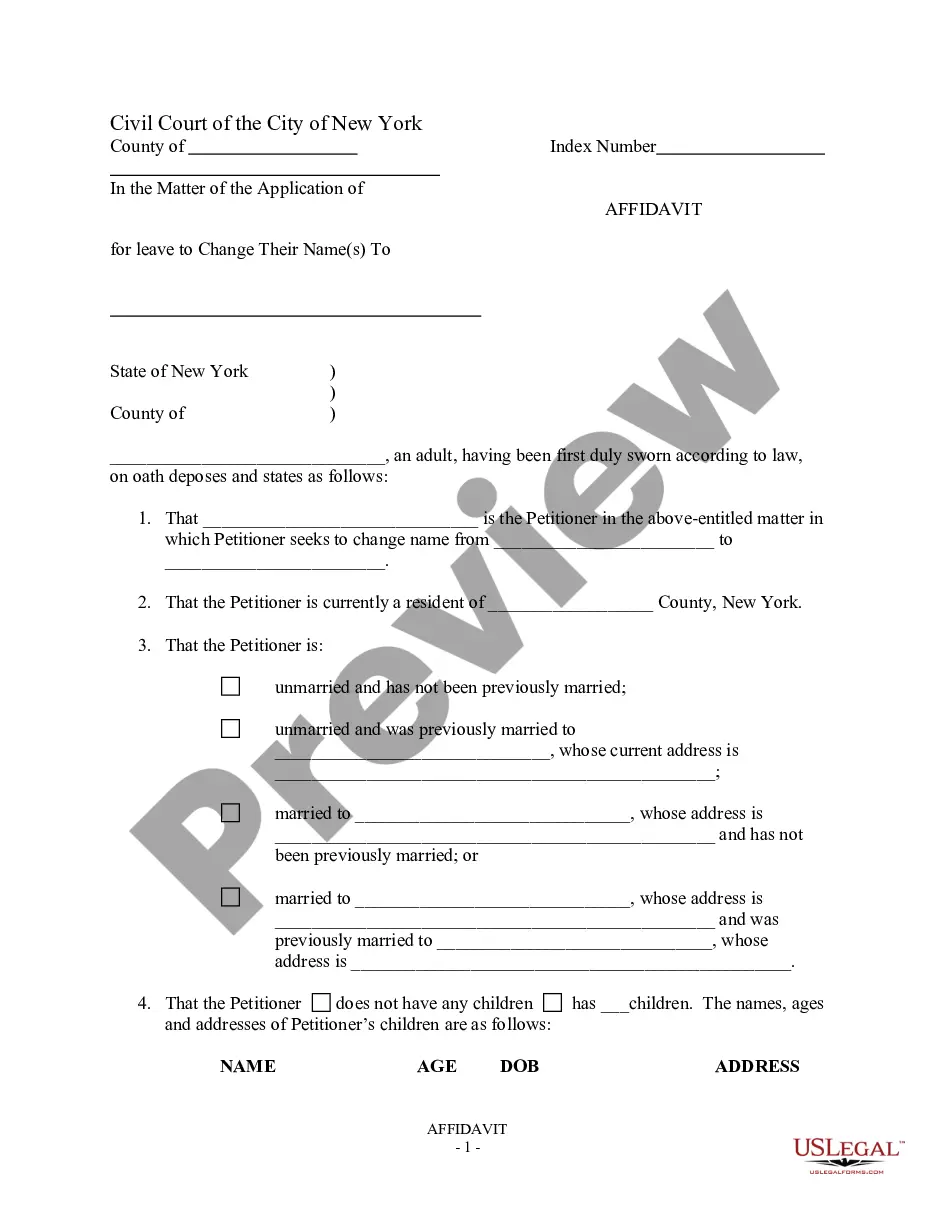



Form popularity
FAQ
Create the trust document. You can get help from an attorney or use WillMaker & Trust (see below). Sign the document in front of a notary public. Change the title of any trust property that has a title document—such as your house or car—to reflect that you now own the property as trustee of the trust.
Create the trust document. You can get help from an attorney or use WillMaker & Trust (see below). Sign the document in front of a notary public. Change the title of any trust property that has a title document—such as your house or car—to reflect that you now own the property as trustee of the trust.
An irrevocable trust offers your assets the most protection from creditors and lawsuits. Assets in an irrevocable trust aren't considered personal property. This means they're not included when the IRS values your estate to determine if taxes are owed.
Trusts may be declared upon registered land, or upon any interest therein, by deed or other instrument in writing, fully and clearly defining the trusts, conditions, and limitations, and the powers and duties of the trustee and giving his name, residence, and post-office address and the name, residence, and post-office ...
Disadvantages of Putting Your House in a Trust Loss of Direct Ownership. Potential Complexity and Administrative Burden. Potential for Increased Costs. No Asset Protection Benefits. Limited Tax Advantages. No Protection Against Creditors.
In a deed of trust, the borrower (trustor) transfers the Property, in trust, to an independent third party (trustee) who holds conditional title on behalf of the lender or note holder (beneficiary) for the purpose of exercising the following powers: (1) to reconvey the deed of trust once the borrower satisfies all ...
This Deed of Trust (the “Trust Deed”) sets out the terms and conditions upon which: Settlor Name (the “Settlor”), of Settlor Address, settles that property set out in Schedule A (the “Property”) upon Trustee Name (the “Trustee”), being a Company duly registered under the laws of state with registered number ...
In some cases, there is a fourth party to a deed of trust, known as a guarantor. This is someone else who signs along with the trustor, providing another avenue for the lender to be repaid in the event the borrower defaults on their obligations.
A deed of trust will include the same type of information stated in a mortgage document, such as: The identities of the borrower, lender, and trustee. A full description of the property to be placed in trust. Any restrictions or requirements on the use of the property while it is in trust.
