Letter Insurance Form For Medicare In Fulton
Description
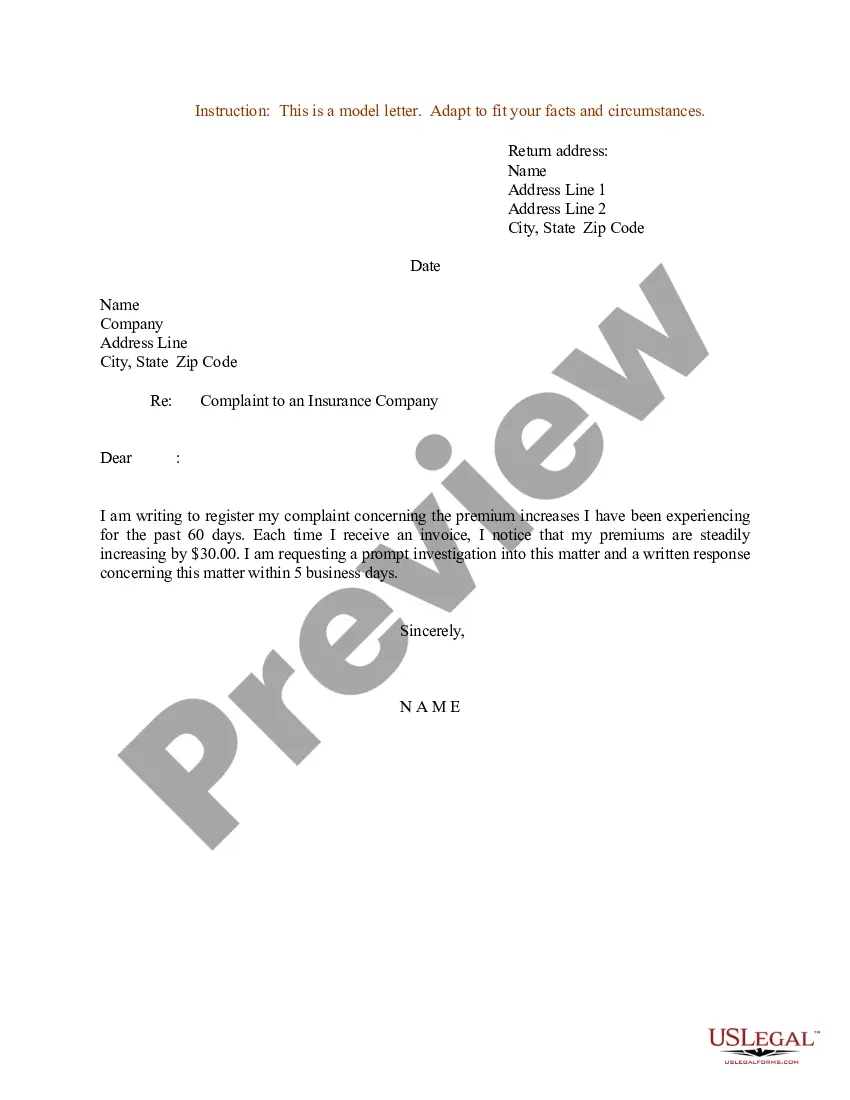
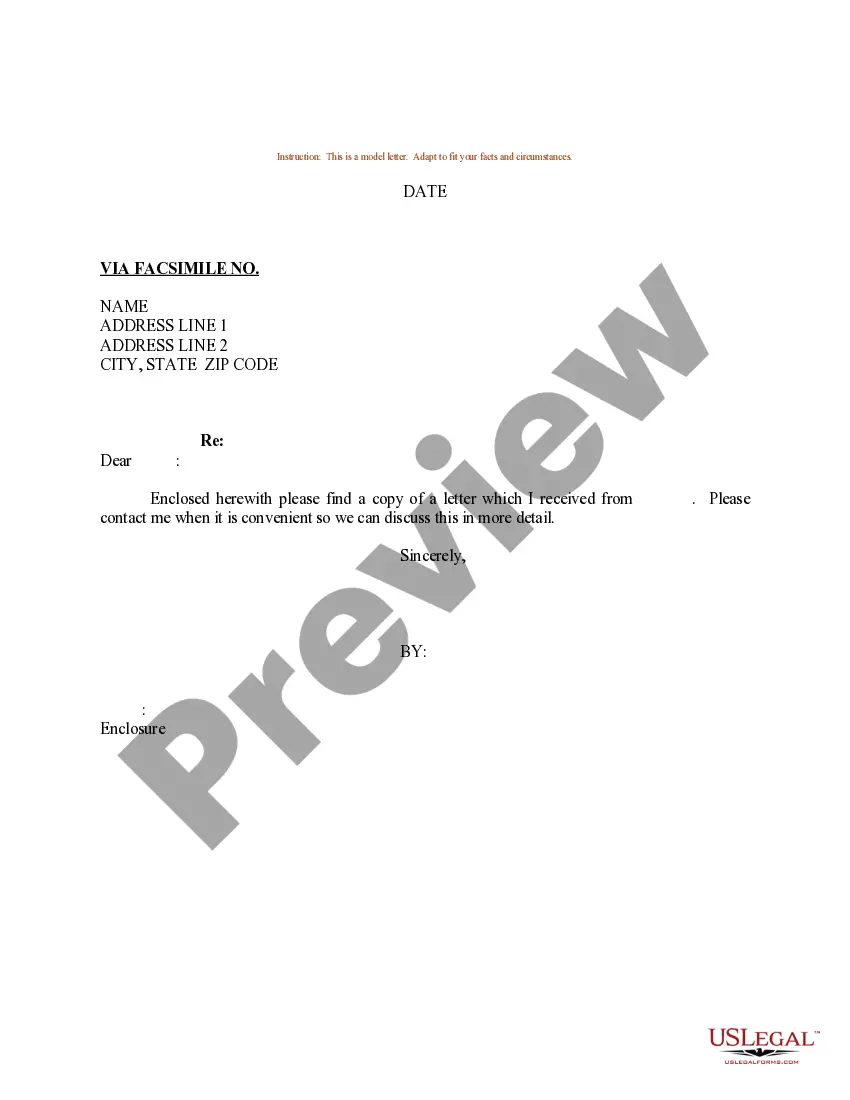
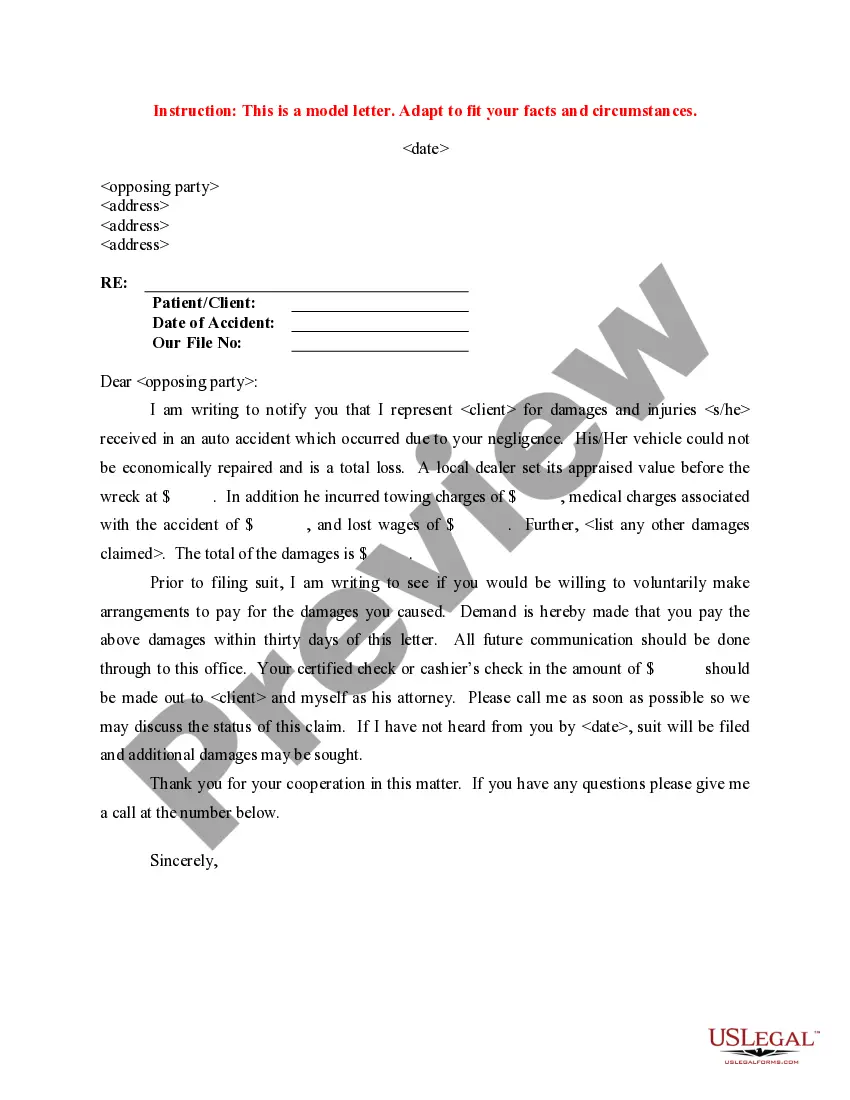
Get your form ready online
Our built-in tools help you complete, sign, share, and store your documents in one place.
Make edits, fill in missing information, and update formatting in US Legal Forms—just like you would in MS Word.
Download a copy, print it, send it by email, or mail it via USPS—whatever works best for your next step.
Sign and collect signatures with our SignNow integration. Send to multiple recipients, set reminders, and more. Go Premium to unlock E-Sign.
If this form requires notarization, complete it online through a secure video call—no need to meet a notary in person or wait for an appointment.
We protect your documents and personal data by following strict security and privacy standards.

Make edits, fill in missing information, and update formatting in US Legal Forms—just like you would in MS Word.

Download a copy, print it, send it by email, or mail it via USPS—whatever works best for your next step.

Sign and collect signatures with our SignNow integration. Send to multiple recipients, set reminders, and more. Go Premium to unlock E-Sign.

If this form requires notarization, complete it online through a secure video call—no need to meet a notary in person or wait for an appointment.

We protect your documents and personal data by following strict security and privacy standards.
Looking for another form?






Form popularity
FAQ
Step One: Contact Your Agent Immediately Give your name, address, policy number, and the date and time of your loss. Make sure to tell your insurance agent where you can be reached, especially if you are unable to stay in your home. Follow up the call with a letter detailing the problem. Keep a copy of the letter.
Nowadays, the most common method to submit insurance forms is through an online portal. This method is most efficient as it offers instant delivery and allows for easy processing and tracking of forms.
Can you submit form CMS-1763 online? No. You have to submit Form CMS-1763 by mail or fax.
If you prefer, you can fax or mail the completed forms – CMS-40B Application for Enrollment in Medicare – Part B (Medical Insurance) and CMS-L564 Request for Employment Information – to your local Social Security office.
Ask your provider for the Provider Information or have them fill it out for you. Keep a copy of the form, claim details and receipts for your records. Send the claim as soon as possible, and as close to the date of service as possible. Complete a separate form for each claim.
How to File an Insurance Claim Form Claim Form. Your insurance company should have a health insurance claim form on their website. An Itemized Bill and Receipts. This is important. Copies of Everything. Make a copy of every single document you receive and put it into a file specifically marked for your claim.
In most cases, claims are first transmitted to a clearinghouse. The clearinghouse reviews and reformats medical claims before sending them to the payor. In some cases, healthcare providers send medical claims directly to a payor. High-volume payors like Medicare or Medicaid may receive bills directly from providers.

