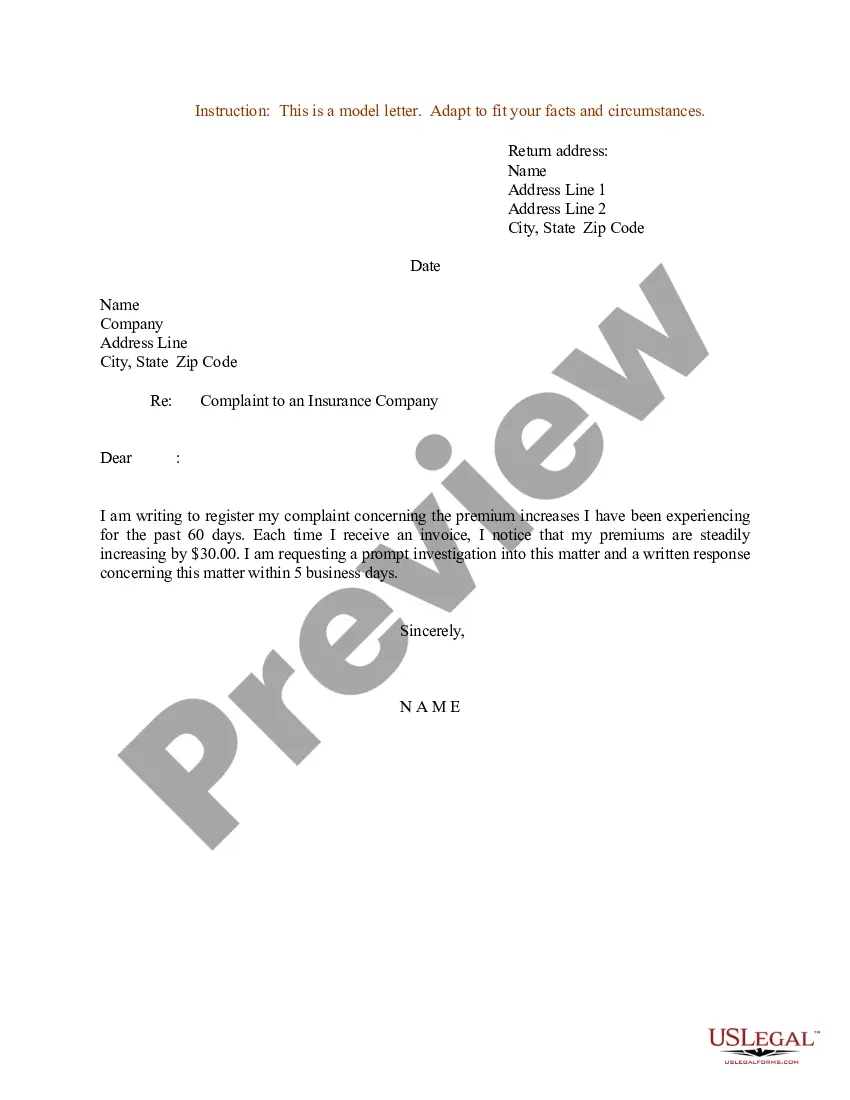
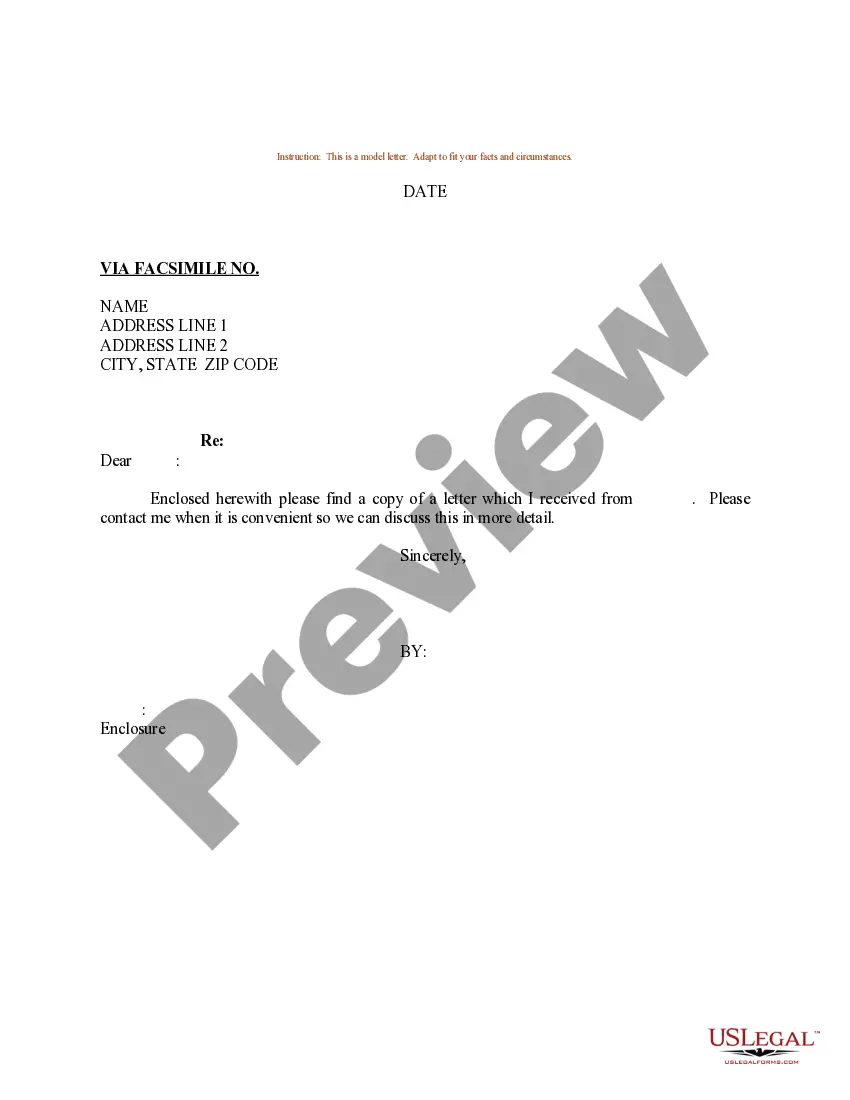
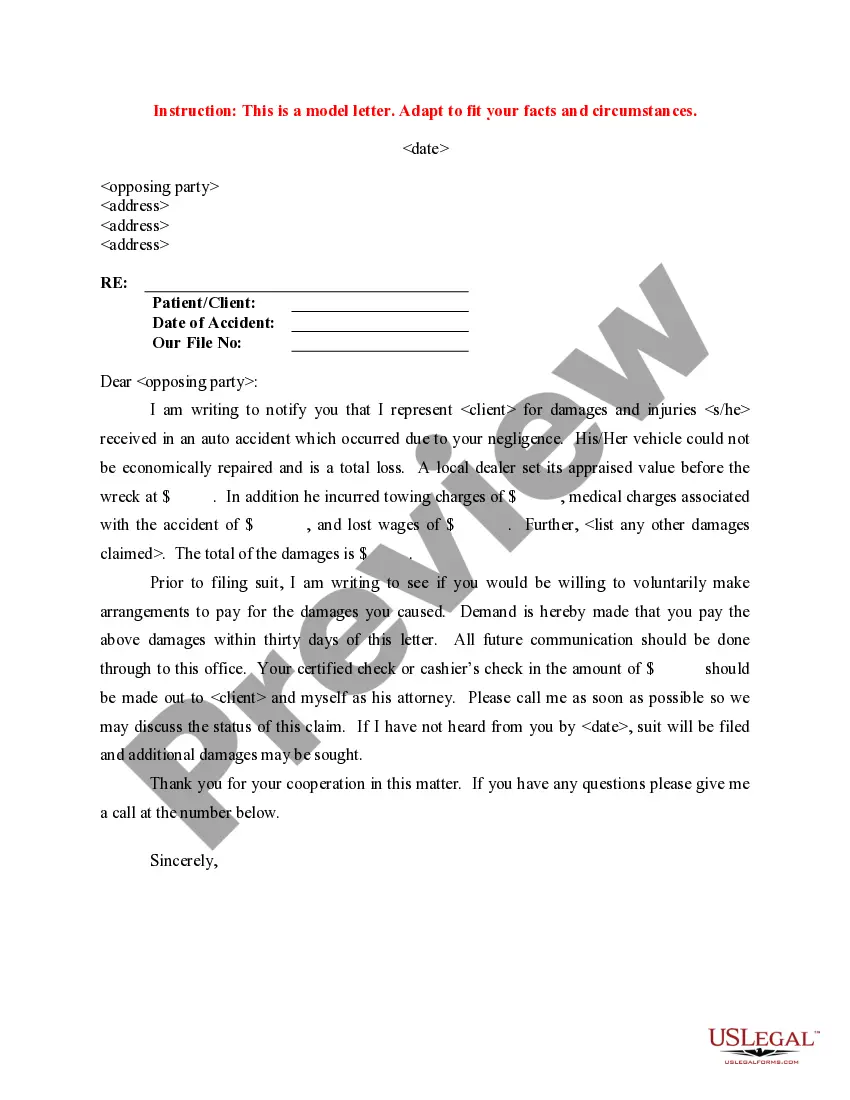
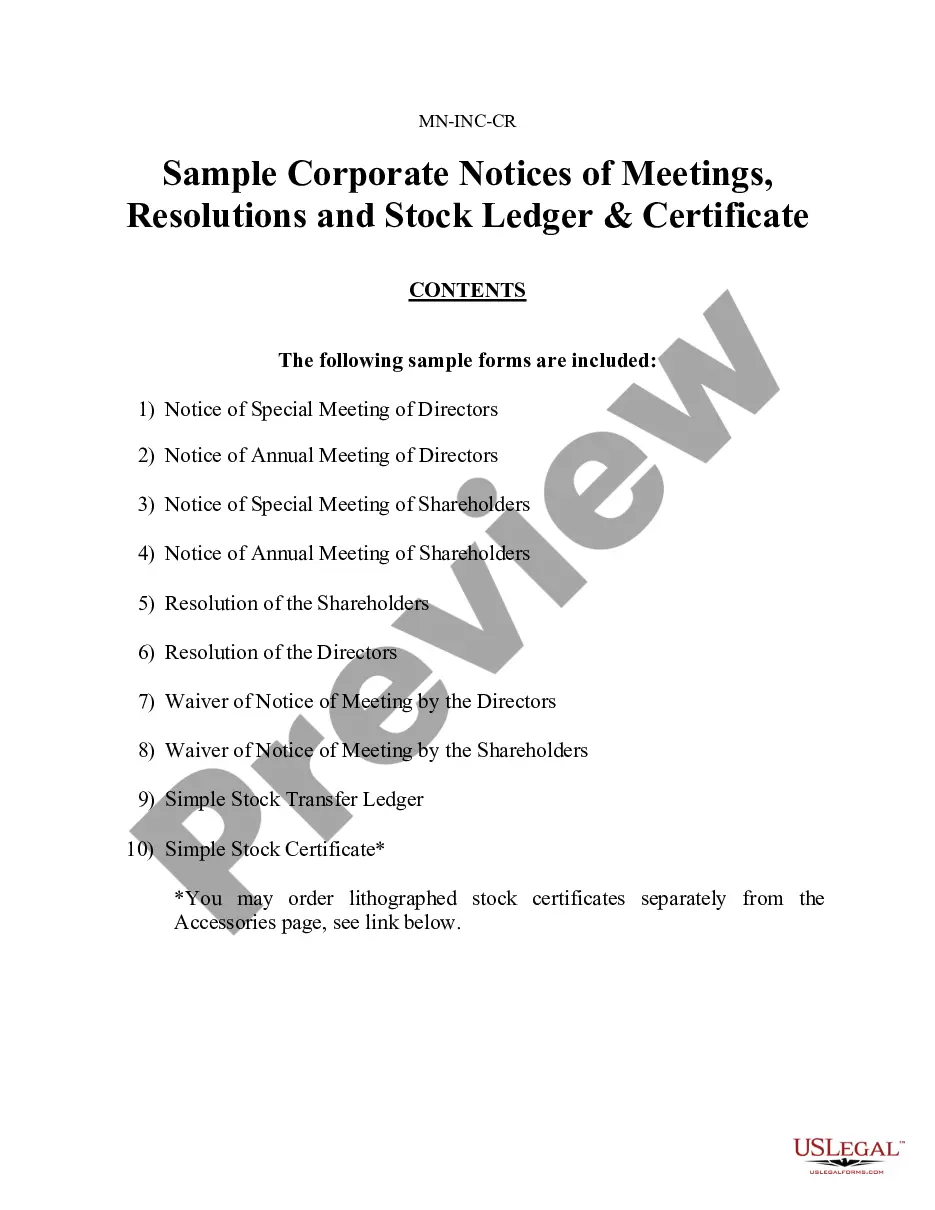
Letter Insurance Form For Submission In Clark
Description
Get your form ready online
Our built-in tools help you complete, sign, share, and store your documents in one place.
Make edits, fill in missing information, and update formatting in US Legal Forms—just like you would in MS Word.
Download a copy, print it, send it by email, or mail it via USPS—whatever works best for your next step.
Sign and collect signatures with our SignNow integration. Send to multiple recipients, set reminders, and more. Go Premium to unlock E-Sign.
If this form requires notarization, complete it online through a secure video call—no need to meet a notary in person or wait for an appointment.
We protect your documents and personal data by following strict security and privacy standards.

Make edits, fill in missing information, and update formatting in US Legal Forms—just like you would in MS Word.

Download a copy, print it, send it by email, or mail it via USPS—whatever works best for your next step.

Sign and collect signatures with our SignNow integration. Send to multiple recipients, set reminders, and more. Go Premium to unlock E-Sign.

If this form requires notarization, complete it online through a secure video call—no need to meet a notary in person or wait for an appointment.

We protect your documents and personal data by following strict security and privacy standards.
Looking for another form?








Form popularity
FAQ
How to find your declarations page on State Farm's mobile app Step 1: Log in to the State Farm app with your credentials and select the "Insurance" tab in the bottom navigational menu. Step 2: Click on "Visit Document Center." Step 3: Select the insurance policy you wish to view.
You'll find it at the beginning of your policy documents, which you may receive by email, fax, or regular mail. It's also becoming more common for insurers to make your declarations page available online through a web portal.
A homeowners insurance declarations page is a document provided by your insurance company that summarizes the coverage provided by your homeowners insurance policy. It contains all the most pertinent information regarding your home insurance.
You'll find it at the beginning of your policy documents, which you may receive by email, fax, or regular mail. It's also becoming more common for insurers to make your declarations page available online through a web portal.
To request a COI insurance for vendor insurance verification, you'll need to send a formal COI request form, which acts as an official ask for a service provider to work with their insurer to produce the relevant COI document to return to you.
How do I file a claim with my insurer? You'll find a claim form on most health insurers' websites, along with information on how to submit the claim. Look at your health insurance card for your insurer's website or a phone number to call for information about filing a claim.
A health insurance claim form has two sections, i.e., Part A and Part B. While Part A is to be filled out by the policyholder, Part B is for the hospital. 2. In Part A of the form, you must fill out your name, residential address, policy number, email ID, phone number, medical history, details of hospitalisation, etc.
Dear Insurance Adjuster's Name or Claims Department, I am writing to file a claim for a car accident on Date of Accident at approximately Time of Accident. ing to the terms of my policy, I am entitled to file a claim for the damages sustained to my vehicle during the incident.
Step-by-Step Guide to Writing an Insurance Claim Letter Gather Information and Documentation: Start with Personal and Insurance Company Details: Introduce Your Claim: Describe the Incident: Detail Your Claim: Conclude with a Call to Action:
My name is patient and I am a policyholder of insurance company. I wish to file an appeal concerning insurance company name's denial of a claim for procedure name. I received an Explanation of Benefits dated provide date stating provide denial reason directly from letter.

