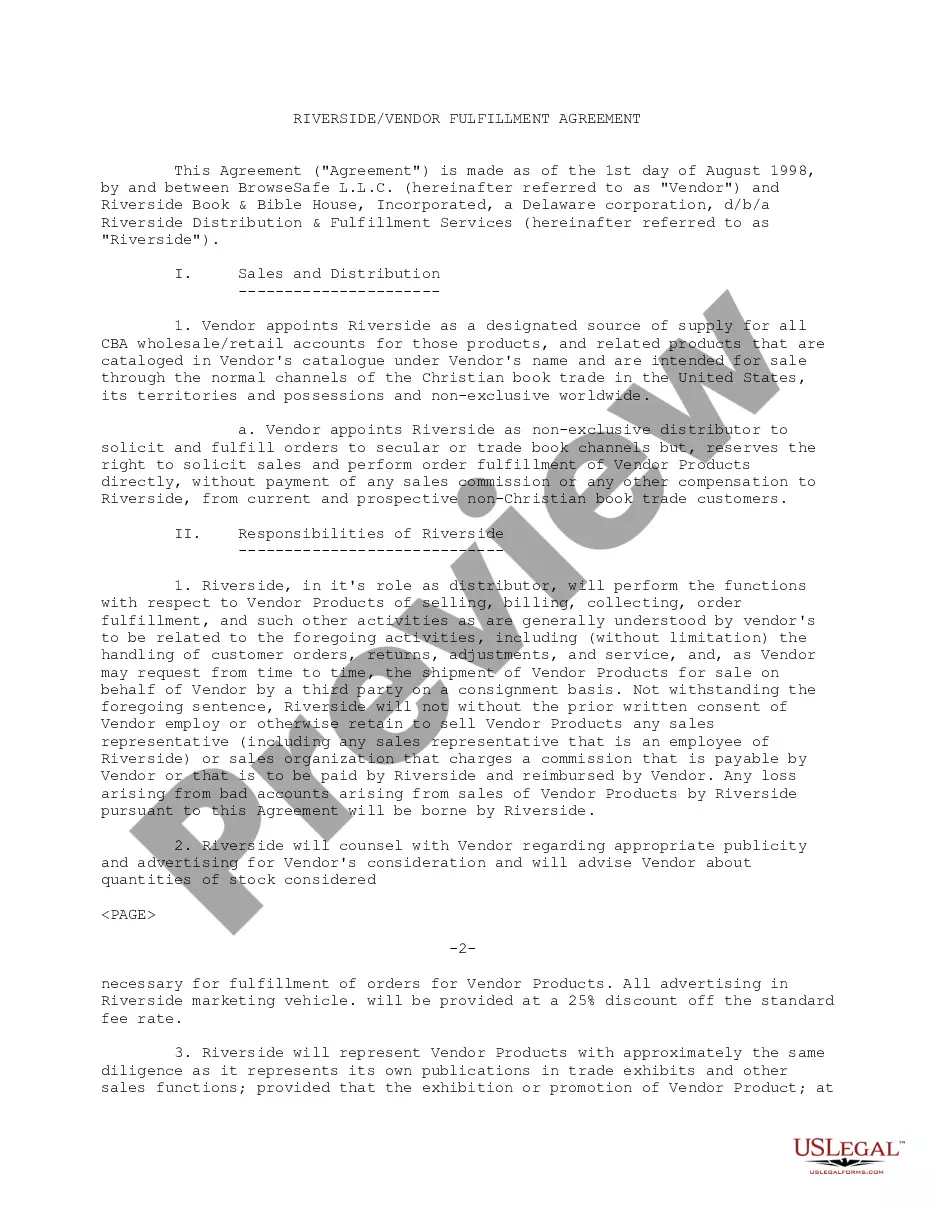
Vendor Agreement With Amazon In Salt Lake
Description




Get your form ready online
Our built-in tools help you complete, sign, share, and store your documents in one place.
Make edits, fill in missing information, and update formatting in US Legal Forms—just like you would in MS Word.
Download a copy, print it, send it by email, or mail it via USPS—whatever works best for your next step.
Sign and collect signatures with our SignNow integration. Send to multiple recipients, set reminders, and more. Go Premium to unlock E-Sign.
If this form requires notarization, complete it online through a secure video call—no need to meet a notary in person or wait for an appointment.
We protect your documents and personal data by following strict security and privacy standards.

Make edits, fill in missing information, and update formatting in US Legal Forms—just like you would in MS Word.

Download a copy, print it, send it by email, or mail it via USPS—whatever works best for your next step.

Sign and collect signatures with our SignNow integration. Send to multiple recipients, set reminders, and more. Go Premium to unlock E-Sign.

If this form requires notarization, complete it online through a secure video call—no need to meet a notary in person or wait for an appointment.

We protect your documents and personal data by following strict security and privacy standards.
Looking for another form?








Form popularity
FAQ
Amazon selects its vendors for Vendor Central with an invitation-only approach. Several factors can attract Amazon's attention and trigger an invitation, such as: Your brand's growth rate and its top-selling products on Amazon. Market share and influence within a specific industry.
Amazon Vendor Central is an invitation-only platform, so you'll need to be invited by Amazon before you can become a vendor. As a vendor, you'll be selling your products wholesale to Amazon, which means you'll need to be able to produce and ship products in large quantities.
How do I submit an Amazon Seller Central case? Step 1 Log into Amazon Seller Central: Once logged in, you'll be in the dashboard, which overviews your seller account. Step 2 Navigate to the help section: In the top-right corner of the dashboard, you'll see a menu labeled “Help.” Click on it to access the help section.
After logging into Seller Central, head to the "Help" section located in the top right corner of the dashboard. Click on it to access support options. Once you've submitted your case, you'll receive a confirmation email from Amazon acknowledging receipt, and you can track the status of your case through Case Lobby.
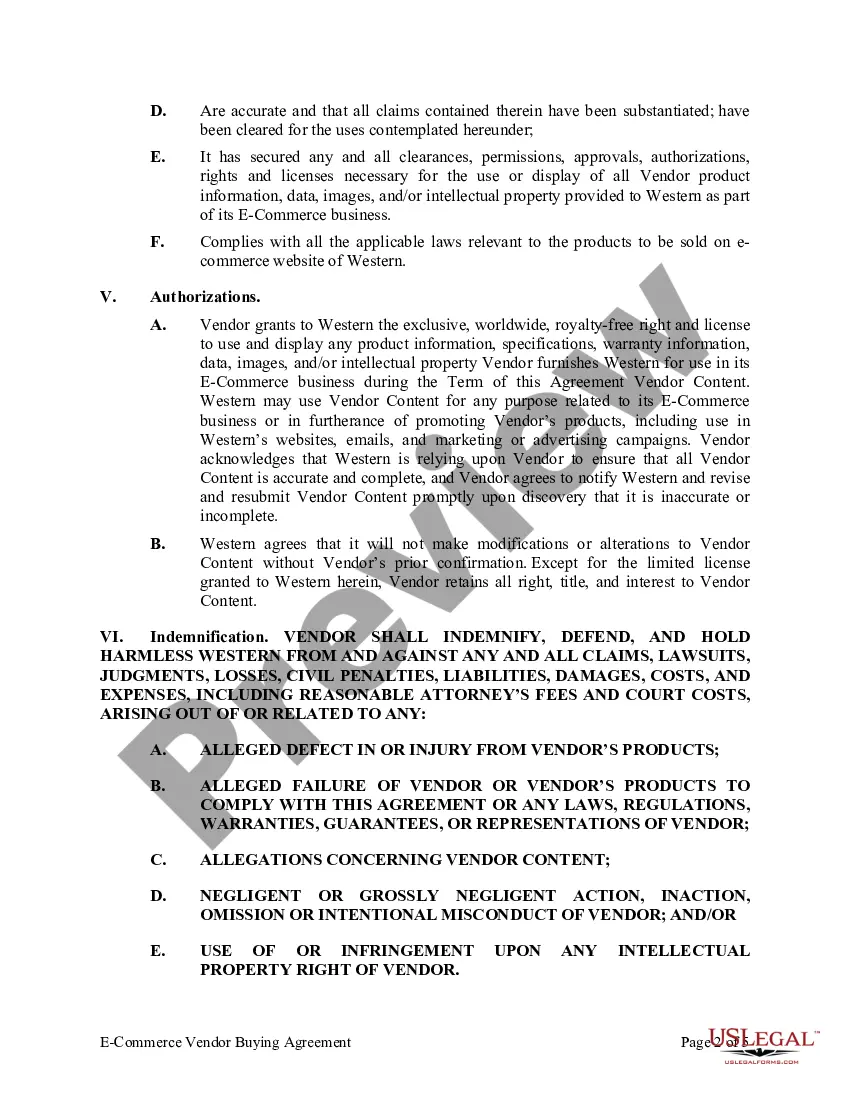
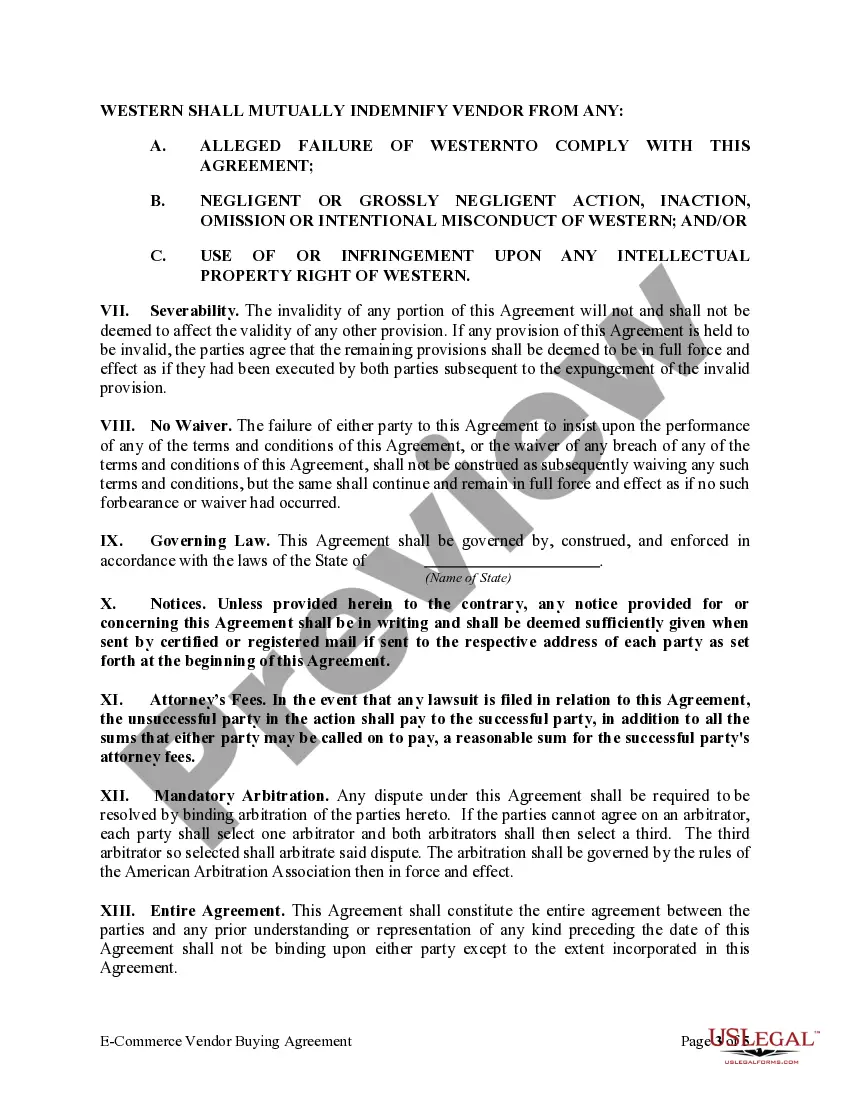
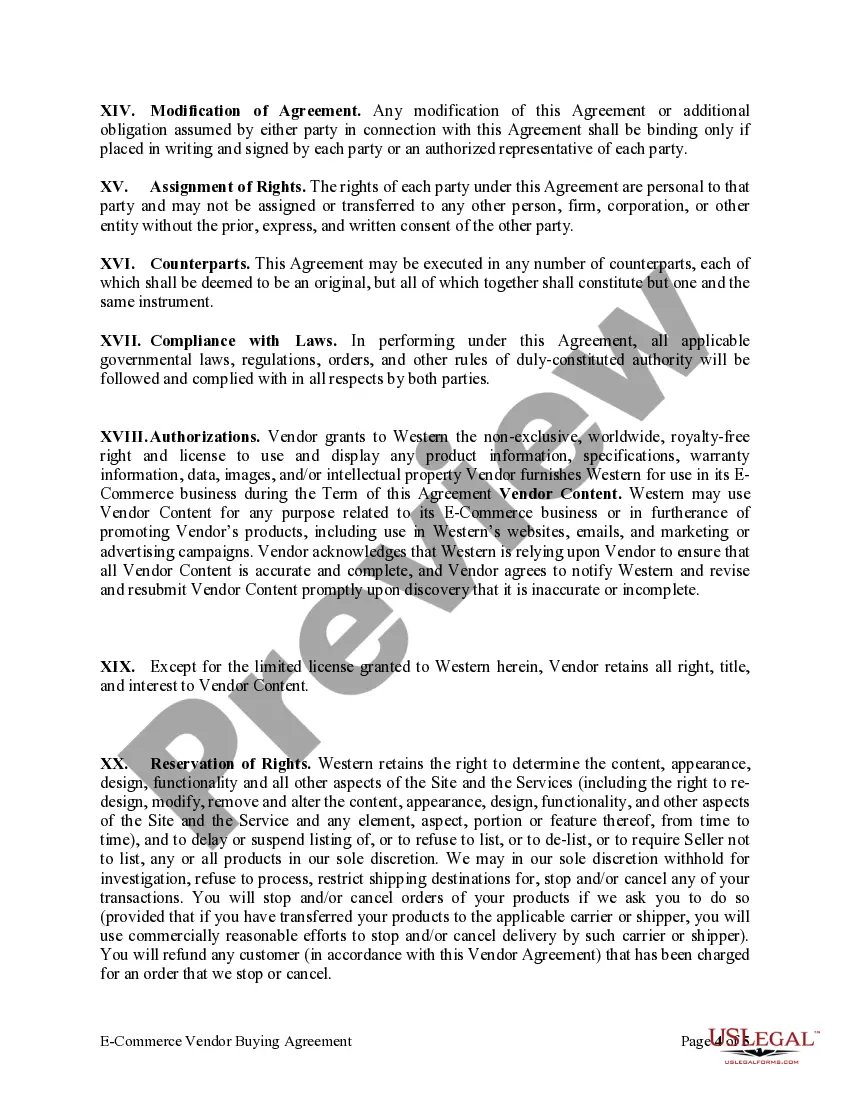
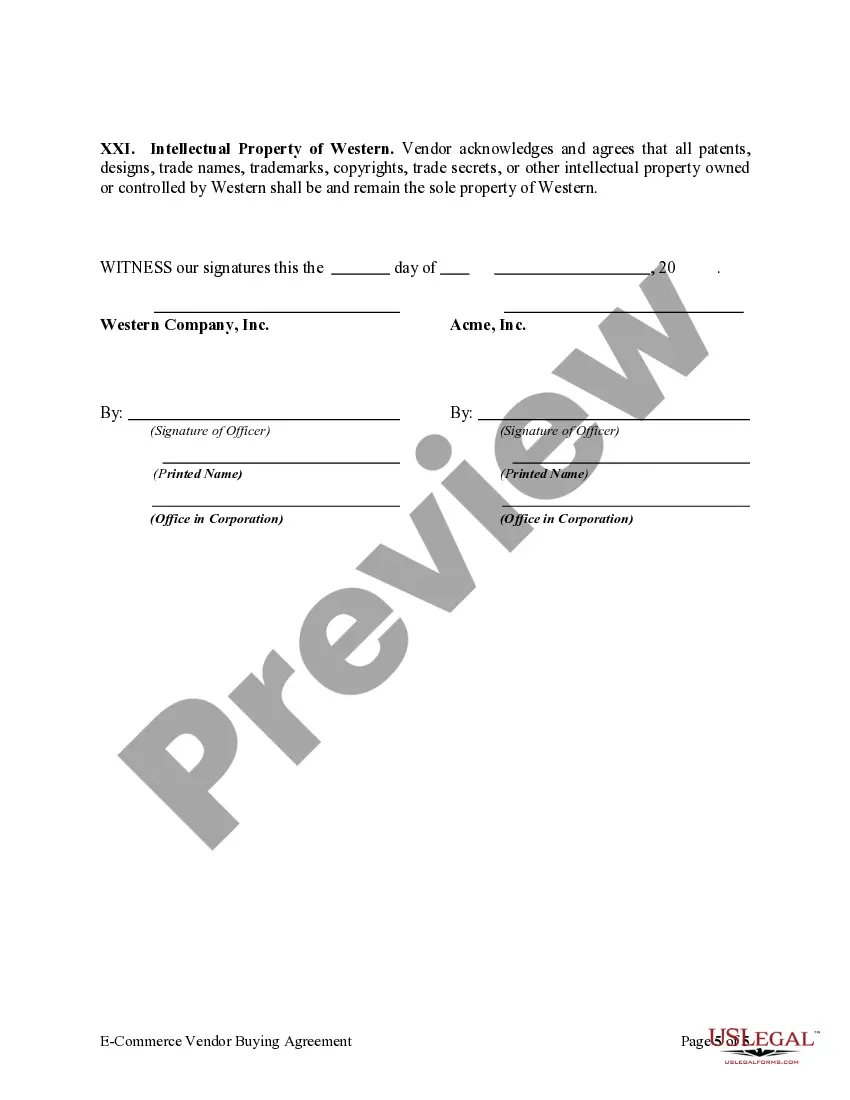
THIS AMAZON SERVICES BUSINESS SOLUTIONS AGREEMENT (THE "AGREEMENT") CONTAINS THE TERMS AND CONDITIONS THAT GOVERN YOUR ACCESS TO AND USE OF THE SERVICES AND IS AN AGREEMENT BETWEEN YOU OR THE BUSINESS YOU REPRESENT AND AMAZON.
Amazon Vendor Central is an invitation-only platform, so you'll need to be invited by Amazon before you can become a vendor. As a vendor, you'll be selling your products wholesale to Amazon, which means you'll need to be able to produce and ship products in large quantities.
Submit a report on the product page. Select "This product or content is illegal, unsafe or suspicious"or "I have an issue with a Seller" to report suspicious activity, Follow the prompts to enter details about your issue and submit.
How to appeal an account deactivation In Seller Central, go to Performance and click Account Health. At the top of the Account Health page, click Reactivate your account. Follow the instructions within the page to submit your appeal. Click Submit to send your completed appeal to Amazon.
Support. If you find that your case isn't being resolved to your satisfaction. You can escalate itMoreSupport. If you find that your case isn't being resolved to your satisfaction. You can escalate it in the case details page you'll see an option to reply click on this option to escalate your. Case.
