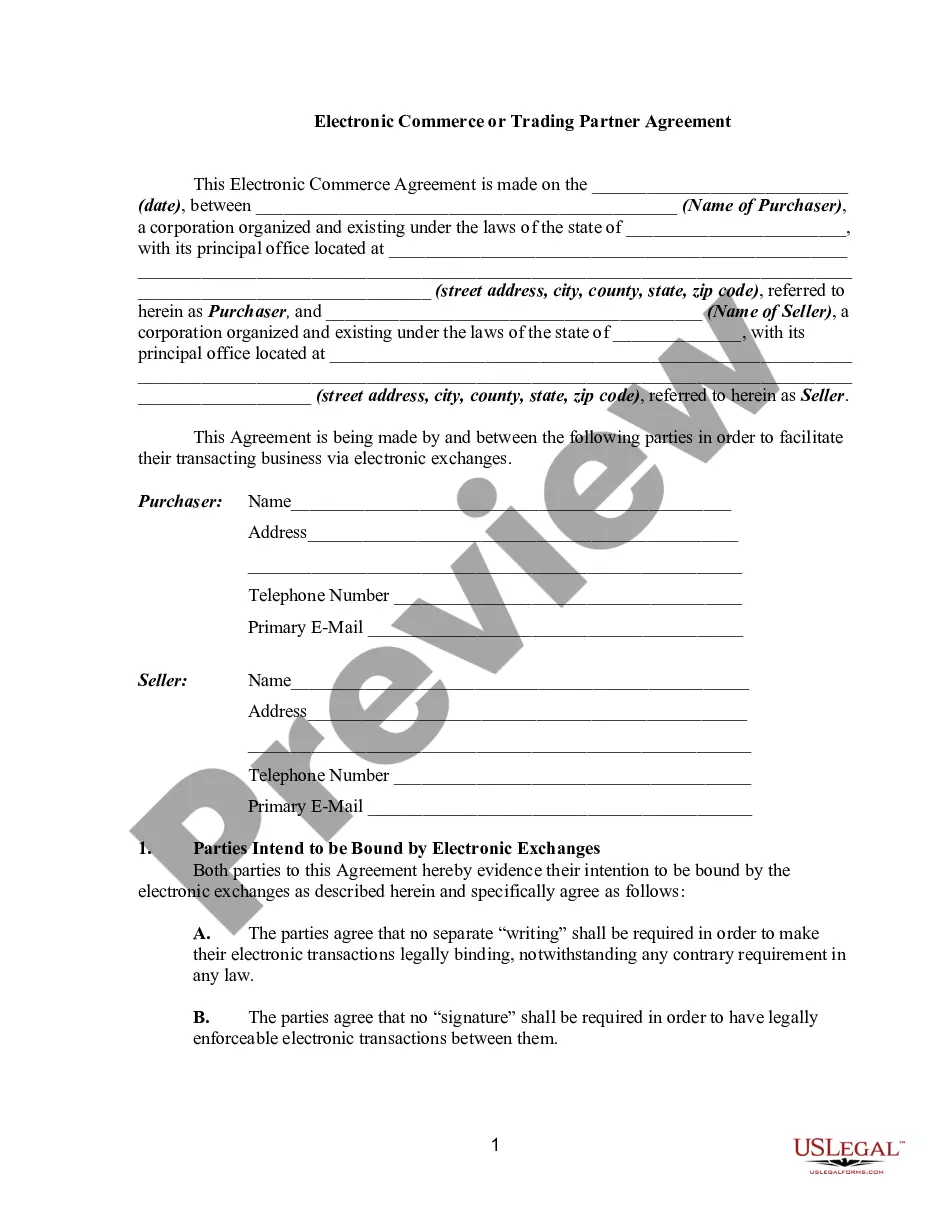
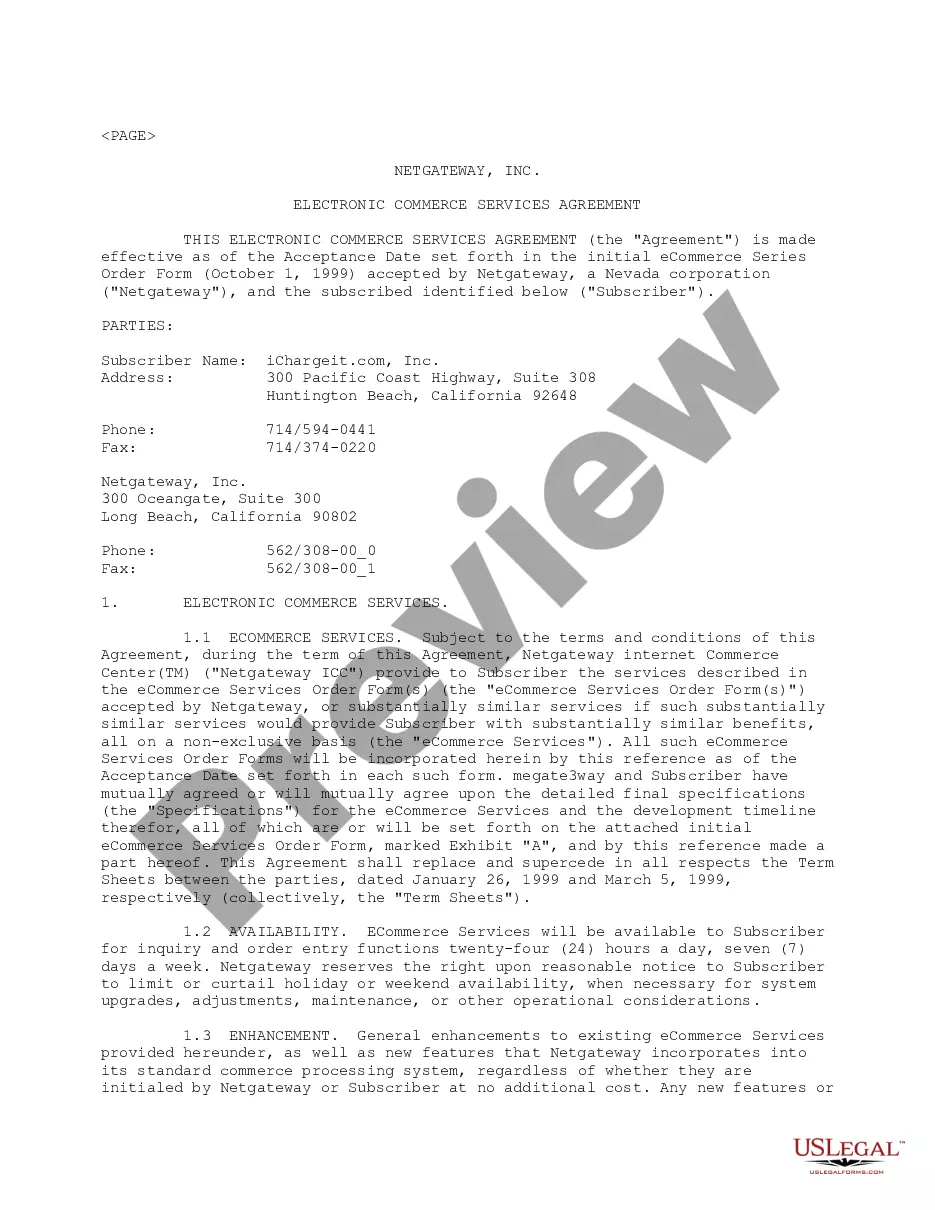
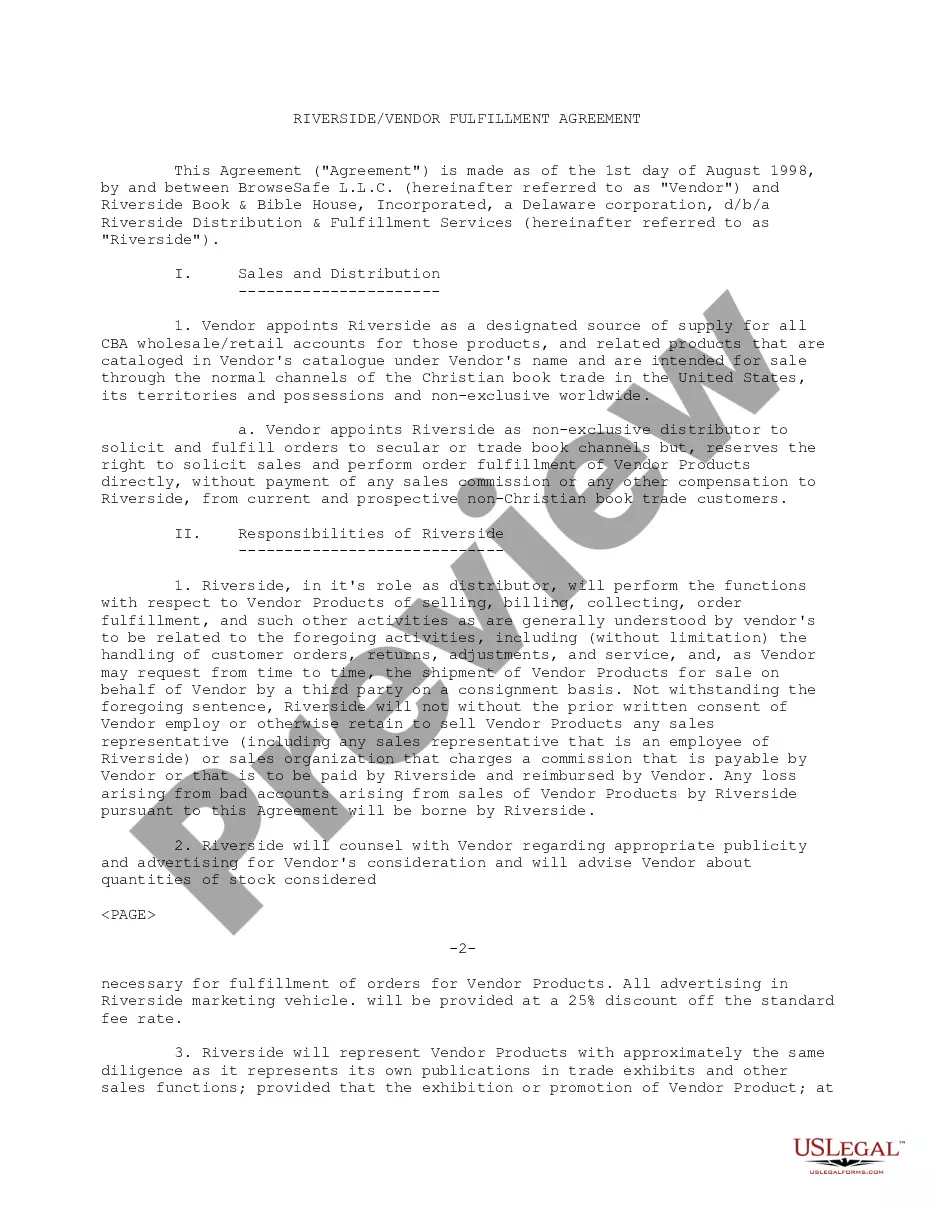
Vendor Agreement With In Riverside
Description


Get your form ready online
Our built-in tools help you complete, sign, share, and store your documents in one place.
Make edits, fill in missing information, and update formatting in US Legal Forms—just like you would in MS Word.
Download a copy, print it, send it by email, or mail it via USPS—whatever works best for your next step.
Sign and collect signatures with our SignNow integration. Send to multiple recipients, set reminders, and more. Go Premium to unlock E-Sign.
If this form requires notarization, complete it online through a secure video call—no need to meet a notary in person or wait for an appointment.
We protect your documents and personal data by following strict security and privacy standards.

Make edits, fill in missing information, and update formatting in US Legal Forms—just like you would in MS Word.

Download a copy, print it, send it by email, or mail it via USPS—whatever works best for your next step.

Sign and collect signatures with our SignNow integration. Send to multiple recipients, set reminders, and more. Go Premium to unlock E-Sign.

If this form requires notarization, complete it online through a secure video call—no need to meet a notary in person or wait for an appointment.

We protect your documents and personal data by following strict security and privacy standards.
Looking for another form?








Form popularity
FAQ
Write the contract in six steps Start with a contract template. Open with the basic information. Describe in detail what you have agreed to. Include a description of how the contract will be ended. Write into the contract which laws apply and how disputes will be resolved. Include space for signatures.
A vendor management template helps businesses track and manage all their information related to vendors in one place. You can track contracts, payments, vendor requests, etc. with your team and make sure that there are no hiccups in the purchasing process.
Go to the County of Riverside web page and click on Vendor registration. Now you are at the Purchasing web page. Again, click on Vendor Registration. To Register your company click on “Register”.
A vendor contract (otherwise known as a vendor agreement) is a business contract between two parties covering the exchange of goods or services in return for compensation. Vendor contracts establish the business relationship conditions and include details on each party's obligations under the contract.
A vendor registration form includes vendor names, contact information, banking information (if applicable), the products or services provided by the vendor, and a certification section that verifies the information on the form is true and accurate.
Summary Sign Up Instructions Register to bid and receive notifications of future opportunities in OpenGov by selecting Subscribe to create an account. Follow updates to existing solicitations by finding the solicitation and clicking the Follow button. Submit questions and receive answers for open solicitations.
If you are planning to conduct business in the City of Riverside you must obtain a City of Riverside business license, also referred to as a business tax.
Visit the Conducting Business in Riverside page on this site or contact the Business Tax Section of the Finance Department at 951-826-5465 to complete and submit a Business License Application.
I'm interested in becoming a vendor to the County of Los Angeles, where do I start? Answer: Contact Purchasing and Contract Services Office Services at (323) 267-2725 for information and application form or see our Vendor Registration site for more information.
