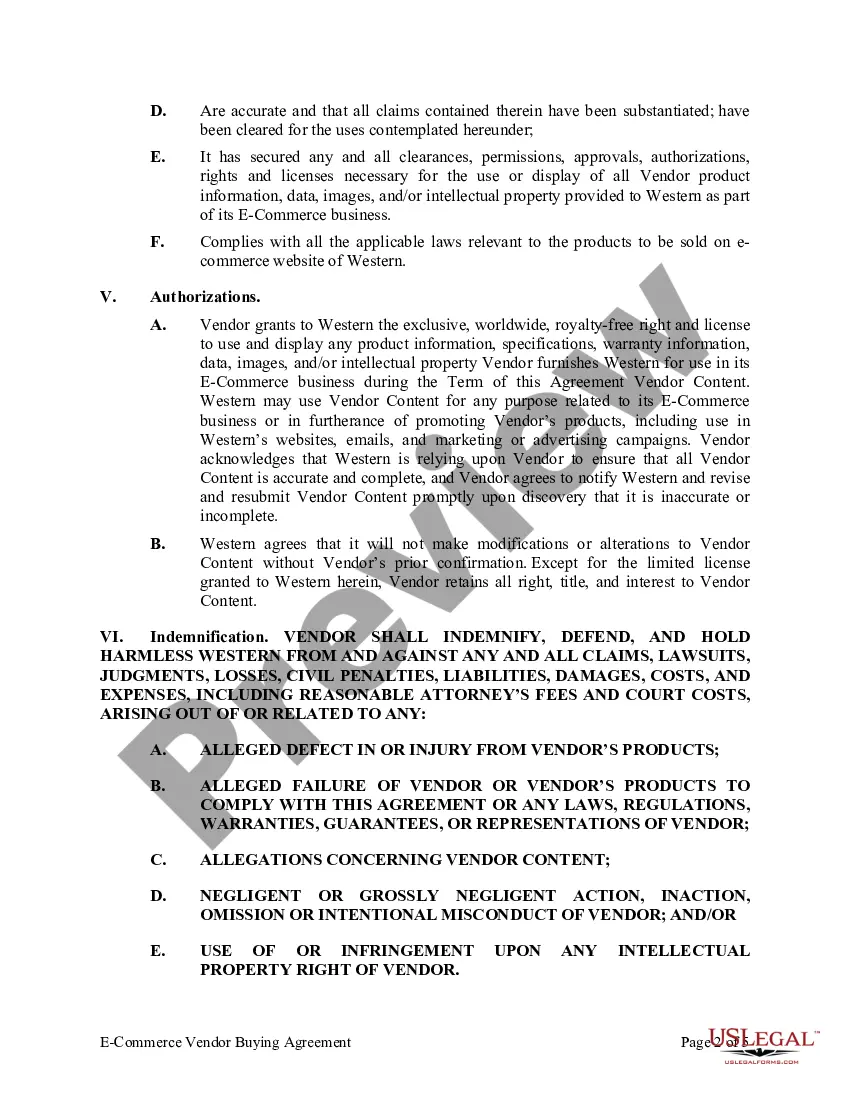
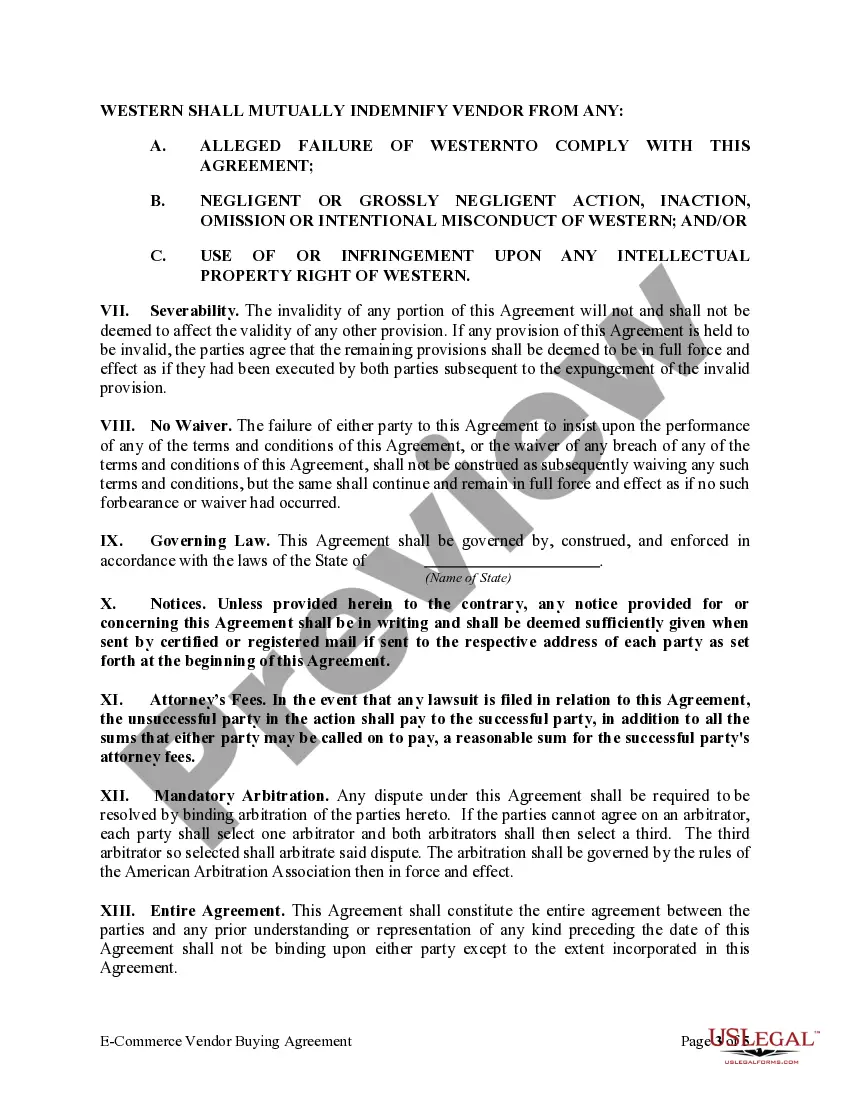
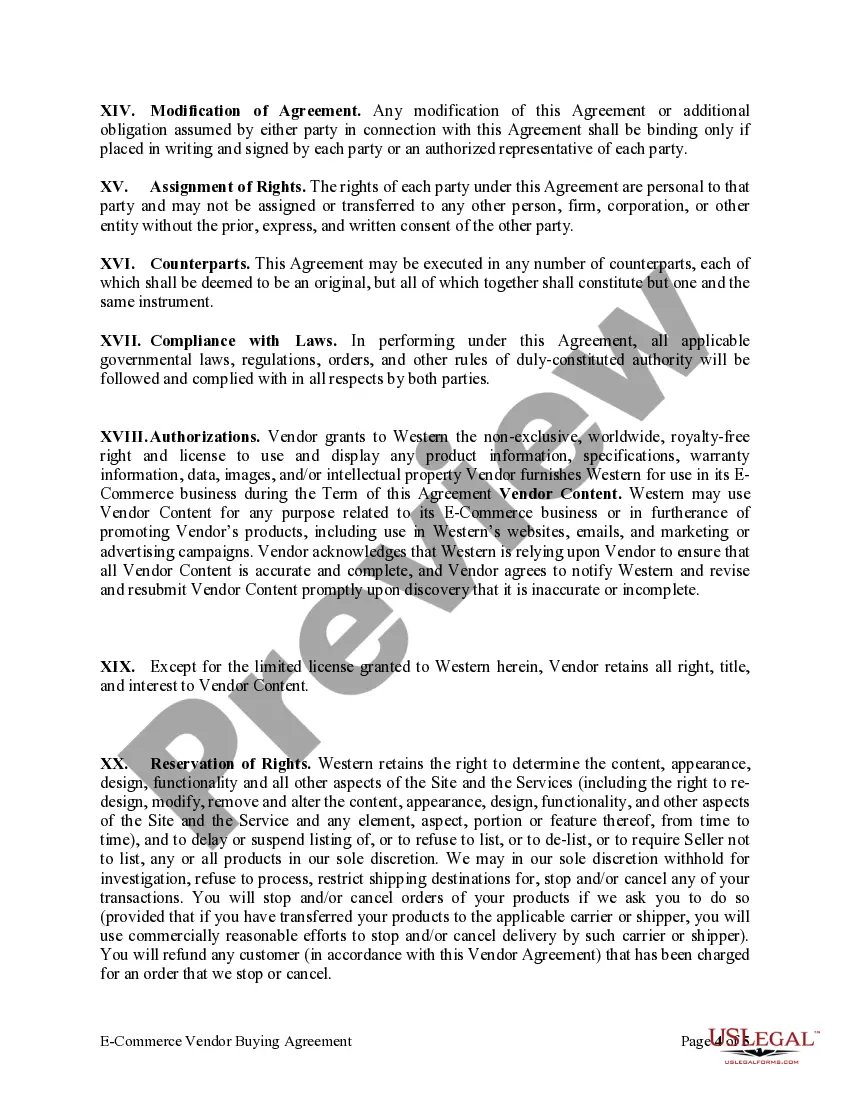
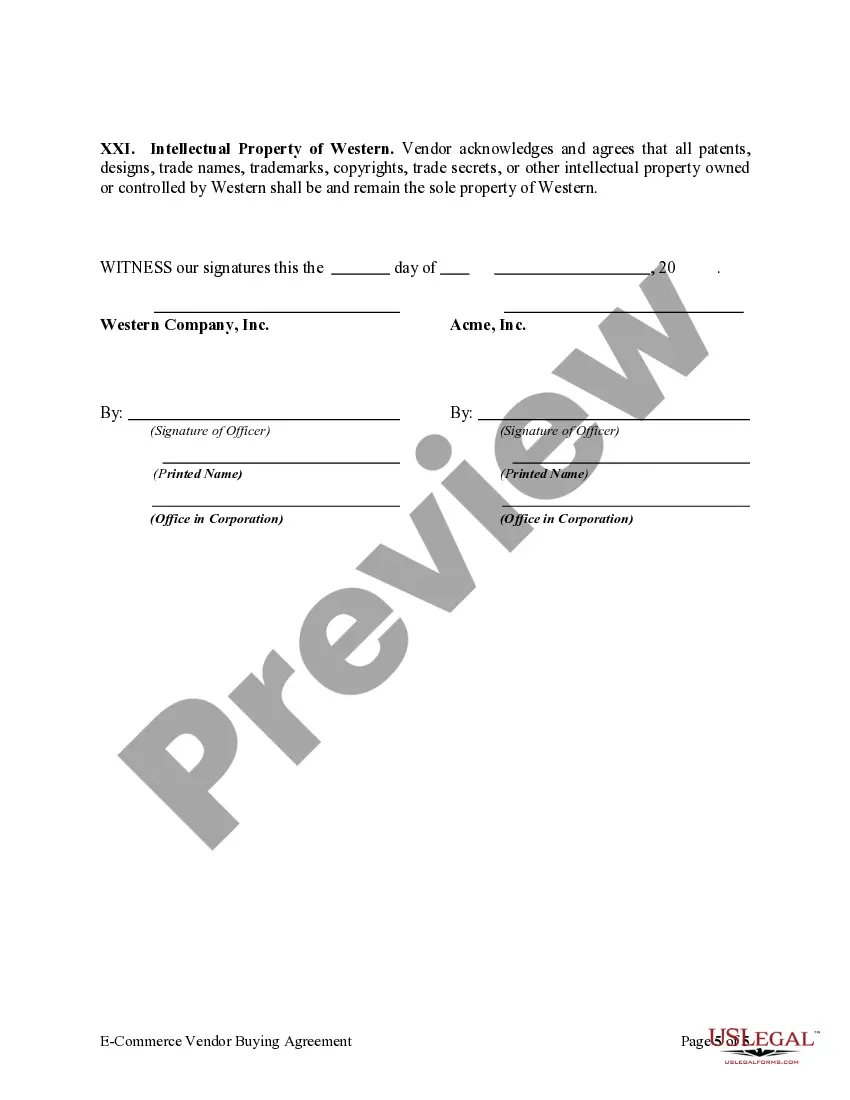
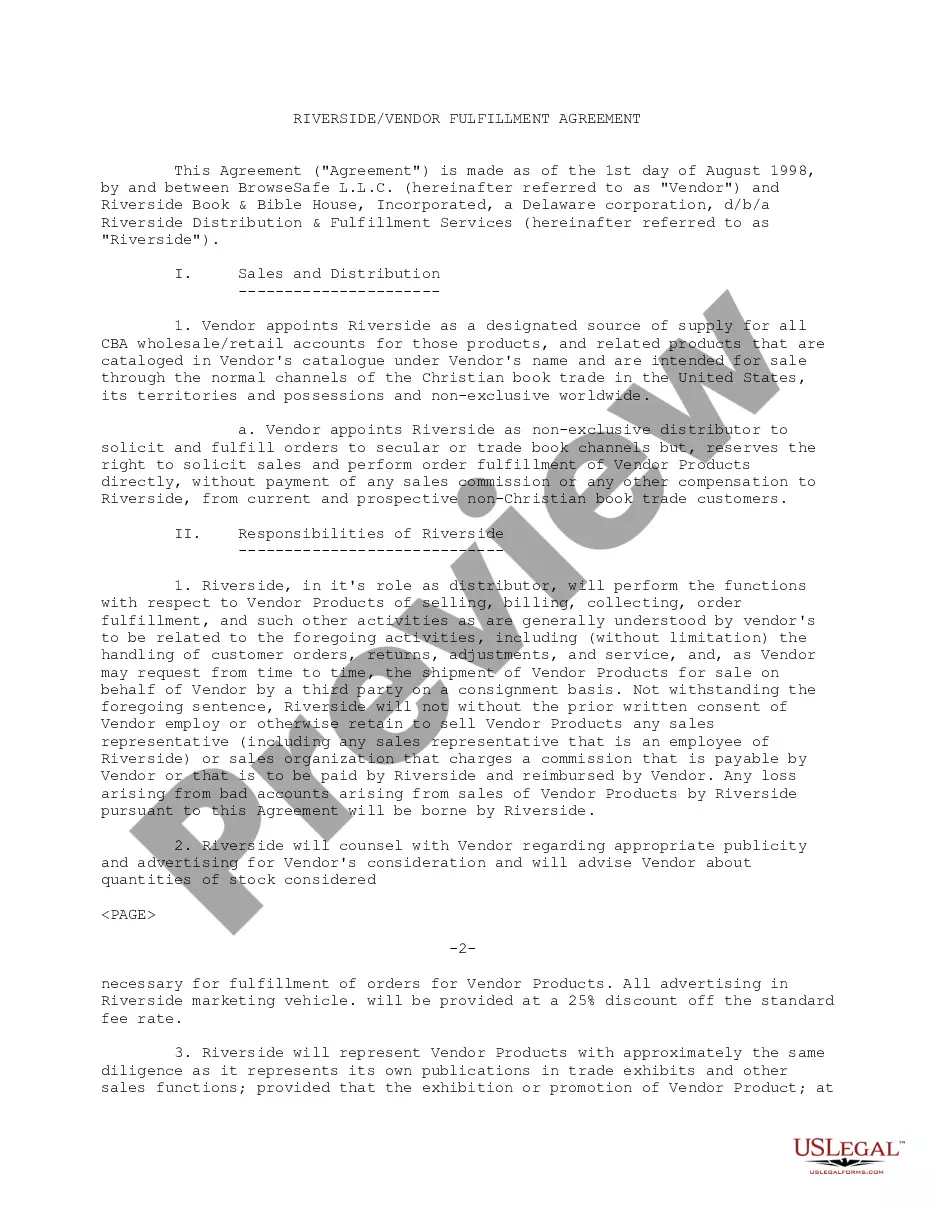
Vendor Agreement For Services In Queens
Description




Get your form ready online
Our built-in tools help you complete, sign, share, and store your documents in one place.
Make edits, fill in missing information, and update formatting in US Legal Forms—just like you would in MS Word.
Download a copy, print it, send it by email, or mail it via USPS—whatever works best for your next step.
Sign and collect signatures with our SignNow integration. Send to multiple recipients, set reminders, and more. Go Premium to unlock E-Sign.
If this form requires notarization, complete it online through a secure video call—no need to meet a notary in person or wait for an appointment.
We protect your documents and personal data by following strict security and privacy standards.

Make edits, fill in missing information, and update formatting in US Legal Forms—just like you would in MS Word.

Download a copy, print it, send it by email, or mail it via USPS—whatever works best for your next step.

Sign and collect signatures with our SignNow integration. Send to multiple recipients, set reminders, and more. Go Premium to unlock E-Sign.

If this form requires notarization, complete it online through a secure video call—no need to meet a notary in person or wait for an appointment.

We protect your documents and personal data by following strict security and privacy standards.
Looking for another form?








Form popularity
FAQ
If you don't have a NYS Vendor ID, contact the NYS business unit you are planning to do business with to request an ID. At the time you receive a Vendor ID, you will also receive the enrollment email described above.
A vendor management template helps businesses track and manage all their information related to vendors in one place. You can track contracts, payments, vendor requests, etc. with your team and make sure that there are no hiccups in the purchasing process.
For further assistance, please contact the Vendor Hotline at 718-935-2300 or by emailing them at vendorhotline@schools.nyc.
If you don't have a NYS Vendor ID, contact the NYS business unit you are planning to do business with to request an ID. At the time you receive a Vendor ID, you will also receive the enrollment email described above.
The vendor identification number assigned by the vendoring regional center must be used by all regional centers purchasing the vendored service (Title 17, Sections 54326(a)(14) and 54340(a)).
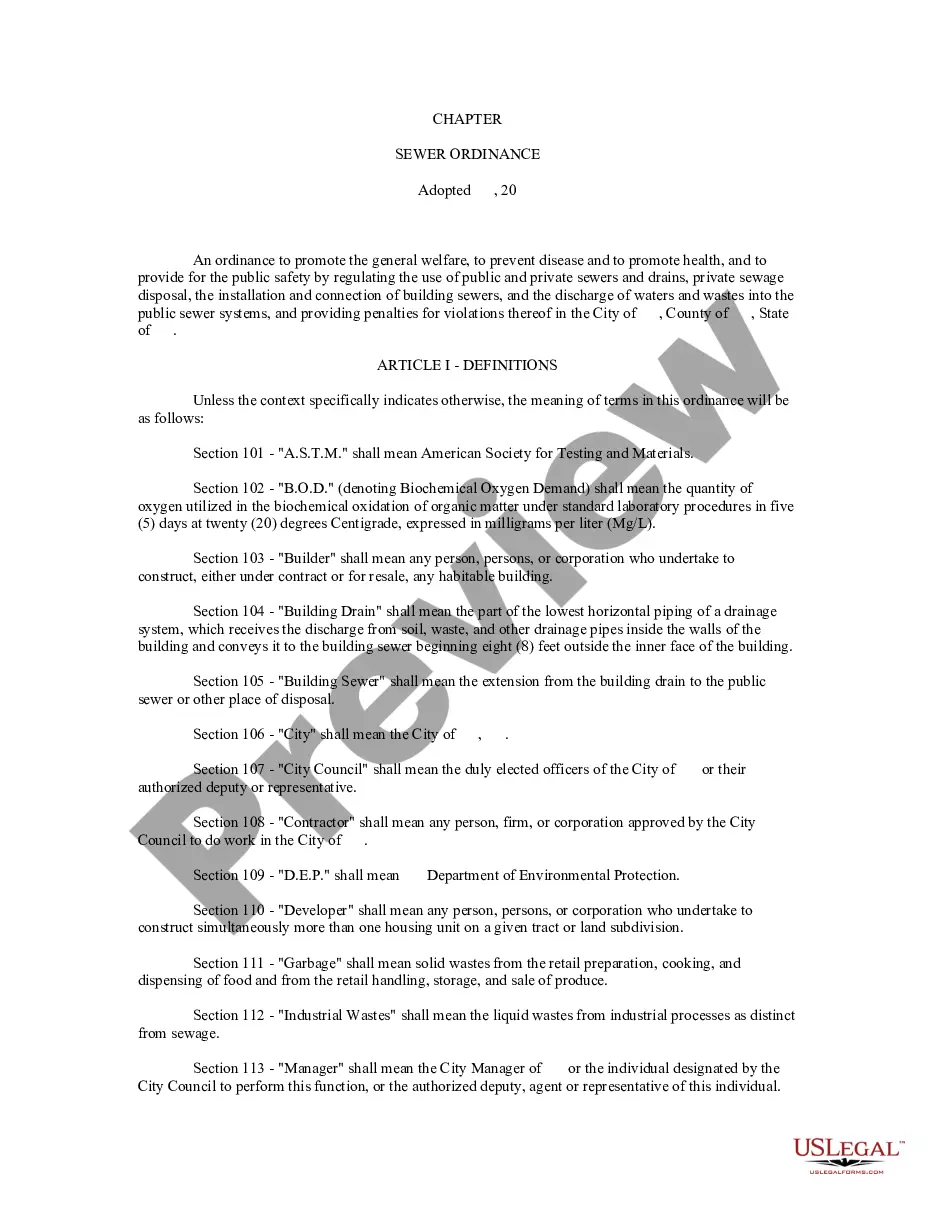
A vendor contract (otherwise known as a vendor agreement) is a business contract between two parties covering the exchange of goods or services in return for compensation. Vendor contracts establish the business relationship conditions and include details on each party's obligations under the contract.
Navigate to USB Section: In the System Information window, look for the USB section under Hardware. Locate Your Device: Select the USB device in question from the list of connected devices. Find VID and PID: The Vendor ID and Product ID will be displayed in the detailed information.
If you don't have a NYS Vendor ID, contact the OSC Helpdesk to request one. How to get started: Go to our Online Services Portal. Select “Enroll Now”
The Vendor ID is a ten-digit identifier issued by New York State when the vendor is registered on the Statewide Vendor File. This number must now be included on the questionnaire. If the business entity has not obtained a Vendor ID, contact the IT Service Desk at ITServiceDesk@osc.state.ny or call 866-370-4672.
