Vendor Agreement With Amazon In Fairfax
Description




Get your form ready online
Our built-in tools help you complete, sign, share, and store your documents in one place.
Make edits, fill in missing information, and update formatting in US Legal Forms—just like you would in MS Word.
Download a copy, print it, send it by email, or mail it via USPS—whatever works best for your next step.
Sign and collect signatures with our SignNow integration. Send to multiple recipients, set reminders, and more. Go Premium to unlock E-Sign.
If this form requires notarization, complete it online through a secure video call—no need to meet a notary in person or wait for an appointment.
We protect your documents and personal data by following strict security and privacy standards.

Make edits, fill in missing information, and update formatting in US Legal Forms—just like you would in MS Word.

Download a copy, print it, send it by email, or mail it via USPS—whatever works best for your next step.

Sign and collect signatures with our SignNow integration. Send to multiple recipients, set reminders, and more. Go Premium to unlock E-Sign.

If this form requires notarization, complete it online through a secure video call—no need to meet a notary in person or wait for an appointment.

We protect your documents and personal data by following strict security and privacy standards.
Looking for another form?







Form popularity
FAQ
Amazon Vendor Central is an invitation-only platform, so you'll need to be invited by Amazon before you can become a vendor. As a vendor, you'll be selling your products wholesale to Amazon, which means you'll need to be able to produce and ship products in large quantities.
What are the requirements to start selling on Amazon.in? You require GST (or PAN for GST-exempt categories) and an active bank account to register as a seller. You should also have your email and phone handy for account verification through OTP.
Log in to Supplier Connect. If you're new to supplying to Amazon, sign up now. Register your business with us. Fill out our online assessment. That's it! Once your profile is set-up we will review your information and reach out if an opportunity becomes available.
Strategies for Getting Invited to Amazon Vendor Central Have a well-developed product line. Create a comprehensive business plan. Create a professional website. Focus on customer service. Build relationships with Amazon.
Yes, it's definitely possible to make over $1000 on Amazon. With the right products, good marketing, and effective strategies like listing optimization and PPC campaigns, many sellers reach and exceed this goal. Success depends on your approach and consistency.
To become a vendor on Amazon, you will need to create a Vendor Central account. This process involves registering your business and providing some basic information, such as your company name, address, and tax ID number.
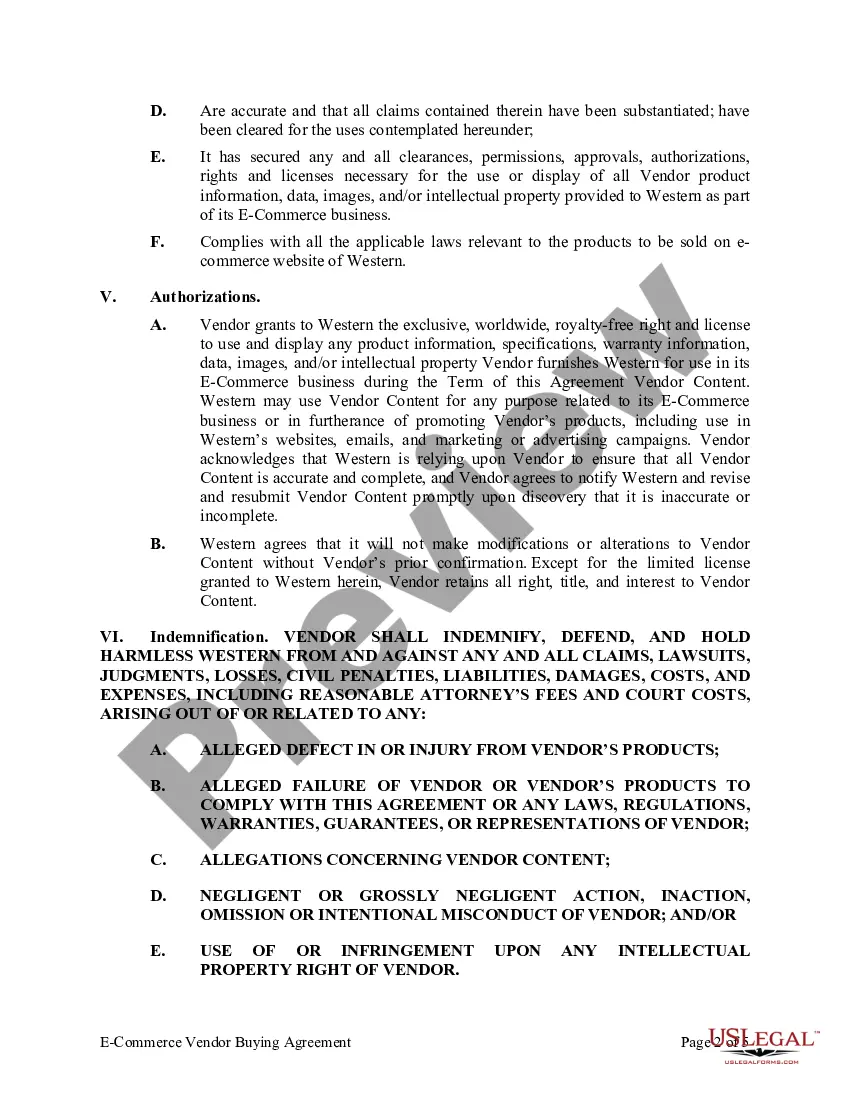
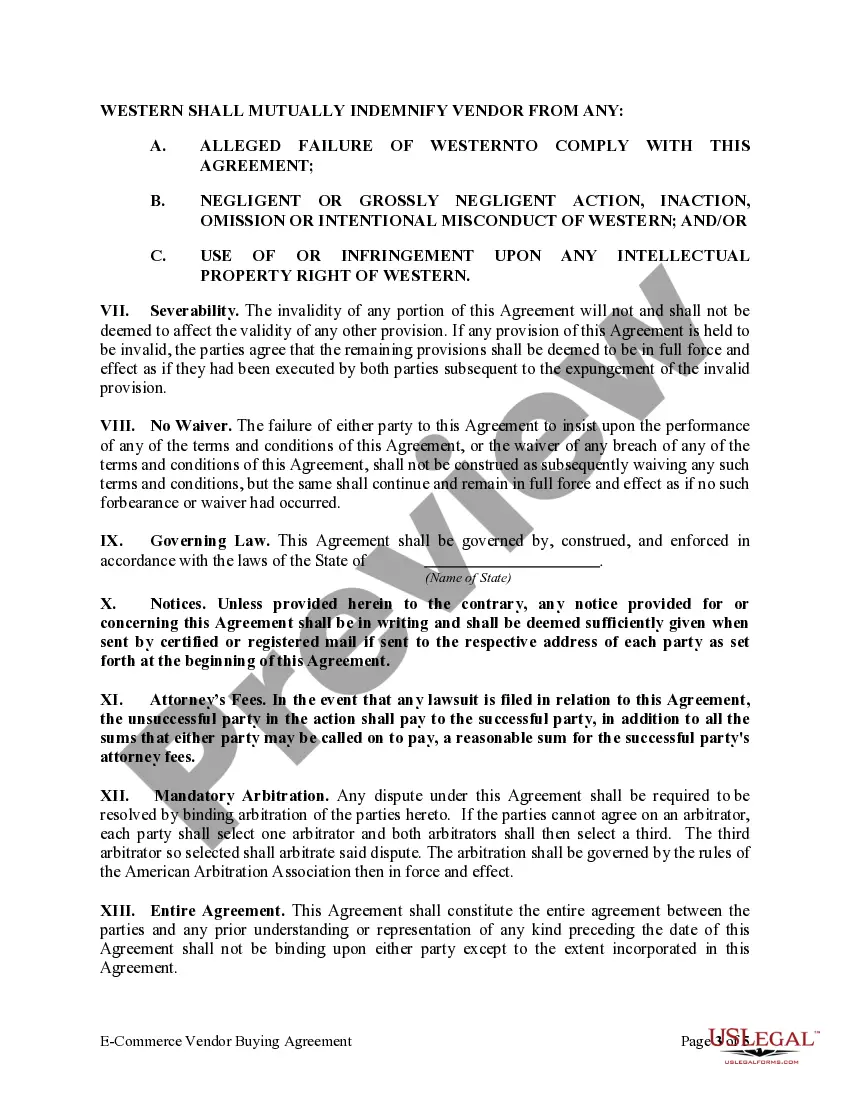
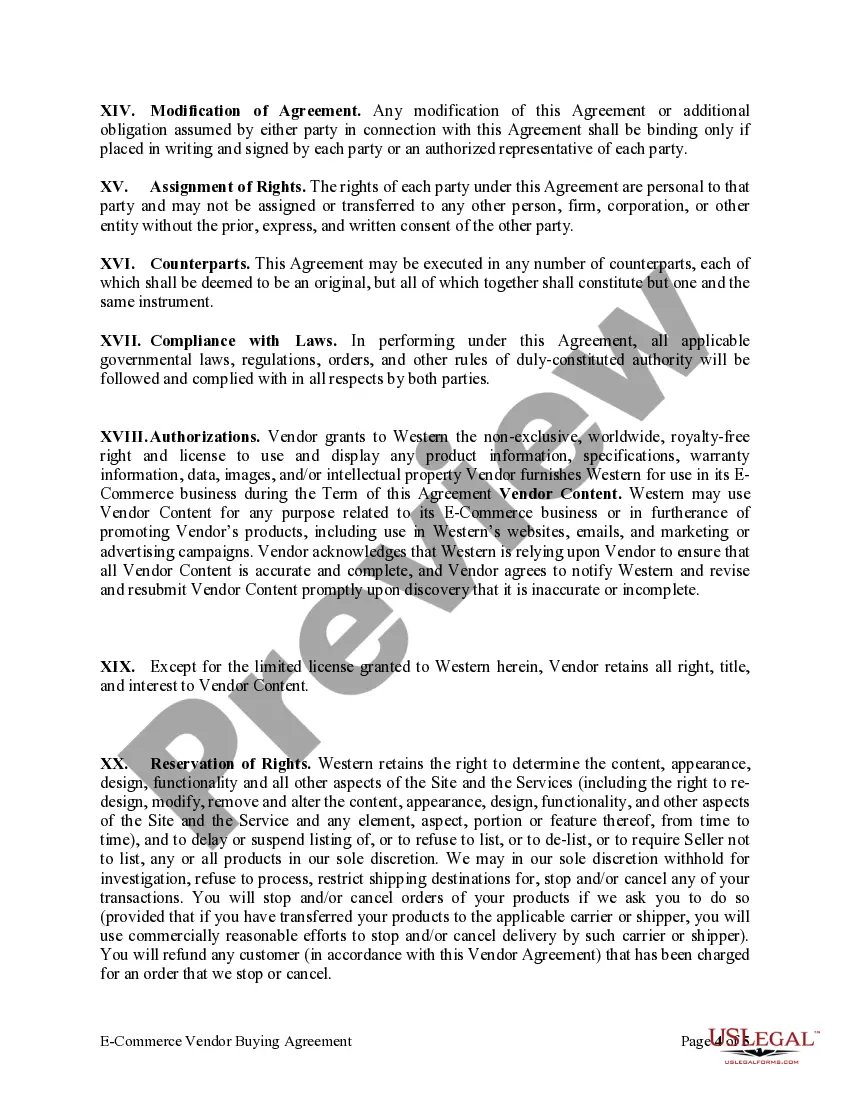
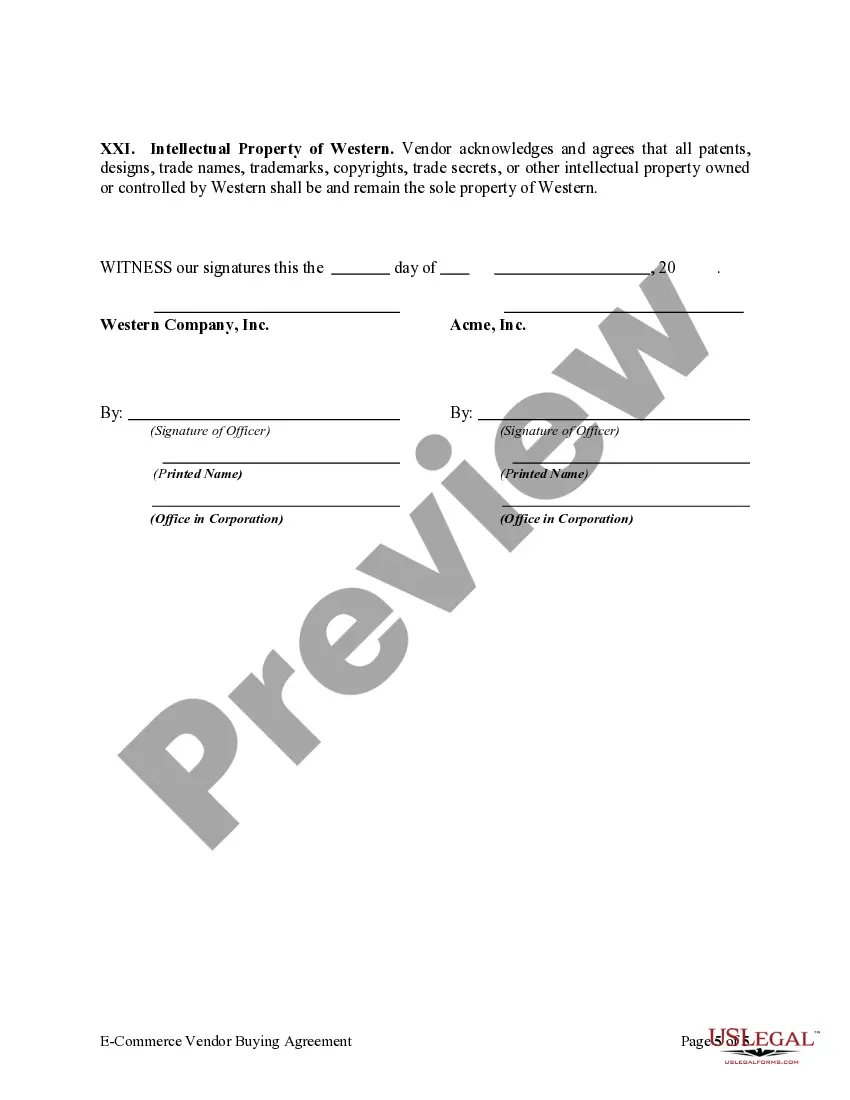
Think of a vendor contract as the blueprint for your entire partnership. It outlines the scope of work, deliverables, payment terms, and legal responsibilities of both parties. It's a comprehensive document that covers everything from the specific services or products to be provided to dispute resolution mechanisms.
Once you are happy with the terms, these will be generated on Vendor Central where you will need to accept them. You can find these Agreements on Vendor Central by going to the “Settings” Tab on the top menu of your Vendor Central Dashboard and selecting “Agreements”.
Prepare a contract Provide details of the parties. Describe services or results. Set out payment details. Assign intellectual property rights. Explain how to treat confidential information. Identify who is liable – indemnity. Provide insurance obligations. Outline any subcontracting agreements.
Write the contract in six steps Start with a contract template. Open with the basic information. Describe in detail what you have agreed to. Include a description of how the contract will be ended. Write into the contract which laws apply and how disputes will be resolved. Include space for signatures.
