Court Letter Sample With Attachment In Wake
Description



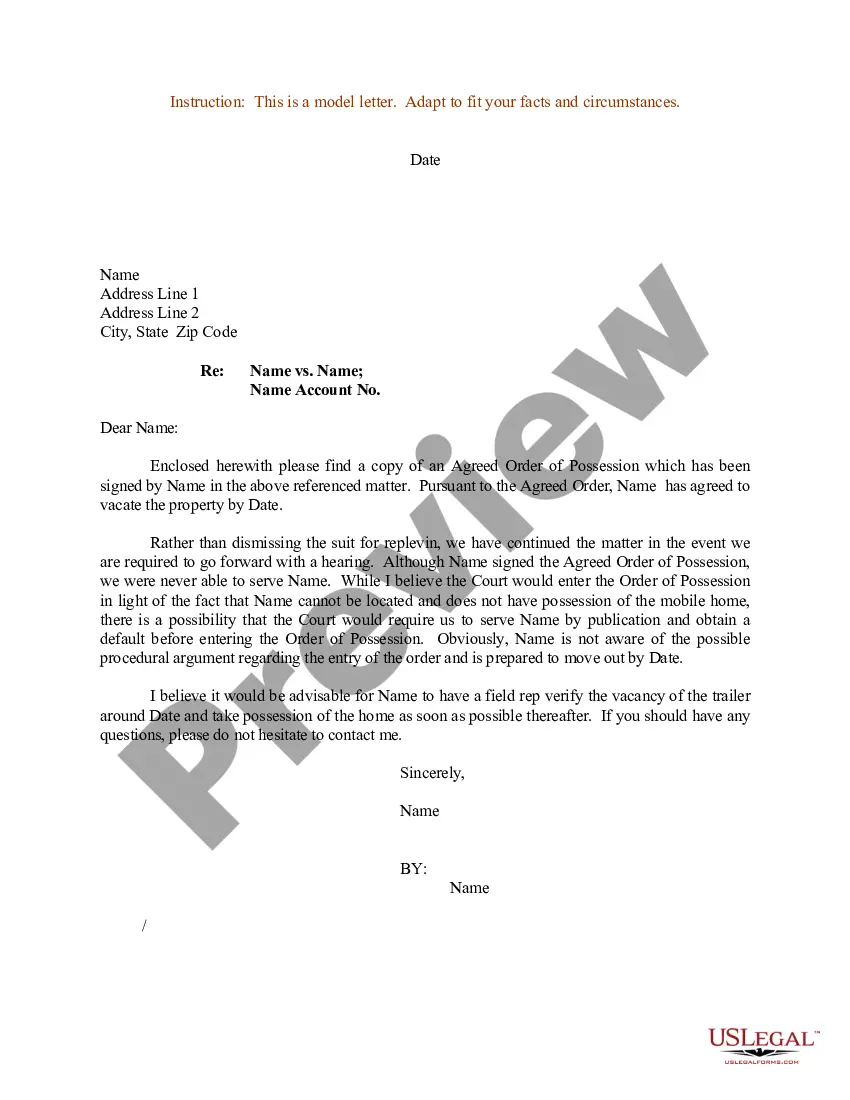
Get your form ready online
Our built-in tools help you complete, sign, share, and store your documents in one place.
Make edits, fill in missing information, and update formatting in US Legal Forms—just like you would in MS Word.
Download a copy, print it, send it by email, or mail it via USPS—whatever works best for your next step.
Sign and collect signatures with our SignNow integration. Send to multiple recipients, set reminders, and more. Go Premium to unlock E-Sign.
If this form requires notarization, complete it online through a secure video call—no need to meet a notary in person or wait for an appointment.
We protect your documents and personal data by following strict security and privacy standards.

Make edits, fill in missing information, and update formatting in US Legal Forms—just like you would in MS Word.

Download a copy, print it, send it by email, or mail it via USPS—whatever works best for your next step.

Sign and collect signatures with our SignNow integration. Send to multiple recipients, set reminders, and more. Go Premium to unlock E-Sign.

If this form requires notarization, complete it online through a secure video call—no need to meet a notary in person or wait for an appointment.

We protect your documents and personal data by following strict security and privacy standards.
Looking for another form?







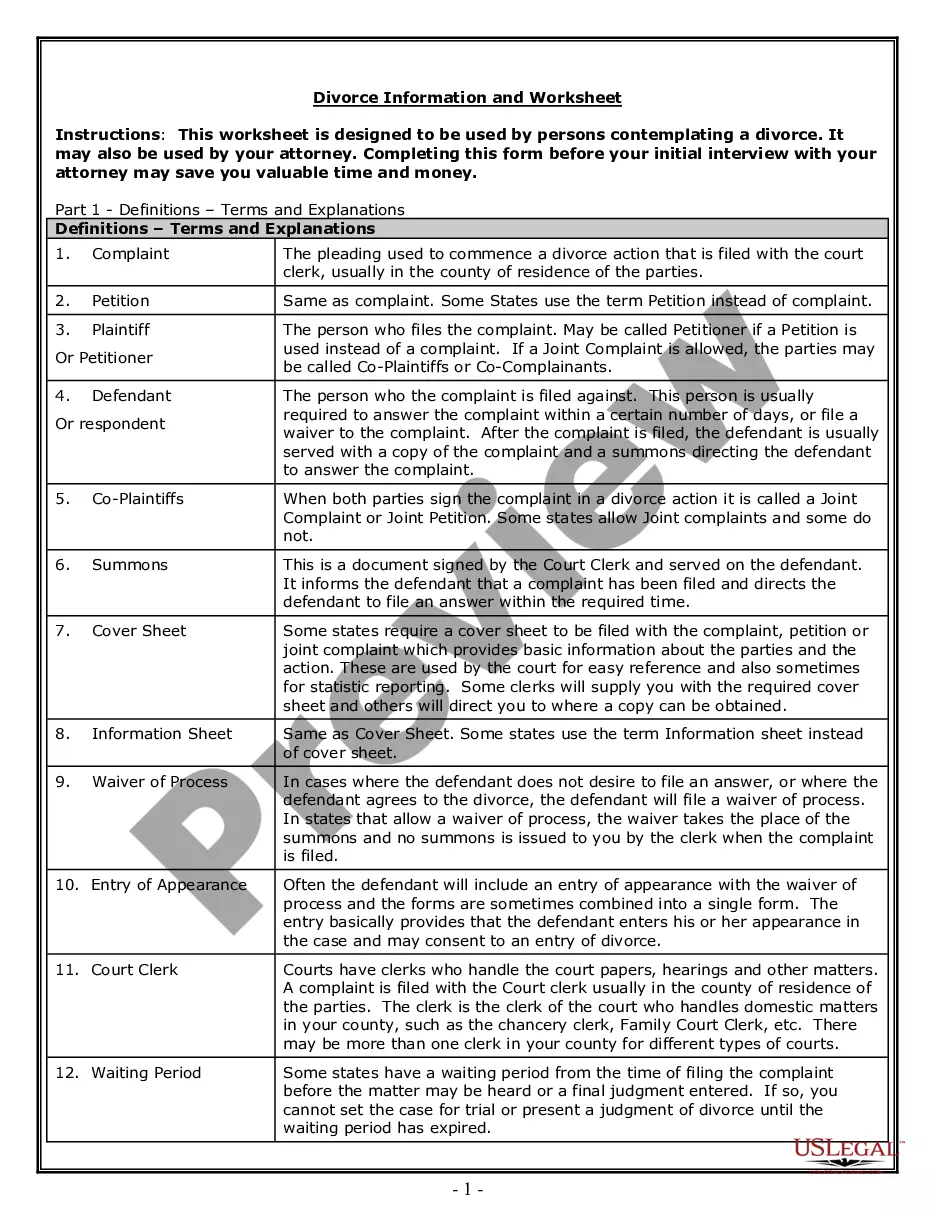
Form popularity
FAQ
What do I need to eFile my legal paperwork? An account on an electronic filing service provider (EFSP) platform, like CourtFiling. What court to file your case in. Your case category. Your case number if you are uploading documents to an existing case. The completed paperwork to upload in a PDF file.
Documents filed electronically must be submitted as a PDF (portable document format). Each court has a maximum allowed document size. Use the Court CM/ECF Lookup to find out the maximum size allowed for the court in which you wish to file.
The filer needs to have a User ID and Password. By those means, the filer can enter the system and consent to the use of NYSCEF for a new matter or, in a mandatory case, record the filer's representation.
If you have a pending claim and you wish to have that claim converted to electronic filing in NYSCEF, complete the Court Notice Regarding Availability of Electronic Filing form, serve it on all other parties and file it with the court. Use the Consent to E-Filing form.
ELECTRONIC FILING THROUGH THE NEW YORK STATE COURTS ELECTRONIC FILING SYSTEM IS MANDATORY FOR ALL CASES COMMENCED IN THIS COURT (EXCEPT ARTICLE 70 AND 78 PROCEEDINGS, AND MATRIMONIAL, MENTAL HYGIENE LAW AND ELECTION LAW MATTERS).
If you want to file a motion, the process is generally something like this: You write your motion. You file your motion with the court clerk. The court clerk inserts the date and time your motion will be heard by the judge. You “serve” (mail) your motion to the other side.
An eligible consensual case that was commenced and continued in hard copy form may be converted to a NYSCEF case by filing a Stipulation and Consent to E–Filing (found on the website) with the court. Any such conversion should be done promptly after commencement.
How to Convert Paper Documents Into a Digital Format Scan Your Documents. One of the most effective (and obvious) ways to digitize paper documents is by scanning them. Photograph Your Documents. Use a Mobile Scanning App. Outsource your digitization to a professional.
Writing Your Letter Search for a form letter. Some courts print off forms that you can use to request a hearing. Open a word processing document. Insert a salutation. Add a heading. Begin the letter with your request. Explain why you need the hearing. Provide a contact number. Sign the letter.
How to structure a character reference: Introduce yourself, state what your occupation is and any qualifications you hold. In what capacity do you know them the defendant? Tell the court that you're aware of the proceedings. Give some background surrounding your relationship with the defendant.
