Invitation Letter With Seminar In Riverside
Description
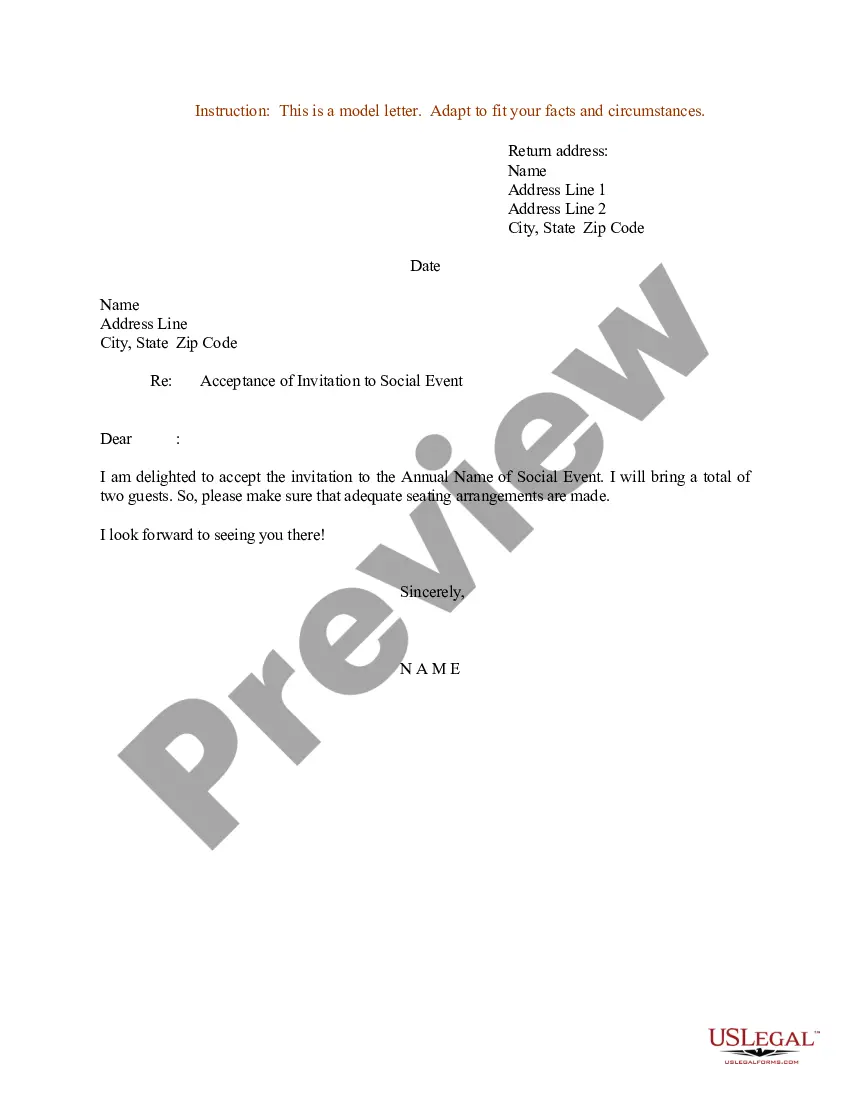
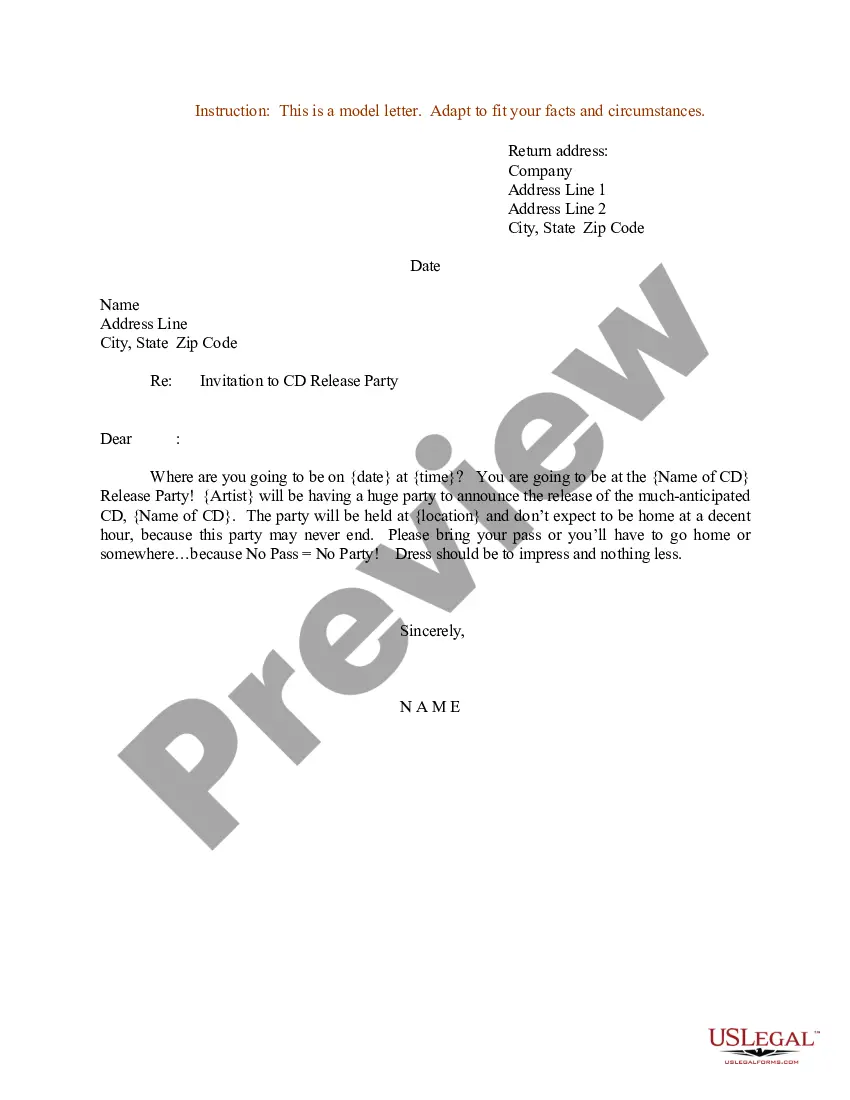
Get your form ready online
Our built-in tools help you complete, sign, share, and store your documents in one place.
Make edits, fill in missing information, and update formatting in US Legal Forms—just like you would in MS Word.
Download a copy, print it, send it by email, or mail it via USPS—whatever works best for your next step.
Sign and collect signatures with our SignNow integration. Send to multiple recipients, set reminders, and more. Go Premium to unlock E-Sign.
If this form requires notarization, complete it online through a secure video call—no need to meet a notary in person or wait for an appointment.
We protect your documents and personal data by following strict security and privacy standards.

Make edits, fill in missing information, and update formatting in US Legal Forms—just like you would in MS Word.

Download a copy, print it, send it by email, or mail it via USPS—whatever works best for your next step.

Sign and collect signatures with our SignNow integration. Send to multiple recipients, set reminders, and more. Go Premium to unlock E-Sign.

If this form requires notarization, complete it online through a secure video call—no need to meet a notary in person or wait for an appointment.

We protect your documents and personal data by following strict security and privacy standards.
Looking for another form?





Form popularity
FAQ
Formal Training Announcement Email Dear Employee Name, We cordially invite you to attend the upcoming training session on Topic, scheduled for Date. This session is a vital component of our commitment to professional development and continuous improvement. Please confirm your attendance by RSVP Date.
Documents to include with your invitation letter Proof of financial support, like bank statements or employment details. Ownership or rental documents for the host's residence. A detailed itinerary of planned activities. Event-related documentation, such as a registration confirmation or program agenda.
Your e-mail invitation should include the same basic details as a print invitation: the occasion for the event. the date and time. duration. location. RSVP or contact details. company or personal social media information. an image that captures the flavor of the event. a catchy invitation phrase.
I'm writing to invite you to a seminar on Seminar Name, which will be held on Date at Time at Location. The seminar will be presented by Speaker's Name, who is a Speaker's Credentials. In this seminar, you will learn about: Topic 1
Dear Name of your participant, You are invited to participate in the event's Name seminar that will be held on Date of the event and begin at Time of the event. The seminar will take place at insert venue. I would greatly appreciate your participation in this event.
Dear Recipient Name, We are pleased to invite you to a webinar/seminar on Topic Name, taking place on Date at Time at Location. This interactive webinar/seminar will help you gain practical knowledge on Topic Name that you can apply to your daily work.
7 Ways to Write Guest Speaker Invitation Emails: Begin with a Polite Greeting. Introduce your Organization. Explain the Purpose of the Event. Highlight the Speaker's Expertise. Offer Logistical Information. Be Courteous and Respectful. Include Contact Information.
Dear Recipient Name, We are pleased to invite you to a webinar/seminar on Topic Name, taking place on Date at Time at Location. This interactive webinar/seminar will help you gain practical knowledge on Topic Name that you can apply to your daily work.
Dear Recipient's Name, I am pleased to invite you to Sender's Company Name's Annual Business Seminar, scheduled to be held on Date at Venue. The seminar will commence at Beginning Time and end by End Time.

