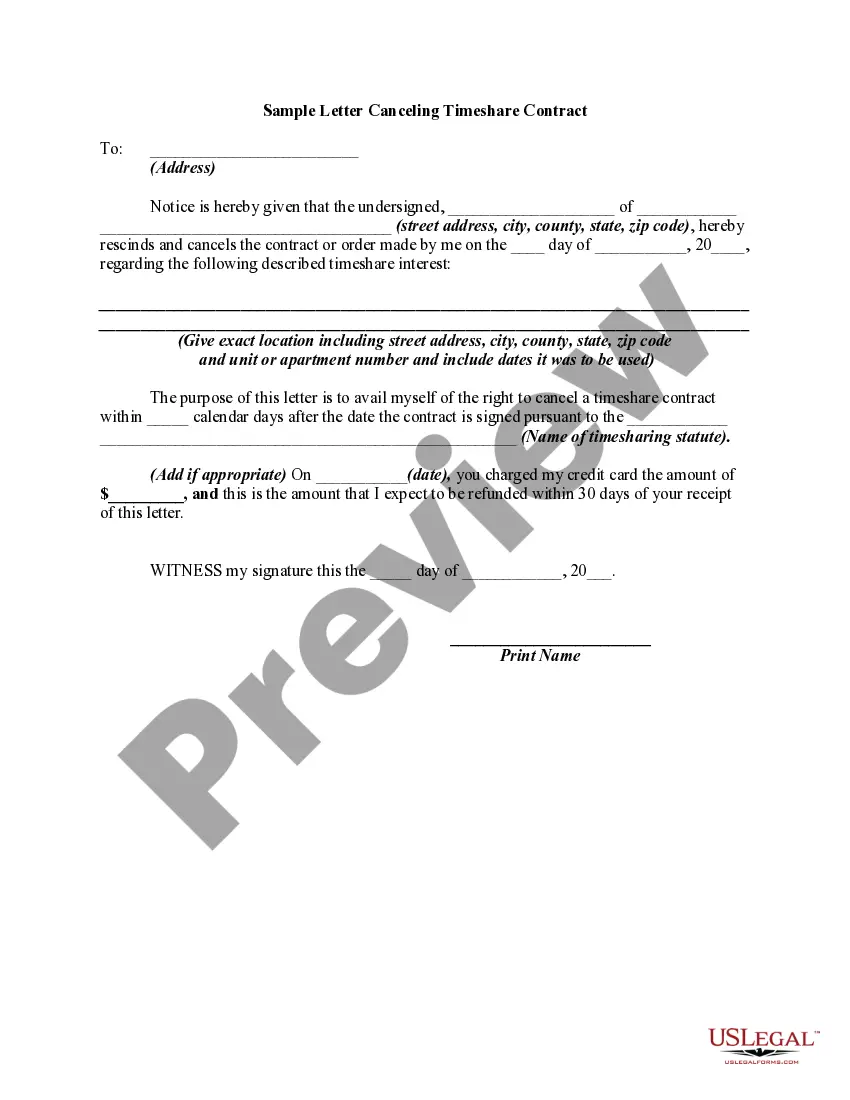
Release Letter Sample With Signature In Ohio
Description

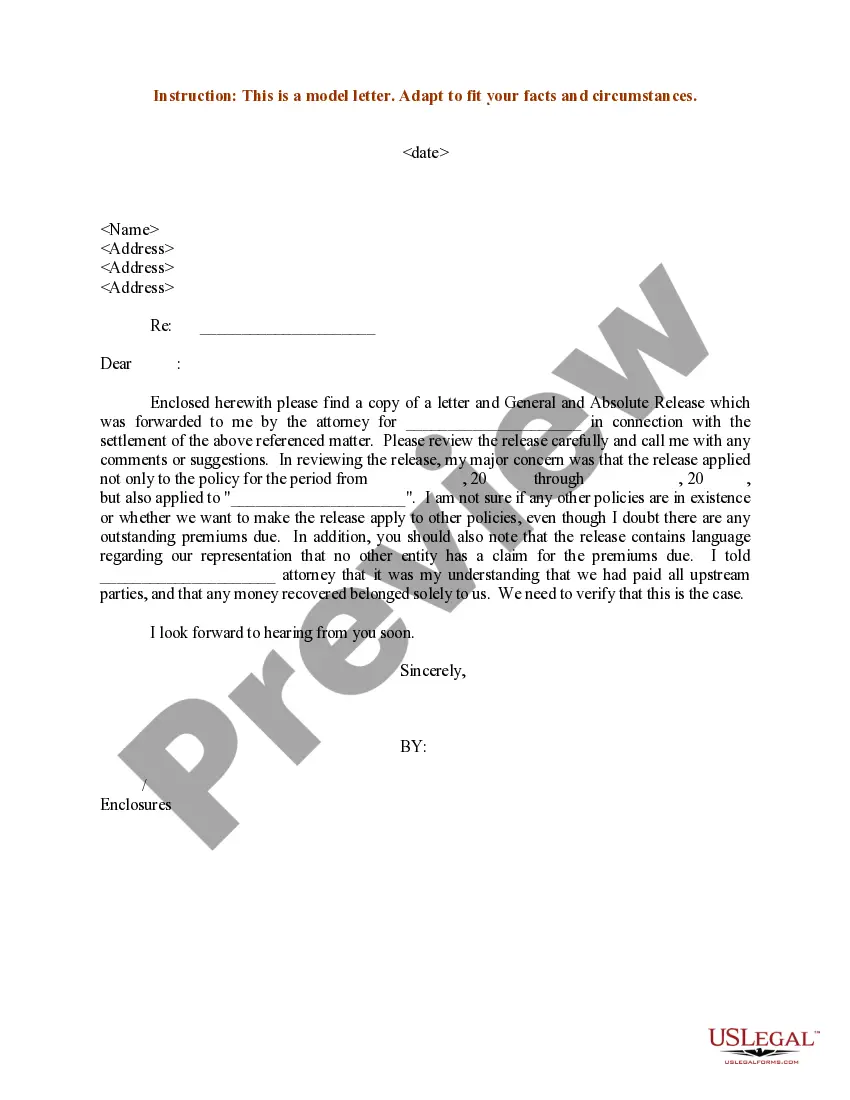
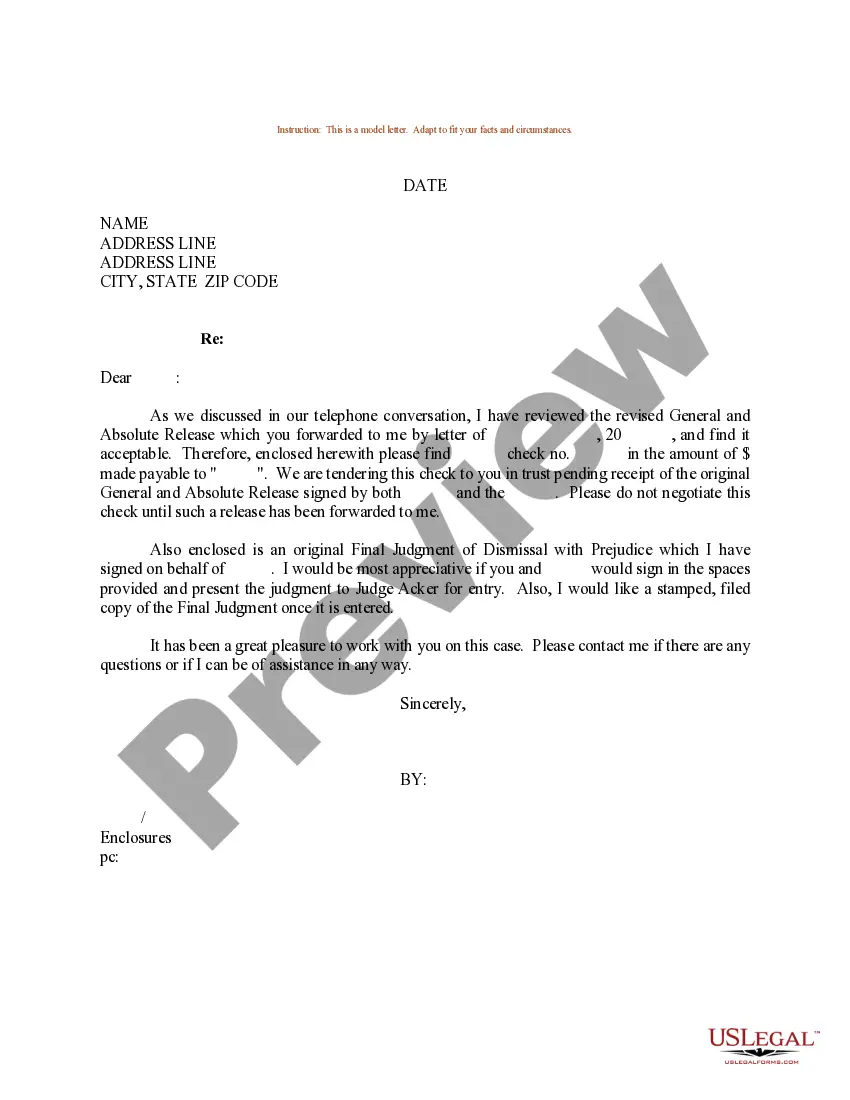
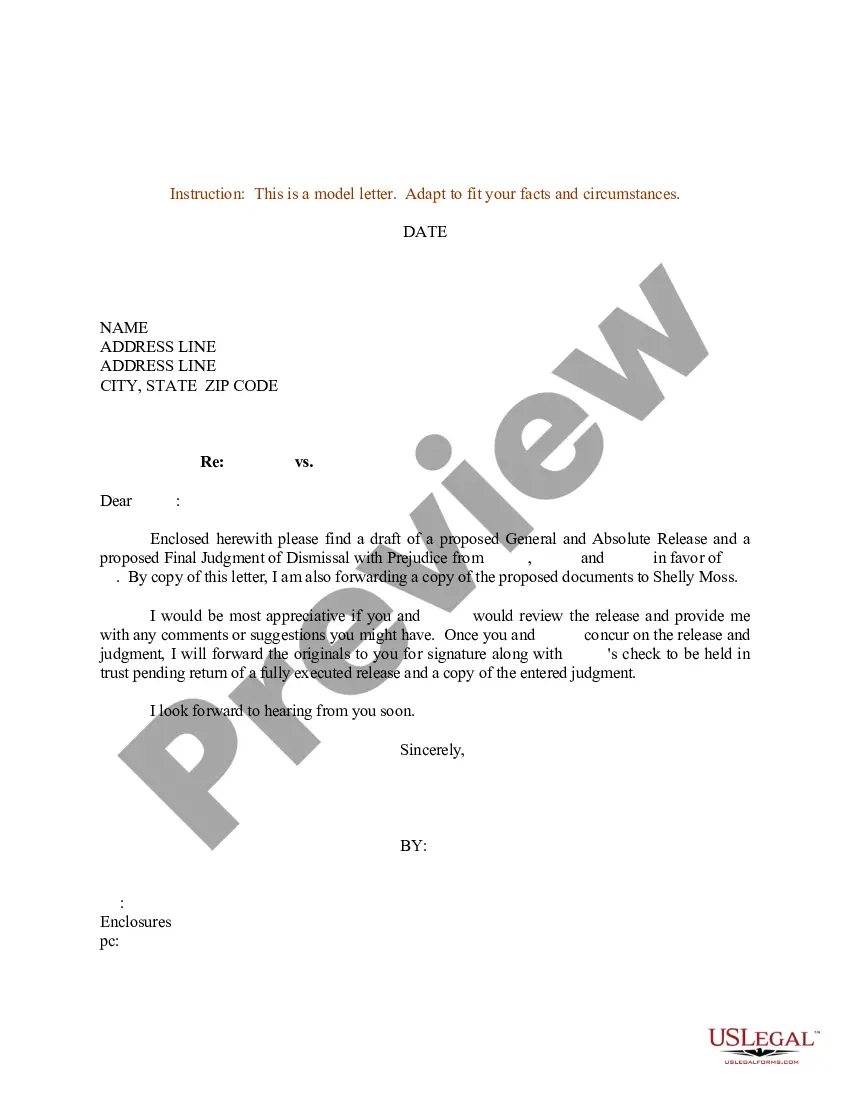
Get your form ready online
Our built-in tools help you complete, sign, share, and store your documents in one place.
Make edits, fill in missing information, and update formatting in US Legal Forms—just like you would in MS Word.
Download a copy, print it, send it by email, or mail it via USPS—whatever works best for your next step.
Sign and collect signatures with our SignNow integration. Send to multiple recipients, set reminders, and more. Go Premium to unlock E-Sign.
If this form requires notarization, complete it online through a secure video call—no need to meet a notary in person or wait for an appointment.
We protect your documents and personal data by following strict security and privacy standards.

Make edits, fill in missing information, and update formatting in US Legal Forms—just like you would in MS Word.

Download a copy, print it, send it by email, or mail it via USPS—whatever works best for your next step.

Sign and collect signatures with our SignNow integration. Send to multiple recipients, set reminders, and more. Go Premium to unlock E-Sign.

If this form requires notarization, complete it online through a secure video call—no need to meet a notary in person or wait for an appointment.

We protect your documents and personal data by following strict security and privacy standards.
Looking for another form?




Form popularity
FAQ
For a Lien Released Manually If your lender does not participate in Ohio's Electronic Lien and Title Program, the lender will mark that the lien was discharged and mail the paper title to you. To remove the lien from BMV records: Take the title to any County Clerk of Courts Title Office.
In order to close your sales tax permit in Ohio, you will need to complete a final return on the Ohio Business Gateway portal by selecting “cancel my account” or by completing the Ohio Business Account Update Form if you already filed your last return.
To cancel your EIN and close your IRS business account, you need to send us a letter that includes: The complete legal name of the business. The business EIN. The business address. The reason you wish to close the account.
To close your business at the state-level of government, you may need to file a dissolution with the Secretary of State as well as close any business accounts you have with the state. There may be more to do at federal and local levels.
Please visit the Gateway and select the CAT Cancel Account transaction, to cancel your CAT account. Alternatively, taxpayers may check the cancellation check box when filing their last return. If unable to cancel using either of these methods, taxpayers may submit a Business Account Update Form to cancel the account.
Call the State of Ohio Department of Taxation to cancel the old Vendor's License at 1-888-405-4039.
Filling Out a Car Title as a Buyer Verify the buyer and seller's names, the sale date, and VIN number are correct. Check the odometer of the car to ensure the mileage on the title is accurate. Search the VIN number on the DMV's site to confirm there's no lien on the car.
Title a Used Motor Vehicle in Ohio with a Paper Title The seller must complete the “assignment of ownership” portion on the back of the title and have their signature(s) notarized. Then present it to the buyer to finalize the transfer.

