Acta Asamblea Extraordinaria Withouta In California
Description

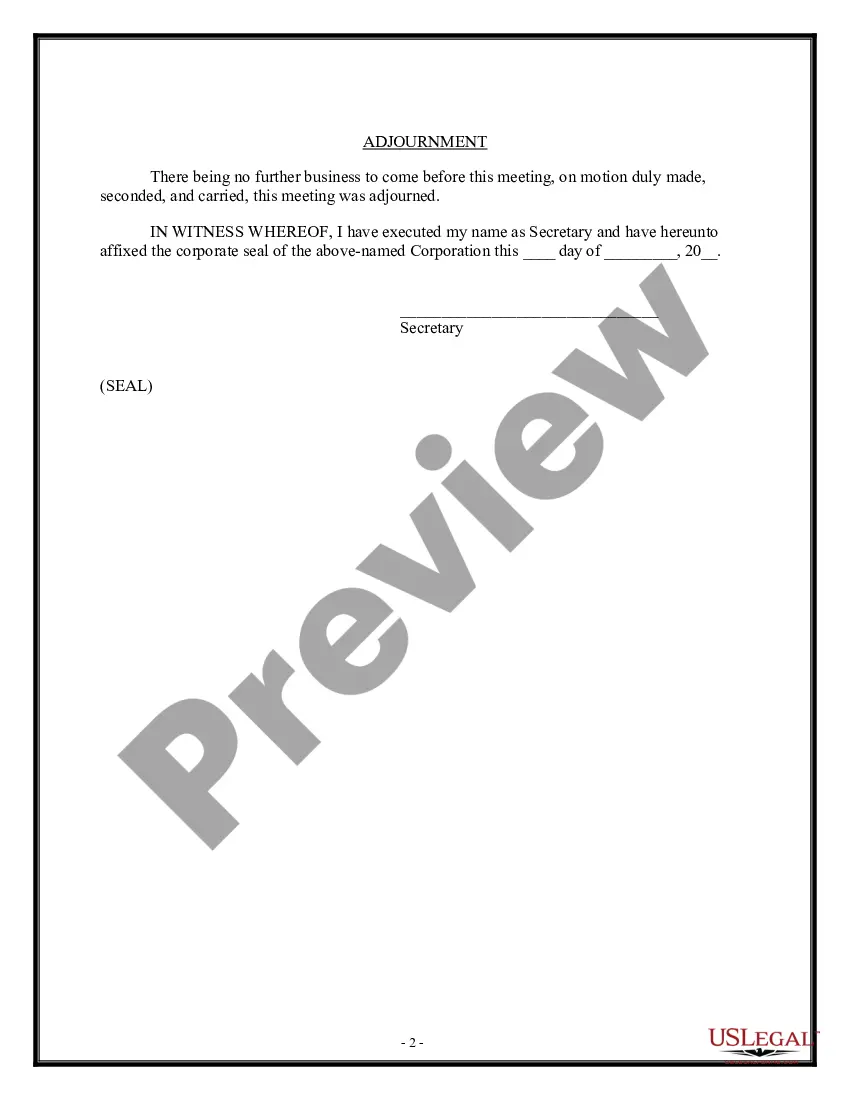
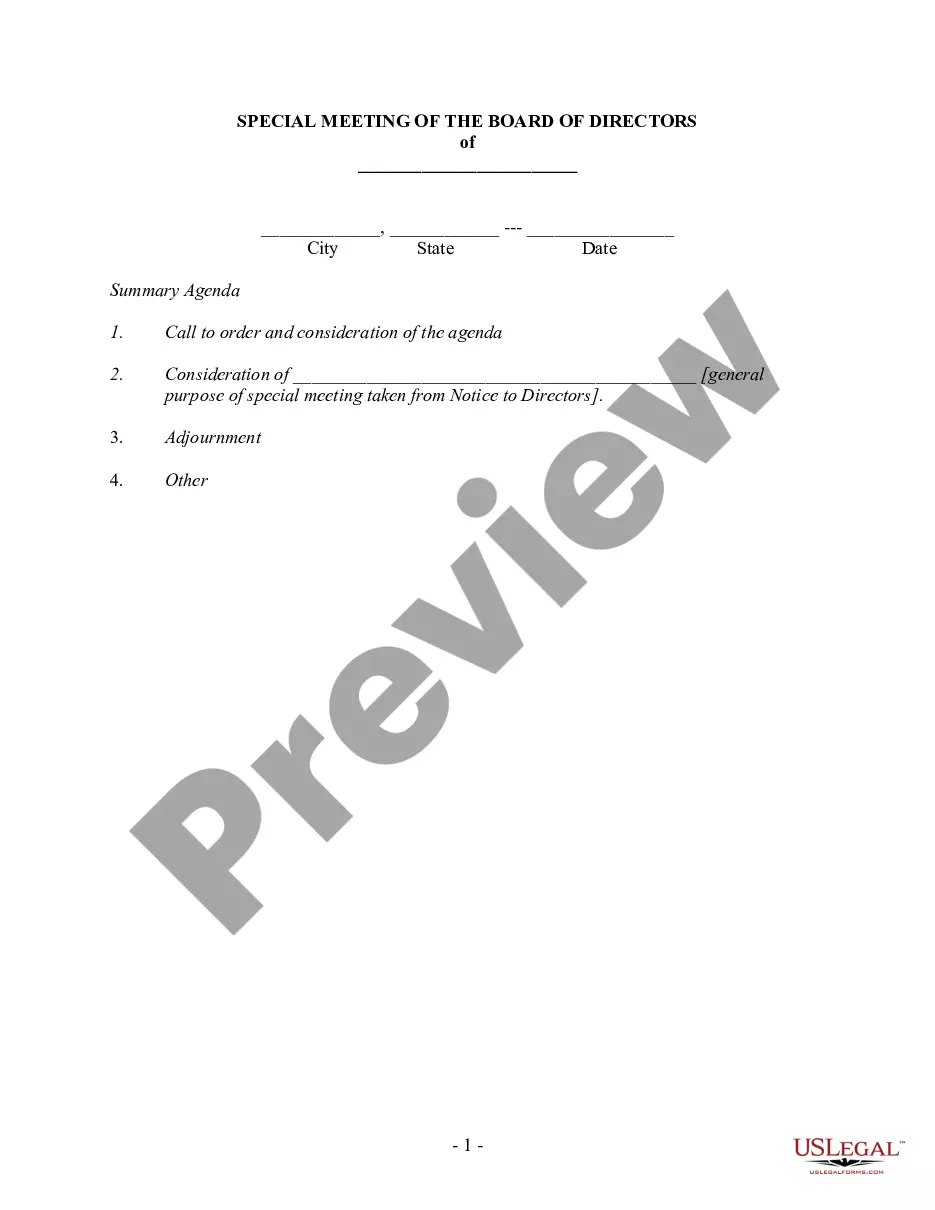


Get your form ready online
Our built-in tools help you complete, sign, share, and store your documents in one place.
Make edits, fill in missing information, and update formatting in US Legal Forms—just like you would in MS Word.
Download a copy, print it, send it by email, or mail it via USPS—whatever works best for your next step.
Sign and collect signatures with our SignNow integration. Send to multiple recipients, set reminders, and more. Go Premium to unlock E-Sign.
If this form requires notarization, complete it online through a secure video call—no need to meet a notary in person or wait for an appointment.
We protect your documents and personal data by following strict security and privacy standards.

Make edits, fill in missing information, and update formatting in US Legal Forms—just like you would in MS Word.

Download a copy, print it, send it by email, or mail it via USPS—whatever works best for your next step.

Sign and collect signatures with our SignNow integration. Send to multiple recipients, set reminders, and more. Go Premium to unlock E-Sign.

If this form requires notarization, complete it online through a secure video call—no need to meet a notary in person or wait for an appointment.

We protect your documents and personal data by following strict security and privacy standards.
Looking for another form?




Form popularity
FAQ
Who can file. Anyone 18 or over can file the forms. You do not need to personally file them. If you file yourself, you can fix any errors on the spot if the clerk points them out.
Although a document must be signed by each party to be considered legally binding, the mere presence of signatures does not guarantee that an agreement is enforceable in court. To be considered a legally binding contract or document, three critical elements must also be present: Subject, Consideration, and Capacity.
Important points to include in a legal document. Party details. List the names, numbers, addresses (email or physical), and any other relevant information of all parties involved. Background information. Motion. Roles and responsibilities. Breaches or contingencies. Dates and signatures.
You can use different font styles (type, size, and color) and increased spacing to visually distinguish your headings from the body text of the document. Delete unnecessary words, sentences, paragraphs, and pages. While writing, seek to only include information that is essential for your audience to know.
To fill out the Request for Dismissal form, start by entering the attorney or party information at the top. Next, indicate whether the dismissal is with or without prejudice, and specify the action being dismissed. Lastly, provide your signature and date to complete the form.
Have Meaningful Organization Categorize by Case or Client. Create a main file for each client or case. Subdivide Files. Divide your files into meaningful categories for easier navigation and understanding. Label Clearly. Use a consistent labeling system. Use Chronological Order.
You or your attorney complete the first page and use attachments for other final orders, like child custody and visitation, child support, spousal or domestic partner support, property division, attorneys fees, and other orders.
You'll want to start with a standard page size (8.5 x 11 inches) with 1-inch margins. Keep the font simple, such as Times New Roman, and avoid the use of color. Remember to break up text with headers and paragraphs for readability.