Email Resignation With Letter Attached In Wake
Description

Get your form ready online
Our built-in tools help you complete, sign, share, and store your documents in one place.
Make edits, fill in missing information, and update formatting in US Legal Forms—just like you would in MS Word.
Download a copy, print it, send it by email, or mail it via USPS—whatever works best for your next step.
Sign and collect signatures with our SignNow integration. Send to multiple recipients, set reminders, and more. Go Premium to unlock E-Sign.
If this form requires notarization, complete it online through a secure video call—no need to meet a notary in person or wait for an appointment.
We protect your documents and personal data by following strict security and privacy standards.

Make edits, fill in missing information, and update formatting in US Legal Forms—just like you would in MS Word.

Download a copy, print it, send it by email, or mail it via USPS—whatever works best for your next step.

Sign and collect signatures with our SignNow integration. Send to multiple recipients, set reminders, and more. Go Premium to unlock E-Sign.

If this form requires notarization, complete it online through a secure video call—no need to meet a notary in person or wait for an appointment.

We protect your documents and personal data by following strict security and privacy standards.
Looking for another form?







Form popularity
FAQ
To Whom It May Concern suggests that your letter or email is addressed to no one in particular. It might be a letter expected to be shown to various people without the expectation of a reply—for example, a letter of reference.
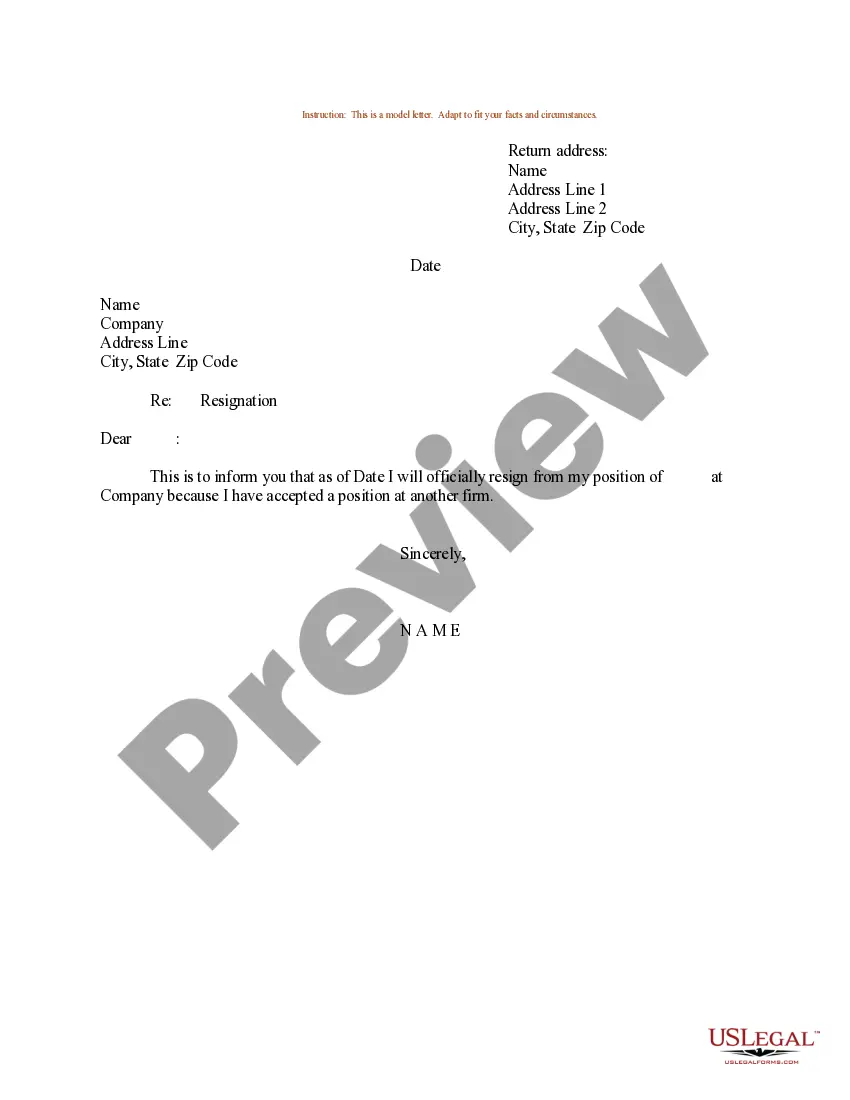
How to write a resignation email Find out who should be the recipient(s). Write a professional subject line. Add all key components of a resignation email. Include a sentence to inform the recipient about the attachment. Attach the full resignation letter in a PDF format. Send a follow-up email.
Wrong. If you're quitting a job, you'll want to do it properly – and that means speaking to your boss or HR team in person (if possible). Email is easy and quick, but it's impersonal.
Button under the job change section choose resign enter resignation details fill out the resignationMoreButton under the job change section choose resign enter resignation details fill out the resignation. Form including your last working. Day provide the reason for for your resignation.
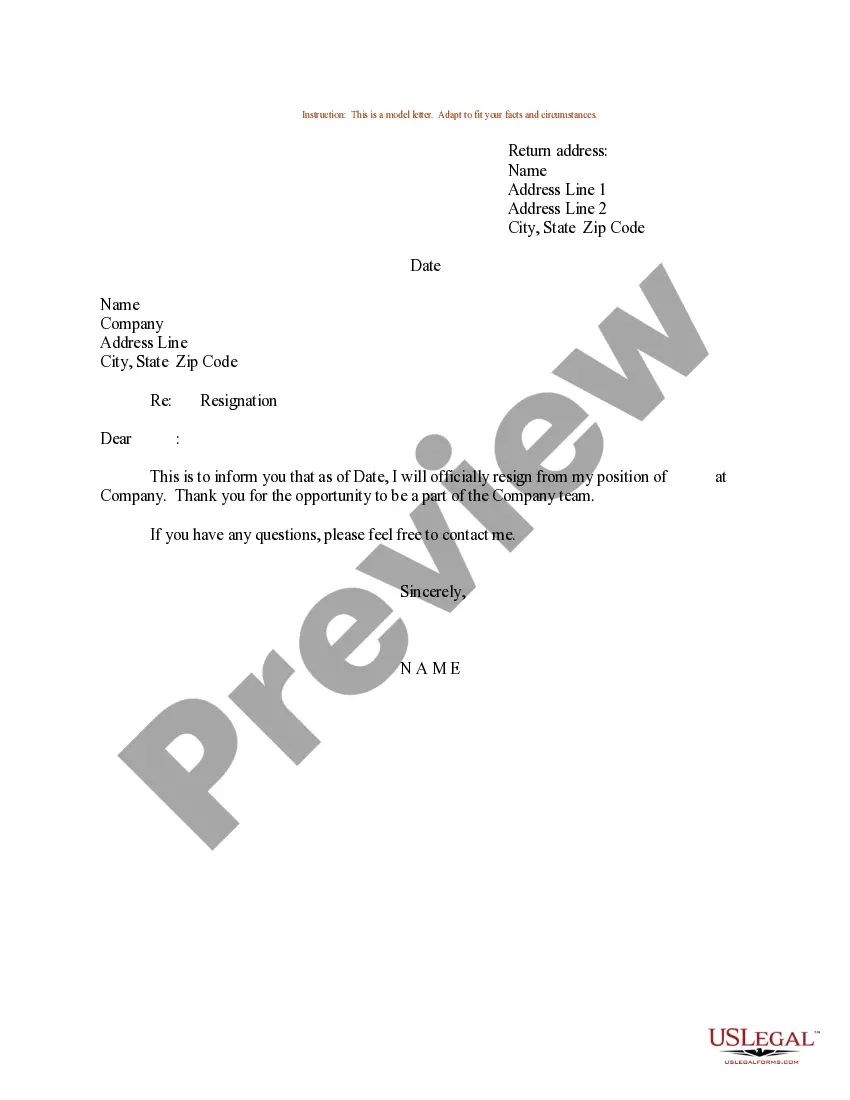
Resignation email: While in-person and on paper is the best way to submit a resignation letter, it's not always possible (e.g., remote workers). In such cases, you can send a resignation email which is a slightly shorter version of your resignation letter.
What to include in a resignation letter A clear statement that expresses your intention to resign. Provide the proper amount of notice. Offer a transition plan. A short explanation about why you're leaving. A polite expression of gratitude. A statement about your immediate departure from the company.
How to write a resignation email Choose a direct and descriptive email subject. Address the recipient professionally. State your intention to resign clearly and concisely. Provide your last working day. Express gratitude. Offer assistance during the transition period. Close the email respectfully.
How to write a resignation email Choose a direct and descriptive email subject. Address the recipient professionally. State your intention to resign clearly and concisely. Provide your last working day. Express gratitude. Offer assistance during the transition period. Close the email respectfully.
You could resign purely over email, but it's not the best option. It's better to speak with your manager face-to-face or in an online meeting before emailing them about your resignation. This is more respectful and helps ensure you maintain a good relationship with the company.
Dear (SUPERVISOR'S NAME): I hope this email finds you well. Please accept this email and the enclosed resignation letter as my formal notice that I will be leaving my position as JOB TITLE at COMPANY NAME in two weeks. This means that my final working day will be MONTH, DAY, YEAR.

