Media - Internet Web Page Permission Form
Overview of this form
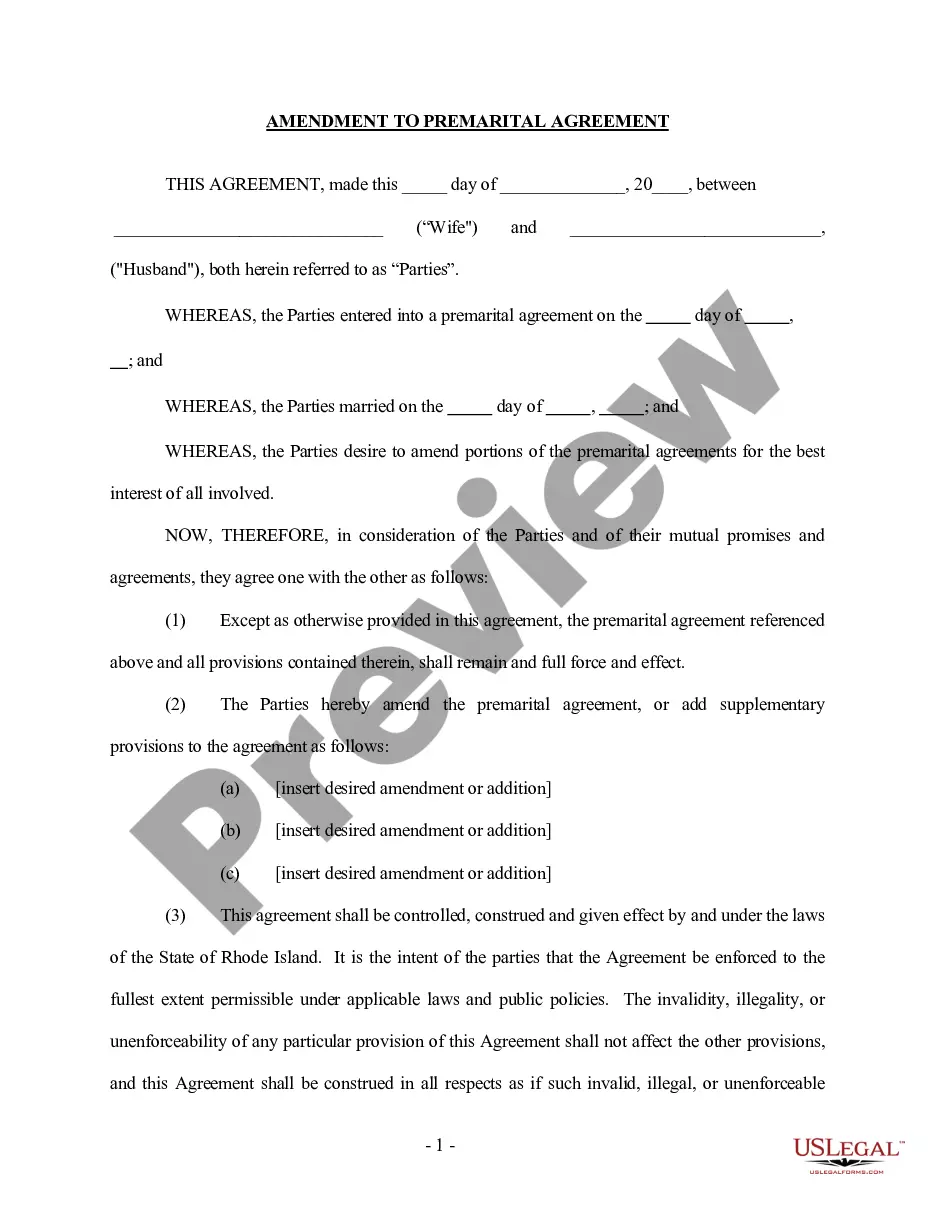
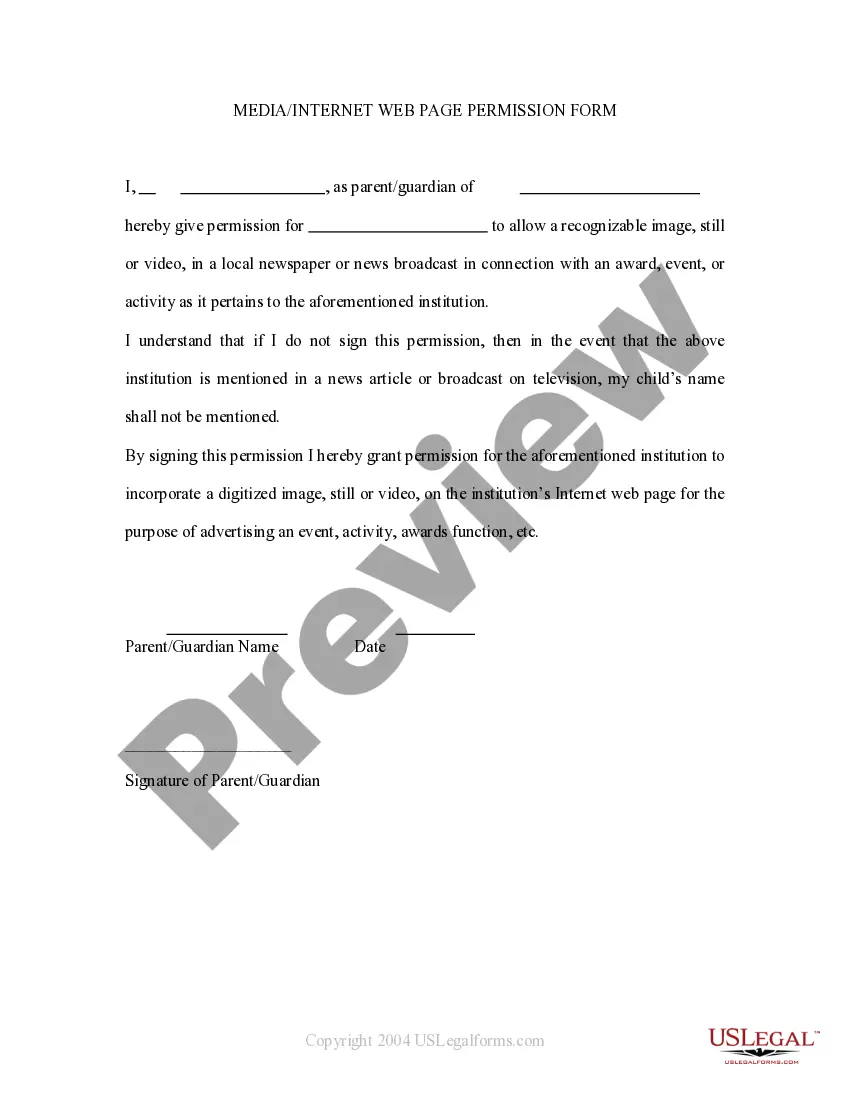
The Media - Internet Web Page Permission Form allows parents or guardians to give consent for their child's name to be mentioned in various forms of media, including newspapers, televised news, and school websites. This form ensures that the child's identity can be publicly recognized, particularly in cases of awards or notable achievements. It is essential for compliance with privacy laws and protocols surrounding the disclosure of minors' information in public media settings.
Form components explained
- Parent or guardian's name and signature, giving permission for media mentions.
- Child's name for which media permission is granted.
- Specific use of the child's name in print and digital formats.
- Conditions under which the permission is valid, including awards or recognitions.
Situations where this form applies
This form should be used when a school or organization needs to recognize a child publicly, such as during award ceremonies or news articles. It is especially relevant if there is a chance that the child's achievements will be highlighted in media coverage. Parents or guardians should complete this form to ensure that consent is properly documented before any media release occurs.
Who needs this form
- Parents or guardians of minors who may receive awards or public recognition.
- Schools or organizations that plan to feature children in media announcements.
- Institutions needing to comply with privacy regulations regarding children's information.
Instructions for completing this form
- Identify the childâs name to be recognized in media.
- Provide the parent or guardianâs name and contact information.
- Review the terms granting permission for specific media mentions.
- Sign and date the form to validate the consent.
- Submit the signed form to the relevant school or organization as required.
Does this form need to be notarized?
This form does not typically require notarization unless specified by local law. Ensure that all relevant parties understand the requirements specific to their jurisdiction.
Get your form ready online
Our built-in tools help you complete, sign, share, and store your documents in one place.
Make edits, fill in missing information, and update formatting in US Legal Forms—just like you would in MS Word.
Download a copy, print it, send it by email, or mail it via USPS—whatever works best for your next step.
Sign and collect signatures with our SignNow integration. Send to multiple recipients, set reminders, and more. Go Premium to unlock E-Sign.
If this form requires notarization, complete it online through a secure video call—no need to meet a notary in person or wait for an appointment.
We protect your documents and personal data by following strict security and privacy standards.

Make edits, fill in missing information, and update formatting in US Legal Forms—just like you would in MS Word.

Download a copy, print it, send it by email, or mail it via USPS—whatever works best for your next step.

Sign and collect signatures with our SignNow integration. Send to multiple recipients, set reminders, and more. Go Premium to unlock E-Sign.

If this form requires notarization, complete it online through a secure video call—no need to meet a notary in person or wait for an appointment.

We protect your documents and personal data by following strict security and privacy standards.
Common mistakes to avoid
- Not providing all required personal information.
- Failure to sign and date the form, which makes it invalid.
- Overlooking the specifics of media types covered by the permission.
Why complete this form online
- Convenient access to download and complete the form from anywhere.
- Editable templates allow for quick customization.
- Reliable legal language is drafted by licensed attorneys, ensuring compliance.
Quick recap
- The Media - Internet Web Page Permission Form is essential for parents who wish to allow their child's name to be used in public media contexts.
- It is crucial to understand the implications of granting or denying permissions outlined in the form.
- Using this form helps manage your child's public recognition responsibly.
Looking for another form?


Form popularity
FAQ
There are mainly three types of media such as the internet, broadcast media, and printed media.
LONDON/WASHINGTON: Watching television remains the dominant media pastime among consumers worldwide, with the average claimed daily viewing time reaching three hours and 20 minutes, according to research from TGI across a number of major markets.
Media in the United States comprises several different types of widespread communication: television, radio, cinema, newspapers, magazines, and Internet-based websites (especially blogs).
Media can be classified into four types: Print Media (Newspapers, Magazines) Broadcast Media (TV, Radio) Outdoor or Out of Home (OOH) Media.
Print Media (Magazines, Newspapers) Broadcast Media (TV, Radio) Out of Home (OOH) Media. Internet.
Modern media comes in many different formats, including print media (books, magazines, newspapers), television, movies, video games, music, cell phones, various kinds of software, and the Internet.
There are mainly three types of media such as the internet, broadcast media, and printed media.
The main types of mass media are newspapers, magazines, television, public broadcasting, commercial radio, music, films, and books.