Accepted Resignation With Regret
Description
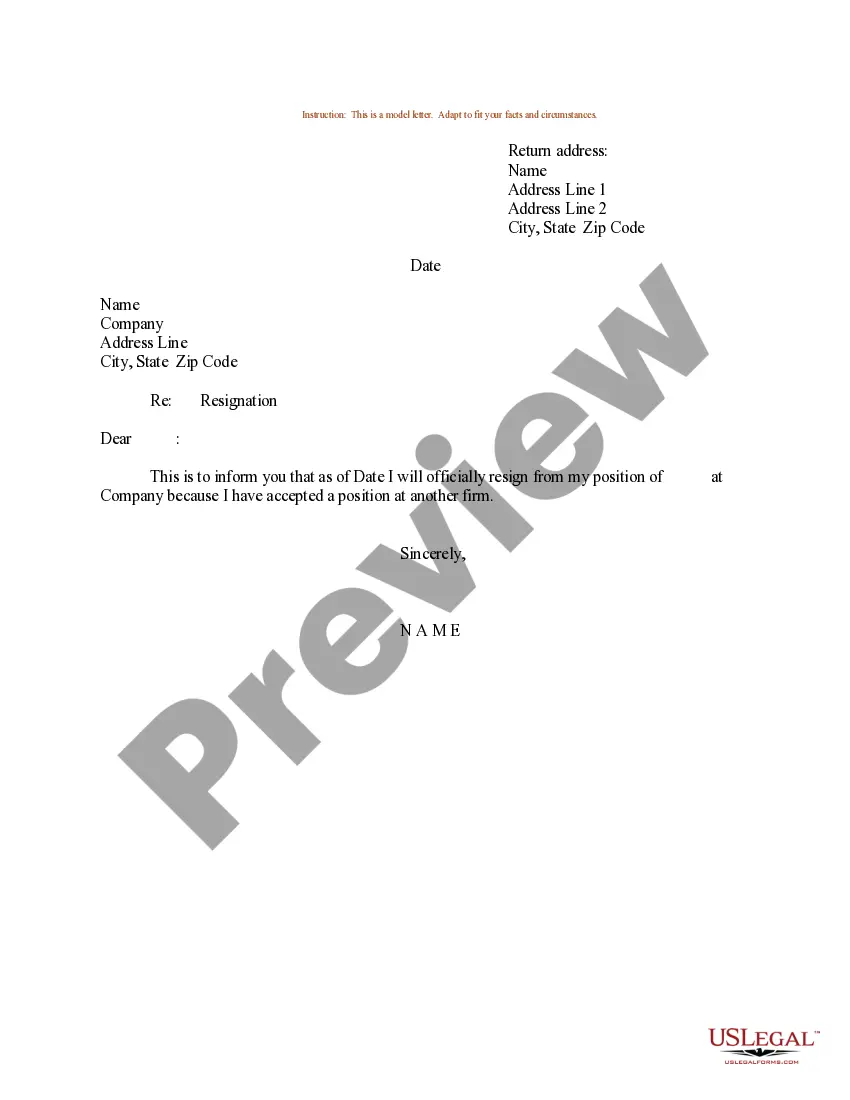
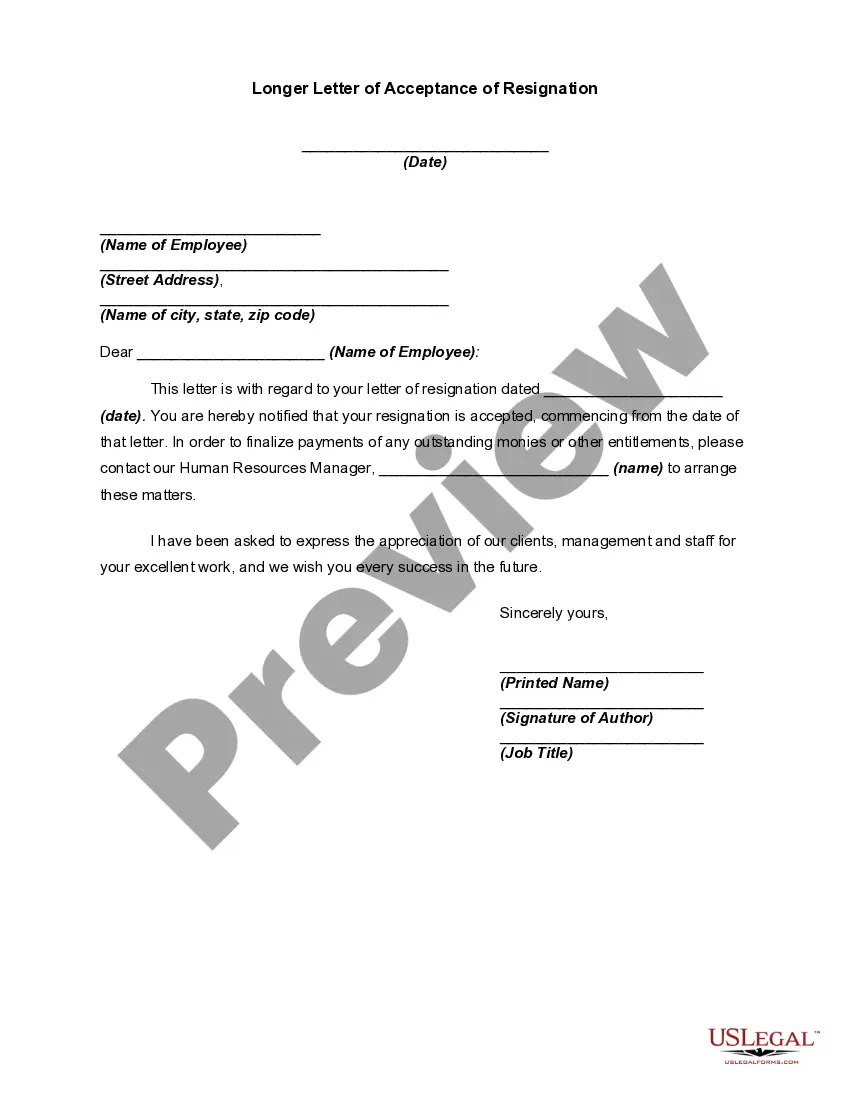
Get your form ready online
Our built-in tools help you complete, sign, share, and store your documents in one place.
Make edits, fill in missing information, and update formatting in US Legal Forms—just like you would in MS Word.
Download a copy, print it, send it by email, or mail it via USPS—whatever works best for your next step.
Sign and collect signatures with our SignNow integration. Send to multiple recipients, set reminders, and more. Go Premium to unlock E-Sign.
If this form requires notarization, complete it online through a secure video call—no need to meet a notary in person or wait for an appointment.
We protect your documents and personal data by following strict security and privacy standards.

Make edits, fill in missing information, and update formatting in US Legal Forms—just like you would in MS Word.

Download a copy, print it, send it by email, or mail it via USPS—whatever works best for your next step.

Sign and collect signatures with our SignNow integration. Send to multiple recipients, set reminders, and more. Go Premium to unlock E-Sign.

If this form requires notarization, complete it online through a secure video call—no need to meet a notary in person or wait for an appointment.

We protect your documents and personal data by following strict security and privacy standards.
Looking for another form?

How to fill out Sample Letter For Acceptance Of Resignation - Expression Of Sadness By Employer Because Of Departure?
Managing legal documents and processes can be a labor-intensive addition to your day.
Accepted Resignation With Regret and similar forms frequently require you to search for them and grasp how to fill them out accurately.
Therefore, if you are addressing financial, legal, or personal issues, having an all-encompassing and user-friendly online directory of forms readily available will significantly help.
US Legal Forms stands as the premier online resource of legal templates, providing over 85,000 state-specific forms along with various tools that will assist you in completing your documents with ease.
Is this your first time using US Legal Forms? Create an account in just a few minutes to gain access to the form directory and Accepted Resignation With Regret. Then, follow the steps below to complete your form.
- Explore the collection of relevant documents accessible with just one click.
- US Legal Forms supplies state- and county-specific forms available for download at any moment.
- Safeguard your document management processes with a superior service that enables you to prepare any form within minutes, with no extra or concealed charges.
- Simply Log In to your account, locate Accepted Resignation With Regret, and download it immediately from the My documents section.
- You can also access forms you have previously downloaded.
Form popularity
FAQ
To file a complaint against a home improvement contractor call the Commonwealth of Massachusetts Office of Consumer Affairs and Business Regulation at (617) 973-8900.
If you would like to report a possible breach of the consumer protection provision by a licensed residential builder or applicant for a new residential builder licence, call our Licensing & Consumer Services department at 604-646-7050 or email us at licensinginfo@bchousing.org.
The Rhode Island attorney general's office urges homeowners with building contractor problems to contact the state Contractors' Registration Board to make sure a contractor is licensed. The board can be reached at (401) 222-1270 or through its' website, which you can visit by clicking here.
Search a Rhode Island Secretary of State Business ID #. $150 registration fee.
The Rhode Island attorney general's office urges homeowners with building contractor problems to contact the state Contractors' Registration Board to make sure a contractor is licensed. The board can be reached at (401) 222-1270 or through its' website, which you can visit by clicking here.
Rhode Island law requires that any person or entity in the business of residential and/or commercial construction, including alterations, remodeling, or repairs be registered with the Contractors' Registration and Licensing Board.
Designation of Status as an Independent Contractor Online Form. This form clarifies the relationship between a contractor and the business hiring the contractor. Submitting this form means that the contractor is not an employee of the hiring business for workers' compensation purposes.
Rhode Island law requires that any person or entity in the business of residential and/or commercial construction, including alterations, remodeling, or repairs be registered with the Contractors' Registration and Licensing Board.
