Construction Law And Contract In North Carolina
Description


Get your form ready online
Our built-in tools help you complete, sign, share, and store your documents in one place.
Make edits, fill in missing information, and update formatting in US Legal Forms—just like you would in MS Word.
Download a copy, print it, send it by email, or mail it via USPS—whatever works best for your next step.
Sign and collect signatures with our SignNow integration. Send to multiple recipients, set reminders, and more. Go Premium to unlock E-Sign.
If this form requires notarization, complete it online through a secure video call—no need to meet a notary in person or wait for an appointment.
We protect your documents and personal data by following strict security and privacy standards.

Make edits, fill in missing information, and update formatting in US Legal Forms—just like you would in MS Word.

Download a copy, print it, send it by email, or mail it via USPS—whatever works best for your next step.

Sign and collect signatures with our SignNow integration. Send to multiple recipients, set reminders, and more. Go Premium to unlock E-Sign.

If this form requires notarization, complete it online through a secure video call—no need to meet a notary in person or wait for an appointment.

We protect your documents and personal data by following strict security and privacy standards.
Looking for another form?






Form popularity
FAQ
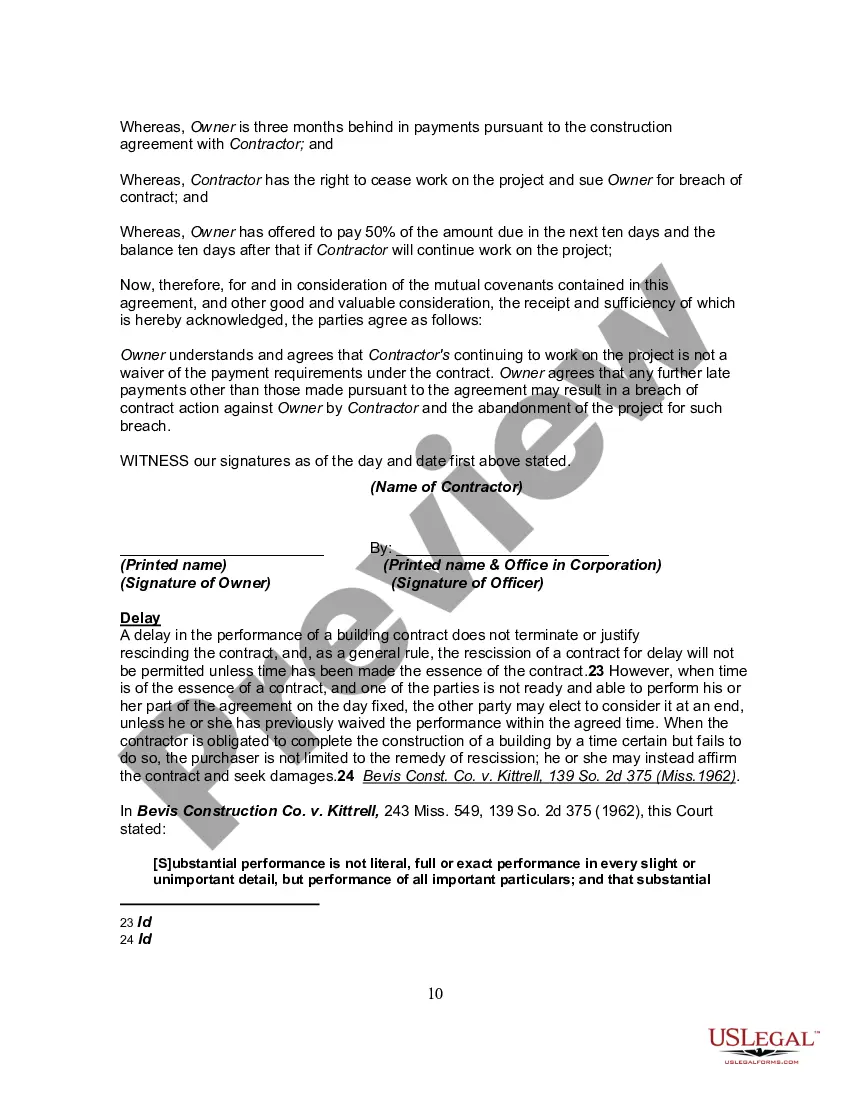
Specify governing law. Identify the working relationship. Clearly define the scope of work. Specify what benefits, if any, the contractor will receive. Assign intellectual property. Include confidentiality clauses. Include a termination clause.
The IRS requires contractors to fill out a Form W-9, a request for a Taxpayer Identification Number and Certification, which you should keep on file for at least four years after the hiring. This form is used to request the correct name and Taxpayer Identification Number, or TIN, of the worker or their entity.
Acceptance of an offer: After one party makes an offer, it's up to the other party to accept it. If someone offers you $600 to walk their dogs, for example, you enter into a contractual agreement the moment you accept their offer in exchange for your services.
Write the contract in six steps Start with a contract template. Open with the basic information. Describe in detail what you have agreed to. Include a description of how the contract will be ended. Write into the contract which laws apply and how disputes will be resolved. Include space for signatures.
North Carolina grants owners an exemption to act as their own general contractor if they meet the following requirements. The property MUST be listed in your name. The property CANNOT be for rent, lease or sale for one year after the project is completed.
Anything below $40,000 as of October 1st, 2023, is fine. You don't have to have a general contractor license in the state of North Carolina to do any sort of work that would be qualified as a general contracting type job.
North Carolina grants owners an exemption to act as their own general contractor if they meet the following requirements. The property MUST be listed in your name. The property CANNOT be for rent, lease or sale for one year after the project is completed.
You can get a permit to do electrical work on your residence provided: You own and live in the house (must show proof) You sign an affidavit of ownership and terms of permits and inspections. The house is not for sale or lease at the time of the request.
Yes, a homeowner can act as a general contractor (GC) for their own construction or renovation projects, but there are several considerations to keep in mind: Legal Requirements: Many states and local jurisdictions have specific licensing requirements for general contractors.
Before you start your general contracting business, make sure you comply with North Carolina general contractor license requirements. An NC general contractor license is required for any project $30,000 or more. Navigating the North Carolina Licensing Board for General Contractors can be confusing.
