Agreement Arbitration Document With Employer In Suffolk
Description

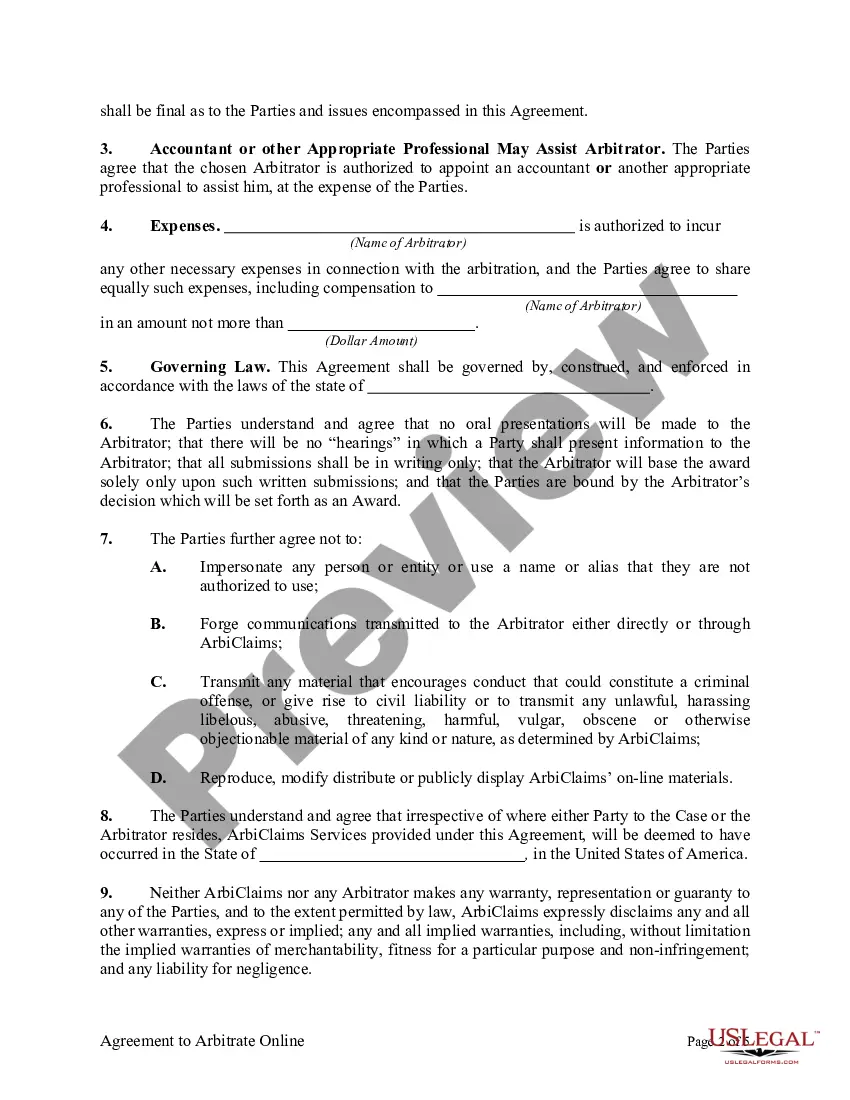
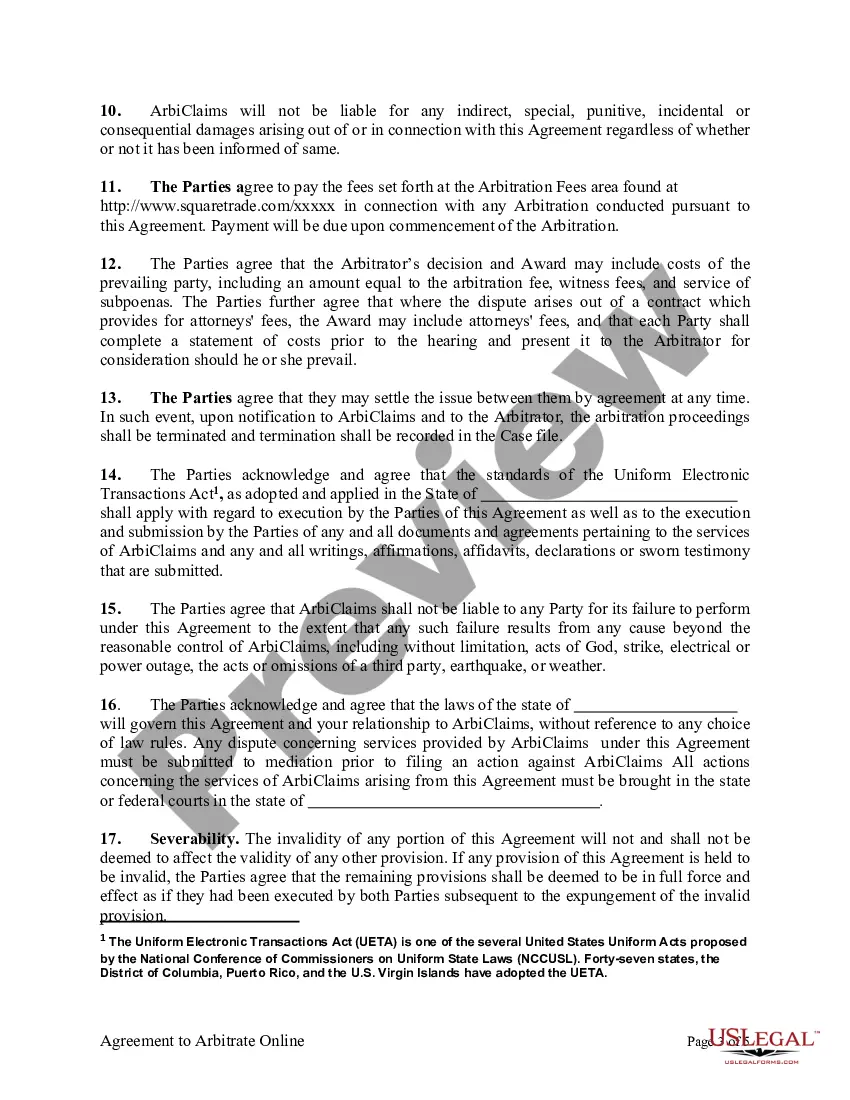




Get your form ready online
Our built-in tools help you complete, sign, share, and store your documents in one place.
Make edits, fill in missing information, and update formatting in US Legal Forms—just like you would in MS Word.
Download a copy, print it, send it by email, or mail it via USPS—whatever works best for your next step.
Sign and collect signatures with our SignNow integration. Send to multiple recipients, set reminders, and more. Go Premium to unlock E-Sign.
If this form requires notarization, complete it online through a secure video call—no need to meet a notary in person or wait for an appointment.
We protect your documents and personal data by following strict security and privacy standards.

Make edits, fill in missing information, and update formatting in US Legal Forms—just like you would in MS Word.

Download a copy, print it, send it by email, or mail it via USPS—whatever works best for your next step.

Sign and collect signatures with our SignNow integration. Send to multiple recipients, set reminders, and more. Go Premium to unlock E-Sign.

If this form requires notarization, complete it online through a secure video call—no need to meet a notary in person or wait for an appointment.

We protect your documents and personal data by following strict security and privacy standards.
Looking for another form?



Form popularity
FAQ
In these agreements, the employer and employee agree to resolve any employment-related dispute through a binding arbitration as opposed to a jury trial.
FINRA requires investors and other parties to file their arbitration claims via the DR Portal—except for investors representing themselves, who have the option to file by mail. If you are new to the DR Portal, please create an account. Login to the DR Portal and select “File a New Arbitration Claim” in the left column.
A claimant will typically start arbitration by sending a document known as a “request for arbitration” or a “notice to arbitrate” to its opponent.
The Scope of the Clause. This section of the clause is critical; it sets the boundaries for which disputes the tribunal is authorised to determine. Choice of Rules. The Number of Arbitrators. Appointing Authority. Choice of Venue. The language of the proceedings. Finality. Exclusion of the right of appeal.
After drafting the Motion to Compel Arbitration, you'll need to file it with the court clerk. You can do this in person or let an attorney do it for you if you have one. Filing requirements vary from one court to another; you need to consult with the court clerk about local rules for filing that apply to your case.
File online using the New York Insurance ADR Center online version of the Arbitration Request form (AAA Form AR1). Upload documents stored on your desktop. In addition, the successful submission of a case in ADR Center immediately generates a case number that will assist the filer with tracking the status of the case.
Arbitration agreements require that persons who signed them resolve any disputes by binding arbitration, rather than in court before a judge and/or jury. What is binding arbitration? Binding arbitration involves the submission of a dispute to a neutral party who hears the case and makes a decision.
In order to request an arbitration hearing before the Florida New Motor Vehicle Arbitration Board, you must complete the Request for Arbitration form and send it, along with copies of all documents requested in the form, to the Office of the Attorney General, Lemon Law Arbitration Screening, PL-01, The Capitol, ...
In forced arbitration, a company requires a consumer or employee to submit any dispute that may arise to binding arbitration as a condition of employment or buying a product or service. The employee or consumer is required to waive their right to sue, to participate in a class action lawsuit, or to appeal.
Arbitration is best for cases where the parties want another person to decide the outcome of their dispute but would like to avoid the formality, time, and expense of a trial.
