Acta De Asamblea De Formalidades Especiales In Michigan
Description

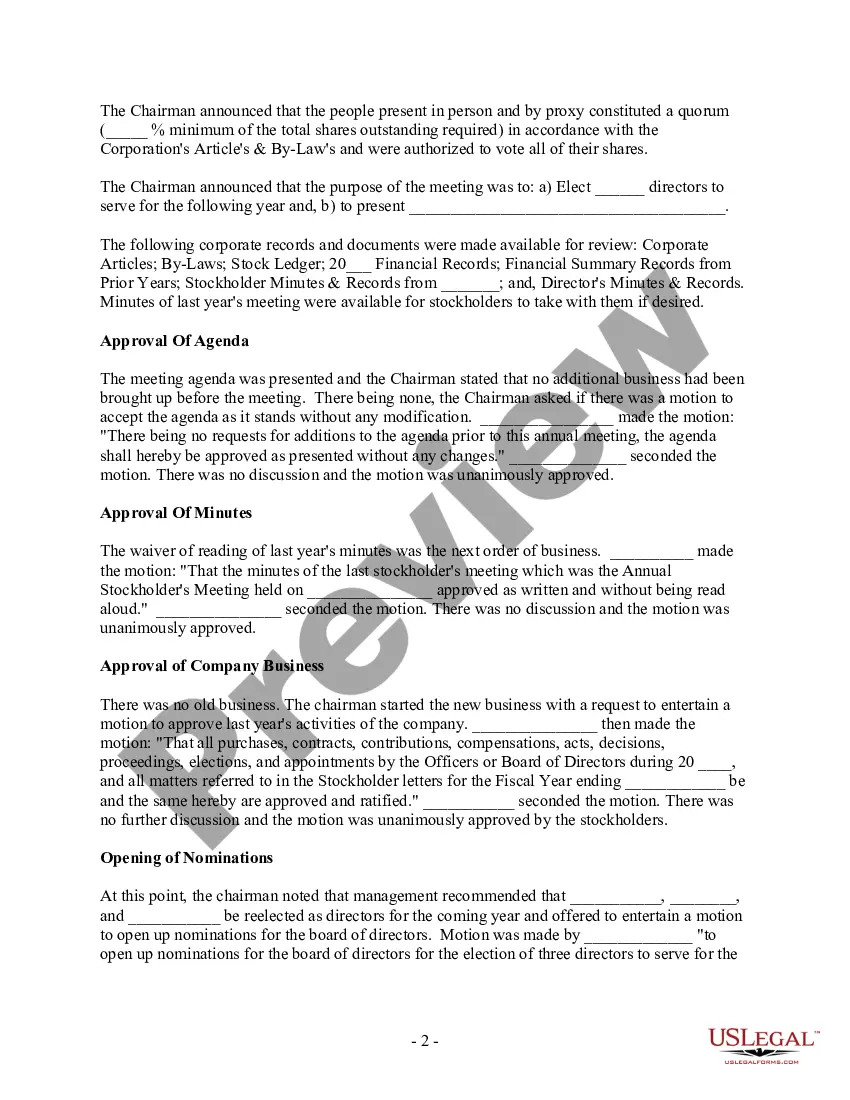
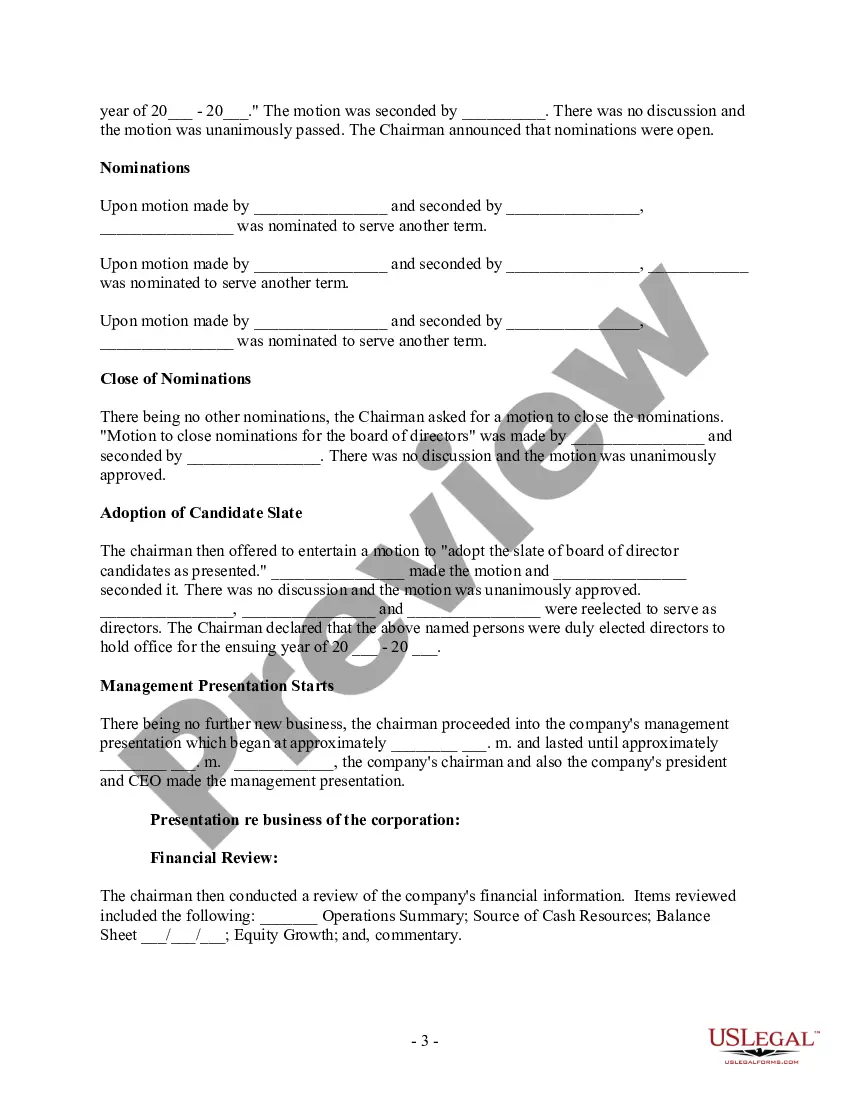
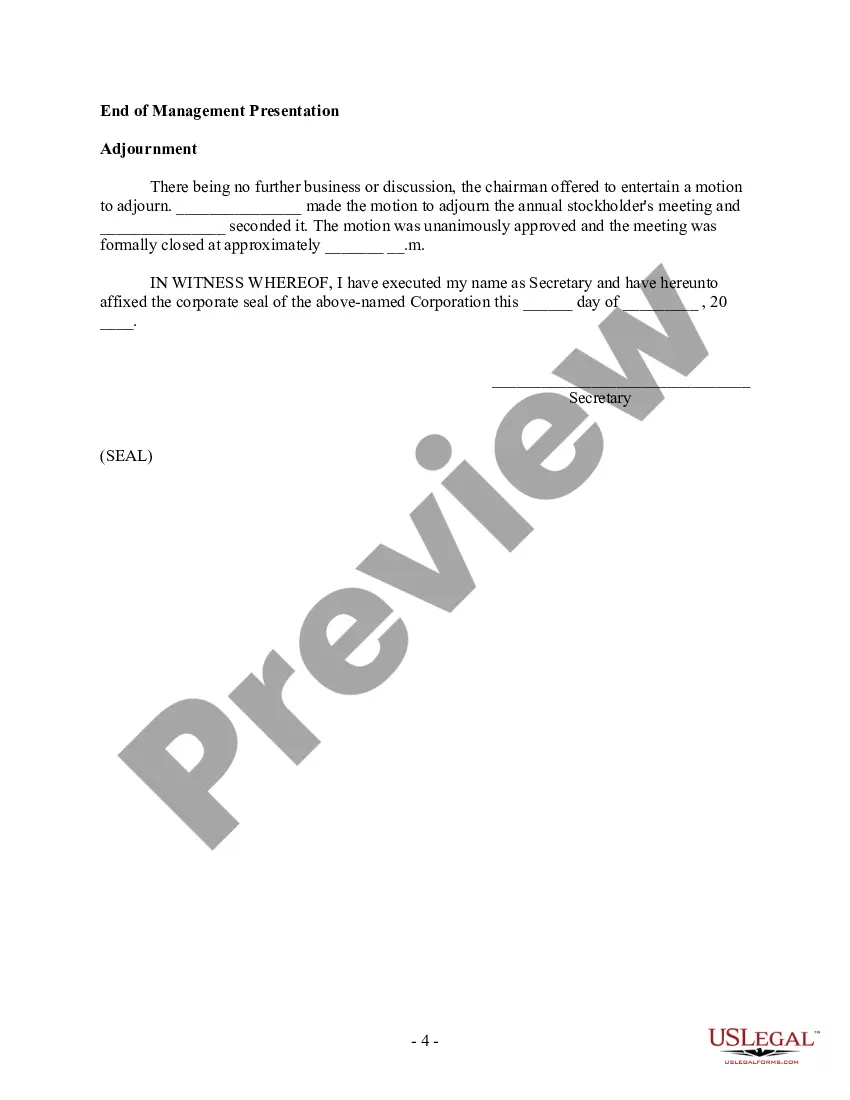



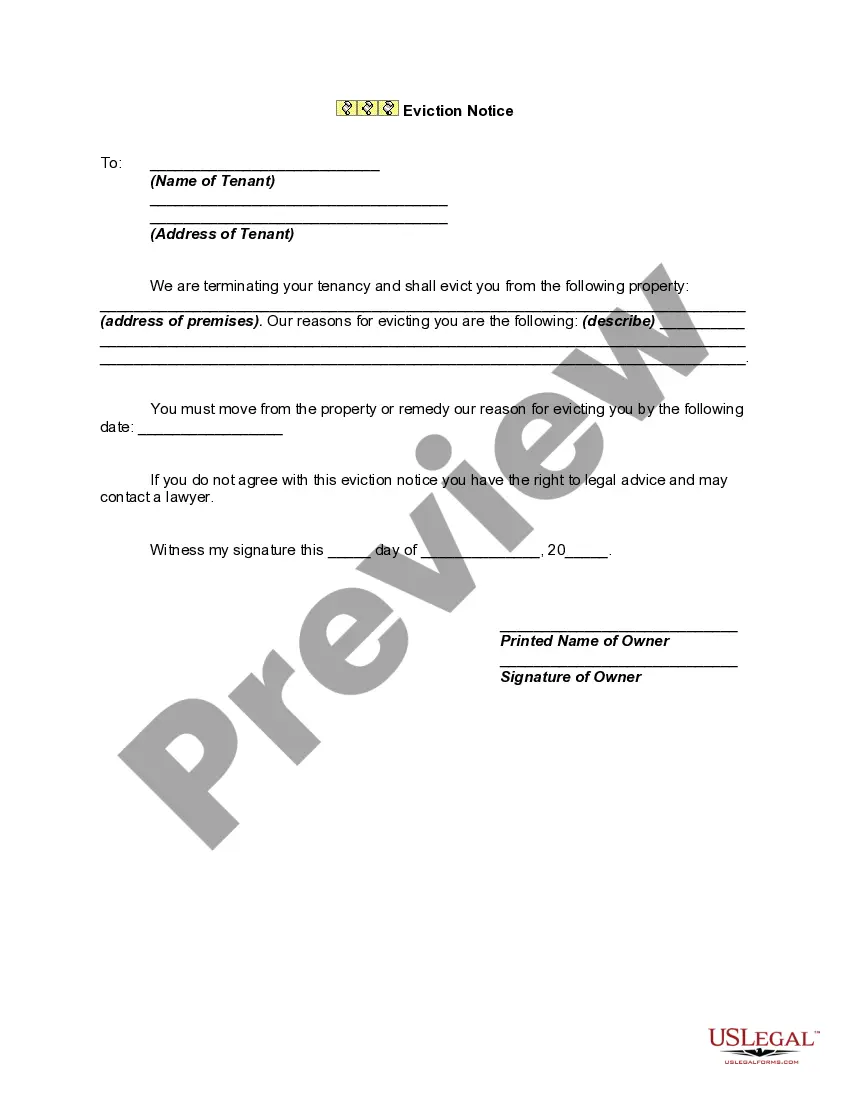
Get your form ready online
Our built-in tools help you complete, sign, share, and store your documents in one place.
Make edits, fill in missing information, and update formatting in US Legal Forms—just like you would in MS Word.
Download a copy, print it, send it by email, or mail it via USPS—whatever works best for your next step.
Sign and collect signatures with our SignNow integration. Send to multiple recipients, set reminders, and more. Go Premium to unlock E-Sign.
If this form requires notarization, complete it online through a secure video call—no need to meet a notary in person or wait for an appointment.
We protect your documents and personal data by following strict security and privacy standards.

Make edits, fill in missing information, and update formatting in US Legal Forms—just like you would in MS Word.

Download a copy, print it, send it by email, or mail it via USPS—whatever works best for your next step.

Sign and collect signatures with our SignNow integration. Send to multiple recipients, set reminders, and more. Go Premium to unlock E-Sign.

If this form requires notarization, complete it online through a secure video call—no need to meet a notary in person or wait for an appointment.

We protect your documents and personal data by following strict security and privacy standards.
Looking for another form?





Form popularity
FAQ
Things You Should Know Write your legal argument by stating the rule and explaining how your facts apply to it. Then, add your signature, a Certificate of Service, and a Notice of Hearing. File your motion with the clerk of court overseeing your case. Then, give copies to each defendant.
A proof of service is, in almost all instances, required to be attached to documents that you are filing with the Court. This document is “proof” to the Court of the “service” you completed for the document you are filing.
File your Motion and the copies with the court clerk's office in the court where your case was heard. File a copy of the proposed order with your Motion. Contact your court to find out which filing methods are available. Depending on your court, you may be able to file electronically.
A subpoena must: (1) be entitled in the name of the People of the State of Michigan; (2) be imprinted with the seal of the Supreme Court of Michigan; (3) have typed or printed on it the name of the court in which the matter is pending; (4) state the place where the trial or hearing is scheduled; (5) state the title of ...
If you want to file a motion, the process is generally something like this: You write your motion. You file your motion with the court clerk. The court clerk inserts the date and time your motion will be heard by the judge. You “serve” (mail) your motion to the other side.
Here's how: Complete the subpoena form. Prepare a declaration under penalty of perjury. Briefly describe the documents you need and why they are necessary to prove issues involved in the case. Have a subpoena issued by the small claims clerk.
The State Court Administrative Office (SCAO) is the administrative agency of the Michigan Supreme Court.
If you have a case pending, you cannot issue a subpoena unless you are a lawyer; you must instead request the court to issue one on your behalf. If there is no case pending, you might be better served filing a request under the Freedom of Information Act.
A subpoena must: (1) be entitled in the name of the People of the State of Michigan; (2) be imprinted with the seal of the Supreme Court of Michigan; (3) have typed or printed on it the name of the court in which the matter is pending; (4) state the place where the trial or hearing is scheduled; (5) state the title of ...
