Meeting Minutes Form Format Excel
Description

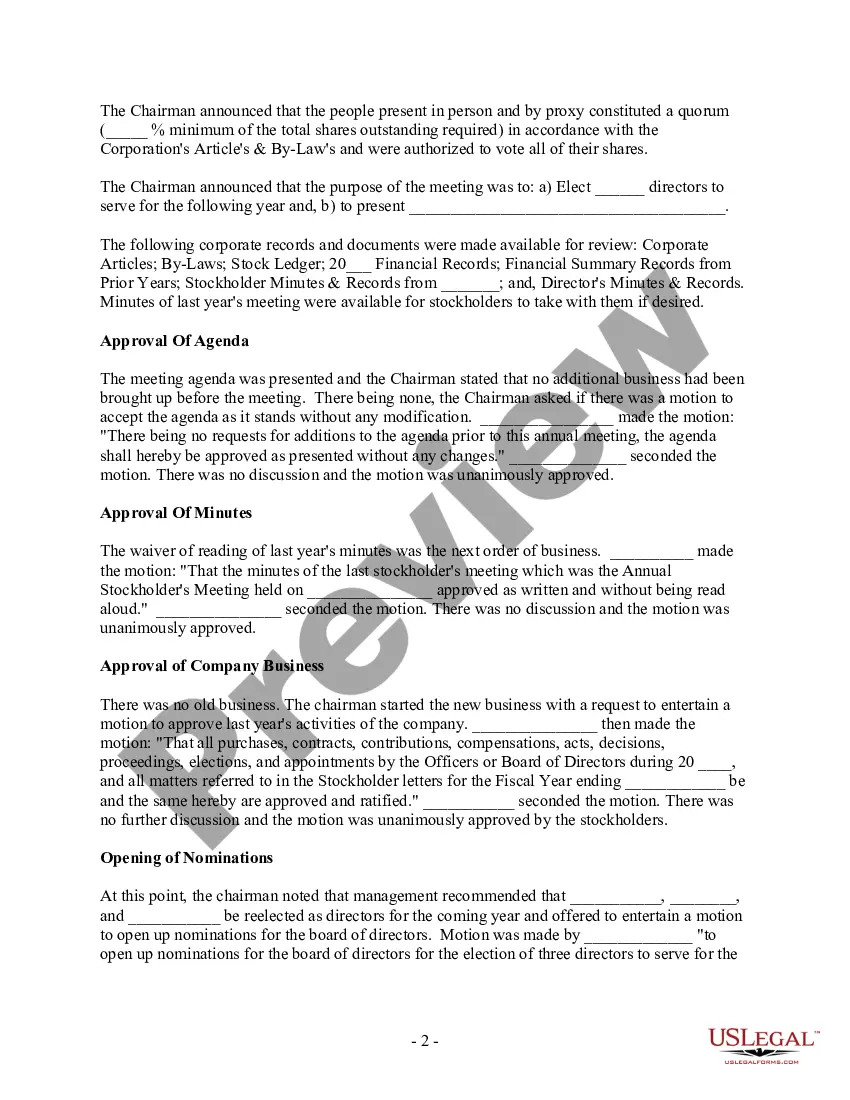
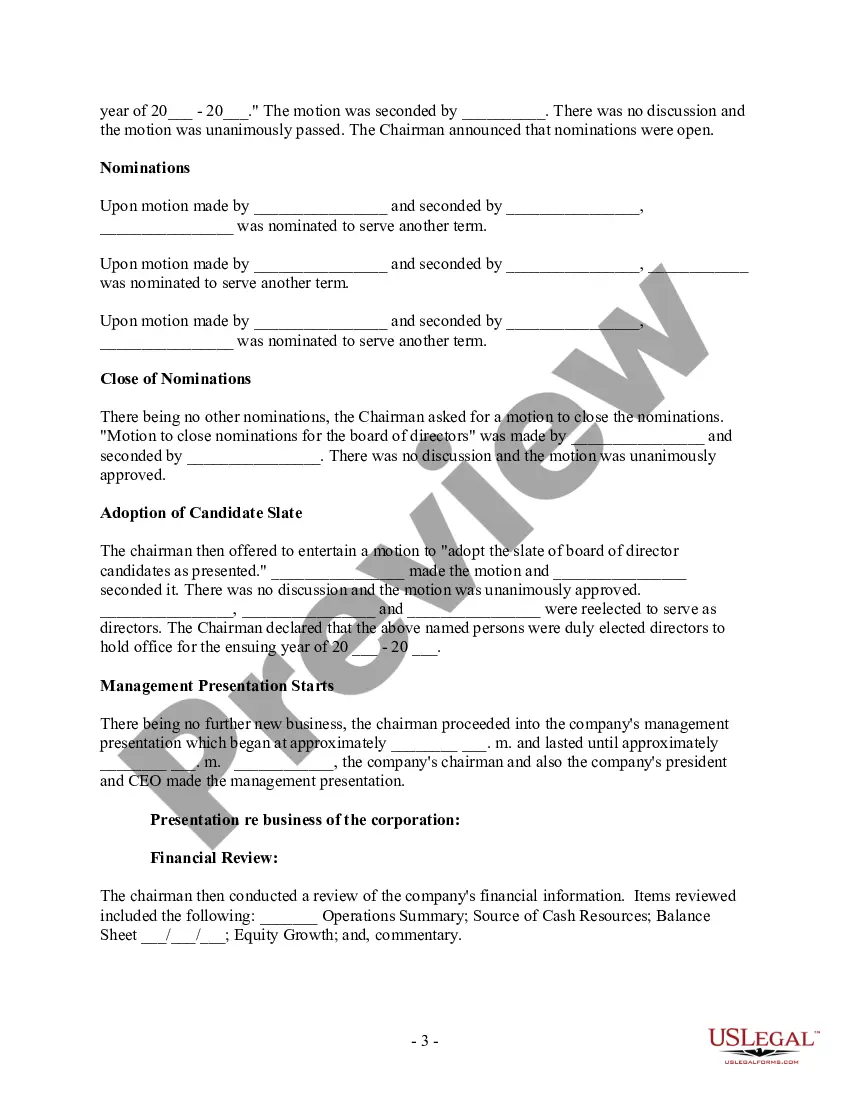
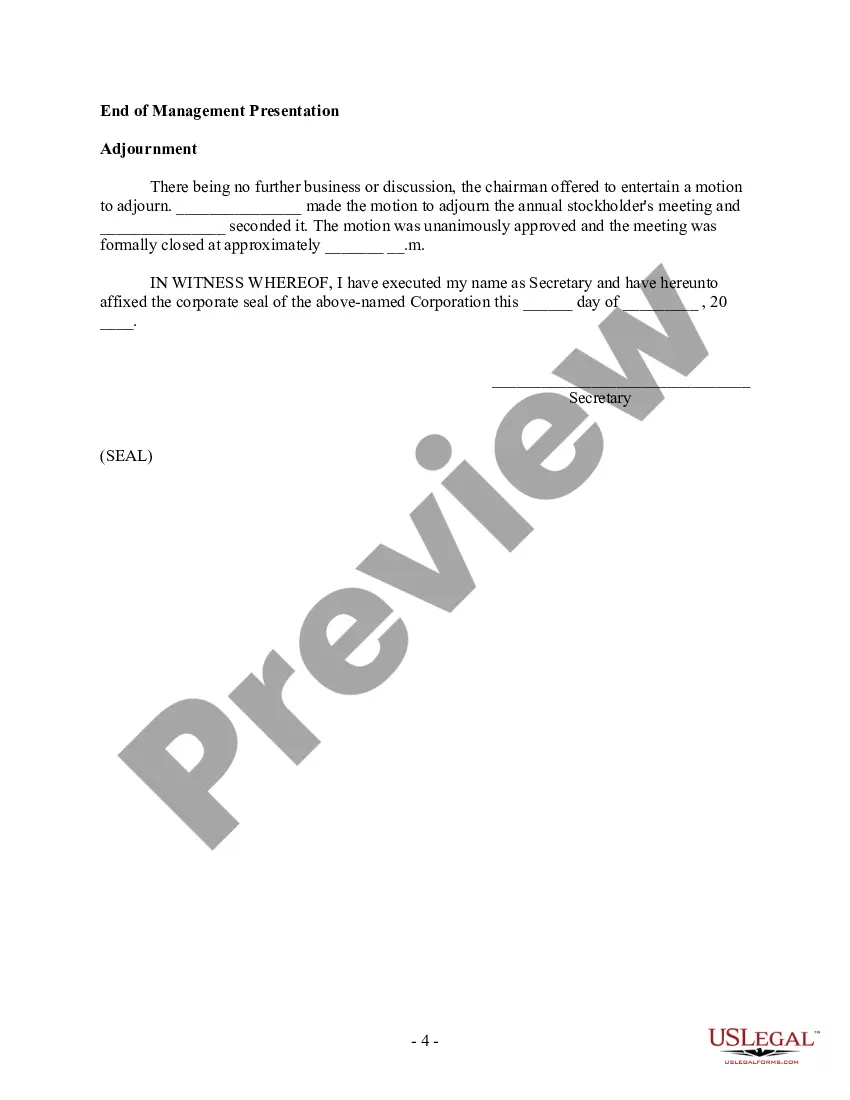



Get your form ready online
Our built-in tools help you complete, sign, share, and store your documents in one place.
Make edits, fill in missing information, and update formatting in US Legal Forms—just like you would in MS Word.
Download a copy, print it, send it by email, or mail it via USPS—whatever works best for your next step.
Sign and collect signatures with our SignNow integration. Send to multiple recipients, set reminders, and more. Go Premium to unlock E-Sign.
If this form requires notarization, complete it online through a secure video call—no need to meet a notary in person or wait for an appointment.
We protect your documents and personal data by following strict security and privacy standards.

Make edits, fill in missing information, and update formatting in US Legal Forms—just like you would in MS Word.

Download a copy, print it, send it by email, or mail it via USPS—whatever works best for your next step.

Sign and collect signatures with our SignNow integration. Send to multiple recipients, set reminders, and more. Go Premium to unlock E-Sign.

If this form requires notarization, complete it online through a secure video call—no need to meet a notary in person or wait for an appointment.

We protect your documents and personal data by following strict security and privacy standards.
Looking for another form?
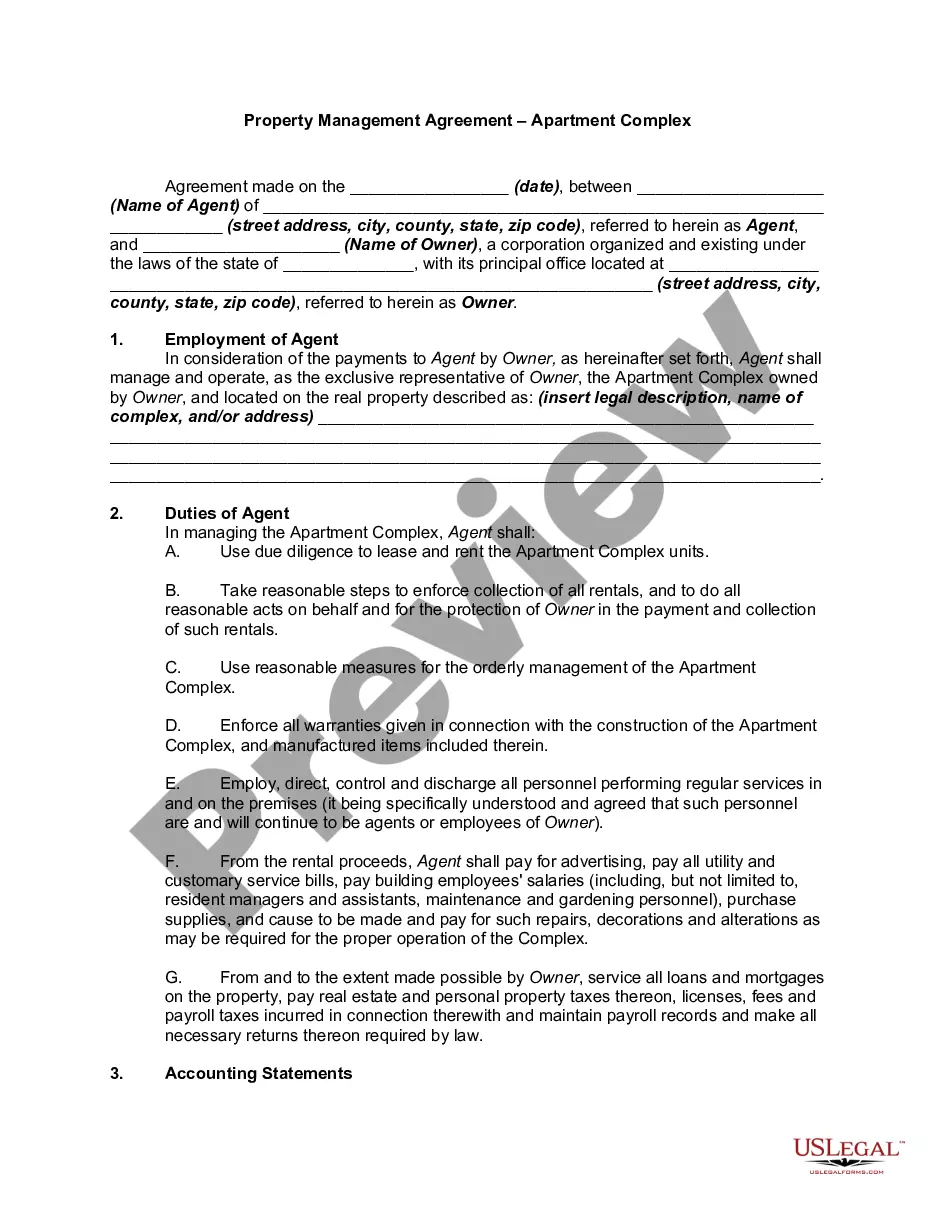
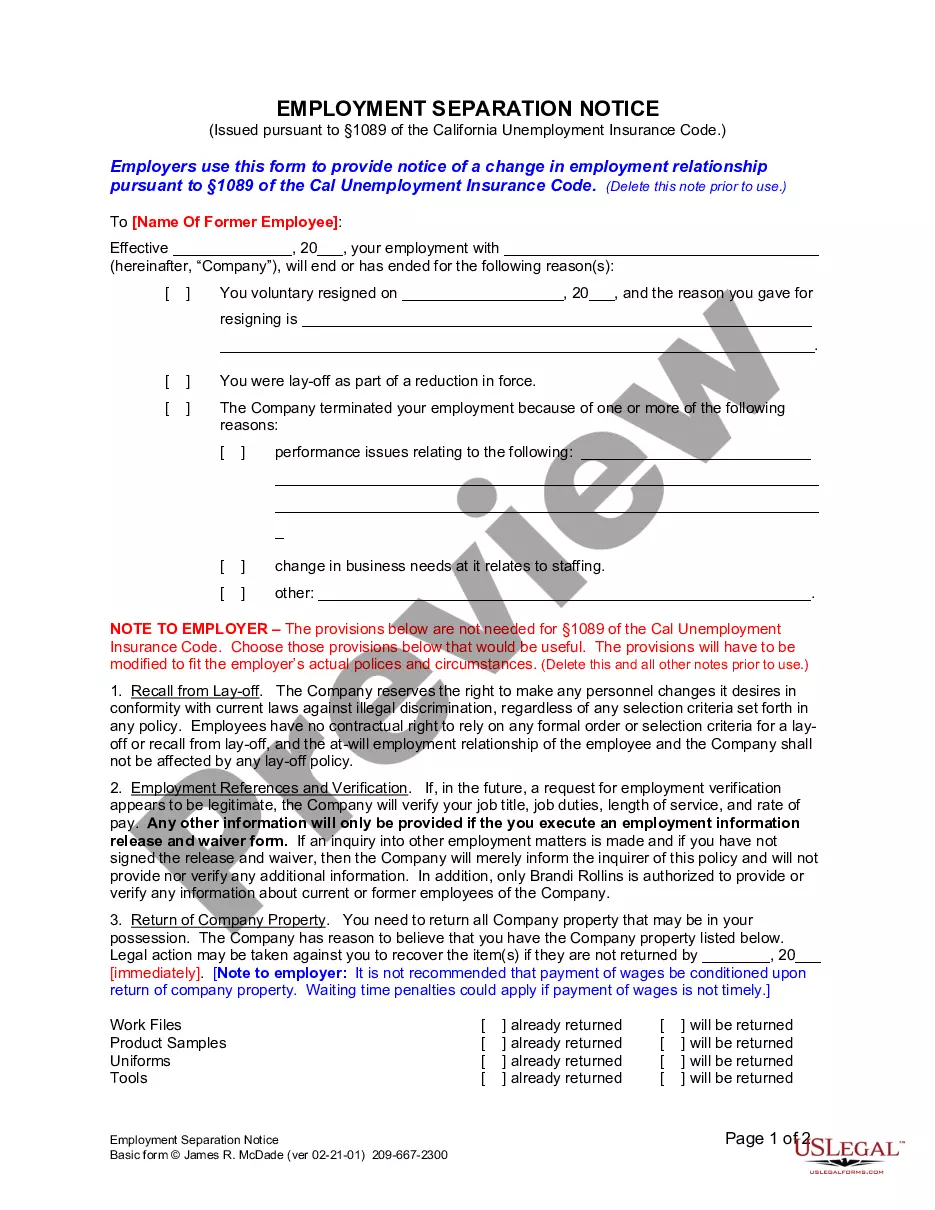
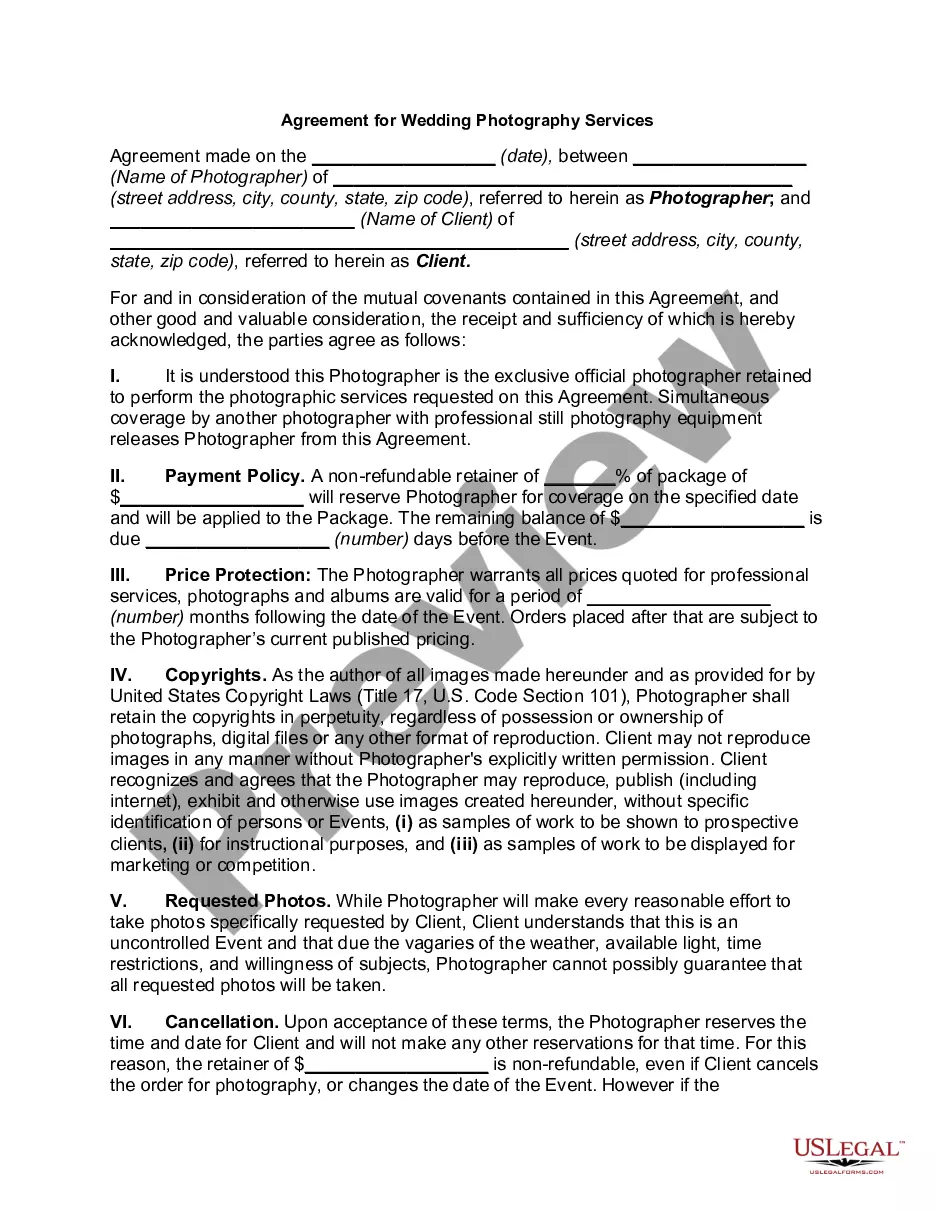

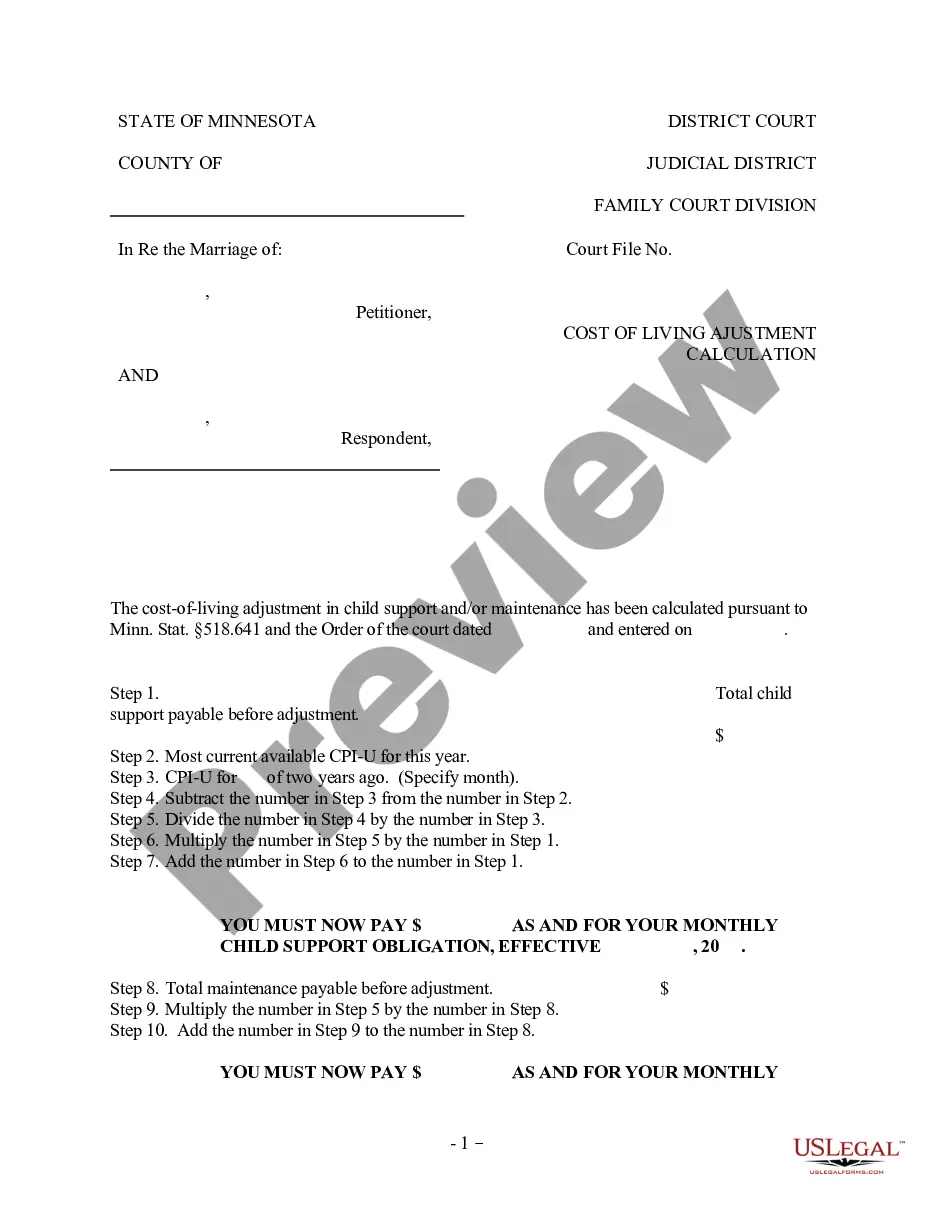
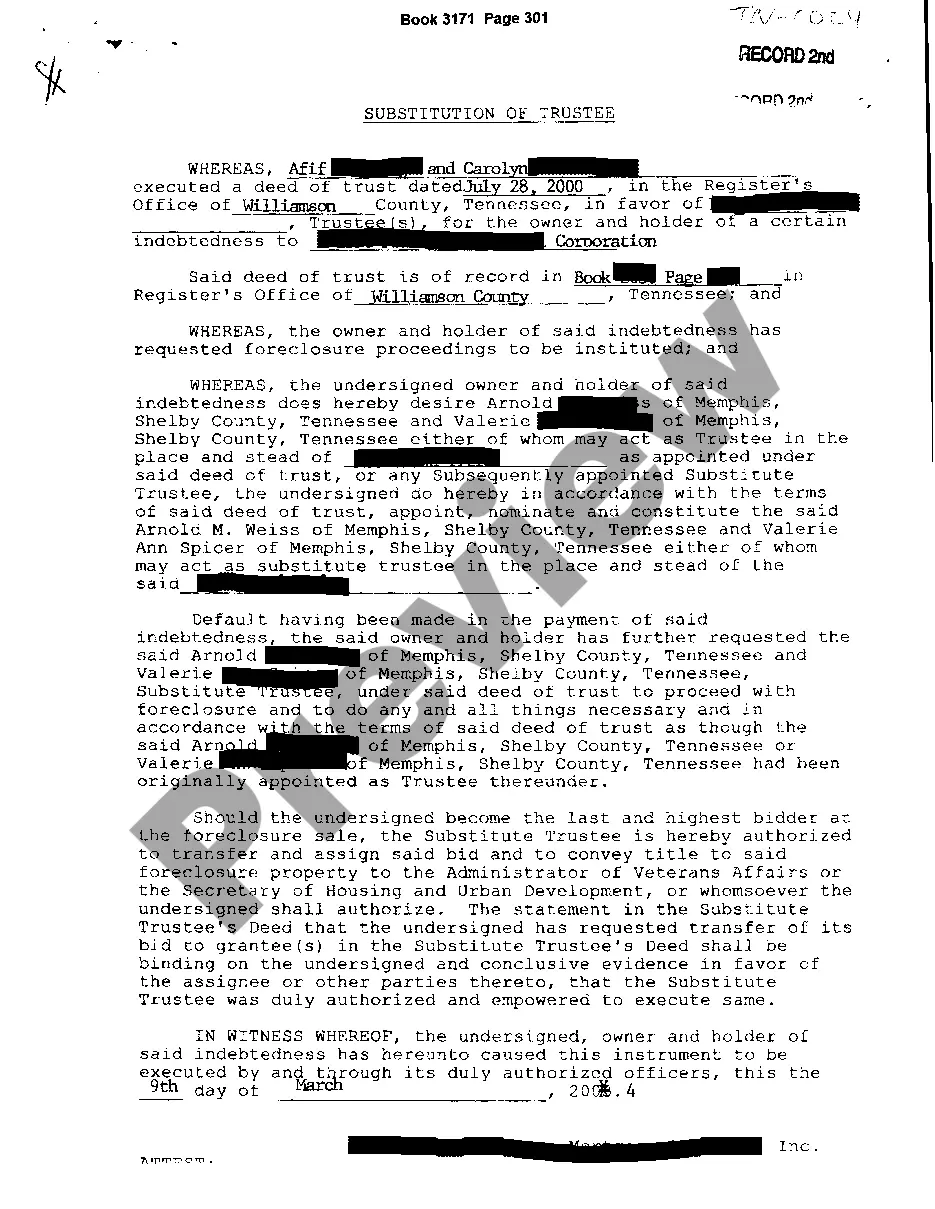
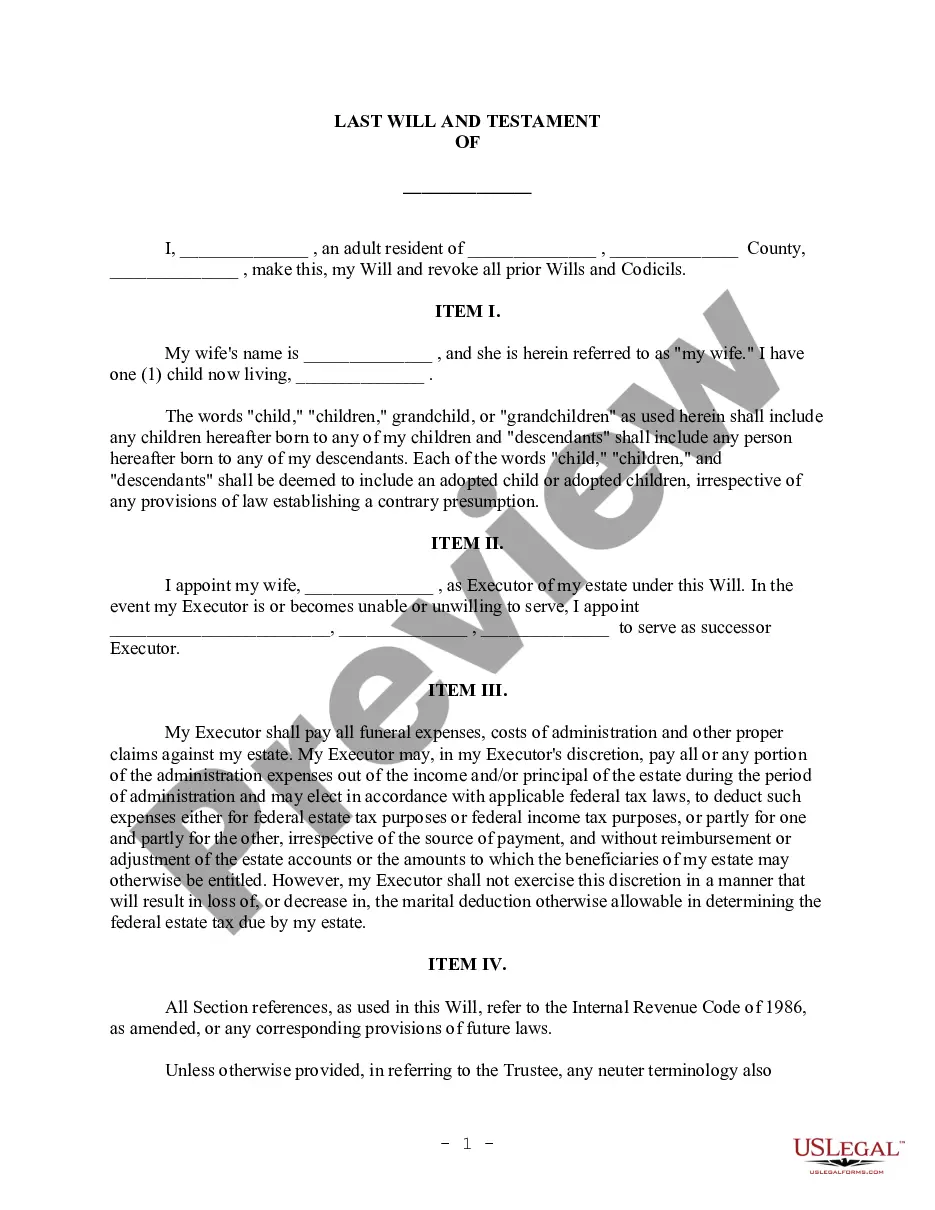
How to fill out Annual Stockholder Meeting Minutes - Corporate Resolutions?
Dealing with legal papers and operations might be a time-consuming addition to your entire day. Meeting Minutes Form Format Excel and forms like it usually require that you look for them and navigate the way to complete them properly. As a result, regardless if you are taking care of financial, legal, or personal matters, using a extensive and convenient online library of forms on hand will greatly assist.
US Legal Forms is the best online platform of legal templates, boasting more than 85,000 state-specific forms and a number of resources that will help you complete your papers easily. Explore the library of appropriate papers open to you with just a single click.
US Legal Forms provides you with state- and county-specific forms offered at any moment for downloading. Protect your document managing processes by using a top-notch service that allows you to make any form in minutes without extra or hidden charges. Just log in to the profile, find Meeting Minutes Form Format Excel and acquire it straight away within the My Forms tab. You may also gain access to previously saved forms.
Would it be your first time utilizing US Legal Forms? Sign up and set up your account in a few minutes and you’ll have access to the form library and Meeting Minutes Form Format Excel. Then, adhere to the steps listed below to complete your form:
- Make sure you have discovered the correct form using the Review feature and looking at the form description.
- Pick Buy Now once all set, and choose the subscription plan that fits your needs.
- Choose Download then complete, eSign, and print out the form.
US Legal Forms has twenty five years of experience helping users handle their legal papers. Discover the form you want right now and streamline any operation without having to break a sweat.
Form popularity
FAQ
Select a template: Choose a template that suits your needs and click on it to open it in Word. Customize the template: Fill in the necessary details such as the meeting date, time, location, attendees, and agenda items.
Our meeting experts compiled 7 best practices that apply to all sorts of teams and scenarios. 1 Date and time of the meeting. ... 2 Names of the participants. ... 3 Purpose of the meeting. ... 4 Agenda items and topics discussed. ... 5 Key decisions and action items. ... 6 Next meeting date and place. ... 7 Documents to be included in the report.
A group may be using a specific format to record notes but, overall, the minutes of a meeting typically include the following details: Date and time the meeting happened. Names of attendees, as well as absent participants. Acceptance of, or amendments made to, the previous meeting's minutes.
Following are 10 steps that can help you compose an effective meeting minutes report: Make an outline. ... Include factual information. ... Write down the purpose. ... Record decisions made. ... Add details for the next meeting. ... Be concise. ... Consider recording. ... Edit and proofread.
What is MOM Format? MOM stands for Minutes of Meeting and is used to record details of a meeting.