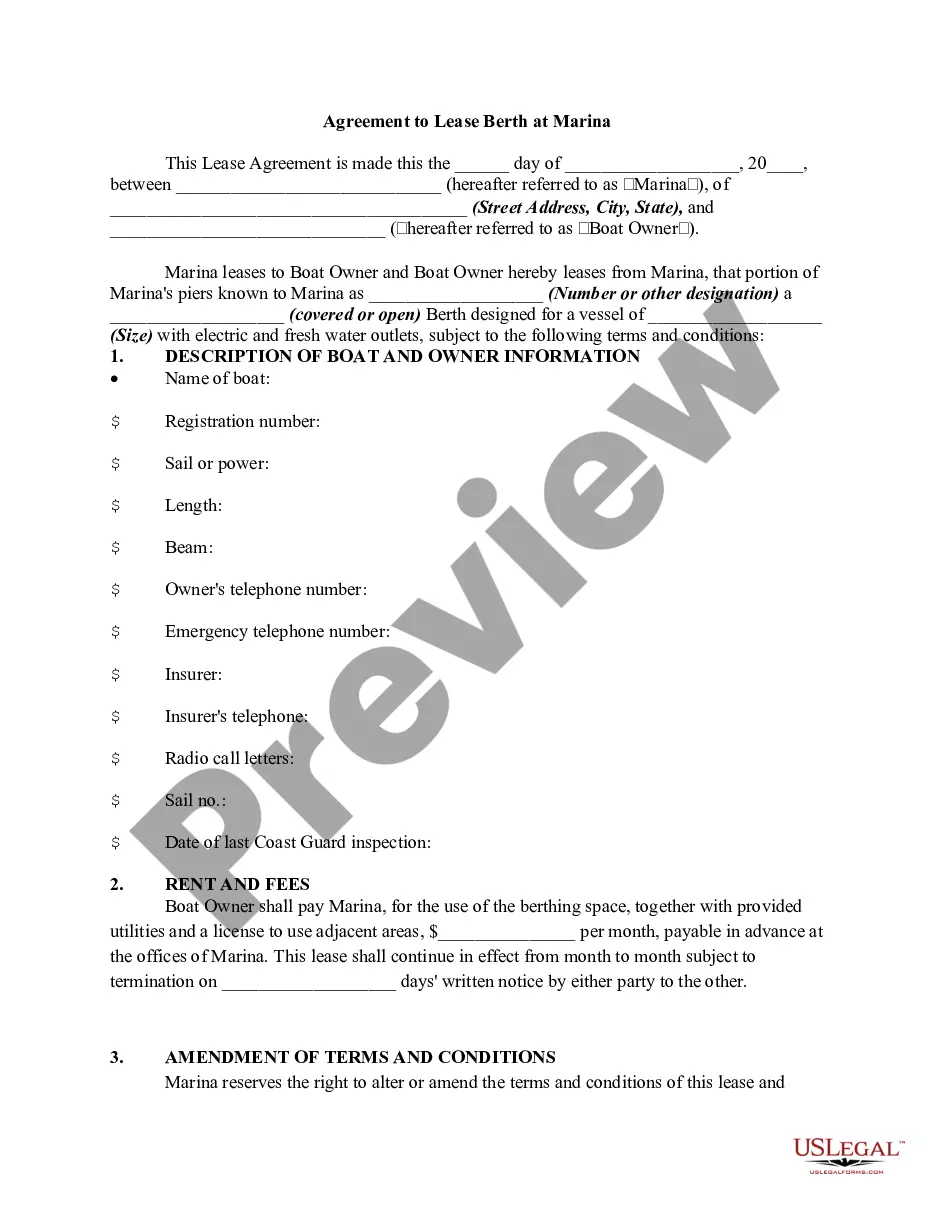
Sample Letter For Refund Payment In Maricopa
Description
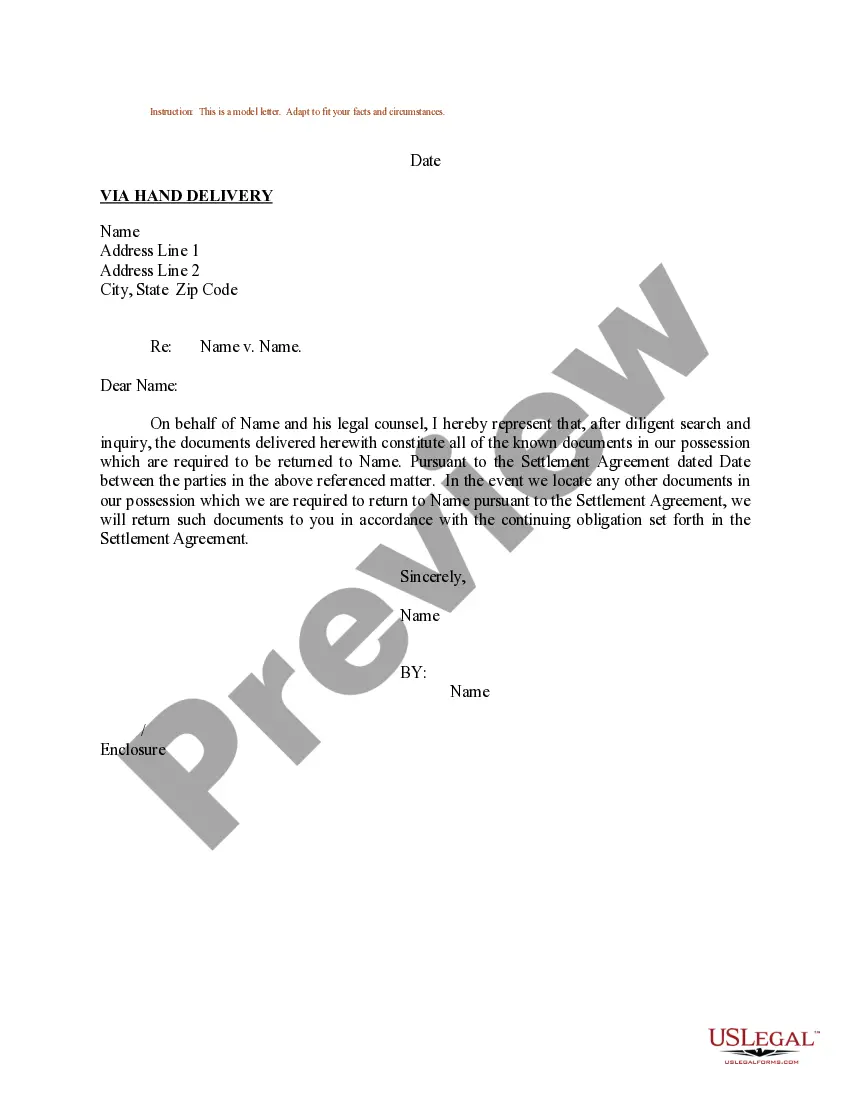
Get your form ready online
Our built-in tools help you complete, sign, share, and store your documents in one place.
Make edits, fill in missing information, and update formatting in US Legal Forms—just like you would in MS Word.
Download a copy, print it, send it by email, or mail it via USPS—whatever works best for your next step.
Sign and collect signatures with our SignNow integration. Send to multiple recipients, set reminders, and more. Go Premium to unlock E-Sign.
If this form requires notarization, complete it online through a secure video call—no need to meet a notary in person or wait for an appointment.
We protect your documents and personal data by following strict security and privacy standards.

Make edits, fill in missing information, and update formatting in US Legal Forms—just like you would in MS Word.

Download a copy, print it, send it by email, or mail it via USPS—whatever works best for your next step.

Sign and collect signatures with our SignNow integration. Send to multiple recipients, set reminders, and more. Go Premium to unlock E-Sign.

If this form requires notarization, complete it online through a secure video call—no need to meet a notary in person or wait for an appointment.

We protect your documents and personal data by following strict security and privacy standards.
Looking for another form?





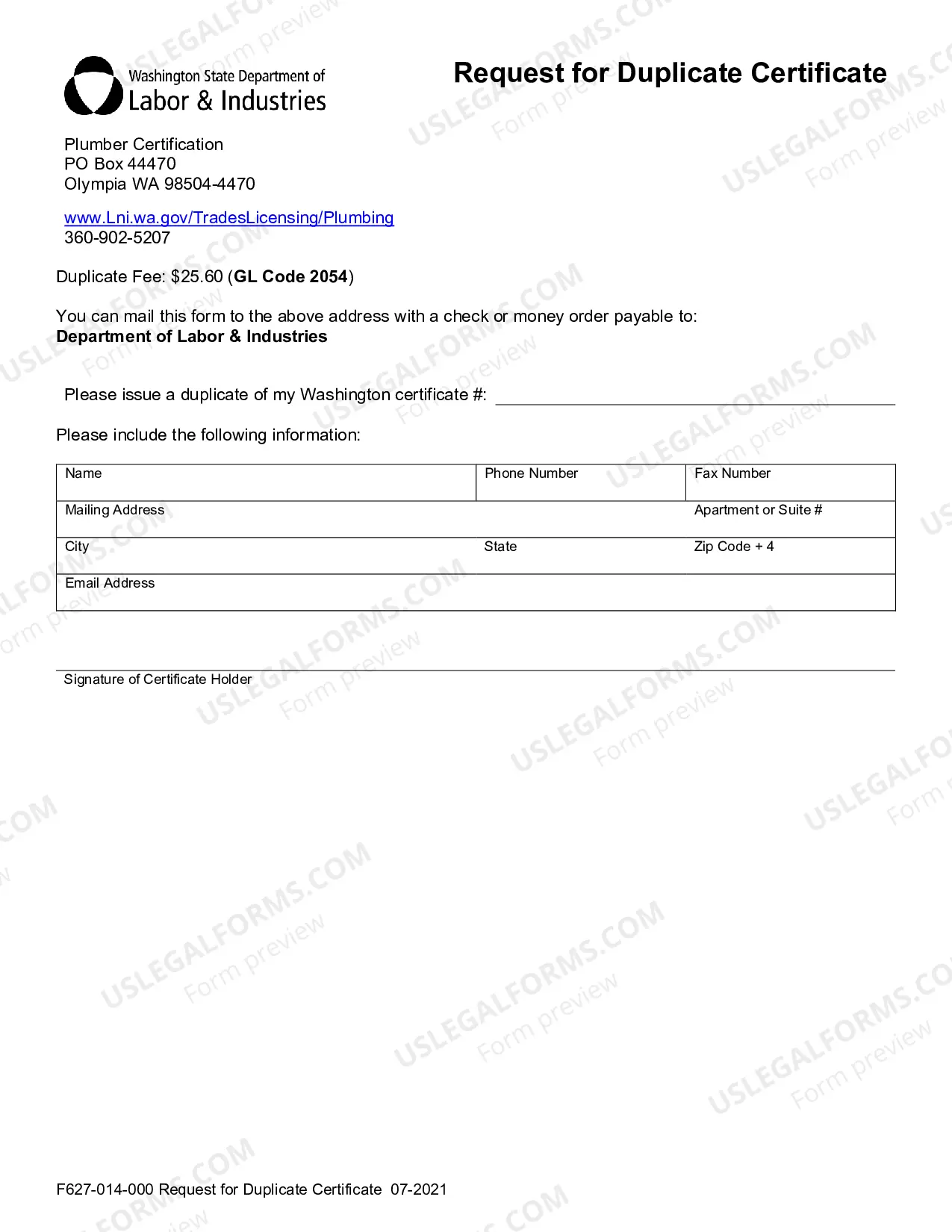
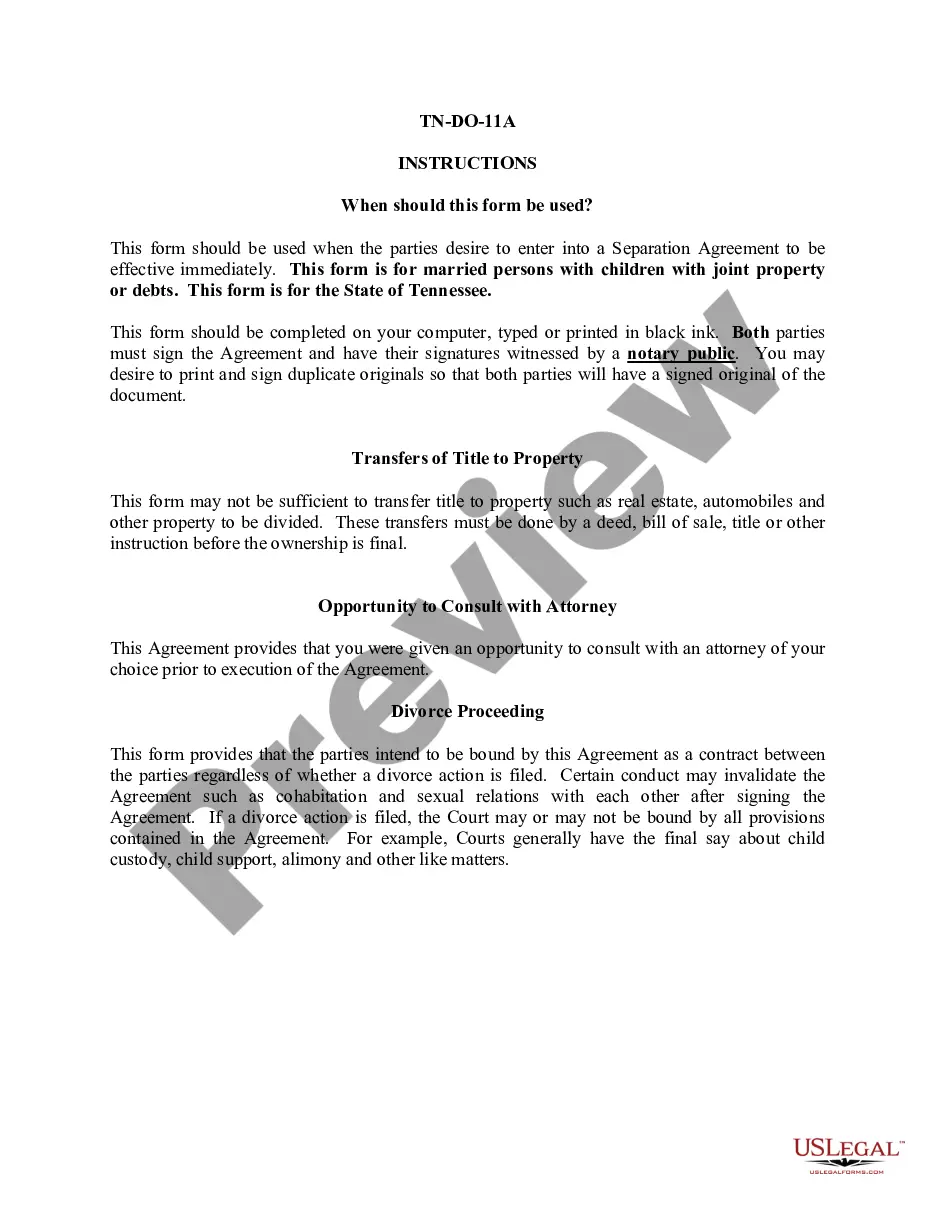



Form popularity
FAQ
Table of contents Step 1: Acknowledge the request. Step 2: Understand the reason for the refund. Step 3: Explain the refund process. Step 4: Offer a solution or alternatives. Step 5: Confirm the action taken.
While some colleges offer tuition refunds when you withdraw before classes start, the “sliding scales” of tuition reimbursement mean that students often can't get meaningful reimbursements after school has been in session for a month.
Be respectful. Don't ask ``maybe, is it possible to get a refund?'' Instead you should state, ``This wasn't as I expected, so that'd be great for you to refund that, thank you.'' When you ask in a very tentative way, you're not showing that you're serious. Don't start out angry--but there is a place for anger.
Log in to your Student Center. Click on the Manage Refunds tile in the Finance section. Follow the prompts to select your refund method.
Students electing to withdraw from the college must contact the Admissions and Records Office/Office of Enrollment Services no later than two weeks before the end of the last ● Through the 7th week, a student may initiate an official withdrawal from any course by completing the withdrawal process online using the ...
Yes, Nelnet will send you an email notification that a refund is in process. You can always view the status online or sign up to receive text messages sent directly to your cell phone with convenient Mobile Alerts. Click the mobile alert icon on your dashboard and enter your 10-digit phone number to enroll.