Sample Letter For Refund Deposit In Collin
Description
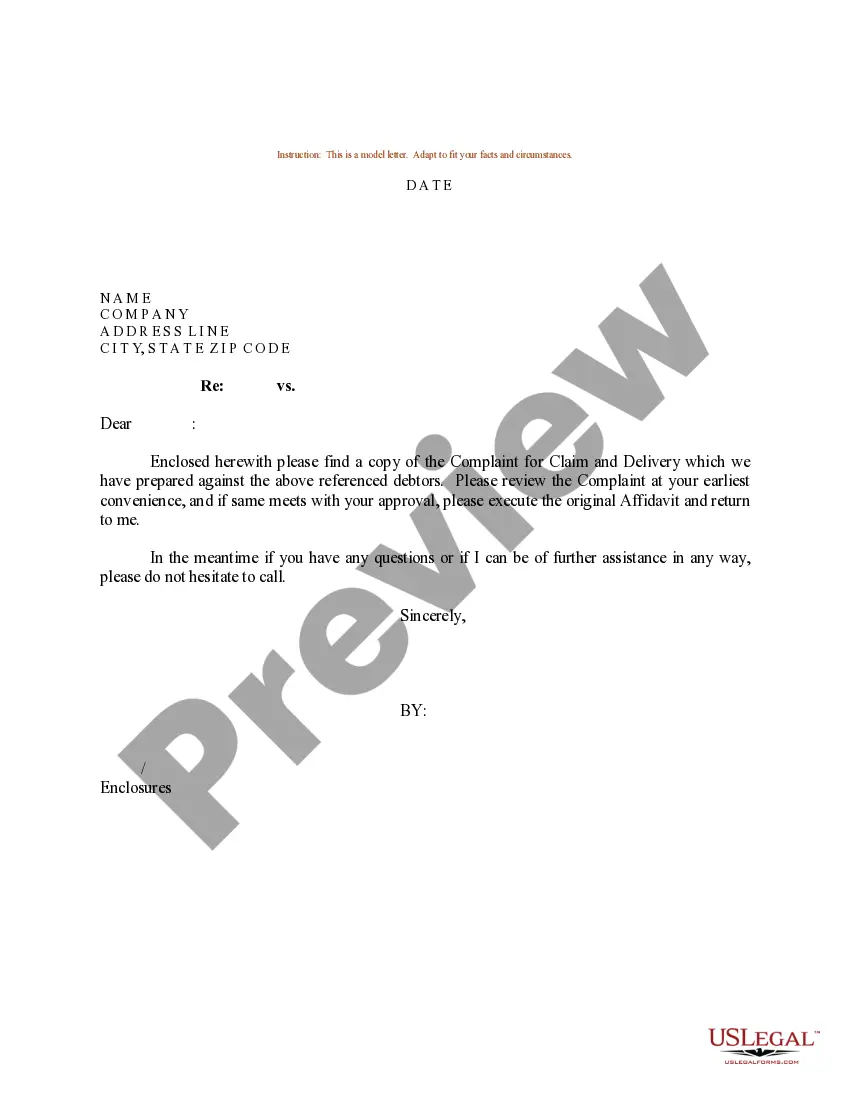
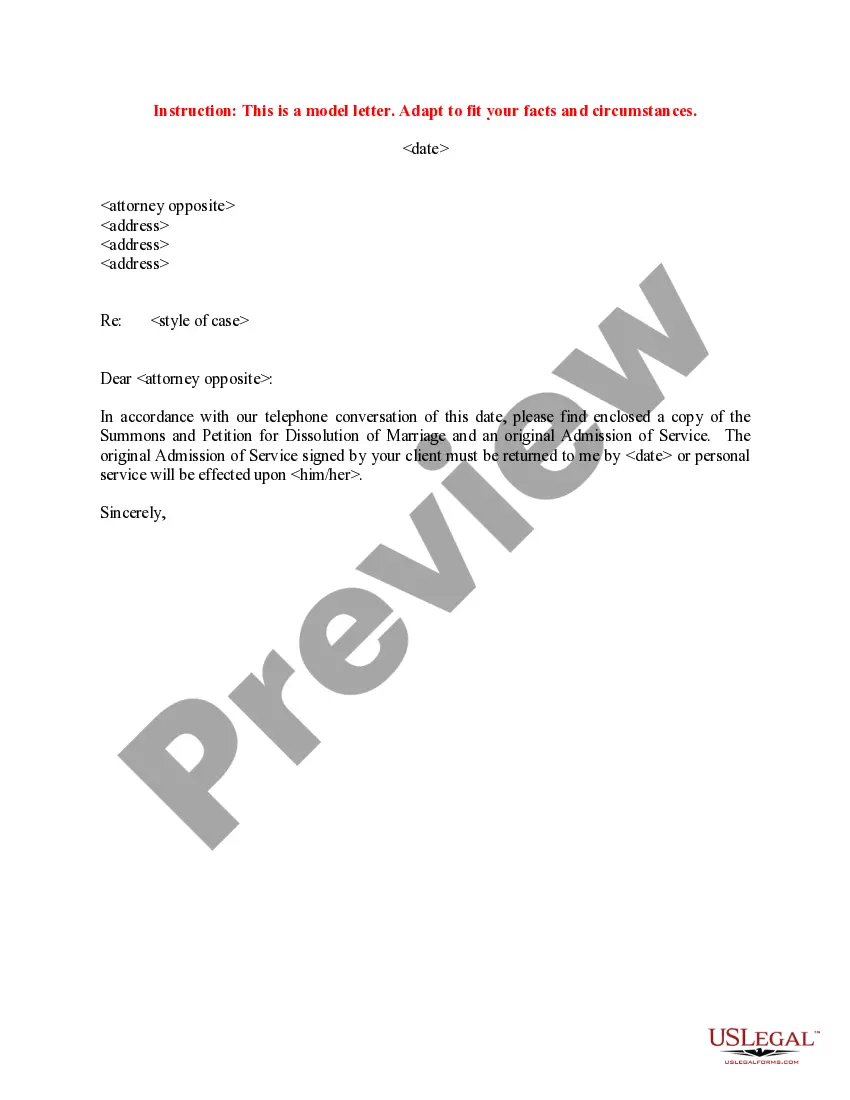

Get your form ready online
Our built-in tools help you complete, sign, share, and store your documents in one place.
Make edits, fill in missing information, and update formatting in US Legal Forms—just like you would in MS Word.
Download a copy, print it, send it by email, or mail it via USPS—whatever works best for your next step.
Sign and collect signatures with our SignNow integration. Send to multiple recipients, set reminders, and more. Go Premium to unlock E-Sign.
If this form requires notarization, complete it online through a secure video call—no need to meet a notary in person or wait for an appointment.
We protect your documents and personal data by following strict security and privacy standards.

Make edits, fill in missing information, and update formatting in US Legal Forms—just like you would in MS Word.

Download a copy, print it, send it by email, or mail it via USPS—whatever works best for your next step.

Sign and collect signatures with our SignNow integration. Send to multiple recipients, set reminders, and more. Go Premium to unlock E-Sign.

If this form requires notarization, complete it online through a secure video call—no need to meet a notary in person or wait for an appointment.

We protect your documents and personal data by following strict security and privacy standards.
Looking for another form?










Form popularity
FAQ
How to write a security deposit return letter Landlord's name and contact information. Tenant's name and contact information. Date of the letter. Amount of security deposit being returned to the tenant. Breakdown of any deductions made from the security deposit, including an explanation for each deduction.
To write a deposit letter, start with a formal greeting and state your request for the return of your deposit. Include details like the rental address, move-out date, and a reference to relevant laws, and politely set a deadline for the deposit's return.
Send a formal written request: Draft a formal letter or email explaining the situation and requesting a refund of your deposit. Clearly state the amount, the date you made the deposit, and any promises or agreements made regarding the refund. Provide a deadline for the refund to be processed.
Step-by-Step Guide to Writing a Refund Letter Step 1: Gather necessary information. Step 2: Begin with a polite and professional tone. Step 3: Clearly state the reason for the refund request. Step 4: Provide supporting documentation. Step 5: Offer a solution or desired outcome. Step 6: Close the letter professionally.
Students are able to withdraw from a class (or classes) on CougarWeb. CougarWeb will process total withdrawals.
The Help Desk can also be reached by sending an e-mail to: helpdesk@collinHours: Monday - Friday, 7 a.m. - 6 p.m.
Your Collin College email is your CougarWeb username@collin. For example, if your name is John Doe and your username is JDoe1, your email will look like this: jdoe1@collin.
If you have additional questions, email Student Financial Services at studentfinancials@collin.
Leadership of Student Development Division ProgramPosition DescriptionAdministrator Financial Aid Office Director of Financial Aid Debra Wilkison Recruitment and Programs for New Students Director of Recruitment and Programs for New Students Louisa Kessel Student Life Office Director of Student Life Cheri Jack17 more rows
As a service to Collin College students, the Financial Aid Office administers a comprehensive financial aid program that includes grants, loans and part-time employment for those who meet the eligibility requirements.

