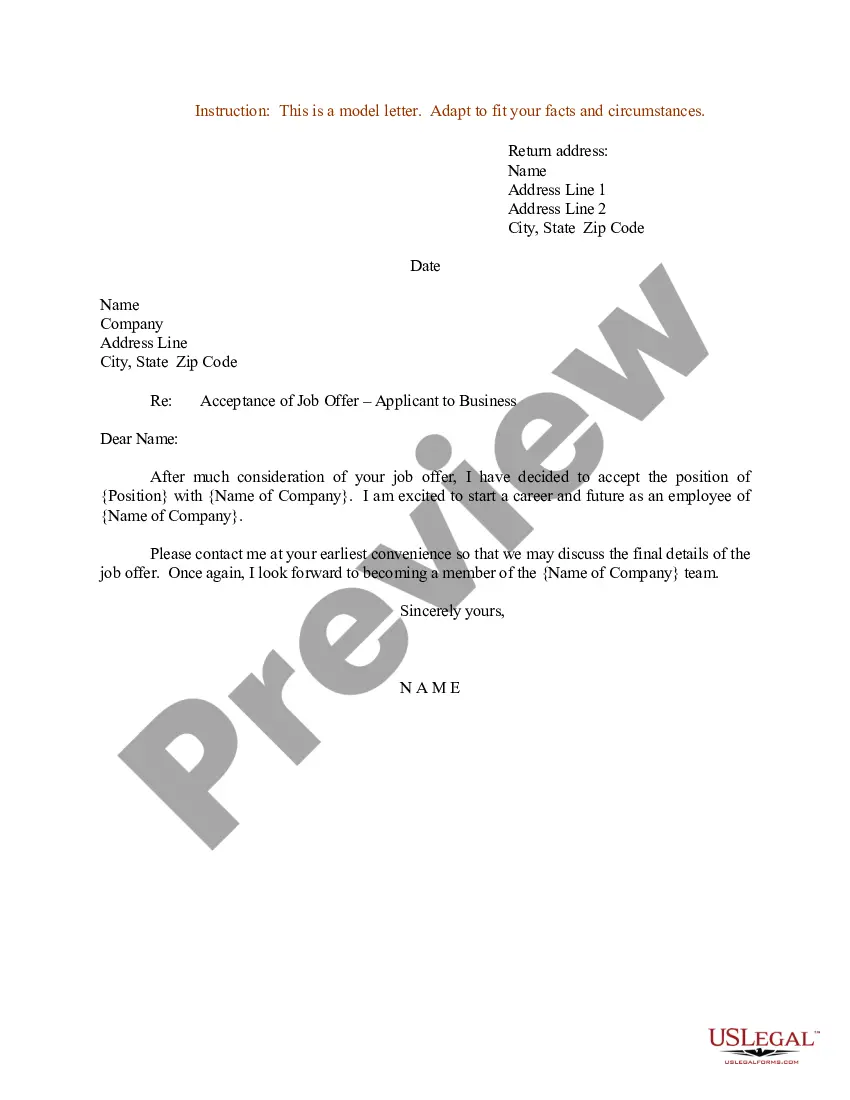
Letter Acceptance Form With Signature In Ohio
Description




Get your form ready online
Our built-in tools help you complete, sign, share, and store your documents in one place.
Make edits, fill in missing information, and update formatting in US Legal Forms—just like you would in MS Word.
Download a copy, print it, send it by email, or mail it via USPS—whatever works best for your next step.
Sign and collect signatures with our SignNow integration. Send to multiple recipients, set reminders, and more. Go Premium to unlock E-Sign.
If this form requires notarization, complete it online through a secure video call—no need to meet a notary in person or wait for an appointment.
We protect your documents and personal data by following strict security and privacy standards.

Make edits, fill in missing information, and update formatting in US Legal Forms—just like you would in MS Word.

Download a copy, print it, send it by email, or mail it via USPS—whatever works best for your next step.

Sign and collect signatures with our SignNow integration. Send to multiple recipients, set reminders, and more. Go Premium to unlock E-Sign.

If this form requires notarization, complete it online through a secure video call—no need to meet a notary in person or wait for an appointment.

We protect your documents and personal data by following strict security and privacy standards.
Looking for another form?







Form popularity
FAQ
(C) A jurat certificate shall state that an oath or affirmation was administered to the signer with regard to the notarial act. (D)(1) A notary public shall not use an acknowledgment certificate with regard to a notarial act in which an oath or affirmation has been administered.
A jurat is used when the signer is swearing to the content of the document. The notary must administer an oath or affirmation to the signer in order to complete the jurat. A jurat also requires that the signer signs in the presence of the notary.
The notarial certificate requires the following: Wording of acknowledgment or jurat; The signature of the notary public; The typed/printed/stamped name of the notary public; The date of the notarial act; The venue where the notarization occurred (county/state); Notary commission's expiration date, if applicable; and.
In general, an acknowledgment certificate will contain the words, “acknowledged before me” or similar wording. Jurat certificates will contain the words, “subscribed and sworn to (or affirmed) before me.”
One of the most common mistakes that notaries make is not printing or signing their name exactly as it appears on their notary commission.
The presiding officer shall administer an oath or affirmation in substantially the following form: "You, __________, do swear (or affirm) that the evidence you shall give in the case now in hearing shall be the truth, the whole truth, and nothing but the truth. So help you God (or under penalty of perjury)."
General Information about the Ohio Notary Commission The Notary Modernization Act took effect on September 20, 2019. Under this law, all applications for notary commissions, renewals, online authorizations and updates to contact information must submit an application electronically to the secretary of state.
Elements and guidelines for any Ohio notarization: 1. Personal appearance is required for all signers, whether physically or over a webcam device; the latter can ONLY be handled by a notary approved by the Ohio Secretary of State to do online notarizations.
Yes, you may notarize a signature on a document that includes handwritten paragraphs. A document can be typed or handwritten. If the notarial certificate under the signature is not included, be sure to attach a loose certificate chosen by your customer.
The signer must sign the document in the presence of the notary public. The notary public must then complete the notarial certificate with his or her signature, the venue, date the act took place, typed/printed/stamped name, notary seal and expiration date, if applicable.

