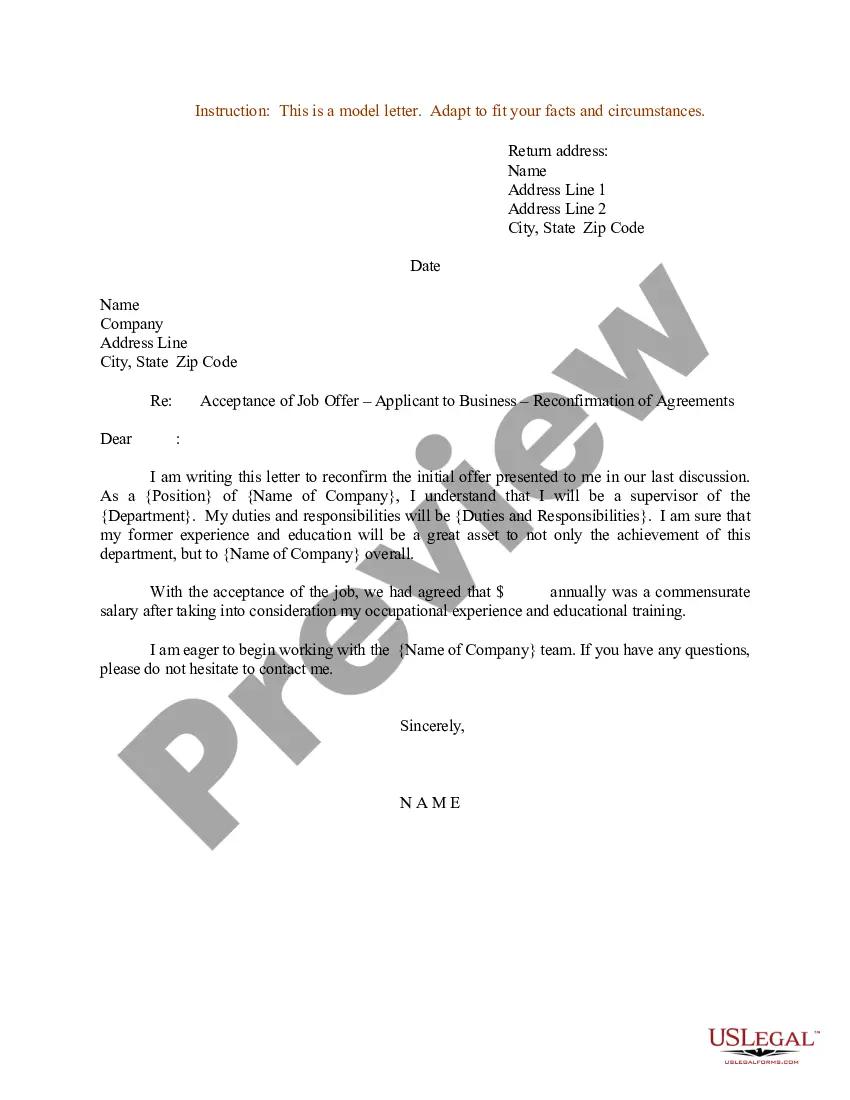
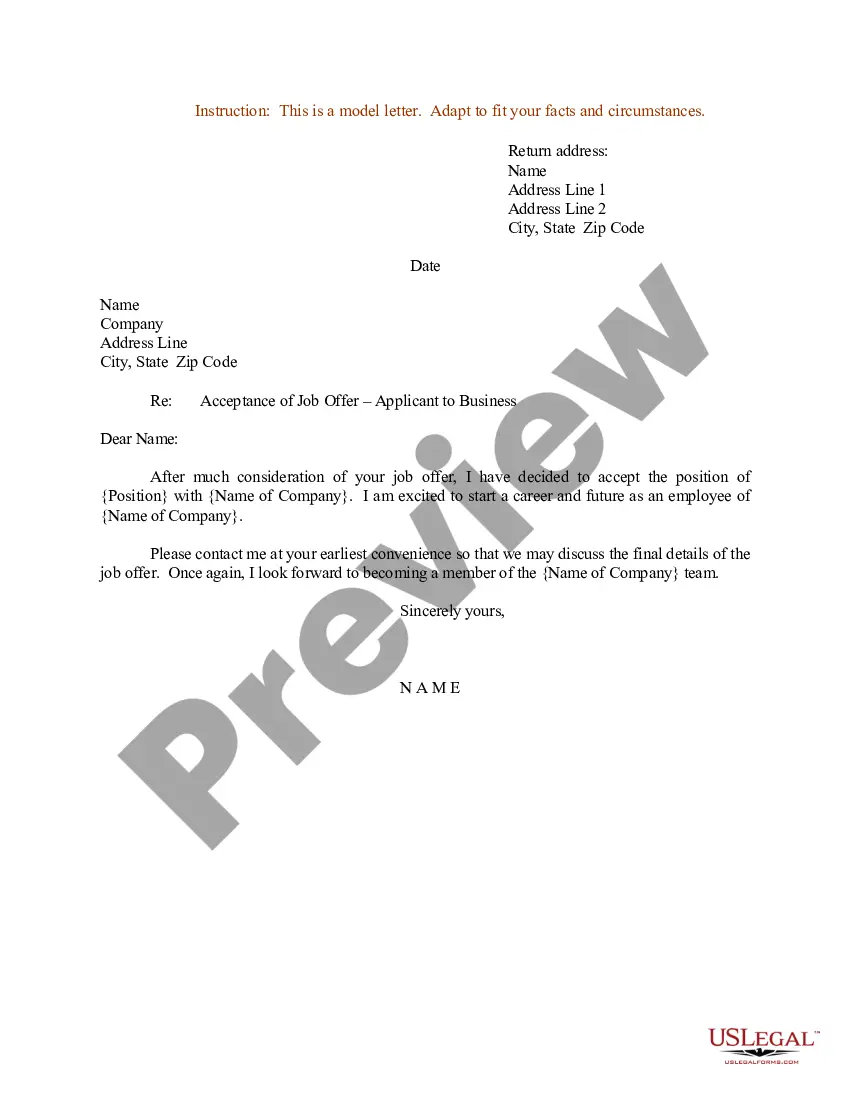
Letter Acceptance Offer Template With Signature
Description
Get your form ready online
Our built-in tools help you complete, sign, share, and store your documents in one place.
Make edits, fill in missing information, and update formatting in US Legal Forms—just like you would in MS Word.
Download a copy, print it, send it by email, or mail it via USPS—whatever works best for your next step.
Sign and collect signatures with our SignNow integration. Send to multiple recipients, set reminders, and more. Go Premium to unlock E-Sign.
If this form requires notarization, complete it online through a secure video call—no need to meet a notary in person or wait for an appointment.
We protect your documents and personal data by following strict security and privacy standards.

Make edits, fill in missing information, and update formatting in US Legal Forms—just like you would in MS Word.

Download a copy, print it, send it by email, or mail it via USPS—whatever works best for your next step.

Sign and collect signatures with our SignNow integration. Send to multiple recipients, set reminders, and more. Go Premium to unlock E-Sign.

If this form requires notarization, complete it online through a secure video call—no need to meet a notary in person or wait for an appointment.

We protect your documents and personal data by following strict security and privacy standards.
Looking for another form?

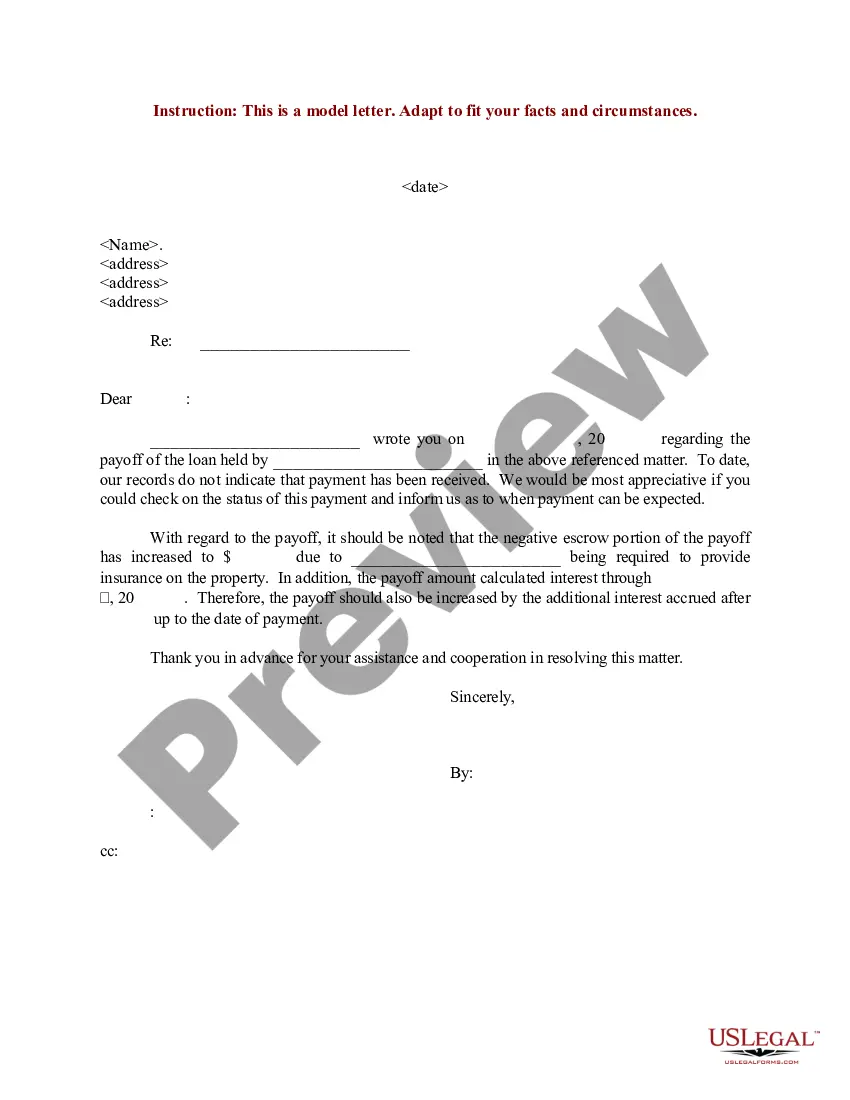
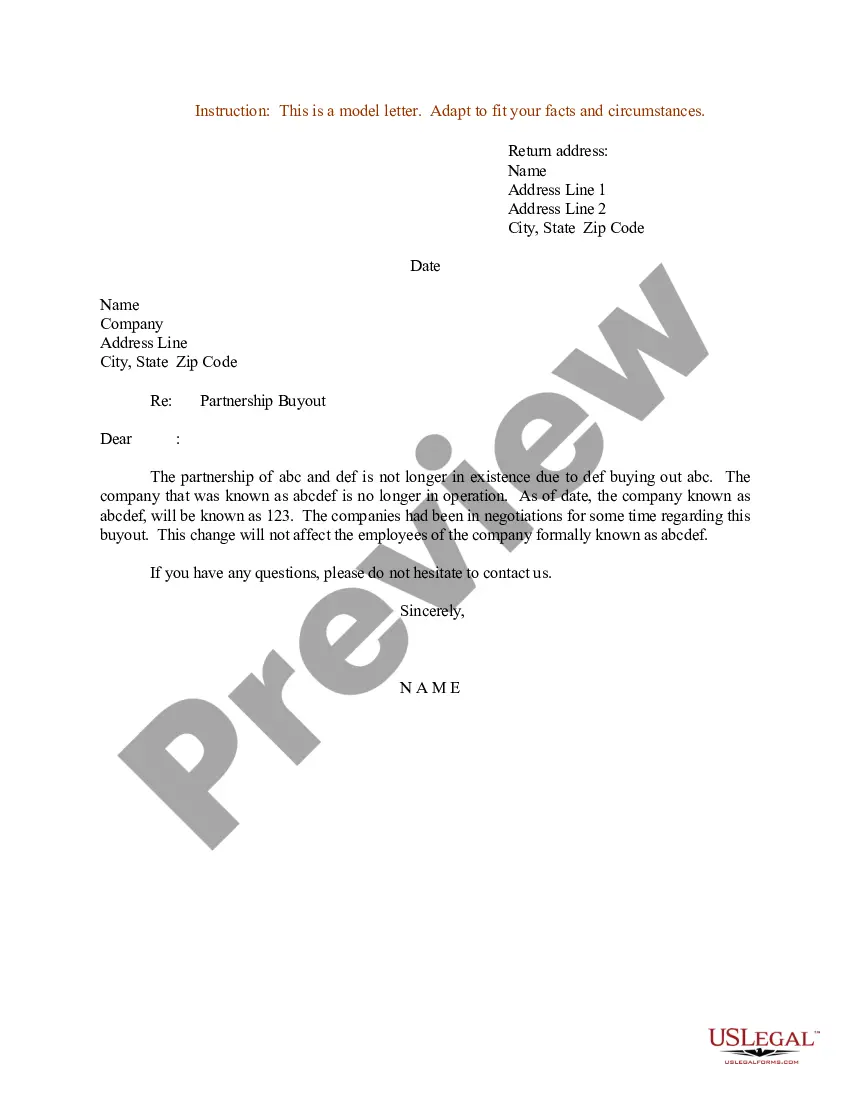
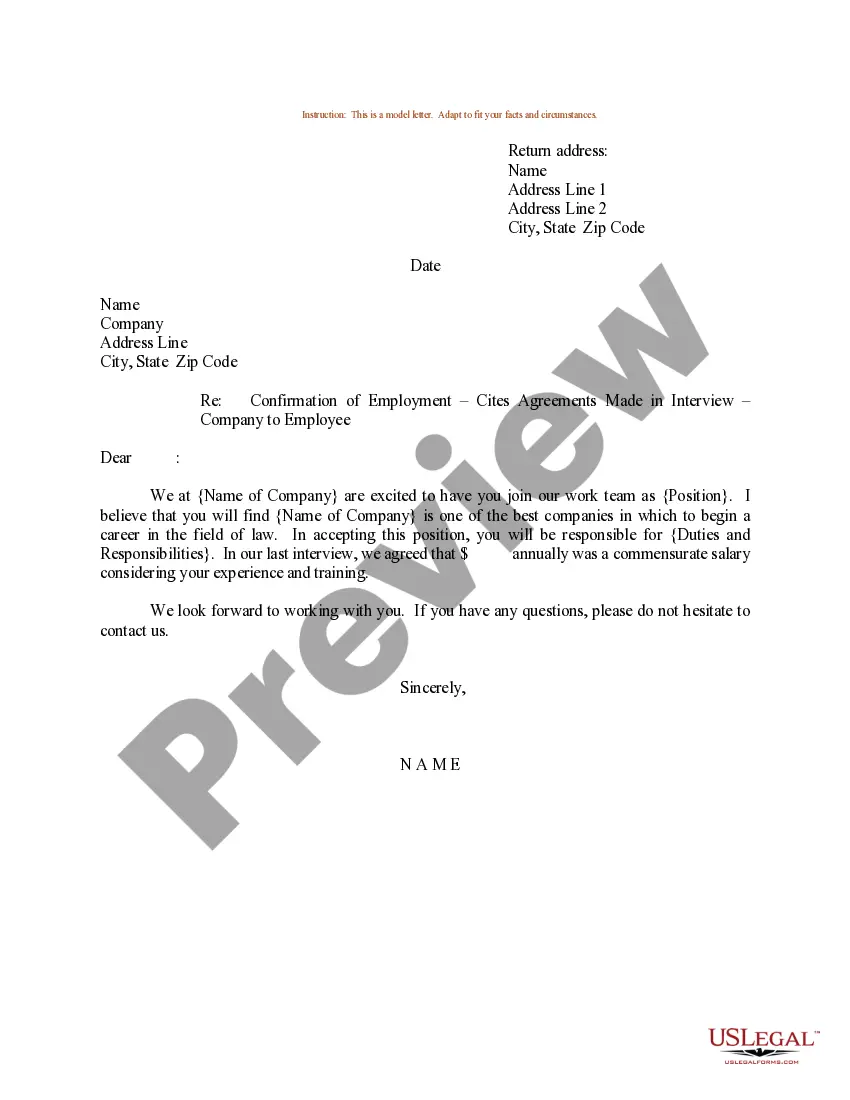
How to fill out Sample Letter For Acceptance Of Job Offer - Applicant To Business - Reconfirmation Of Agreements?
Creating legal documentation from the ground up can frequently be overwhelming.
Certain situations may require extensive investigation and substantial financial investment.
If you desire a more straightforward and cost-effective approach to preparing the Letter Acceptance Offer Template With Signature or other forms without unnecessary complications, US Legal Forms is readily available.
Our digital library of over 85,000 current legal documents encompasses nearly every element of your financial, legal, and personal issues. With just a few clicks, you can swiftly obtain state- and county-compliant forms meticulously crafted for you by our legal experts.
Ensure that the form you select meets the regulations of your state and locality. Opt for the appropriate subscription option to acquire the Letter Acceptance Offer Template With Signature. Download the form, then complete, certify, and print it out. US Legal Forms has a solid reputation and more than 25 years of experience. Join us today and make document execution a simple and efficient process!
- Utilize our platform whenever you need a dependable and trustworthy service to easily find and download the Letter Acceptance Offer Template With Signature.
- If you are familiar with our services and have created an account previously, simply Log In to your account, choose the template, and download it now or re-download it later in the My documents section.
- Don’t possess an account? No worries. Registering takes just a few minutes, allowing you to browse the catalog.
- However, before jumping straight to downloading the Letter Acceptance Offer Template With Signature, adhere to these recommendations.
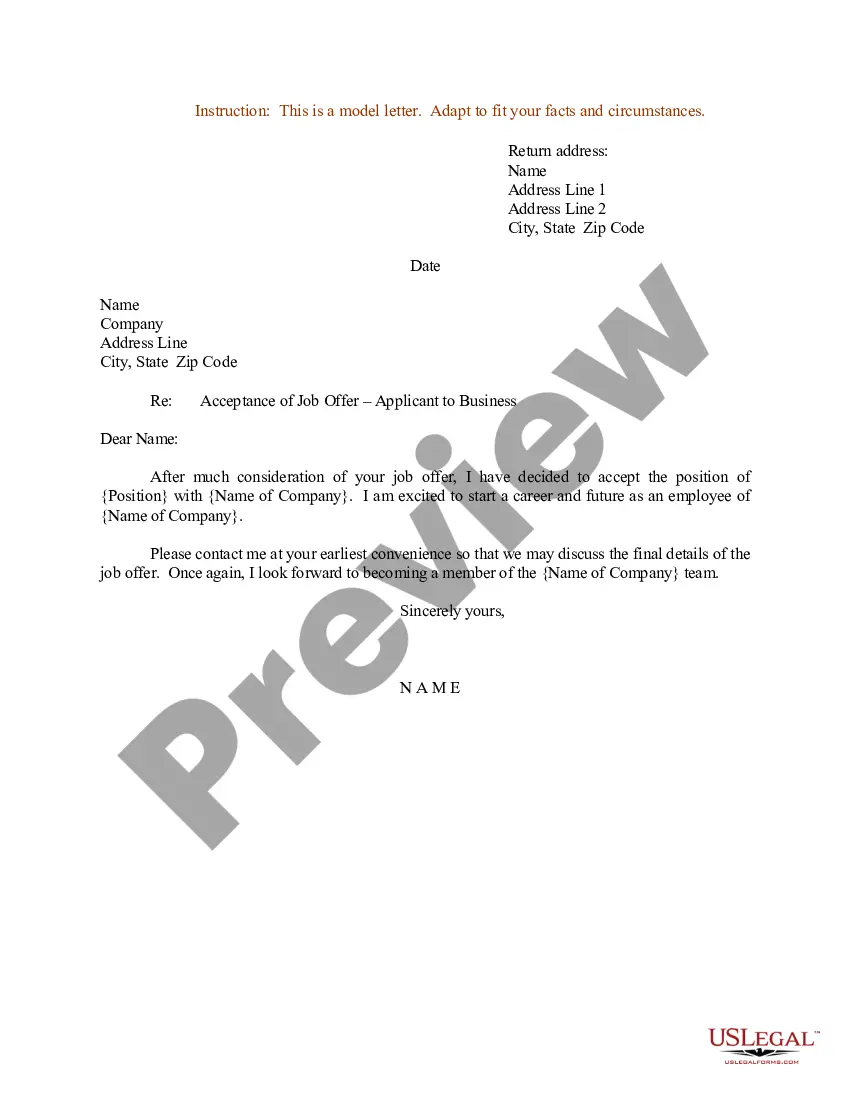
- Examine the form preview and descriptions to confirm that you are viewing the document you seek.
Form popularity
FAQ
Dear Mr/Ms {Recipient's Name}, In reference to the job offer email dated {Date} confirming my selection for the post of {Title} with {Company}, I wish to thank you for providing me with this opportunity. It is with great pride and gratitude that I accept this position.
I was pleased to hear back from you, and I'm excited to see where this new position leads. I have reviewed the terms of employment as set out in the contract and am happy to accept my starting salary of [salary] for this position. I also accept the terms and policies of the company as detailed in the offer letter.
How to Write a Job Acceptance Letter Review the offer letter. Mention the date. Include name and address. Write a clear subject line. Add a salutation. Express gratitude. Accept the terms of employment. Sign the job acceptance letter.
I was pleased to hear back from you, and I'm excited to see where this new position leads. I have reviewed the terms of employment as set out in the contract and am happy to accept my starting salary of [salary] for this position. I also accept the terms and policies of the company as detailed in the offer letter.
How To Write An Offer Letter Acceptance Email Review your job offer. Read your job offer carefully. ... Start drafting your email. ... Write a concise subject line. ... Address your email to the right person. ... Express gratitude. ... 6. Make a formal statement of acceptance. ... Conclude and sign. ... Format your email.