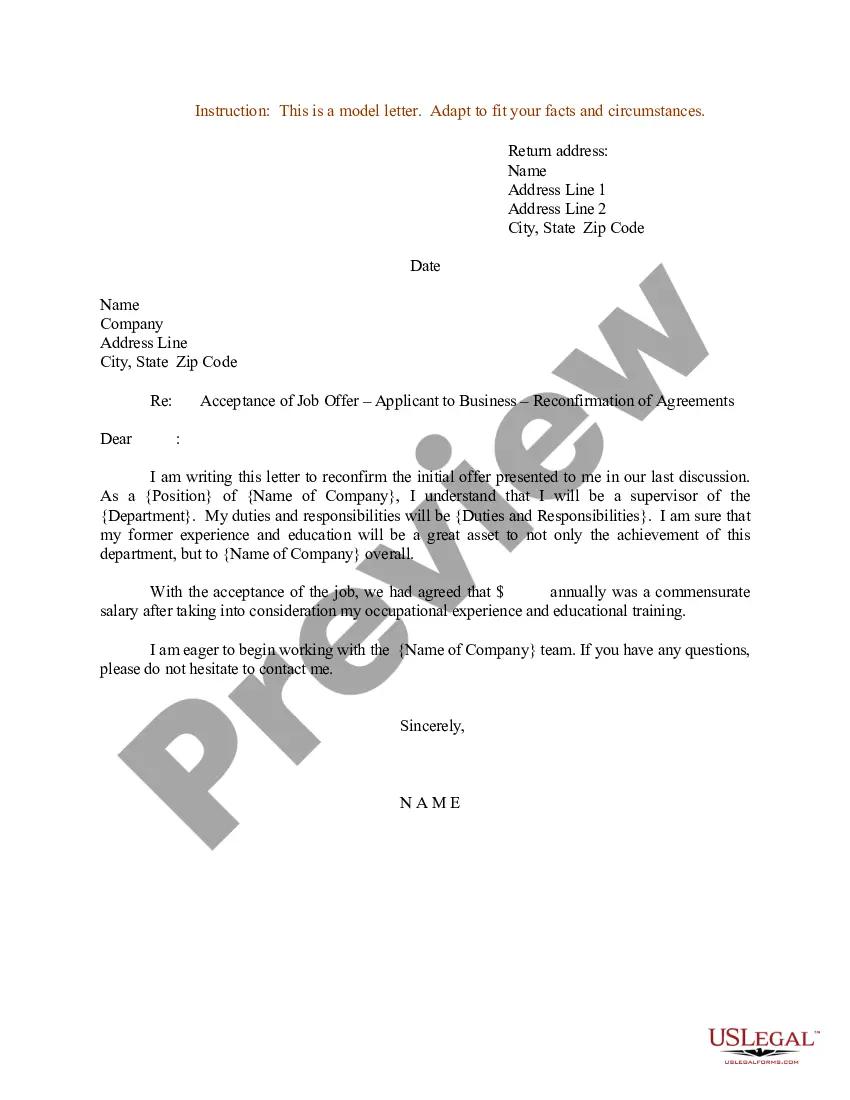
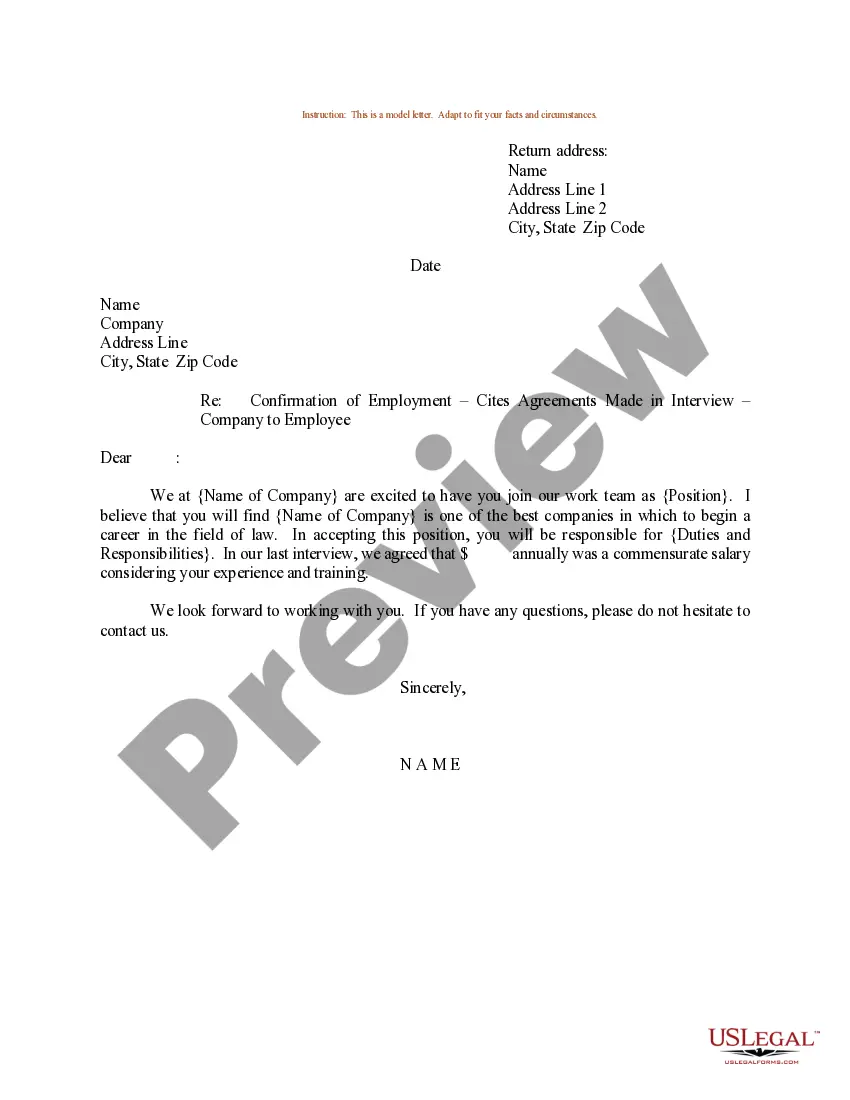
Letter Acceptance Business For Appointment
Description
Get your form ready online
Our built-in tools help you complete, sign, share, and store your documents in one place.
Make edits, fill in missing information, and update formatting in US Legal Forms—just like you would in MS Word.
Download a copy, print it, send it by email, or mail it via USPS—whatever works best for your next step.
Sign and collect signatures with our SignNow integration. Send to multiple recipients, set reminders, and more. Go Premium to unlock E-Sign.
If this form requires notarization, complete it online through a secure video call—no need to meet a notary in person or wait for an appointment.
We protect your documents and personal data by following strict security and privacy standards.

Make edits, fill in missing information, and update formatting in US Legal Forms—just like you would in MS Word.

Download a copy, print it, send it by email, or mail it via USPS—whatever works best for your next step.

Sign and collect signatures with our SignNow integration. Send to multiple recipients, set reminders, and more. Go Premium to unlock E-Sign.

If this form requires notarization, complete it online through a secure video call—no need to meet a notary in person or wait for an appointment.

We protect your documents and personal data by following strict security and privacy standards.
Looking for another form?
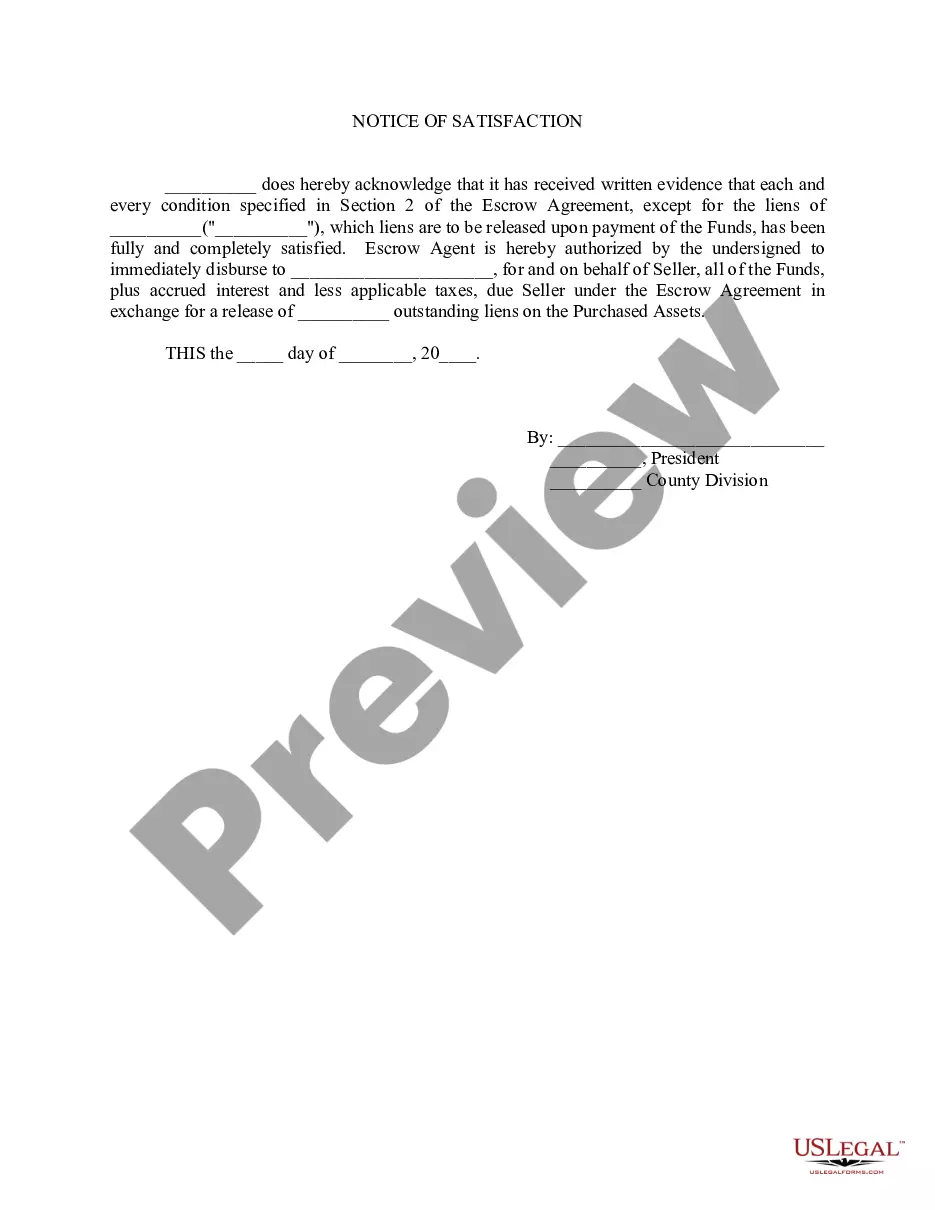
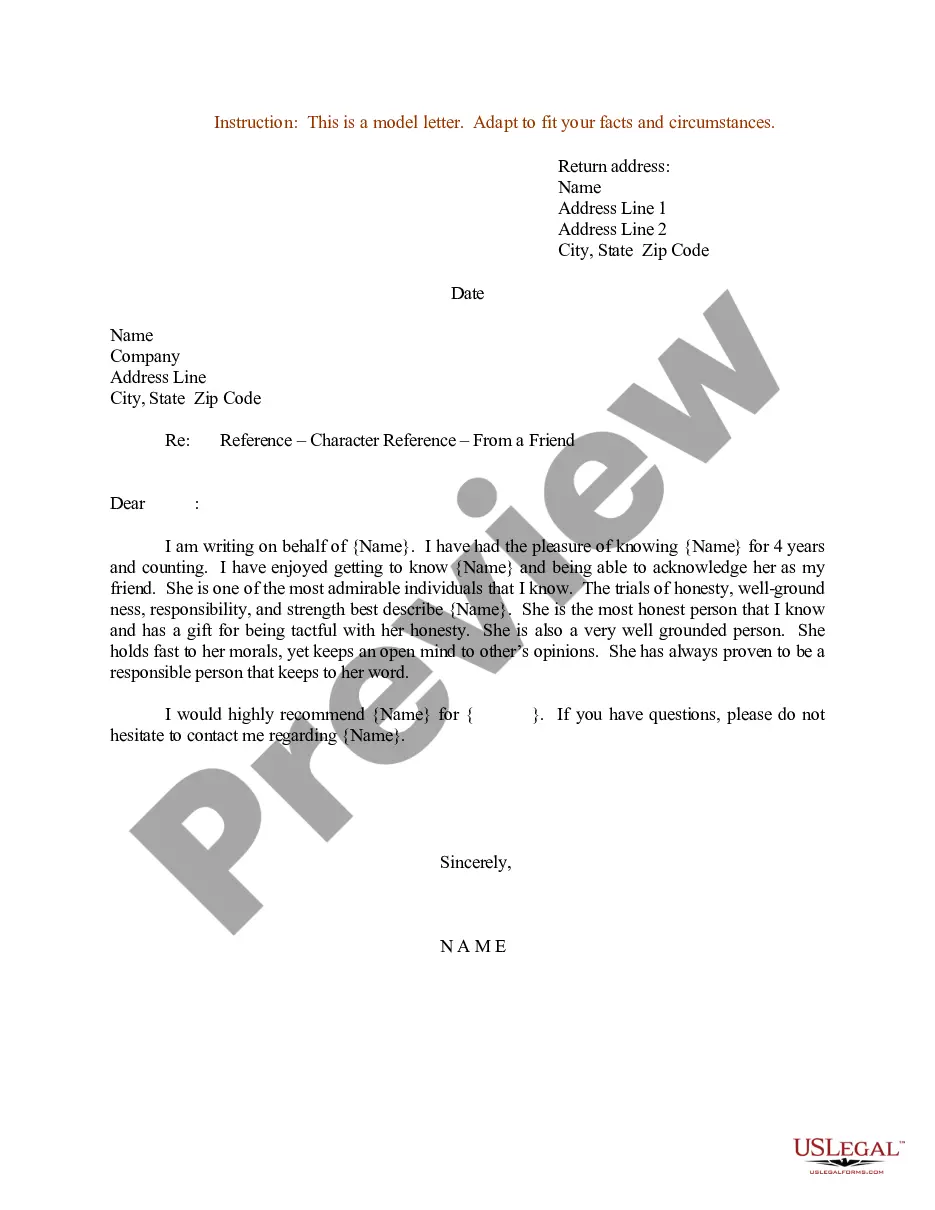
How to fill out Sample Letter For Acceptance Of Job Offer - Applicant To Business - Reconfirmation Of Agreements?
It’s widely recognized that you can’t transform into a legal expert instantly, nor can you learn how to swiftly create Letter Acceptance Business For Appointment without possessing a specialized background.
Formulating legal documents is a lengthy endeavor that necessitates specific training and expertise. So why not entrust the creation of the Letter Acceptance Business For Appointment to the professionals.
With US Legal Forms, one of the most extensive legal template collections, you can discover anything from judicial papers to templates for internal corporate communication.
If you need a different template, initiate your search again.
Create a free account and select a subscription option to buy the template. Click Buy now. After the payment is completed, you can download the Letter Acceptance Business For Appointment, fill it out, print it, and send or mail it to the required individuals or entities.
- We understand how crucial compliance and adherence to federal and local regulations are.
- That’s why, on our platform, all templates are location-specific and current.
- Here’s how to begin with our website and acquire the document you require in just minutes.
- Locate the document you need by utilizing the search bar at the top of the page.
- Examine it (if this option is accessible) and review the accompanying description to determine if Letter Acceptance Business For Appointment is what you’re looking for.
Form popularity
FAQ
To write an acceptance letter, begin by addressing the recipient appropriately. Clearly state your acceptance of the appointment, express appreciation, and confirm any relevant details. Ensure your tone remains professional and enthusiastic throughout. If you need help, uslegalforms offers resources to assist you in drafting a polished acceptance letter.
Filling an acceptance letter involves writing a clear and concise message that includes your acceptance of the offer. Start with a formal greeting, then express your gratitude, and confirm the details regarding the appointment. For those looking for guidance, uslegalforms provides templates that simplify the process of creating an effective acceptance letter.
Responding to an appointment letter requires a clear acceptance of the terms outlined. Begin by thanking the sender for the opportunity, and confirm your understanding of the appointment’s details. A well-crafted response can enhance your professional image and ease any concerns. Uslegalforms offers various templates to help you draft the perfect response.
To acknowledge an appointment letter, write a brief response that confirms your receipt of the letter. Include a thank you for the opportunity and reiterate important details like the date and time of the appointment. This approach fosters good communication and sets a positive tone for your upcoming engagement. For templates, check out uslegalforms.
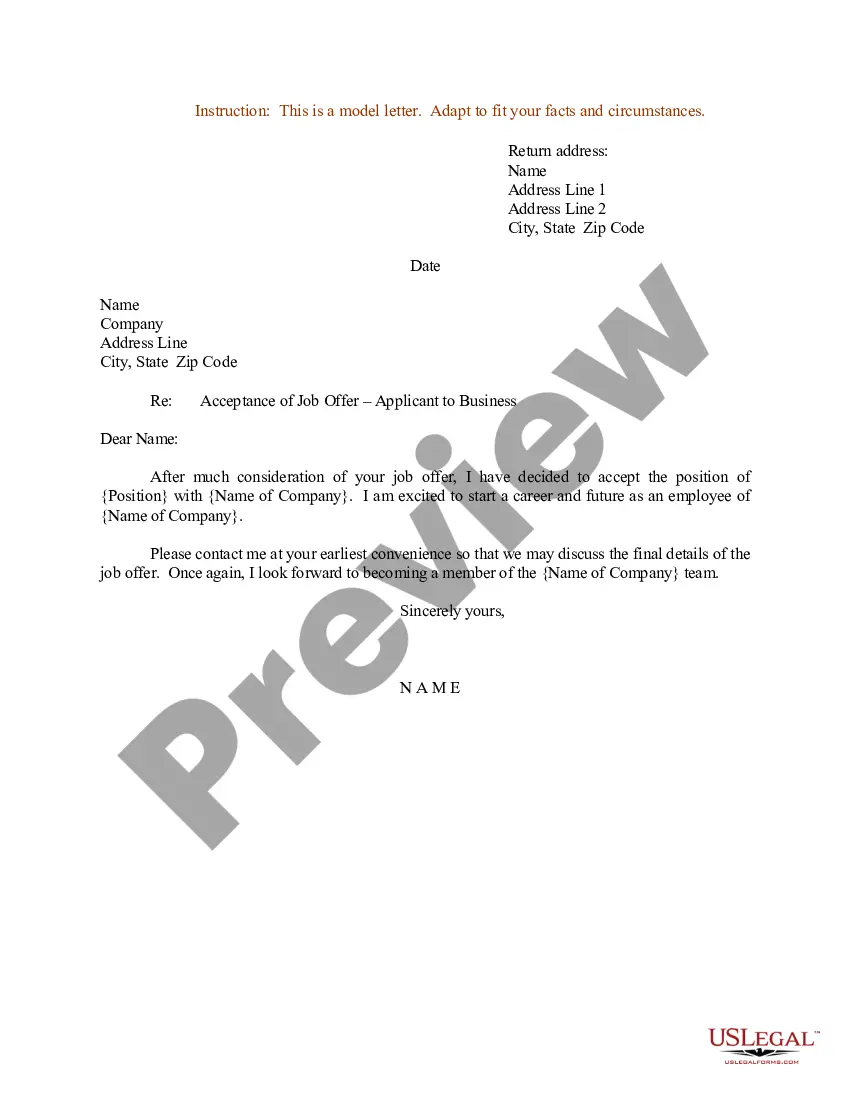
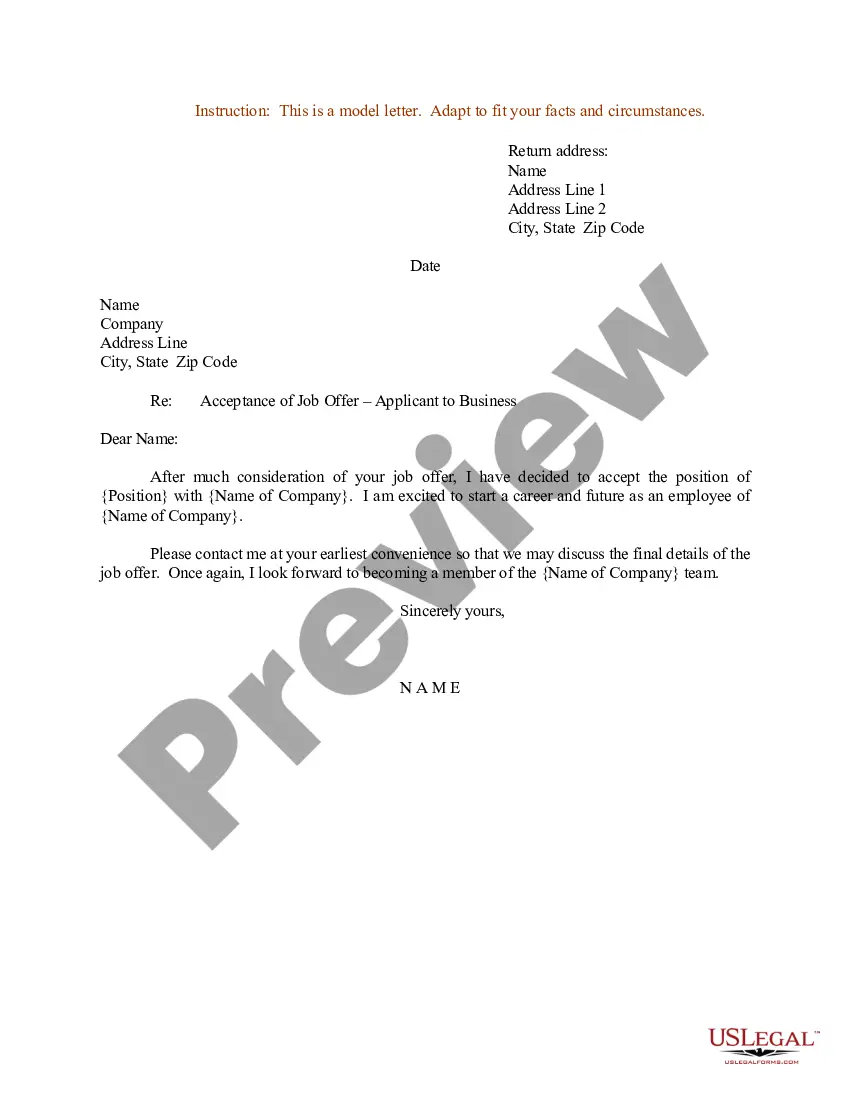
A good example of an acceptance letter includes a clear statement of acceptance, acknowledgment of the appointment details, and an expression of gratitude. The letter should be polite and professional, reflecting your enthusiasm for the role. You can find examples and templates specifically designed for letter acceptance business for appointment on the uslegalforms platform.
Filling an acceptance form involves reading the instructions carefully and providing accurate information. Begin by entering your personal details, followed by any specific information requested, such as your contact information and the appointment details. If you're unsure about any section, uslegalforms offers guidance and templates to help you complete the form correctly.
To answer an acceptance letter, start by expressing gratitude for the opportunity. Clearly state your acceptance and confirm any details regarding the appointment. You can also mention your eagerness to contribute and collaborate, reinforcing the positive tone of your response. For assistance, consider using the resources available at uslegalforms for templates.
When you need to request an acceptance letter, it's important to be clear and polite in your communication. Start by addressing the recipient appropriately and stating your request directly. You can utilize a template from the letter acceptance business for appointment section on US Legal Forms to streamline the process. This allows you to present your request formally, increasing the likelihood of a positive response.
To confirm an appointment professionally, you should reach out to the involved parties via email or phone. Clearly state the date, time, and location of the appointment to avoid any misunderstandings. Additionally, consider sending a confirmation letter using a template from the letter acceptance business for appointment category on US Legal Forms. This approach ensures that all details are documented and acknowledged.
To obtain a letter of appointment, you need to start by identifying the purpose of the letter. Typically, you must gather relevant documents and details that support your request. Next, you can use a reliable platform like US Legal Forms, which offers templates specifically designed for the letter acceptance business for appointment. By following the provided guidelines, you can create and submit your letter efficiently.