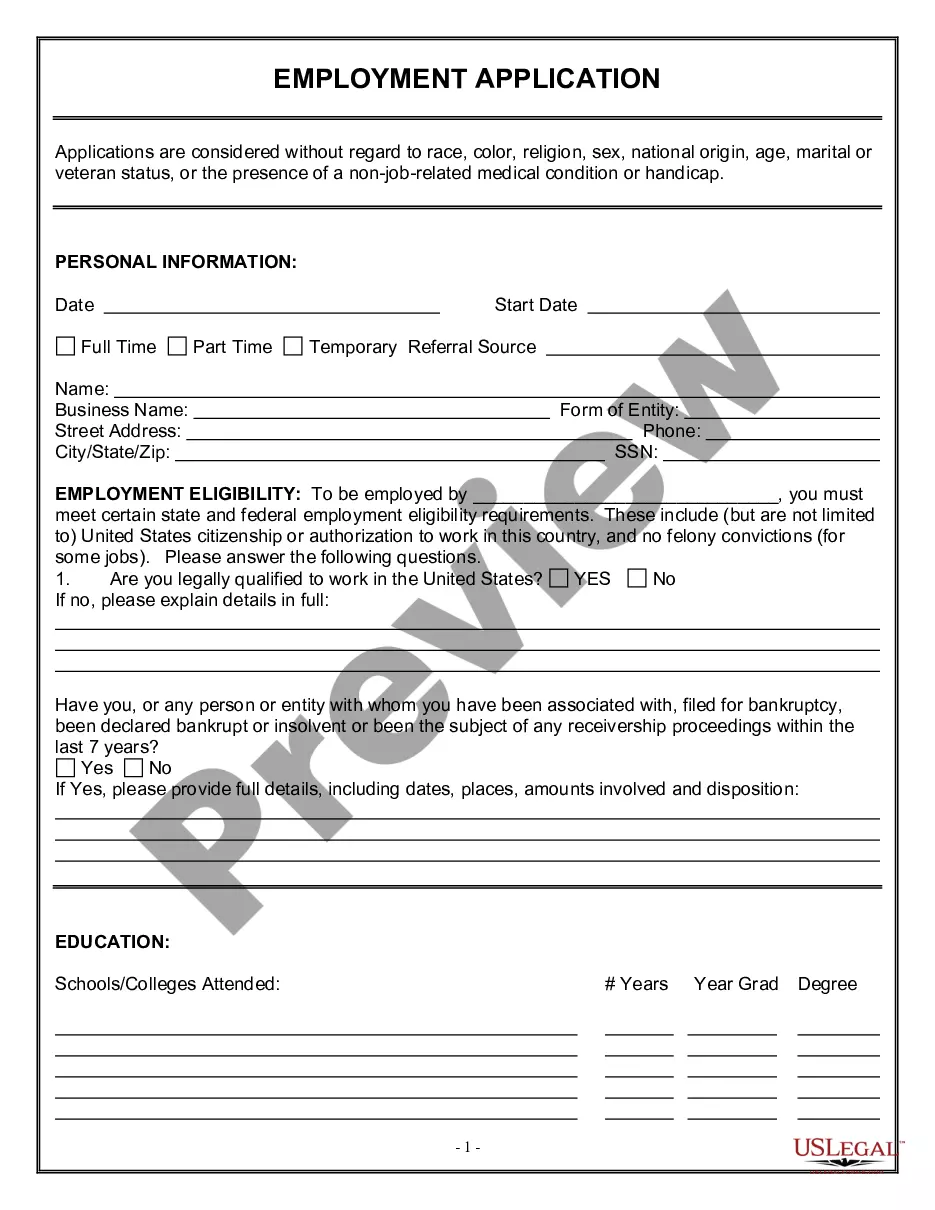
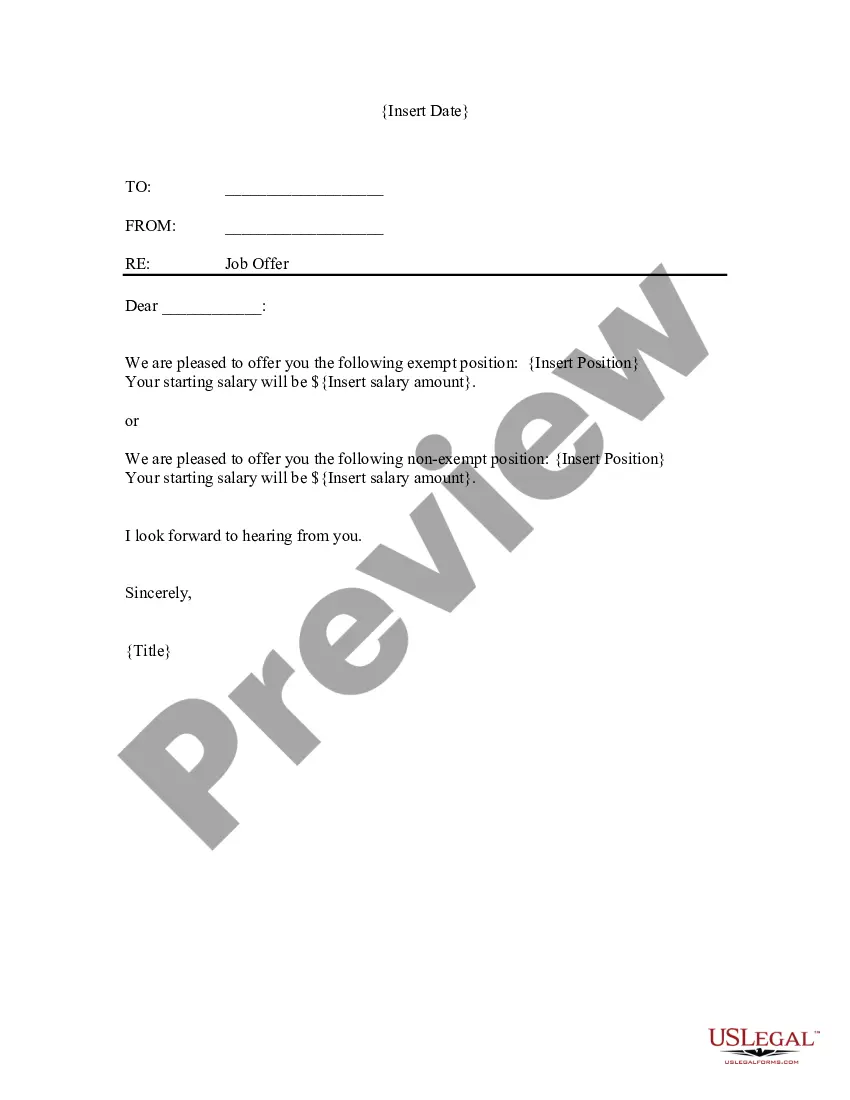
Letter Acceptance Job Application Form Online In Contra Costa
Description




Get your form ready online
Our built-in tools help you complete, sign, share, and store your documents in one place.
Make edits, fill in missing information, and update formatting in US Legal Forms—just like you would in MS Word.
Download a copy, print it, send it by email, or mail it via USPS—whatever works best for your next step.
Sign and collect signatures with our SignNow integration. Send to multiple recipients, set reminders, and more. Go Premium to unlock E-Sign.
If this form requires notarization, complete it online through a secure video call—no need to meet a notary in person or wait for an appointment.
We protect your documents and personal data by following strict security and privacy standards.

Make edits, fill in missing information, and update formatting in US Legal Forms—just like you would in MS Word.

Download a copy, print it, send it by email, or mail it via USPS—whatever works best for your next step.

Sign and collect signatures with our SignNow integration. Send to multiple recipients, set reminders, and more. Go Premium to unlock E-Sign.

If this form requires notarization, complete it online through a secure video call—no need to meet a notary in person or wait for an appointment.

We protect your documents and personal data by following strict security and privacy standards.
Looking for another form?





Form popularity
FAQ
Your job application email checklist Use a professional email address. Write a correct and informative subject line. Be sure you have used the correct recipient's name, title and email address. Craft an effective closing and signature. Name and format your attachments correctly. Proofread, proofread, proofread!
Your job application email checklist Use a professional email address. Write a correct and informative subject line. Be sure you have used the correct recipient's name, title and email address. Craft an effective closing and signature. Name and format your attachments correctly. Proofread, proofread, proofread!
How to write a job application email Write a clear subject line. Include a salutation. Introduce yourself in the first sentence. Turn your cover letter into the body of your email. Close with details. Sign your email. Attach your materials. Proofread before you hit “send.”
Once your email message is ready to send, you need to attach your resume and cover letter to your message: Click on Insert > Attach File. Click to select the file you want to add to your email message, and then click on Insert to attach the document to your email message.
What to include in your job application email Your full name and contact information. The reason you are writing. The title of the job you are applying for. The qualifications that make you a good fit for the position. Your resume. Your cover letter. Additional documents that the job listing specifically asked for.
When you get to the resume section of the company or job website, click the "Attach" button. In the dialogue box that appears on your screen, click the "Browse" button, revealing a list of options, such as files, pictures, and folders. Locate your resume on your computer or mobile device, then click on it to attach it.
A: If your incident is an emergency, call 9-1-1. If it is a non-emergency, call (925) 646-2441.
Please email Contra Costa County Communications Director Kristi Jourdan at Kristi.Jourdan@contracostatv or call 925-313-1180 if you need assistance finding the right department or person.
Customer Service telephone operations are from AM to PM on weekdays, and from AM to PM on Saturday – (925) 676-7500.
If you have a question or a complaint, always try your cable company first. Comcast may be reached at (800) 945-2288, or the Comcast/Xfinity website Astound may be reached at (800) 427-8686 or the Astound/Wave website. and AT&T U-verse may be reached at (800) 288-2020 or the AT&T website.

