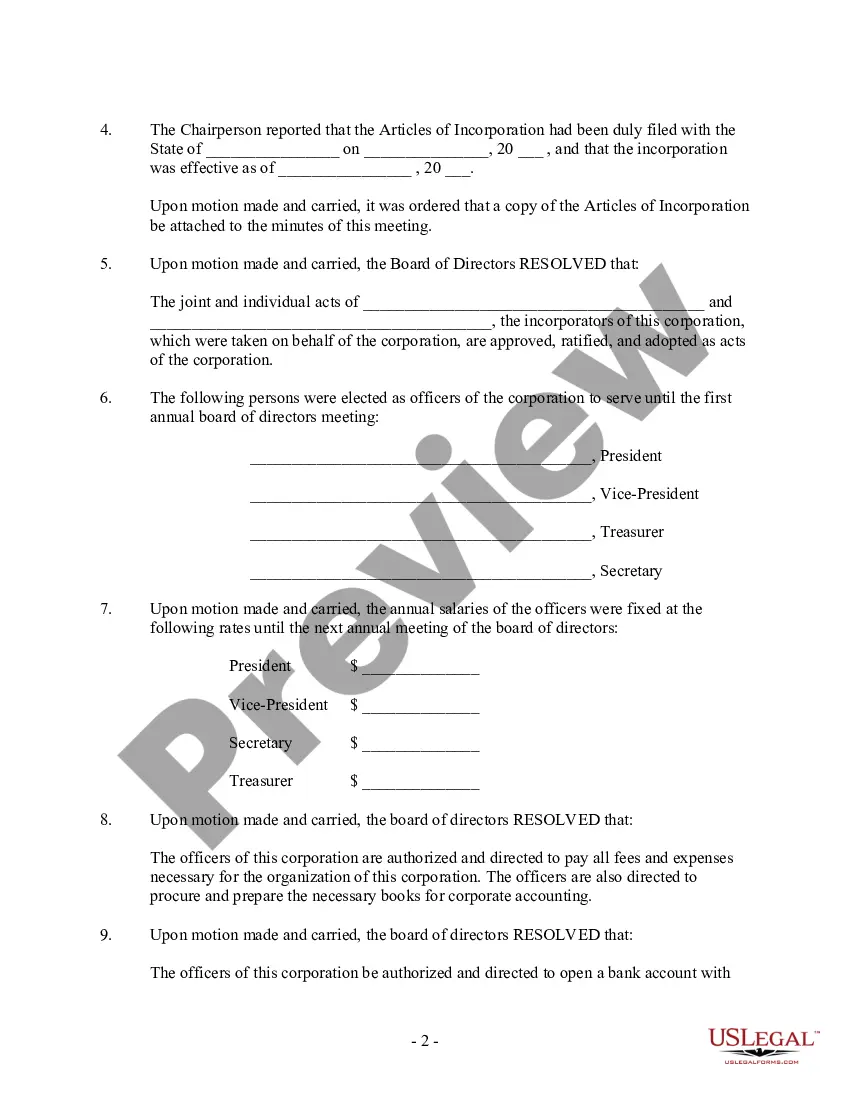
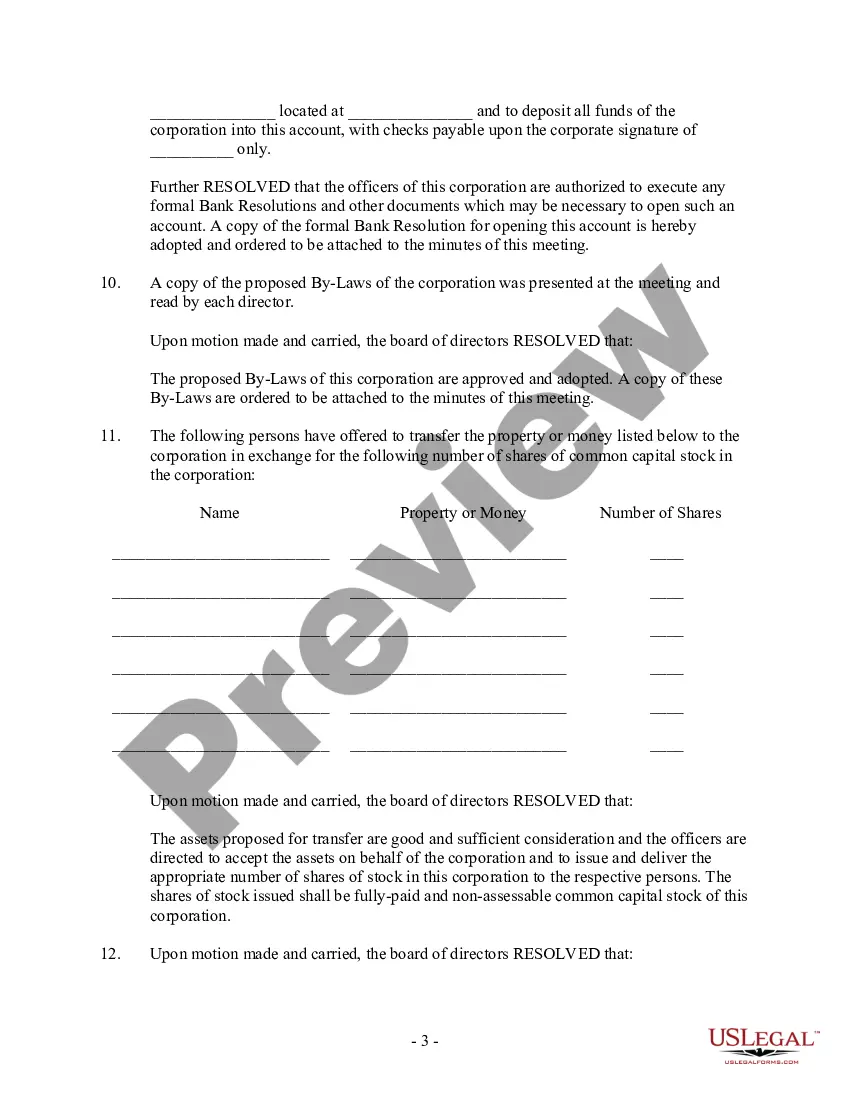
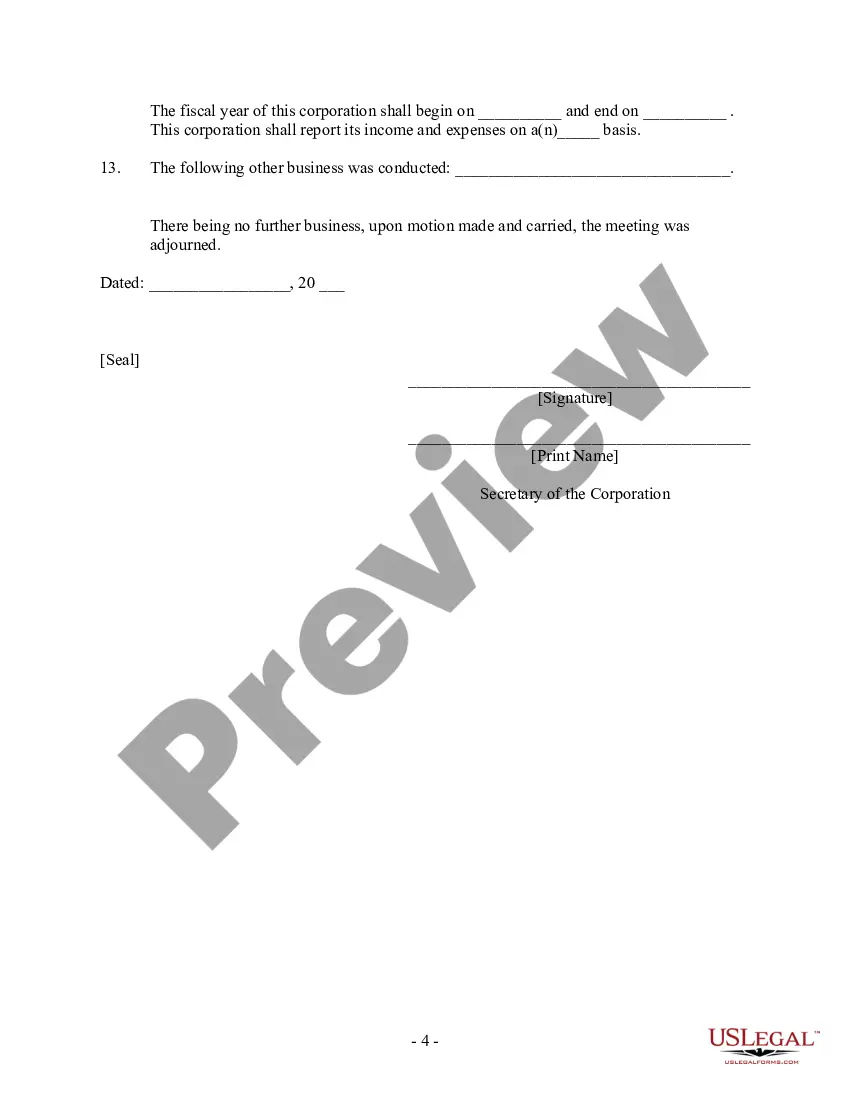
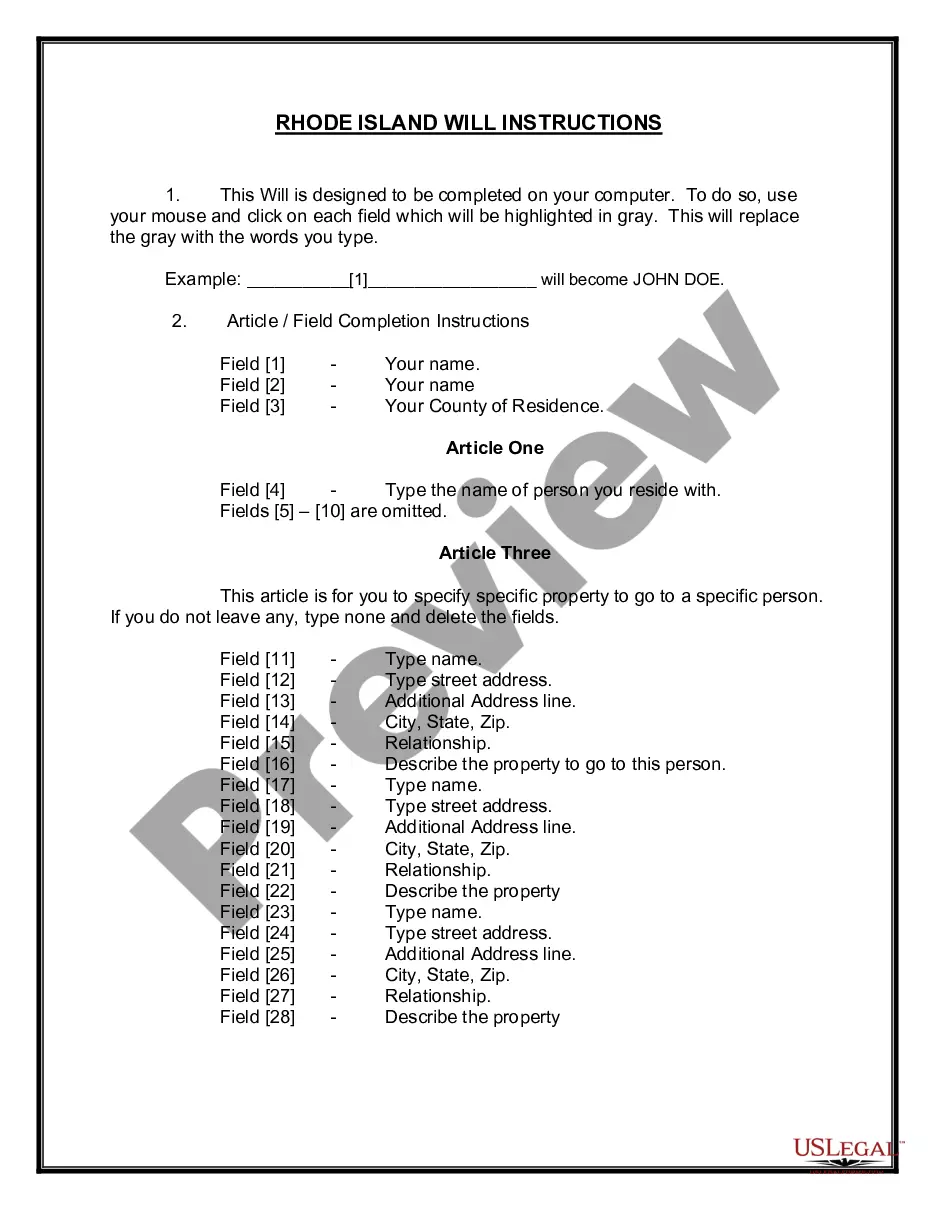
Board Meeting Corporate Formula In Tarrant
Description





Get your form ready online
Our built-in tools help you complete, sign, share, and store your documents in one place.
Make edits, fill in missing information, and update formatting in US Legal Forms—just like you would in MS Word.
Download a copy, print it, send it by email, or mail it via USPS—whatever works best for your next step.
Sign and collect signatures with our SignNow integration. Send to multiple recipients, set reminders, and more. Go Premium to unlock E-Sign.
If this form requires notarization, complete it online through a secure video call—no need to meet a notary in person or wait for an appointment.
We protect your documents and personal data by following strict security and privacy standards.

Make edits, fill in missing information, and update formatting in US Legal Forms—just like you would in MS Word.

Download a copy, print it, send it by email, or mail it via USPS—whatever works best for your next step.

Sign and collect signatures with our SignNow integration. Send to multiple recipients, set reminders, and more. Go Premium to unlock E-Sign.

If this form requires notarization, complete it online through a secure video call—no need to meet a notary in person or wait for an appointment.

We protect your documents and personal data by following strict security and privacy standards.
Looking for another form?








Form popularity
FAQ
Best practices of running a board meeting script: 12 steps to include Craft the agenda. The agenda is a meeting plan. Create the board pack. Distribute pre-meeting materials. Start a meeting properly. Recognize a quorum. Call the meeting to order. Approve agenda and minutes. Encourage communication and reports.
The 4 Ps framework helps improve meeting efficiency by ensuring that the meeting has a clear objective (Purpose), a targeted outcome (Product), the right participants (People), and a well-structured agenda (Process).
Most board meeting agendas follow a classic meeting structure: Calling meeting to order – ensure you have quorum. Approve the agenda and prior board meeting minutes. Executive and committee reports – allow 25% of time here for key topic discussion. Old/new/other business. Close the meeting and adjourn.
Organize your board agendas Outline the intent: Indicate whether the session requires attendees to make a choice, provide feedback, or simply listen to your concerns. Knowing the final aim of each agenda item makes it simpler to accomplish as participants know what to achieve.
Great boards have frank, open, and respectful conversations to get the best results. The boards that develop a culture of healthy challenge, both among board members and of the senior management team, make much better decisions, as they test assumptions and the information presented to them.
Starting the Meeting: ``Good (morning/afternoon), everyone. Thank you for joining us today. I'd like to welcome you to this meeting. Our agenda includes (briefly outline the agenda items). Let's begin with our first topic.''
Send detailed meeting follow-ups: The best meetings are packed with discussions, debate and decision-making, often accompanied by post-meeting tasks for each board member. Succinct but specific meeting-minute emails keep the contents of each meeting fresh and hold the board accountable for anything they agreed to.
The best board meetings leave us focused and energized: the goal of the meeting is clear, our team is motivated, the process is smooth, and there are well-defined outcomes. Not-so-great meetings, on the other hand, drain energy and lower morale because of the perceived waste of time.
Secretary. The board secretary's duties help protect a nonprofit organization. Board secretaries have a variety of duties and responsibilities including: Schedules board meetings.
profit looking for a better way to schedule board meetings needs to keep in mind only 3 simple steps. Work within a date range that works for the organization's calendar. Work within days/times that works for board members' calendars. Make the final decision quickly and stick with it.
