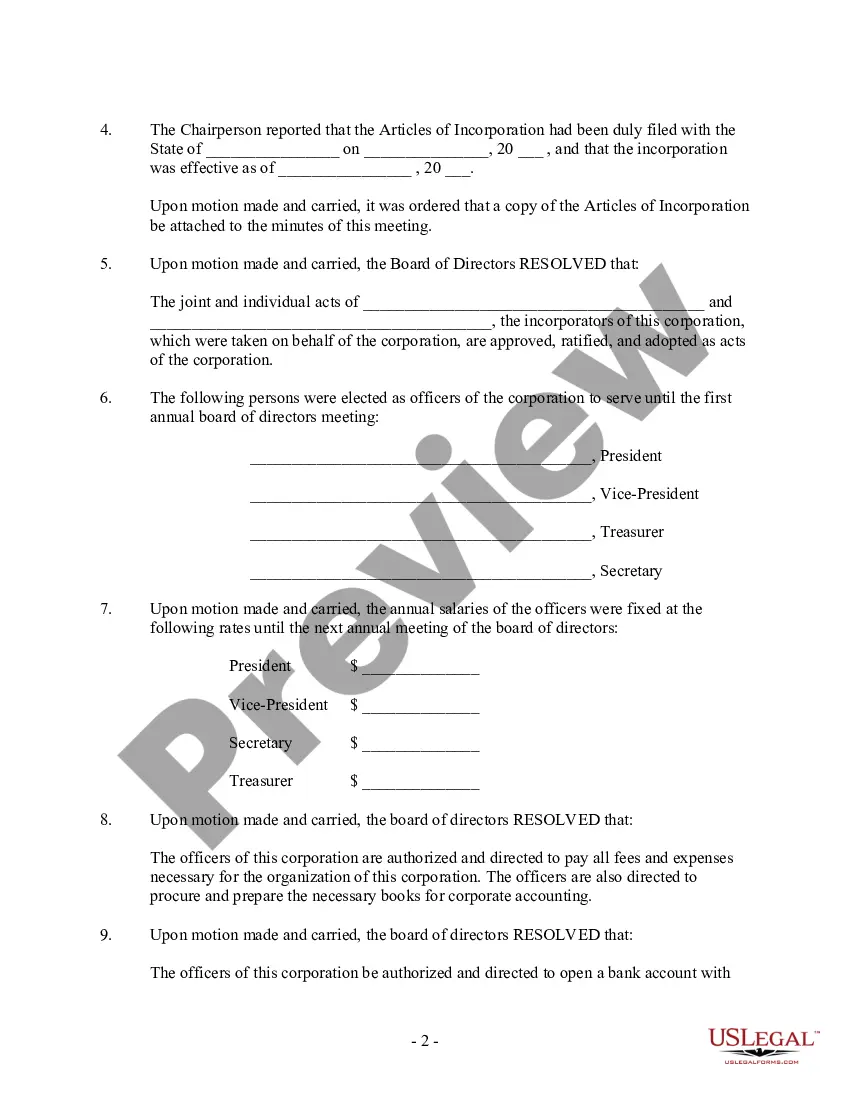
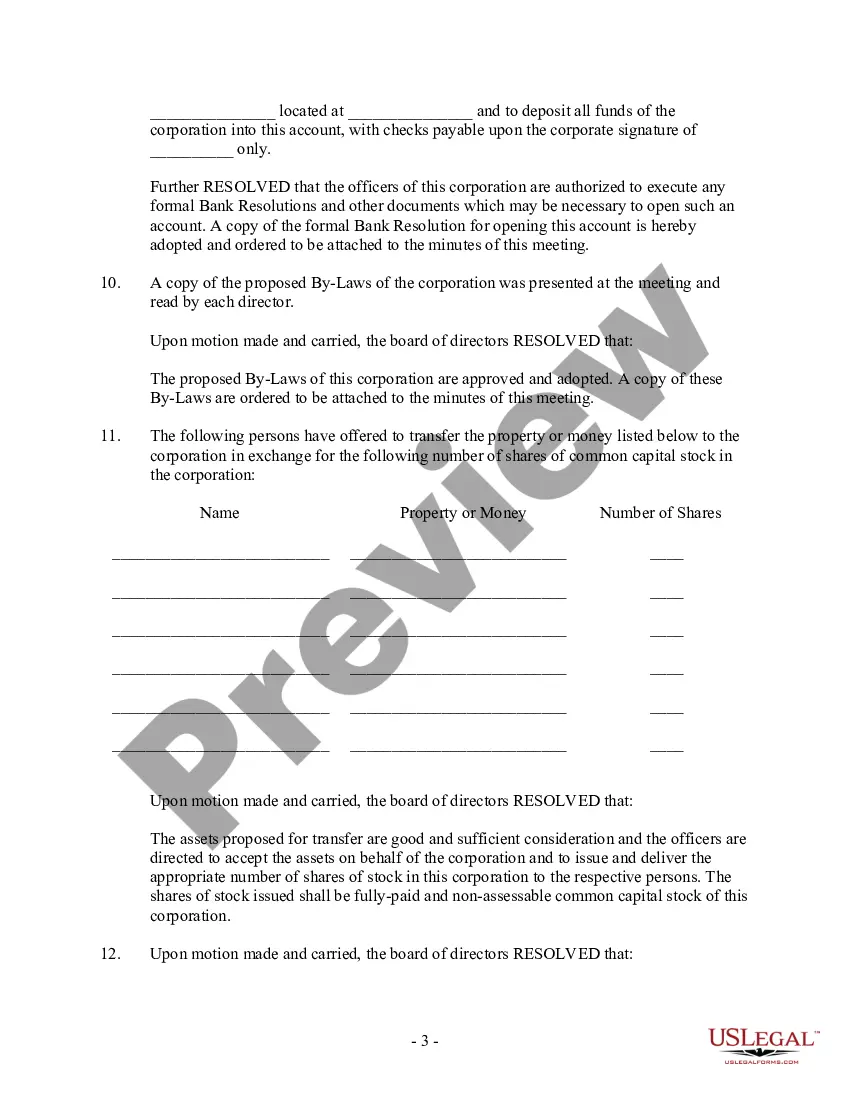
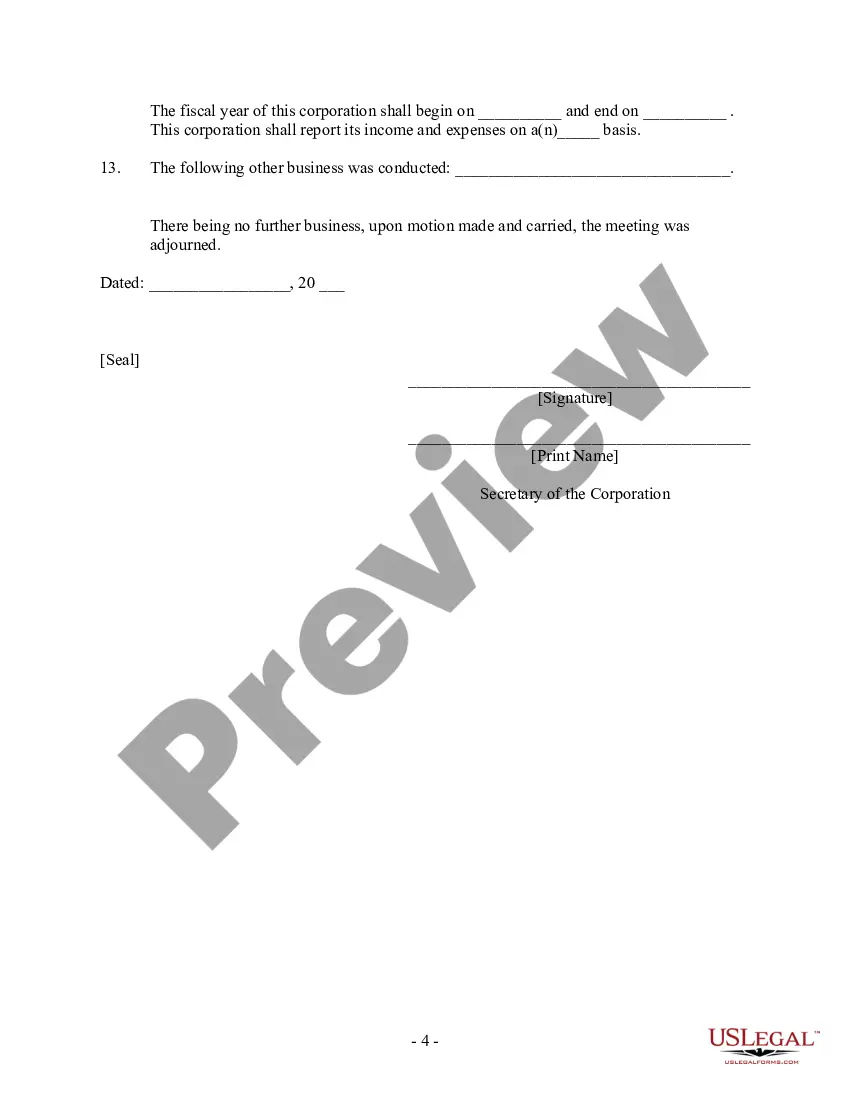
Board Directors Minutes With The President In Franklin
Description





Get your form ready online
Our built-in tools help you complete, sign, share, and store your documents in one place.
Make edits, fill in missing information, and update formatting in US Legal Forms—just like you would in MS Word.
Download a copy, print it, send it by email, or mail it via USPS—whatever works best for your next step.
Sign and collect signatures with our SignNow integration. Send to multiple recipients, set reminders, and more. Go Premium to unlock E-Sign.
If this form requires notarization, complete it online through a secure video call—no need to meet a notary in person or wait for an appointment.
We protect your documents and personal data by following strict security and privacy standards.

Make edits, fill in missing information, and update formatting in US Legal Forms—just like you would in MS Word.

Download a copy, print it, send it by email, or mail it via USPS—whatever works best for your next step.

Sign and collect signatures with our SignNow integration. Send to multiple recipients, set reminders, and more. Go Premium to unlock E-Sign.

If this form requires notarization, complete it online through a secure video call—no need to meet a notary in person or wait for an appointment.

We protect your documents and personal data by following strict security and privacy standards.
Looking for another form?






Form popularity
FAQ
1 Minutes of the Meeting of the Board shall be signed and dated by the Chairman of the Meeting or by the Chairman of the next Meeting.
Generally speaking, in order to be legally binding, general meeting minutes must be signed by general meeting officials and sometimes by certain other participants. The articles of association provide the answers on this matter.
How to Record Meeting Minutes The date of the meeting. The names of people in attendance (including guests) The names of absent members. A call to order that lists the time the meeting began and what the overall objective is. Agenda item 1 with a summary, motions made, and other important details.
Robert's Rules (Section -16) state that “the minutes should contain mainly a record of what was done at the meeting, not what was said by the members.” Minutes are not transcripts of meetings; rather, the document contains a record of actions taken by the body, organized by the meeting's order of business (agenda).
What to include Meeting date, time and location. Names of the committee or other group holding the meeting, the Chair and Secretary. List of those present, including guests in attendance, and any recorded regrets/absences. A record of formal motions and outcomes.
As mentioned above, there are essentially five steps involved with meeting minutes: Pre-Planning. Record taking – at the meeting. Minutes writing or transcribing. Distributing or sharing of meeting minutes. Filing or storage of minutes for future reference.
Helpful Tips for Taking Board Meeting Minutes Use a template. Check off attendees as they arrive. Do introductions or circulate an attendance list. Record motions, actions, and decisions as they occur. Ask for clarification as necessary. Write clear, brief notes rather than full sentences or verbatim wording.
What information do board meeting minutes contain? Meeting date, time and location. Type of meeting. Names and titles of attendees and guests. Any absent board directors. Quorum. Notes about directors who left early or re-entered the meeting. Board approvals, resolutions and acceptance of reports. Overview of discussions.
Approve the minutes: Once corrections are complete, the chair asks for a motion to approve the minutes. One member makes the motion, a second member approves it, and the chair calls for a vote. The approval of meeting minutes goes through with a majority vote.
10 Meeting Minutes Software to Use in 2024 ClickUp – Best for AI-powered meeting minutes. Fellow – Good for integration with other apps. FreJun – Good for automations. Magic Minutes – Good for stand alone meeting minutes. Evernote – Good for all-purpose note-taking. Beenote – Good for planning meeting notes.
