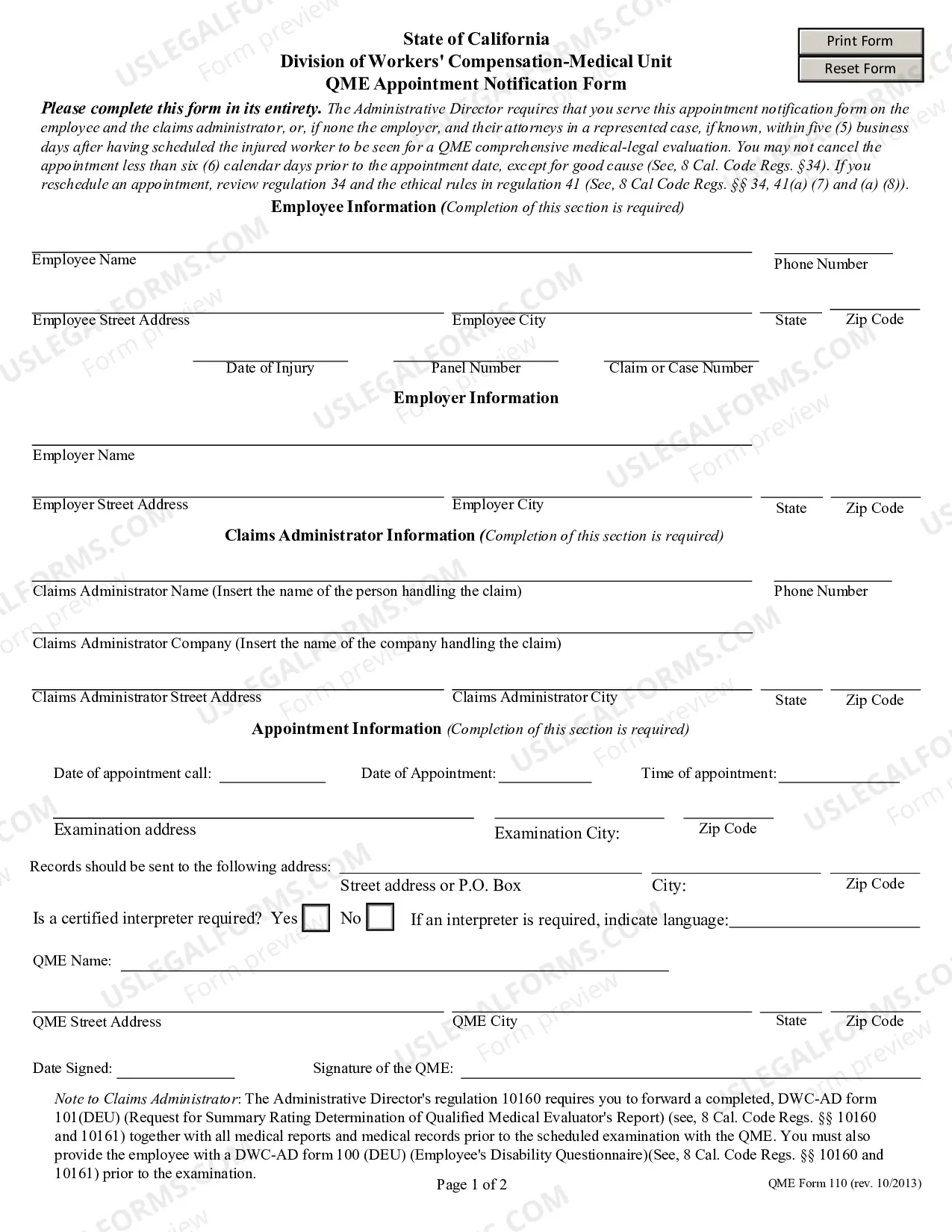
Acta Directorio Formulario In Cook
Description




Get your form ready online
Our built-in tools help you complete, sign, share, and store your documents in one place.
Make edits, fill in missing information, and update formatting in US Legal Forms—just like you would in MS Word.
Download a copy, print it, send it by email, or mail it via USPS—whatever works best for your next step.
Sign and collect signatures with our SignNow integration. Send to multiple recipients, set reminders, and more. Go Premium to unlock E-Sign.
If this form requires notarization, complete it online through a secure video call—no need to meet a notary in person or wait for an appointment.
We protect your documents and personal data by following strict security and privacy standards.

Make edits, fill in missing information, and update formatting in US Legal Forms—just like you would in MS Word.

Download a copy, print it, send it by email, or mail it via USPS—whatever works best for your next step.

Sign and collect signatures with our SignNow integration. Send to multiple recipients, set reminders, and more. Go Premium to unlock E-Sign.

If this form requires notarization, complete it online through a secure video call—no need to meet a notary in person or wait for an appointment.

We protect your documents and personal data by following strict security and privacy standards.
Looking for another form?









Form popularity
FAQ
Taxpayers using a tax year beginning in one calendar year and ending in the following year (fiscal tax year) must file Form 4506-T to request a return transcript.
Purpose of Form 4506-T By submitting Form 4506-T, the lender can request tax transcripts directly from the IRS to verify the applicant's income information. Tax compliance: The IRS may request individuals or businesses to submit Form 4506-T to verify their tax compliance or to resolve issues related to tax filings.
File Form 1128 to request a change in tax year. Partnerships, S corporations, personal service corporations (PSCs), or trusts may be required to file the form to adopt or retain a certain tax year.
1. Complete the form. Line 1a: Enter your name as it's shown on your tax returns. Line 1b: Enter your Social Security number. Line 2a: Enter your spouse's name if you filed a joint return. Line 2b: Enter your spouse's Social Security number, if you filed a joint return. Line 3: Enter your current address.
1. Complete the form. Line 1a: Enter your name as it's shown on your tax returns. Line 1b: Enter your Social Security number. Line 2a: Enter your spouse's name if you filed a joint return. Line 2b: Enter your spouse's Social Security number, if you filed a joint return. Line 3: Enter your current address.
Form 8716 is filed by partnerships, S corporations, and personal service corporations (as defined in section 441(i)(2)) to elect under section 444 to have a tax year other than a required tax year.
Changing your tax year Once you have adopted your tax year, you may have to get IRS approval to change it. To get approval, you must file Form 1128 PDF. See the instructions for Form 1128 PDF for exceptions.
Purpose of Form 4506-T This IRS form allows individuals and businesses to request tax return information for specific years, which can be used for various official and personal reasons. It serves to authenticate past income and tax filing status, which may be necessary when applying for loans or government assistance.
