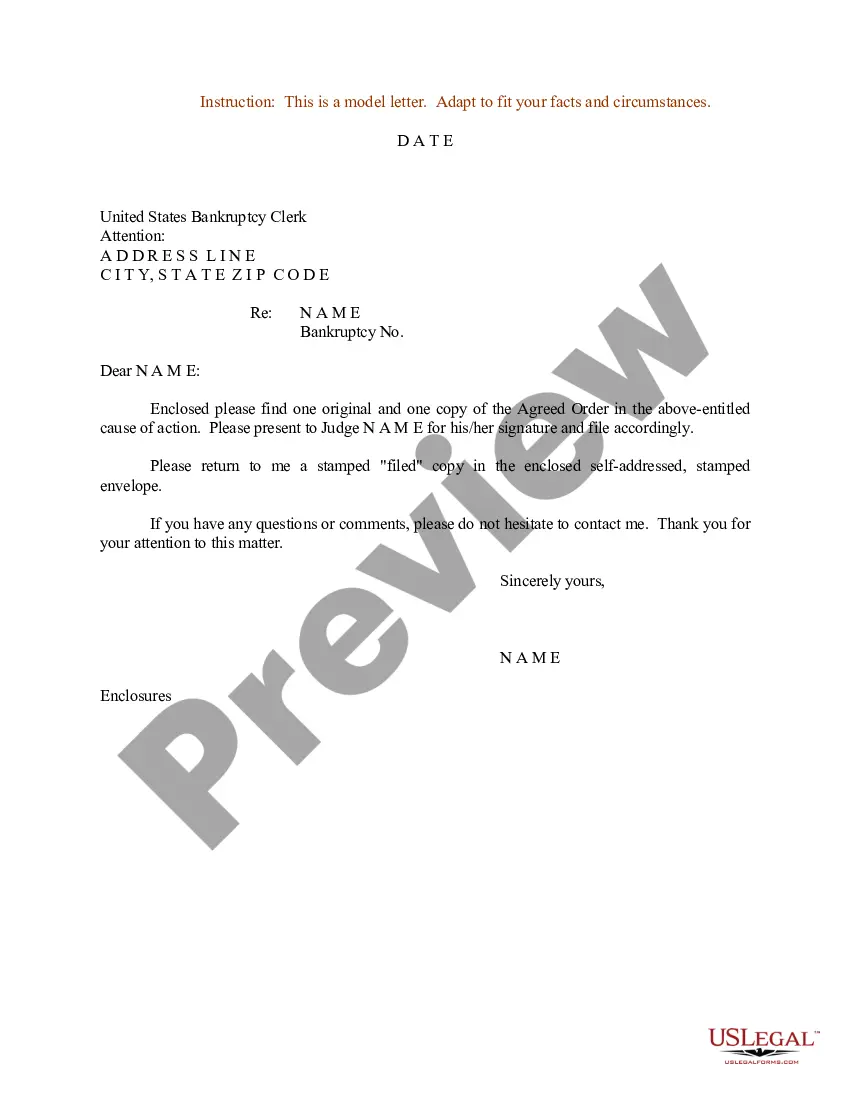
Sample Order For Judge To Sign In Tarrant
Description


Get your form ready online
Our built-in tools help you complete, sign, share, and store your documents in one place.
Make edits, fill in missing information, and update formatting in US Legal Forms—just like you would in MS Word.
Download a copy, print it, send it by email, or mail it via USPS—whatever works best for your next step.
Sign and collect signatures with our SignNow integration. Send to multiple recipients, set reminders, and more. Go Premium to unlock E-Sign.
If this form requires notarization, complete it online through a secure video call—no need to meet a notary in person or wait for an appointment.
We protect your documents and personal data by following strict security and privacy standards.

Make edits, fill in missing information, and update formatting in US Legal Forms—just like you would in MS Word.

Download a copy, print it, send it by email, or mail it via USPS—whatever works best for your next step.

Sign and collect signatures with our SignNow integration. Send to multiple recipients, set reminders, and more. Go Premium to unlock E-Sign.

If this form requires notarization, complete it online through a secure video call—no need to meet a notary in person or wait for an appointment.

We protect your documents and personal data by following strict security and privacy standards.
Looking for another form?




Form popularity
FAQ
What do I do when I file a Motion to Sign? You can either file your Motion to Sign in person or through e-filing. When filing a Motion to Sign, you must attach the proposed document you want the court to sign including any required additional documents.
If sufficiently well-written, even one letter could make an impression on a judge. If more than one, or many more than one, this will always make a favorable impression. It is not a guarantee of more favorable treatment at sentencing, but it sure won't hurt.
A motion is a paper you can file in your case. It asks the court to decide something in your case. For example, if you need more time to answer a complaint against you, you can file a motion to extend the time to answer. If you do not have a case, you cannot file a motion.
Writing a Persuasive Motion to Dismiss Be Clear and Concise: Use straightforward language and be diligent with proofreading. Stay Focused on the Legal Issues: Avoid unnecessary details and stick to the relevant legal arguments. Support Every Claim: Use statutes, case law, and rules of procedure to back up your points.
When signing the letter, you should close out with “Respectfully” or “Sincerely,” followed by both a typed and handwritten signature with your first and last name.
Quick Guide: Writing a Motion for Court Be clear and concise so the motion feels persuasive and logical to a judge. Present the information in a sequential way and include details about your reasoning, supporting facts, and ideas for next steps.
General format - each motion generally consists of a case caption, a title that briefly identifies the relief sought, a series of numbered paragraphs that explains -- in a logical way -- why you are entitled to that relief, a prayer for relief, a signature block, a certification that a copy of the motion was sent to ...
In Texas, there is no specific time limit for a judge to sign a motion that they verbally granted at a hearing. However, it is generally expected that the judge will sign the order as soon as possible, usually within a few days or weeks after the hearing.
If the opposing party does not answer, then you have to file a motion to compel the opposing party to respond. The party must answer your request if the court orders them to. If the party still does not answer, they can be held in contempt of court and/or a default judgment can be issued in your favor.
When signing the letter, you should close out with “Respectfully” or “Sincerely,” followed by both a typed and handwritten signature with your first and last name.

