Sample Email To Client For New Business In Sacramento
Description


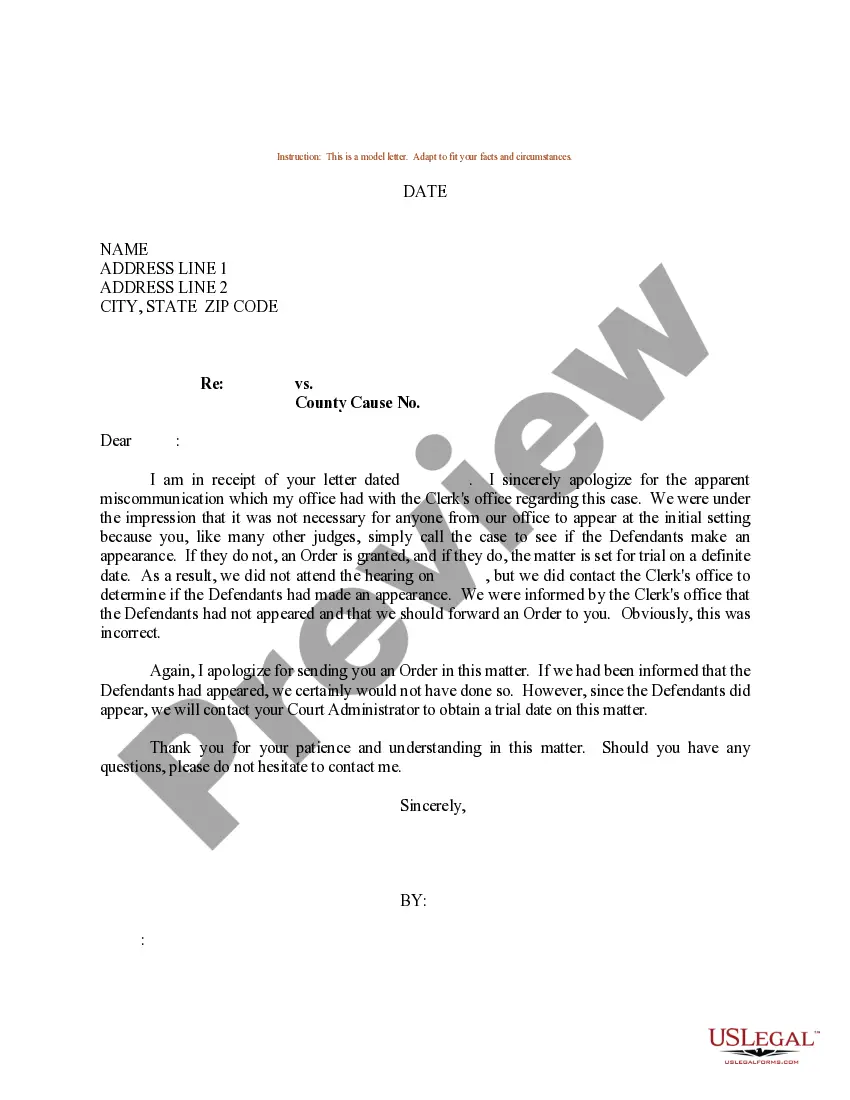

Get your form ready online
Our built-in tools help you complete, sign, share, and store your documents in one place.
Make edits, fill in missing information, and update formatting in US Legal Forms—just like you would in MS Word.
Download a copy, print it, send it by email, or mail it via USPS—whatever works best for your next step.
Sign and collect signatures with our SignNow integration. Send to multiple recipients, set reminders, and more. Go Premium to unlock E-Sign.
If this form requires notarization, complete it online through a secure video call—no need to meet a notary in person or wait for an appointment.
We protect your documents and personal data by following strict security and privacy standards.

Make edits, fill in missing information, and update formatting in US Legal Forms—just like you would in MS Word.

Download a copy, print it, send it by email, or mail it via USPS—whatever works best for your next step.

Sign and collect signatures with our SignNow integration. Send to multiple recipients, set reminders, and more. Go Premium to unlock E-Sign.

If this form requires notarization, complete it online through a secure video call—no need to meet a notary in person or wait for an appointment.

We protect your documents and personal data by following strict security and privacy standards.
Looking for another form?








Form popularity
FAQ
Dear Name of the addressee or "Team of Name of addressee company", Please allow me to introduce myself: my name is Your name, and I am writing to you in order to express interest, make an inquiry, or request information about specific product, service, or partnership offered by Company.
Personalize the email: Address the recipient by name and mention any relevant details about their company or position. State the purpose of the email: Clearly and concisely explain why you're reaching out. Demonstrate value: Show how your product or service can solve a problem or improve the recipient's business.
10 Ways to Get New Customers Ask for referrals. Network. Offer discounts and incentives for new customers only. Re-contact old customers. Improve your website. Partner with complementary businesses. Promote your expertise. Use online reviews to your advantage.
How to Write A Sample Email to Client (For New Business) Start with a Personal Connection. Use a Compelling Subject Line. Clearly State Your Value Proposition. Keep the Email Short and Focused. Show Social Proof or Credibility. End with a Clear Call-to-Action (CTA) Follow-Up with Consistency.
How do you write an email asking for more work? Be concise: Often with email requests, the shorter the better. Make it a new email: It is recommended to let your clients know why you are emailing as early as possible. Be clear. Try to stay light. Be clear. Show a track record. Show samples. Be sure to ask:
How To Approach A Client For The First Time Via Email? A strong and personalized subject line. No two clients are the same. Start with a strong hook. Introduce yourself. Relevant pitch or sales proposal that pushes your ultimate value proposition. End with a click-worthy CTA.
Introduce yourself in the first sentence, and then let the businessperson know the reason for the email. Briefly address an inquiry, question or feedback. Use the second paragraph to state details or ask specific questions. Be direct.
Use a professional email address. Add a concise, informative subject line. Greet the recipient with a proper salutation. Write the body of your email. End emails with a sign-off and signature. Proofread your email. Check your recipient fields. Schedule your email and send.
Sample Email for Informing Clients of a New Point of Contact Hope you are doing well. I am writing this email to inform you that there has been a change of POC for your Account/Company Name. Old POC Name is now being replaced by New POC Name as the primary contact person effective Start Date.
The easiest way is to send a message with your old or new email address saying you have a new one. Make sure you put all contacts in the bcc of the email. Otherwise, everyone can see each other's email address. That doesn't look very professional.
