Sample Letter To Arrange Meeting With Client In Miami-Dade
Description


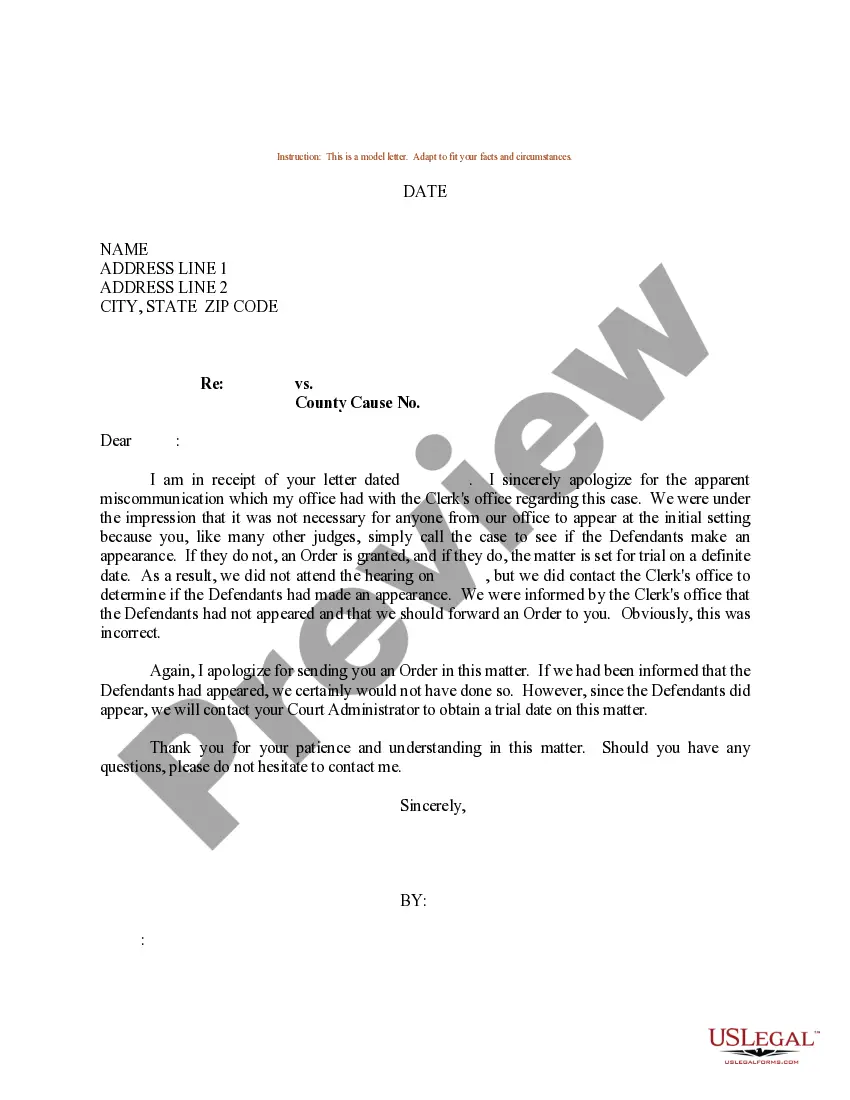

Get your form ready online
Our built-in tools help you complete, sign, share, and store your documents in one place.
Make edits, fill in missing information, and update formatting in US Legal Forms—just like you would in MS Word.
Download a copy, print it, send it by email, or mail it via USPS—whatever works best for your next step.
Sign and collect signatures with our SignNow integration. Send to multiple recipients, set reminders, and more. Go Premium to unlock E-Sign.
If this form requires notarization, complete it online through a secure video call—no need to meet a notary in person or wait for an appointment.
We protect your documents and personal data by following strict security and privacy standards.

Make edits, fill in missing information, and update formatting in US Legal Forms—just like you would in MS Word.

Download a copy, print it, send it by email, or mail it via USPS—whatever works best for your next step.

Sign and collect signatures with our SignNow integration. Send to multiple recipients, set reminders, and more. Go Premium to unlock E-Sign.

If this form requires notarization, complete it online through a secure video call—no need to meet a notary in person or wait for an appointment.

We protect your documents and personal data by following strict security and privacy standards.
Looking for another form?

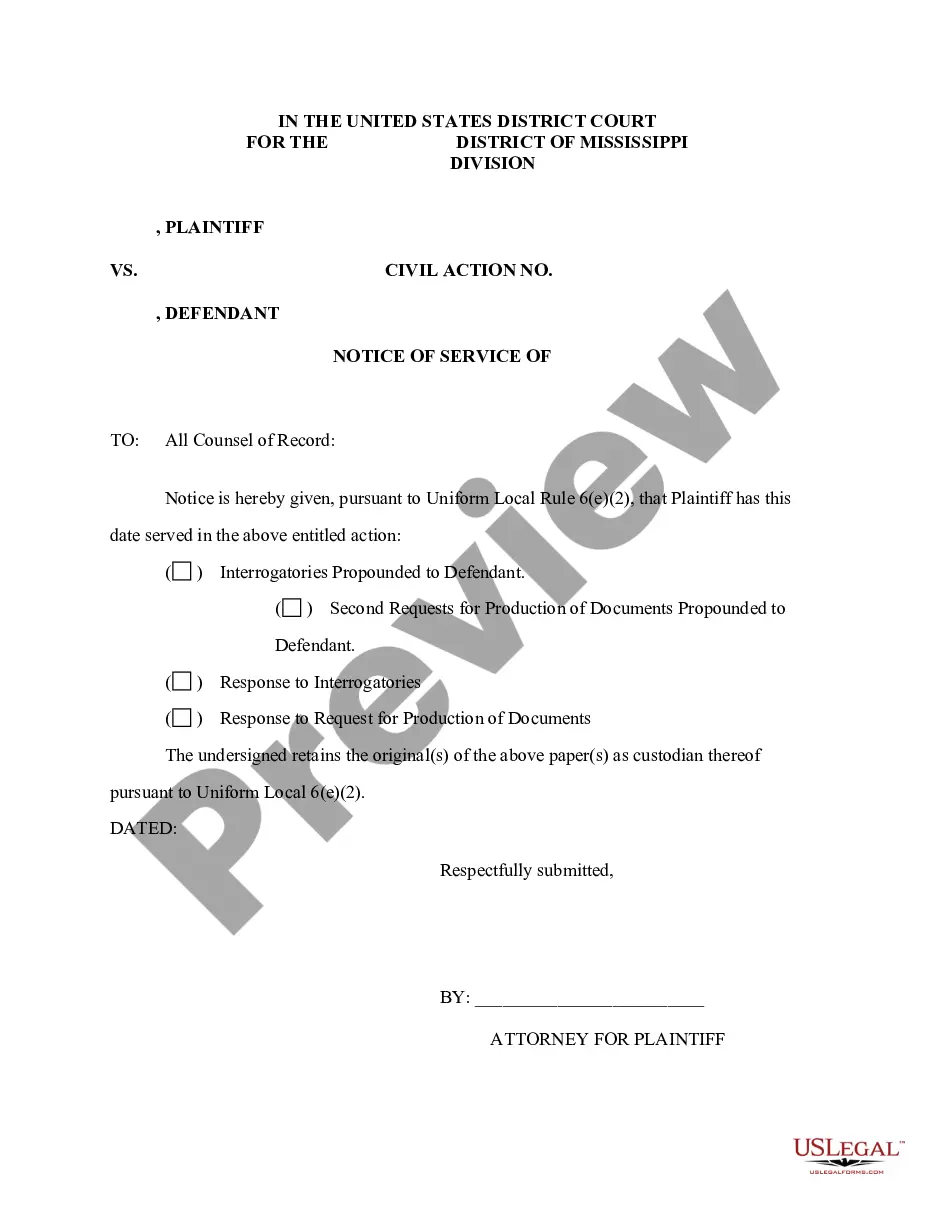
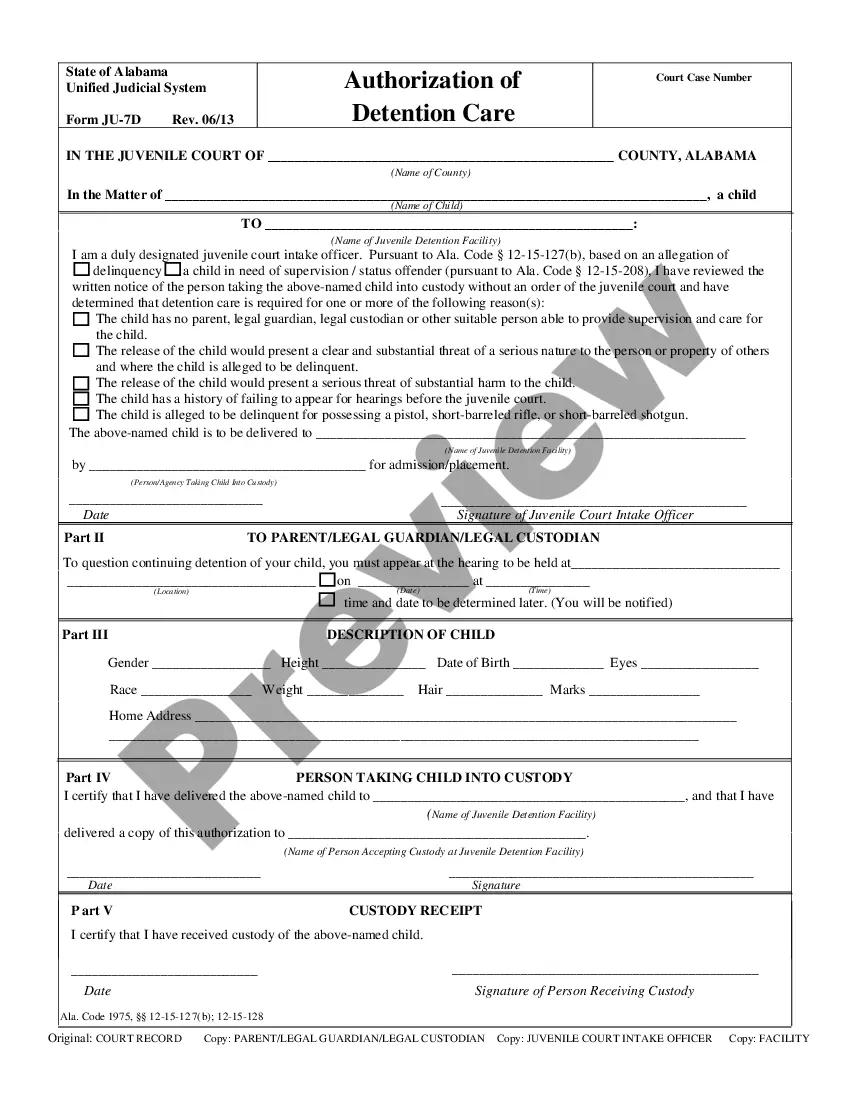
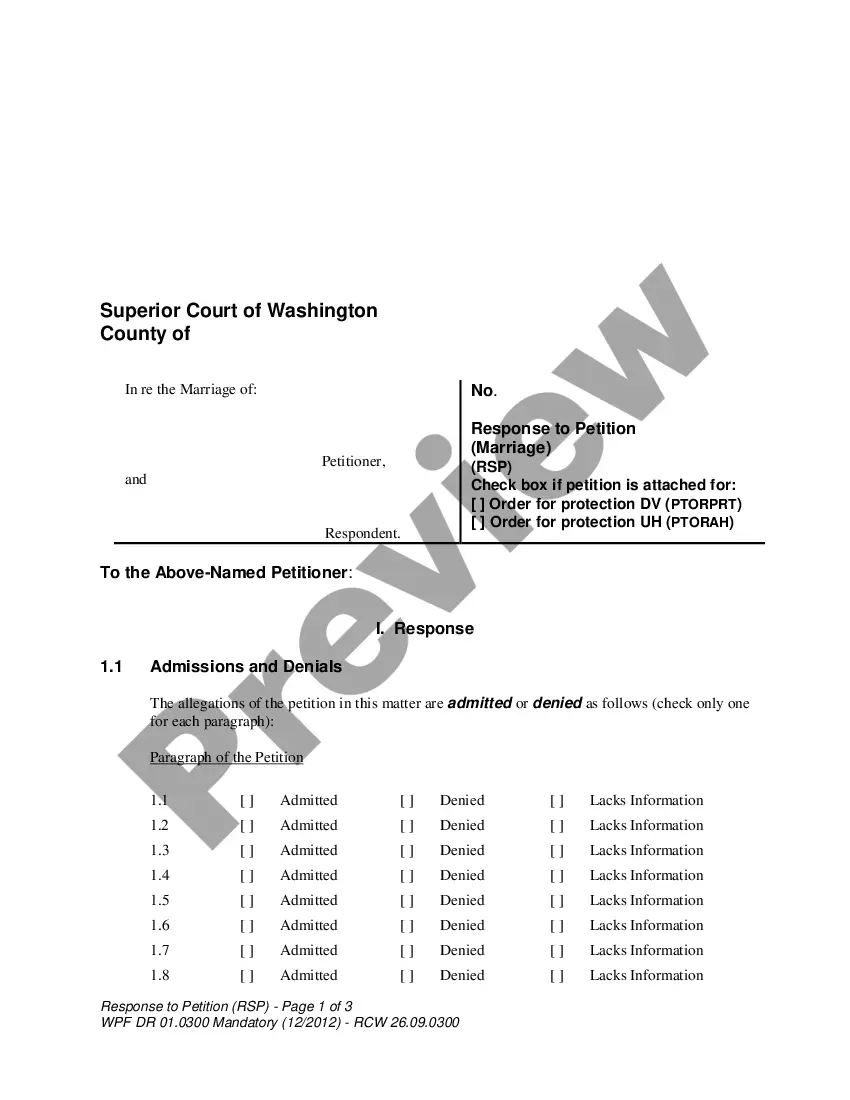
Form popularity
FAQ
Basic rules of meeting request emails Invite as few people as possible. Check calendars to see potential times. Be clear about why the meeting is needed. Send a meeting agenda in advance. Provide a call to action (CTA) ... State the time and place clearly.
Sample email to request a meeting with client Hi (Recipient's name), We're making some changes here at (company name), and I wanted to talk you through them. I'm happy to come and visit you at your office. Please can you suggest a meeting date and time that works for you?
When crafting a meeting invite, make sure you do the following. Create a specific subject line. Begin by showing your intention. Include crucial meeting details in the body of the email. End the email politely. Ask for a one-on-one meeting with the manager. Meeting invitation to employees.
What to Include in an Effective Meeting Request Email Clear and Direct Subject Line. Brief and Polite Introduction. Clear Statement of the Meeting's Purpose. Offer 2-3 Suggested Time Slots for Flexibility. Include the Expected Meeting Duration. Provide Your Contact Information for Easy Communication.
I'm writing this email to schedule a meeting concerning main topic of your meeting. If it's convenient, I would suggest meeting at location, time and place. Kindly confirm your availability and preference if you'd like to change the time or location.
I would like to schedule a one-on-one meeting with you to purpose of the meeting. I'll send over the agenda in advance. The meeting will be in my office, will you be available on date at time? It's important that we have this meeting so that we can continue to work effectively together.
Dear {NAME}, This is to request permission to use the {private room, parking lot, conference room, etc.} for the purpose of a PIPSC Better Together member activity, on {enter date of activity}. I will be responsible for the set up and clean of the space and will ensure that the area is kept tidy and put back to normal.
Email Requesting Availability for a Meeting I am interested in discussing Topic/Agenda with you and would like to know your availability for a potential meeting. Could you please let me know your availability for the upcoming week? I am flexible and can adjust my schedule to accommodate a time that works for you.
A polite way to ask for a meeting could be: "I hope this message finds you well. I would greatly appreciate the opportunity to discuss topic with you. Would it be possible to schedule a meeting at your convenience? Thank you for your consideration."
