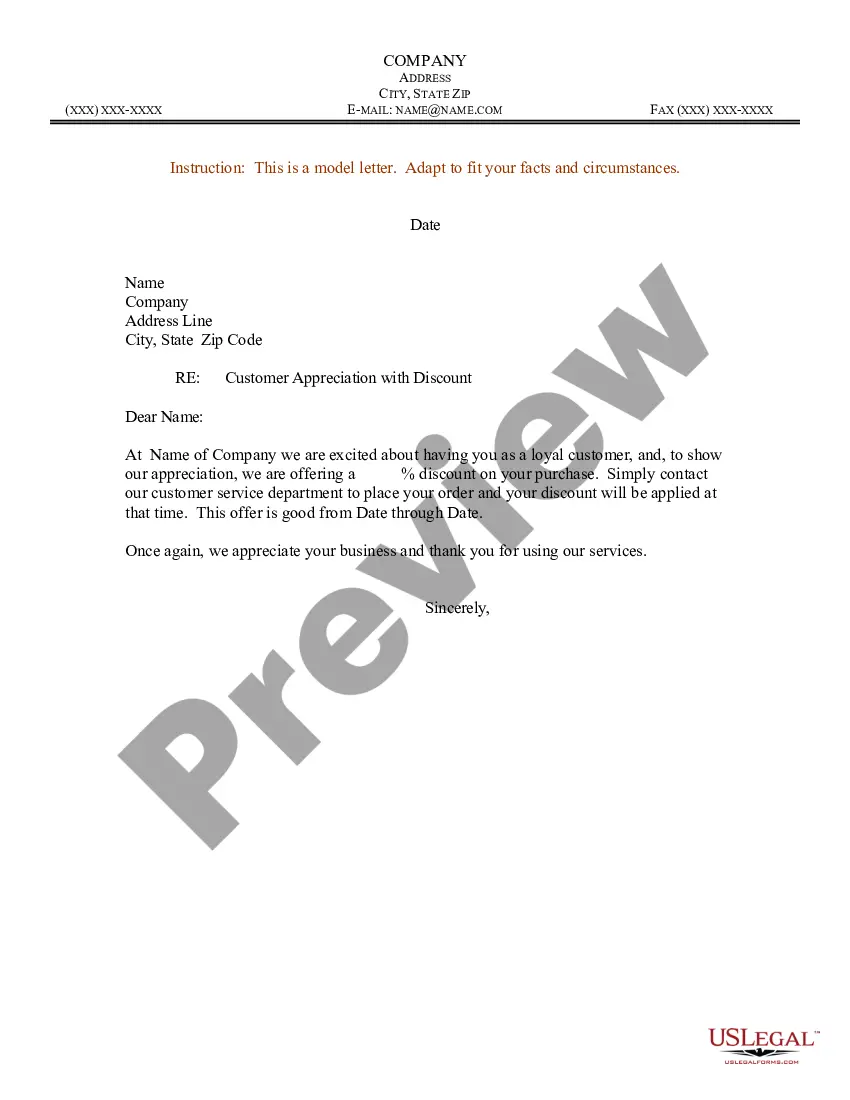
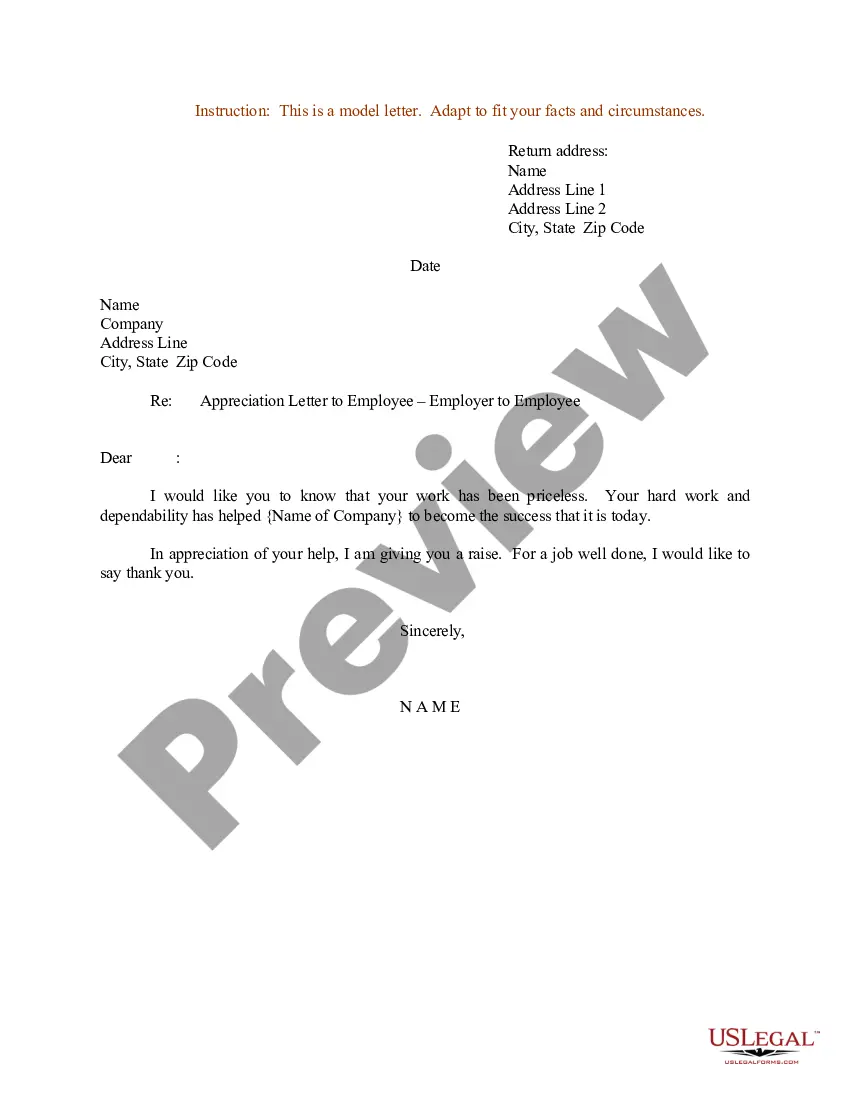
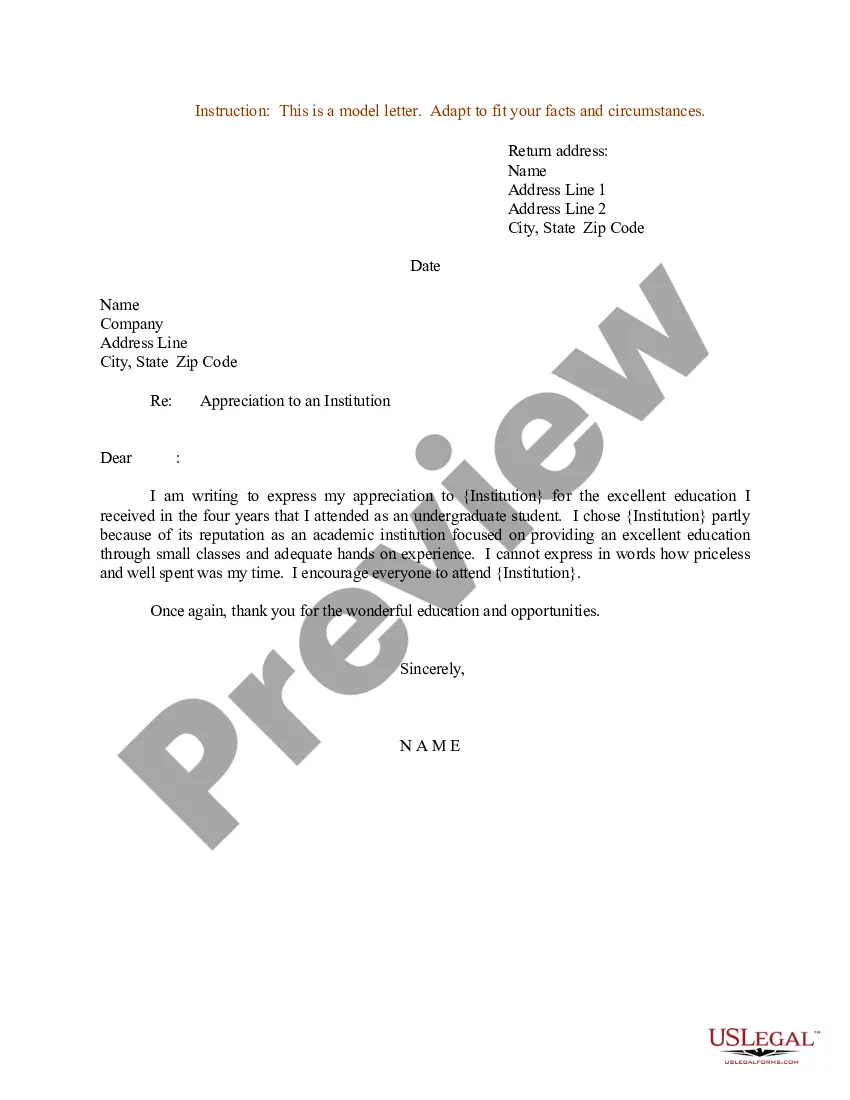
Letter Of Appreciation For Volunteer Service In Bronx
Description
Get your form ready online
Our built-in tools help you complete, sign, share, and store your documents in one place.
Make edits, fill in missing information, and update formatting in US Legal Forms—just like you would in MS Word.
Download a copy, print it, send it by email, or mail it via USPS—whatever works best for your next step.
Sign and collect signatures with our SignNow integration. Send to multiple recipients, set reminders, and more. Go Premium to unlock E-Sign.
If this form requires notarization, complete it online through a secure video call—no need to meet a notary in person or wait for an appointment.
We protect your documents and personal data by following strict security and privacy standards.

Make edits, fill in missing information, and update formatting in US Legal Forms—just like you would in MS Word.

Download a copy, print it, send it by email, or mail it via USPS—whatever works best for your next step.

Sign and collect signatures with our SignNow integration. Send to multiple recipients, set reminders, and more. Go Premium to unlock E-Sign.

If this form requires notarization, complete it online through a secure video call—no need to meet a notary in person or wait for an appointment.

We protect your documents and personal data by following strict security and privacy standards.
Looking for another form?
Form popularity
FAQ
How Do You Write A Volunteer Thank You Letter? The salutation. Begin your letter with a greeting. Show your appreciation to your volunteers. What your volunteer has done and their impact. Upcoming volunteer opportunities. Contact information for future reference. A closing. Personal statement of gratitude.
Write 1-2 sentences about yourself and your qualifications. Write a sentence about what you know of their organization (praise them a bit). Ask specifically if they have opportunities for you to participate in as a volunteer. Then, give your email and phone number, and say you're looking forward to hearing from them.
Name of the Person has worked from Date to Date with immense dedication. During this period, He/She has served us for Hours per day, total total number of hours awarded. Name of the Person provided/performed, State the service provided/performed.
How can I create my volunteer certificate form? First of all, you should sign into forms. Use the volunteer certificate template for a fast start. Edit your form fields, choose the suitable options for a good form. Design your certificate; you can change the background easily on the Design page.
A community service letter is a document that provides proof of an individual's volunteer work for a community service organization. The letter is typically signed by the organization's leader or supervisor and outlines the type of service the individual provided and the duration of service.
A logbook is a simple but effective tool to record your volunteer activities, hours, tasks, and outcomes. You can use a physical notebook, a spreadsheet, an app, or an online platform to keep track of your logbook.
Sometimes, future employers might ask for proof of the volunteer experience listed on your resume. As you may not have had a formal employment contract, it is often a good idea to ask for a volunteer verification letter or community service letter from the place where you volunteered.
Ask in person first. Preparing what you'll say ahead of time can help you feel more calm and confident. Explain what you're applying for and why you're asking this person to recommend you. You're asking for a favor, but the people who know you well probably want you to succeed and will gladly do what they can to help.
Include a brief introduction, relevant experiences, key skills, and specific contributions you can make to the organization. Tailor your letter to match the mission and needs of the nonprofit.
Guidelines for writing appreciation letters: State what you appreciate and briefly explain why. Do not add other news or information not related to the appreciative gesture. The message of appreciation should stand alone. Be brief, warm, and sincere.