Management Option Purchase For Kindle Book In Hennepin
Description

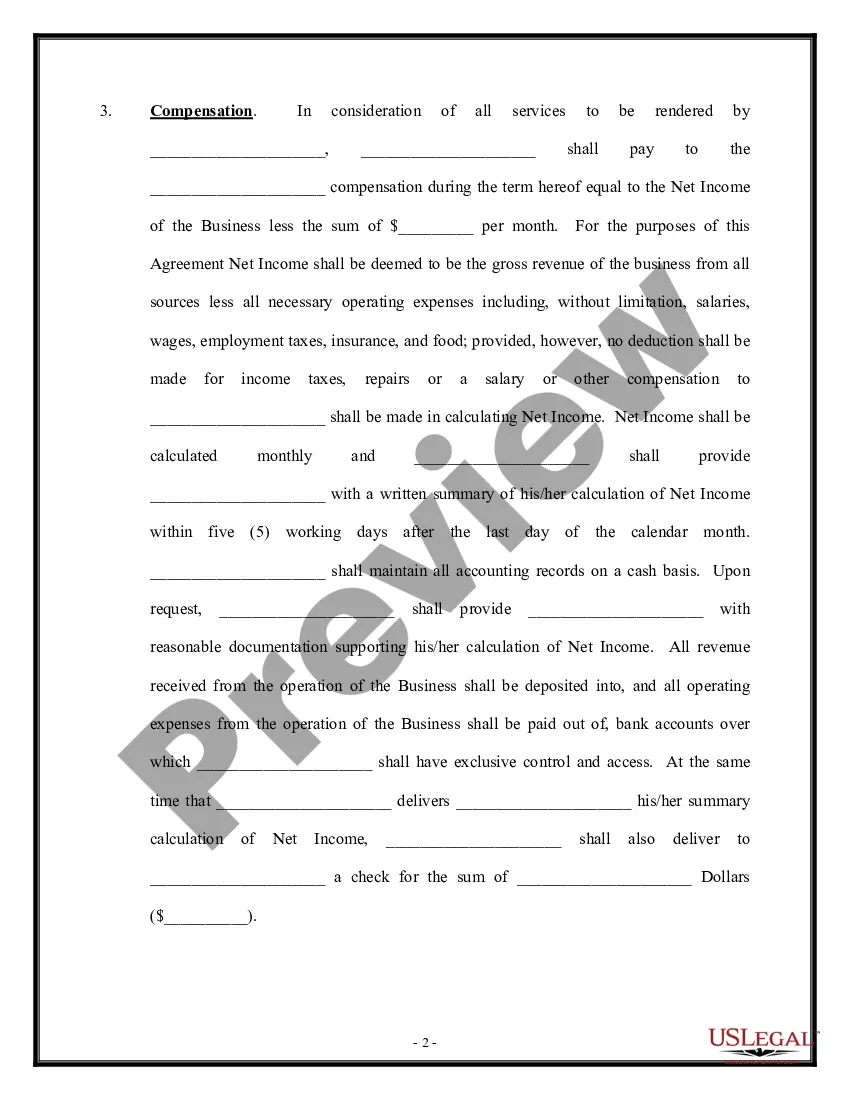
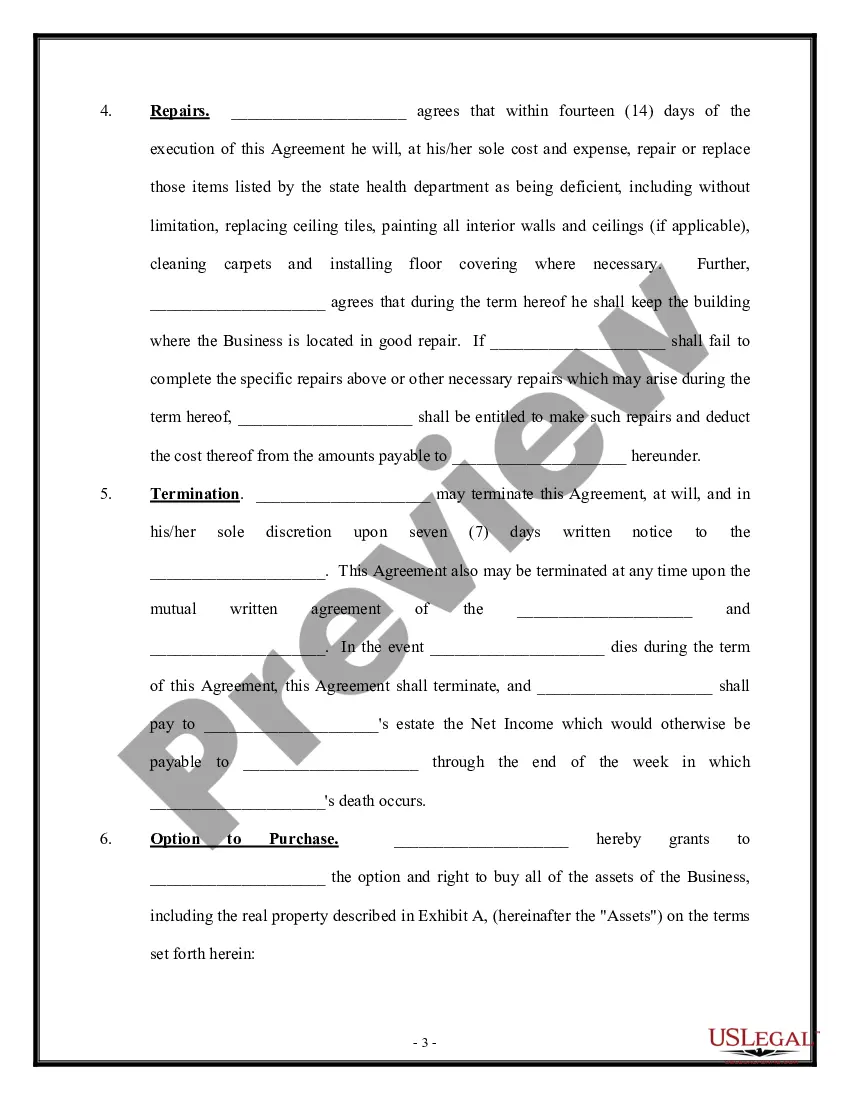
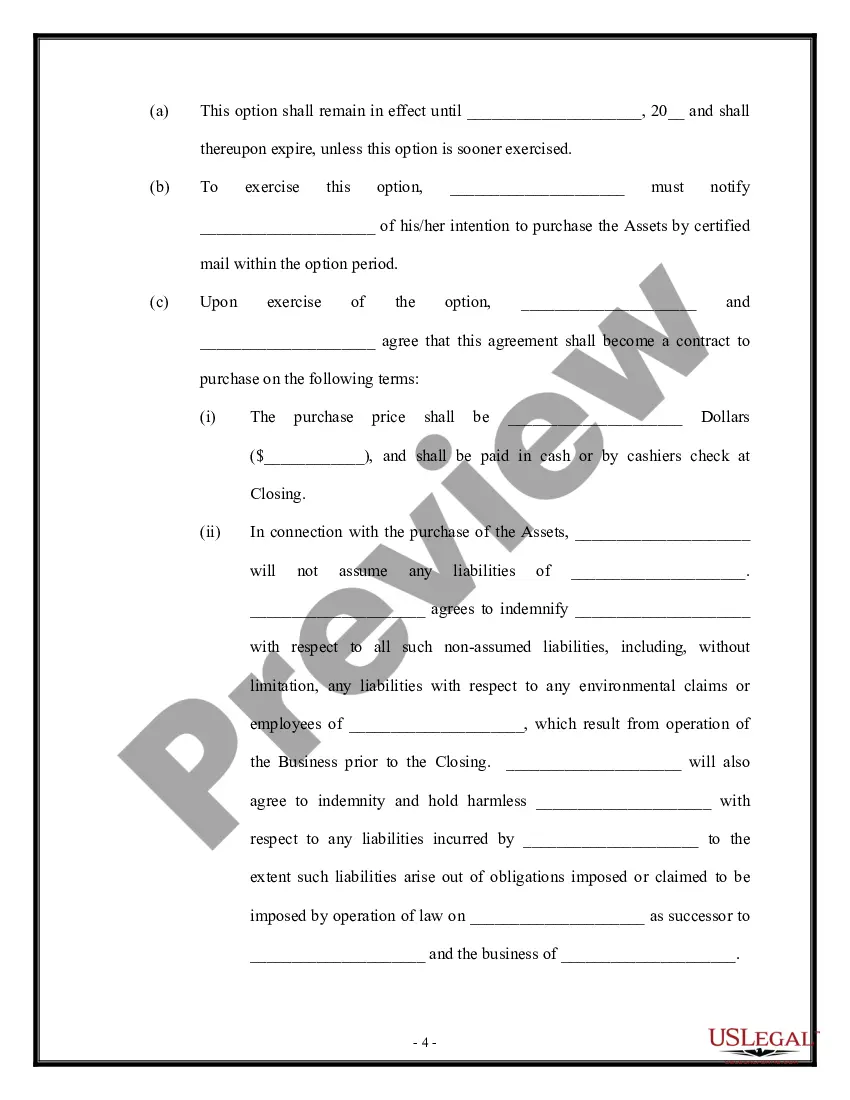
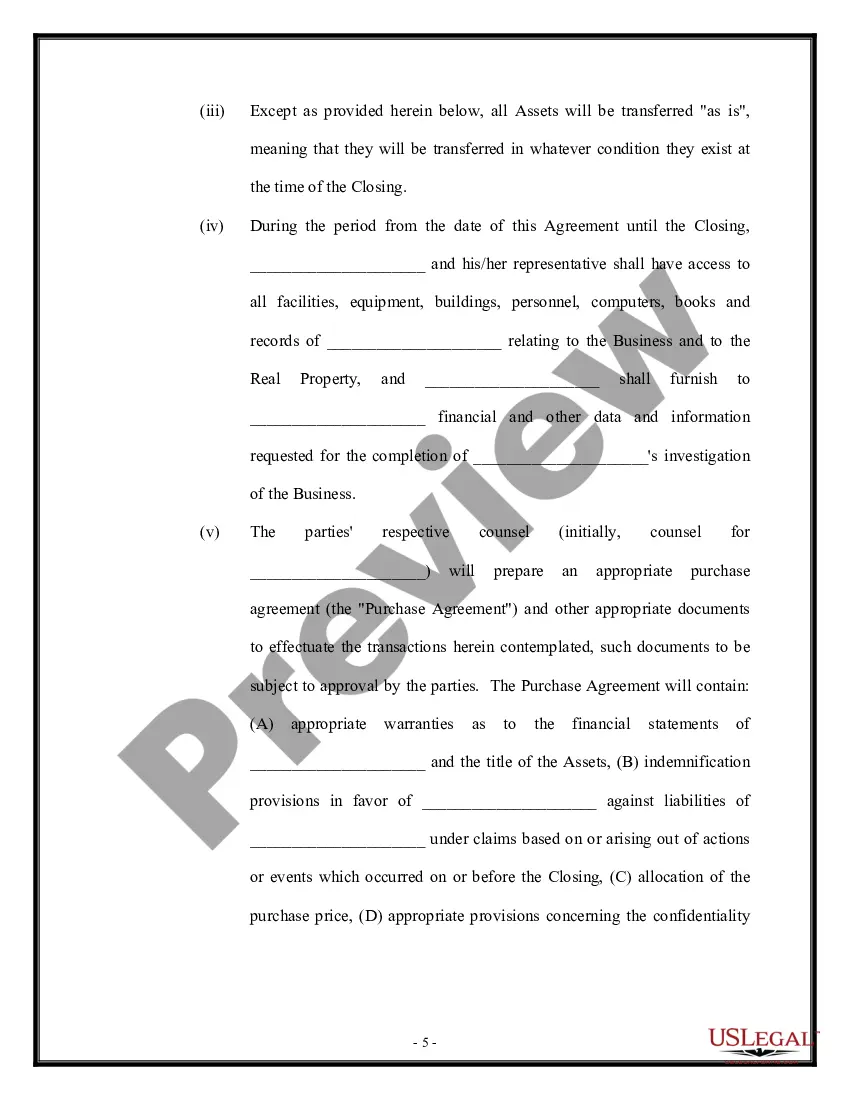
Get your form ready online
Our built-in tools help you complete, sign, share, and store your documents in one place.
Make edits, fill in missing information, and update formatting in US Legal Forms—just like you would in MS Word.
Download a copy, print it, send it by email, or mail it via USPS—whatever works best for your next step.
Sign and collect signatures with our SignNow integration. Send to multiple recipients, set reminders, and more. Go Premium to unlock E-Sign.
If this form requires notarization, complete it online through a secure video call—no need to meet a notary in person or wait for an appointment.
We protect your documents and personal data by following strict security and privacy standards.

Make edits, fill in missing information, and update formatting in US Legal Forms—just like you would in MS Word.

Download a copy, print it, send it by email, or mail it via USPS—whatever works best for your next step.

Sign and collect signatures with our SignNow integration. Send to multiple recipients, set reminders, and more. Go Premium to unlock E-Sign.

If this form requires notarization, complete it online through a secure video call—no need to meet a notary in person or wait for an appointment.

We protect your documents and personal data by following strict security and privacy standards.
Looking for another form?




Form popularity
FAQ
Manage your Amazon Kindle e-reader or Fire Tablet Go to Amazon on the web and sign in with your account details. Expand Account & Lists at the top and select Account. Scroll to Manage content and devices. Click Devices at the top of the page, click Kindle, and select the name of the one you're looking for.
Open the Kindle For Web App in your favorite browser. Search for the book you want to buy by clicking on the Cart icon in the upper right corner of your app. Select Your Name's Kindle for Web from the Deliver to: drop down, on the right side of the page. Optionally, you can select other apps to deliver the book first.
On a Kindle Fire or on the Kindle app, there should be a spot near the bottom of the screen labeled “Cloud/Device.” If you tap “Device,” you'll see what books are currently stored on your device. Tapping “Cloud” will show you your complete order history.
And that takes you back to your library. Now if you click back on the book you're reading. It. TakesMoreAnd that takes you back to your library. Now if you click back on the book you're reading. It. Takes you back to the page that you're last on I hope that helps.
Upload documents through the web, an authorized email address, the Kindle app for iOS and Android devices, or a Send to Kindle application if available. All documents sent through Send to Kindle are protected with end to end encryption.
In the From Your Library section, you can see some of your most recently opened titles. Or tap the Library tab at the bottom of the screen to browse your entire library.
Upload Via 'Send to Kindle' On amazon/sendtokindle, click Select files from device and select the book you want on your Kindle. This tool supports PDF, DOC, DOCX, TXT, RTF, HTM, HTML, PNG, GIF, JPG, JPEG, BMP, and EPUB formats on ebooks up to 200MB in size.
On the main screen, tap the Home tab at the bottom of the screen. Now you can browse the Kindle Store. You'll find books recommended for you, for example, as well as best sellers and other titles you might be interested in.
