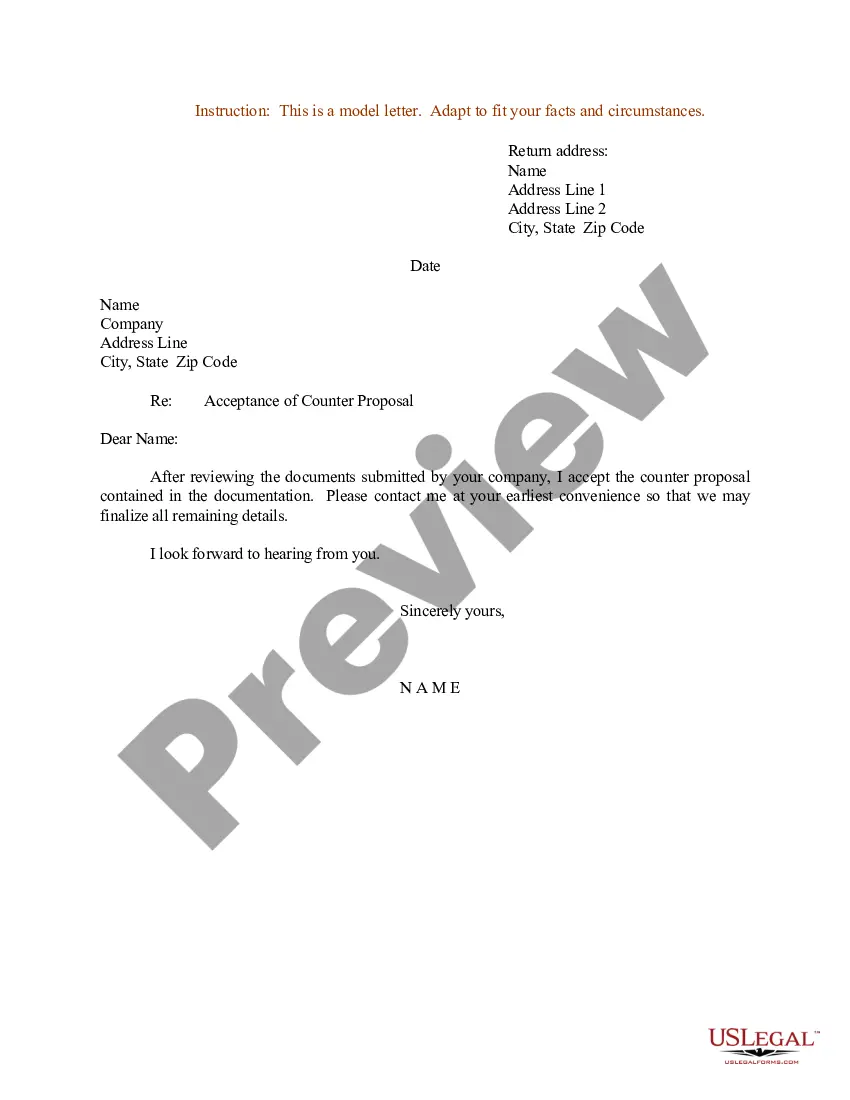
Acceptance Letter For Appointment In Wayne
Description
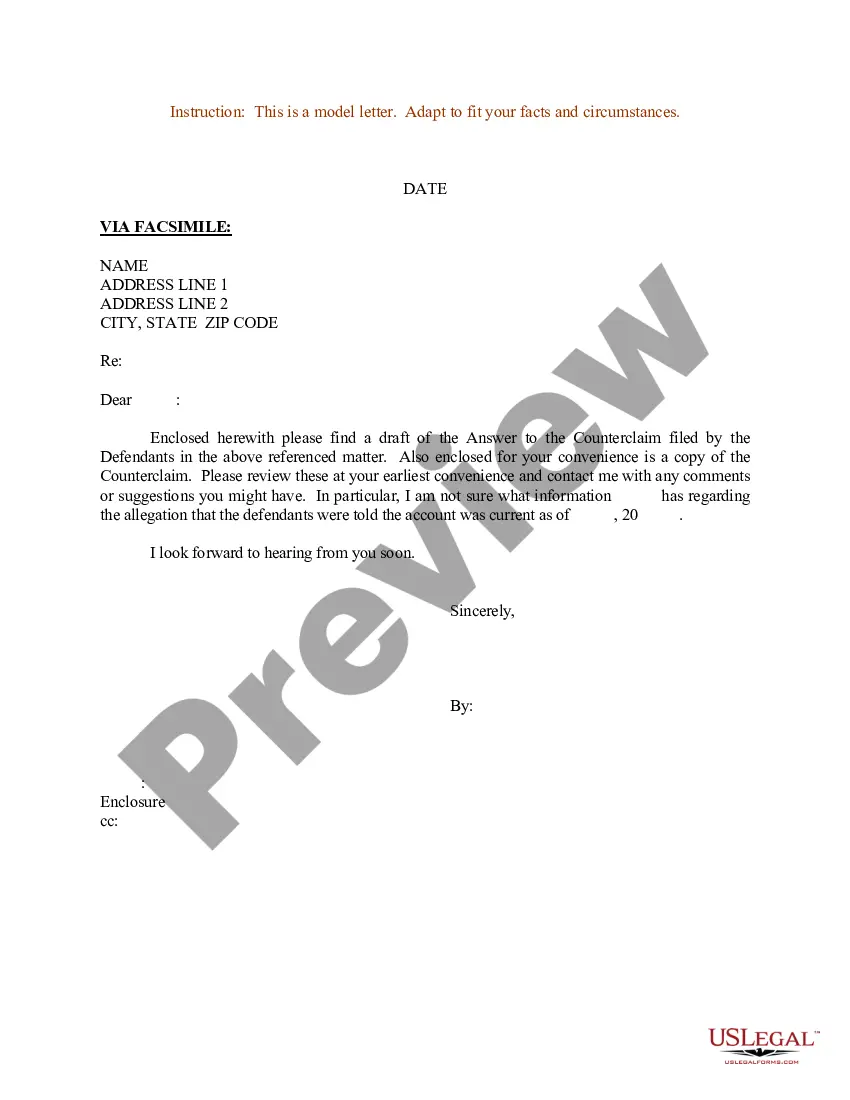
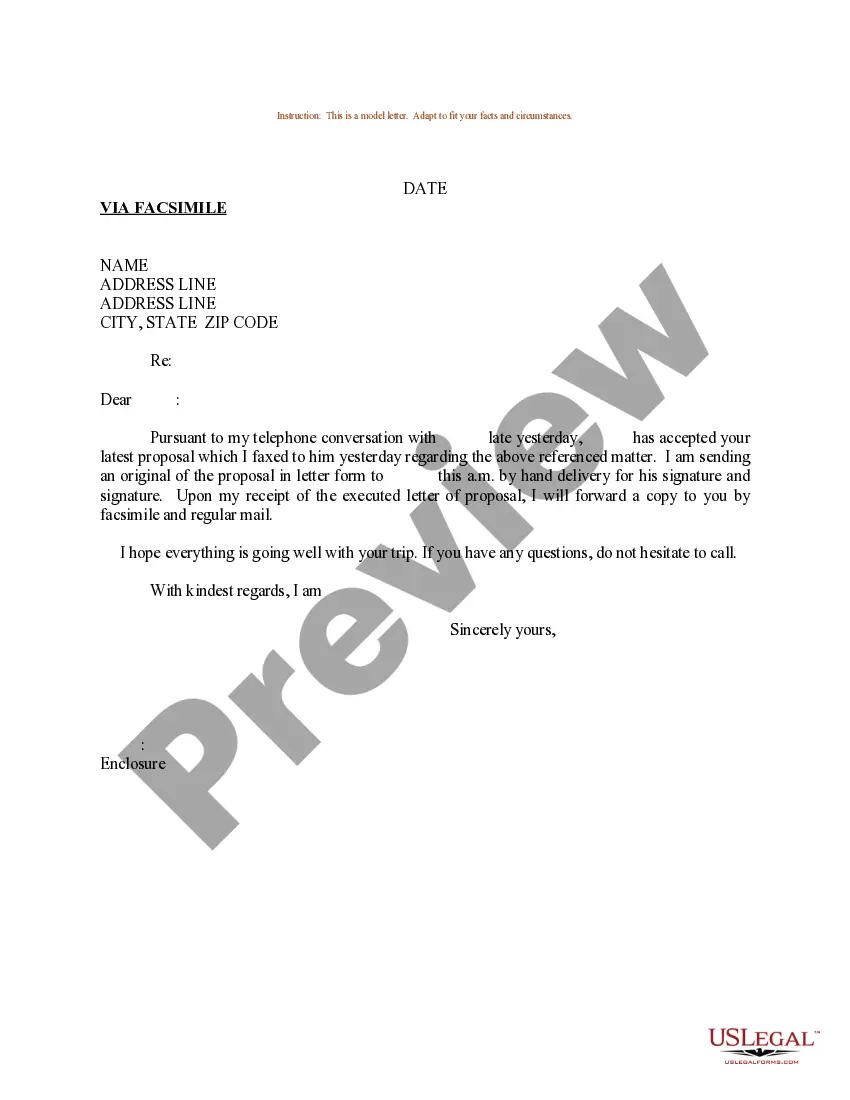
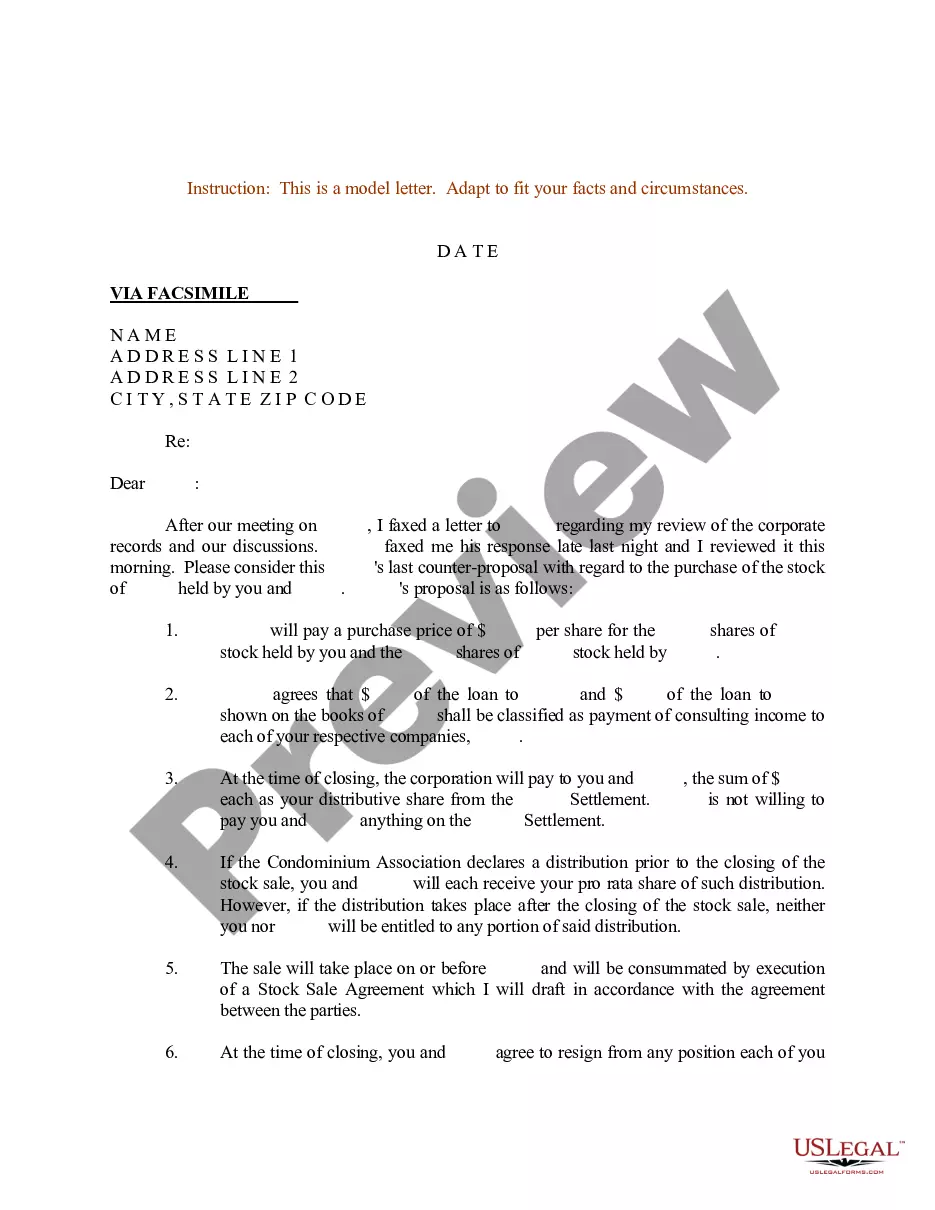
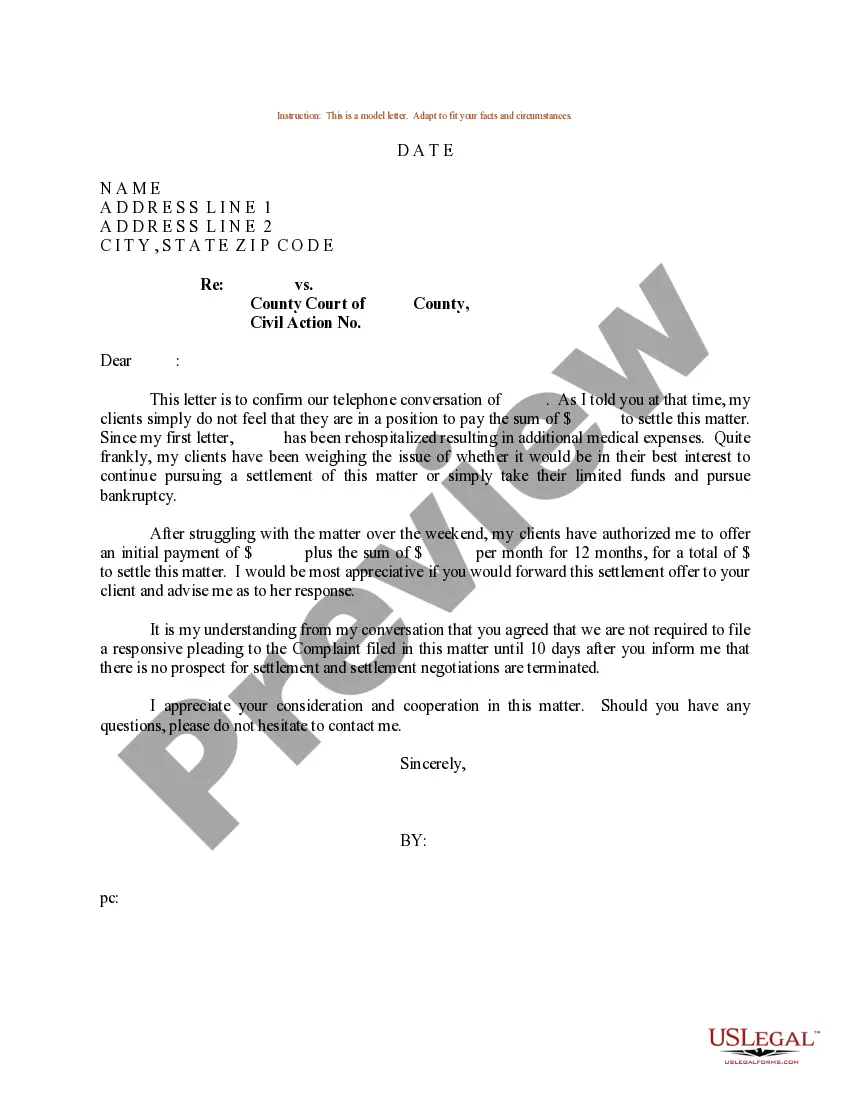
Get your form ready online
Our built-in tools help you complete, sign, share, and store your documents in one place.
Make edits, fill in missing information, and update formatting in US Legal Forms—just like you would in MS Word.
Download a copy, print it, send it by email, or mail it via USPS—whatever works best for your next step.
Sign and collect signatures with our SignNow integration. Send to multiple recipients, set reminders, and more. Go Premium to unlock E-Sign.
If this form requires notarization, complete it online through a secure video call—no need to meet a notary in person or wait for an appointment.
We protect your documents and personal data by following strict security and privacy standards.

Make edits, fill in missing information, and update formatting in US Legal Forms—just like you would in MS Word.

Download a copy, print it, send it by email, or mail it via USPS—whatever works best for your next step.

Sign and collect signatures with our SignNow integration. Send to multiple recipients, set reminders, and more. Go Premium to unlock E-Sign.

If this form requires notarization, complete it online through a secure video call—no need to meet a notary in person or wait for an appointment.

We protect your documents and personal data by following strict security and privacy standards.
Looking for another form?





Form popularity
FAQ
We are delighted to officially appoint you to the position of Job Title at Company Name. We were highly impressed with your qualifications, experience, and interview performance, and we believe you will excel in this role. Please report to the Location/Branch Name on Start Date at Reporting Time.
Unfortunately, a letter of appointment is a court order. To get that court order you have to go through a court process called probate.
Here are six steps to follow for setting up an appointment: Introduce yourself. The first thing to do in a conversation is to introduce yourself . Explain why you're contacting them. Gauge their interest. Describe your needs. Ask questions. Confirm the date and time.
Consider following these steps to help you write a job or employment appointment letter for a new team member: Add a header. Include a greeting. Choose a format. Offer the position. Describe the role. Include the starting date. State the position's hours. Include the official salary and benefits.
An appointment letter should include the following: The date on which the appointment letter is issued. The name, address and contact details of the selected candidate. The salutation. The body of the letter stating the job title, emoluments, job location, probation period and other details.
Creating Effective Appointment Emails Write a clear subject line. An email should have “glance-value”. Use a salutation. Introduce yourself (if necessary). Explain why you want to meet. Be flexible about time and place. Request a reply or confirmation. Send a reminder.
Sample appointment letter format 1: Full-time Position: ( Job Title) Start Date: ( Start Date) Salary: ( Annual Salary) Work Hours & Days: ( Work Hours & Days) Compensation and Benefits. Salary: (Annual Salary/Hourly Wage) ... Work Schedule. Acknowledgment and Acceptance. Signature: __________________________
Here are the basic steps on how to reply to an email to confirm an appointment: Adjust the subject line. Address the recipient. Acknowledge their statement. State the time of the appointment. Reference the topic of the appointment. Review details about the location. Provide your contact information.
Two academic letters of reference: We utilize the letters of recommendation to evaluate a student's academic and research potential and strongly recommend that you obtain recommendations from faculty members or other individuals who can specifically comment on those attributes.
To be admitted to a general degree program, you must: Have a minimum cumulative GPA of 2.5. Meet Wayne State's English proficiency requirements.