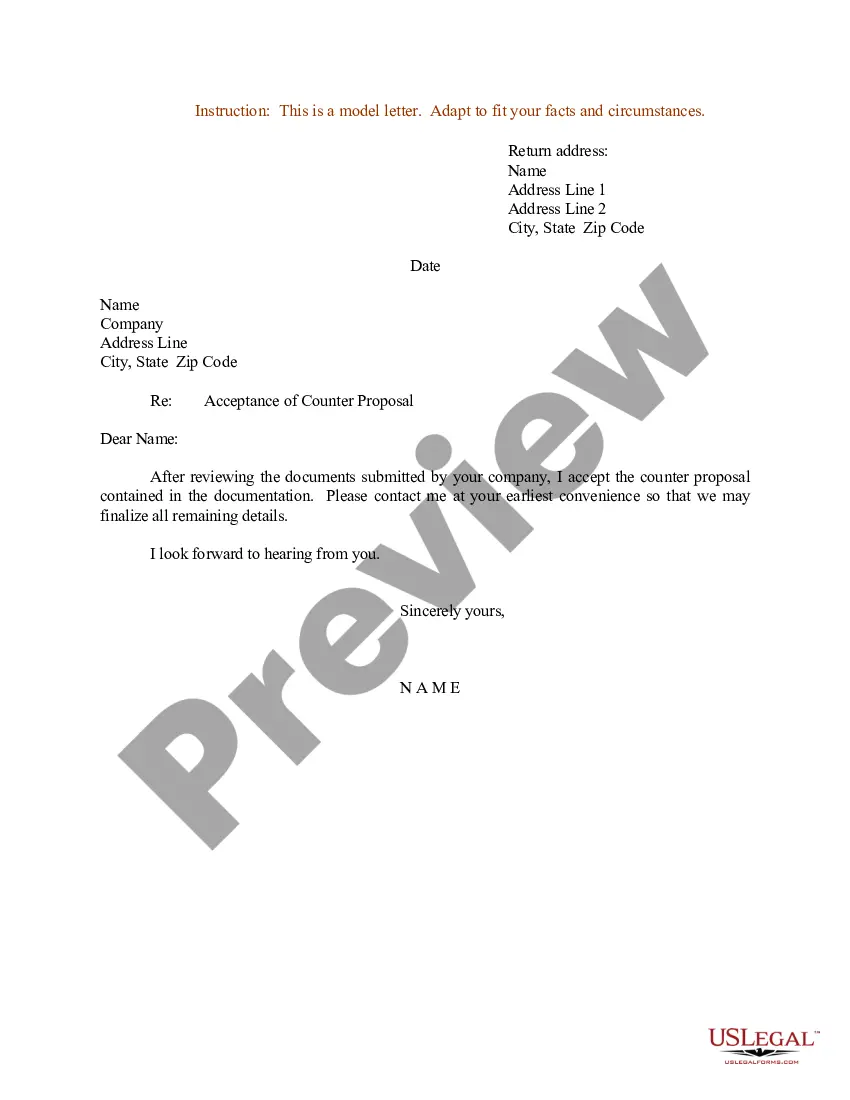
Acceptance Letter For Travel In San Antonio
Description
Get your form ready online
Our built-in tools help you complete, sign, share, and store your documents in one place.
Make edits, fill in missing information, and update formatting in US Legal Forms—just like you would in MS Word.
Download a copy, print it, send it by email, or mail it via USPS—whatever works best for your next step.
Sign and collect signatures with our SignNow integration. Send to multiple recipients, set reminders, and more. Go Premium to unlock E-Sign.
If this form requires notarization, complete it online through a secure video call—no need to meet a notary in person or wait for an appointment.
We protect your documents and personal data by following strict security and privacy standards.

Make edits, fill in missing information, and update formatting in US Legal Forms—just like you would in MS Word.

Download a copy, print it, send it by email, or mail it via USPS—whatever works best for your next step.

Sign and collect signatures with our SignNow integration. Send to multiple recipients, set reminders, and more. Go Premium to unlock E-Sign.

If this form requires notarization, complete it online through a secure video call—no need to meet a notary in person or wait for an appointment.

We protect your documents and personal data by following strict security and privacy standards.
Looking for another form?




Form popularity
FAQ
What happens if I try to enter the United States without a valid travel signature? If you arrive at a US port of entry without all the required documents, the customs officer may deny you entry into US. As an alternative, the officer may issue you an I-515A. This document allows you temporary admission into the US.
What is a Travel Signature? An advisor issues you a signature on your I-20 or DS-2019 after you enter the U.S. to begin your F-1 or J-1 status. The travel signature is on page two of an I-20 or page one of a DS-2019. The signature confirms that you have valid F-1 or J-1 status.
IMPORTANT: If you require a travel signature on your document to re-enter the US, please submit a Replace/Reprint I-20 request via iStart and select 'travel' as the reason.
Once you submit your admission application to UTSA, you will check your status through myUTSA Admissions, our secure portal offering personalized details about your application status and enrollment to UTSA. On this portal, you can: See your admission status.
Without such a travel signature, you may be denied entry into the US at the border, even if all your other documents are in order. To obtain a travel signature, you should visit OIA before you leave the US and bring your DS-2019 form. No appointment is needed. The process takes a few minutes only.
Option 1: Go to the ISS office in person and drop off your most recent I-20/DS-2019 for our office to process your travel signature within 1 business day. Option 2: If you cannot come into the office in person, request a reprint of your document to receive a valid travel signature.