Master Sales Agreement Form In Suffolk
Description


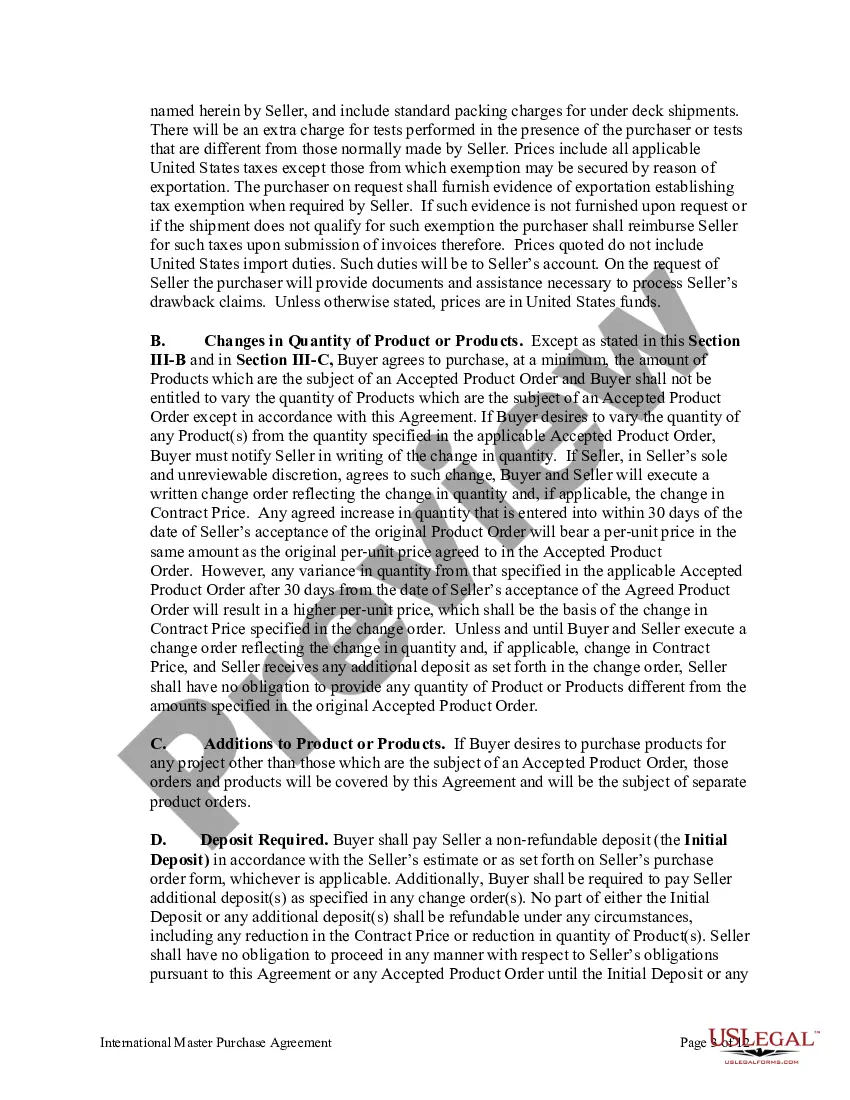
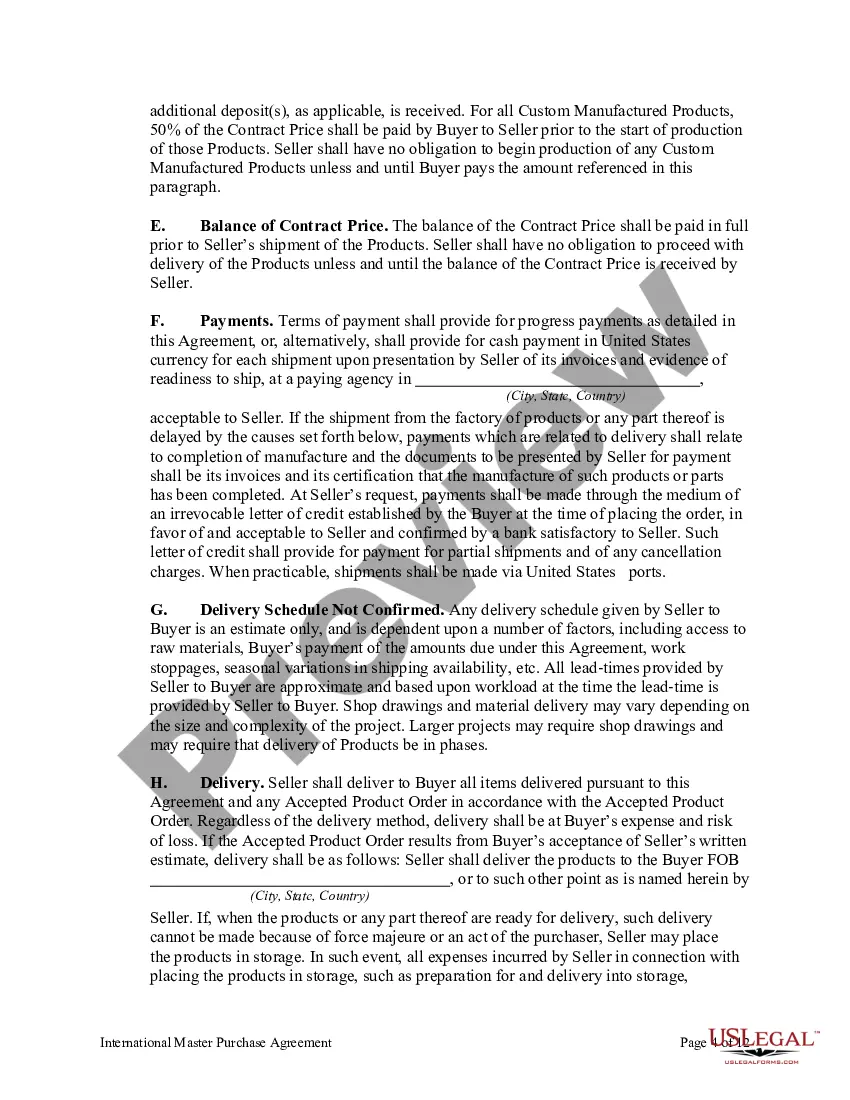
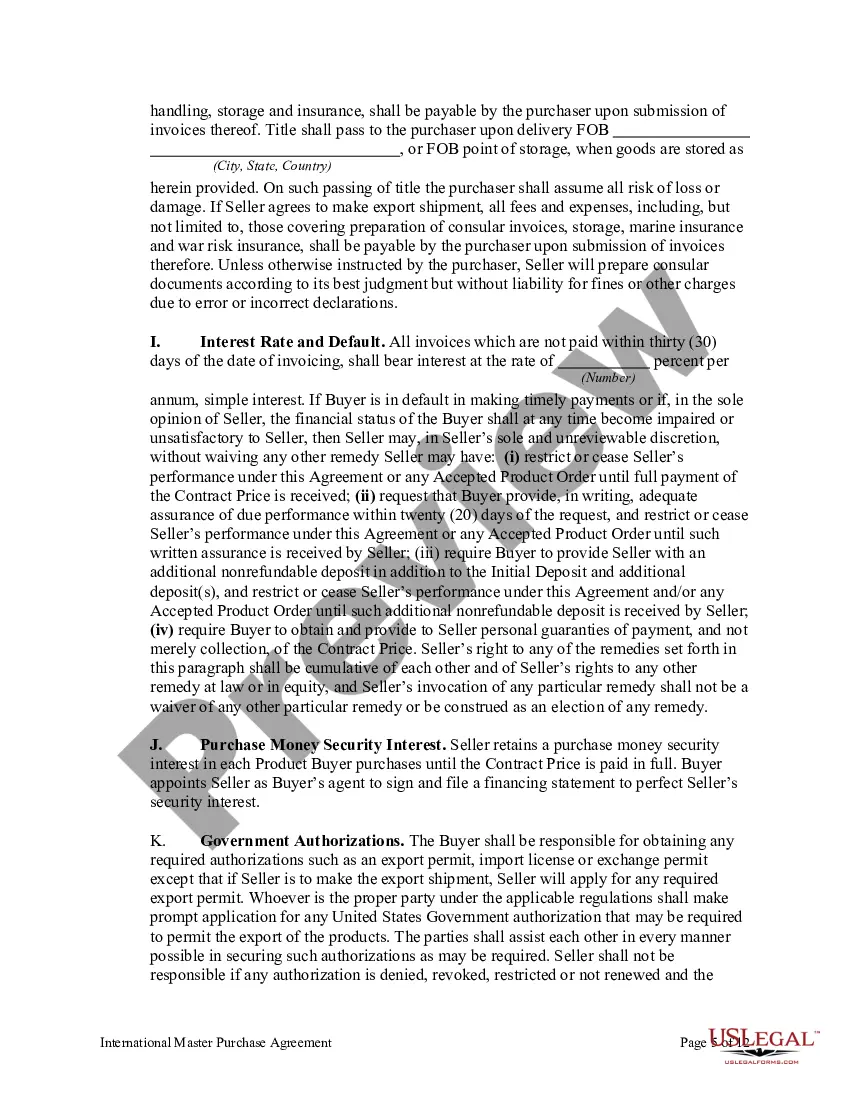
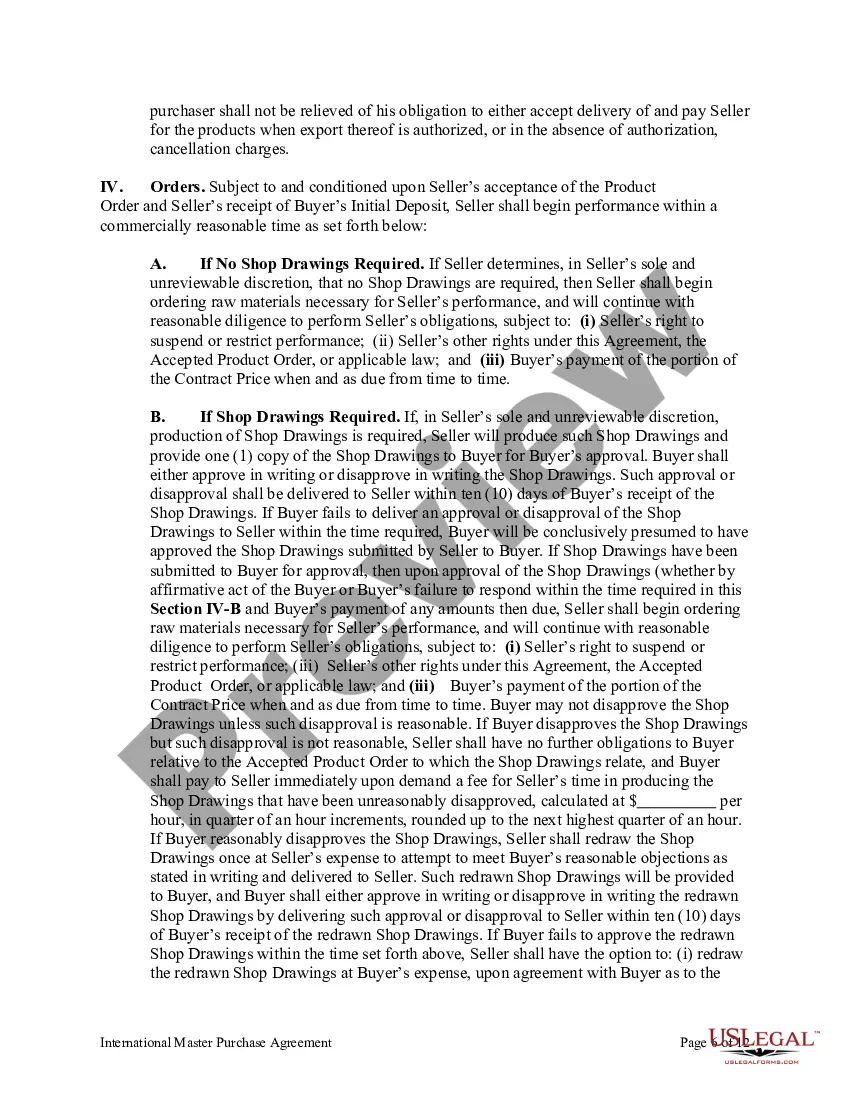
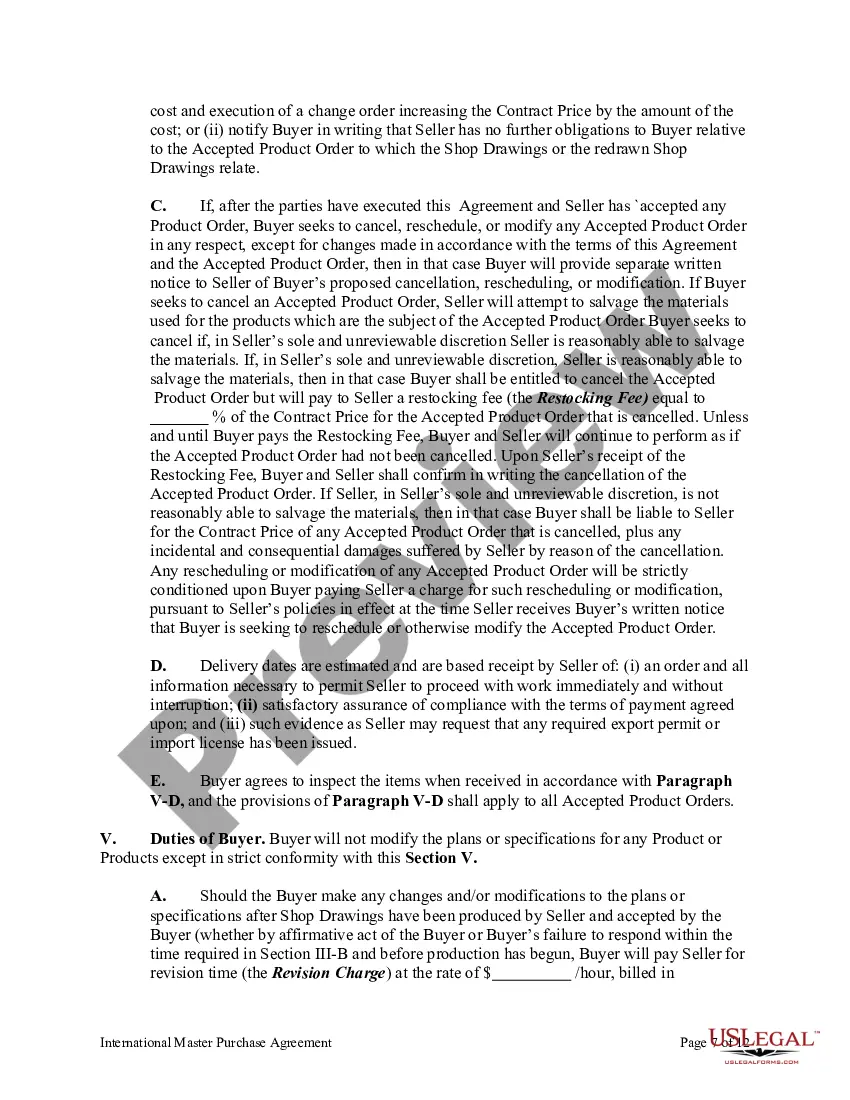
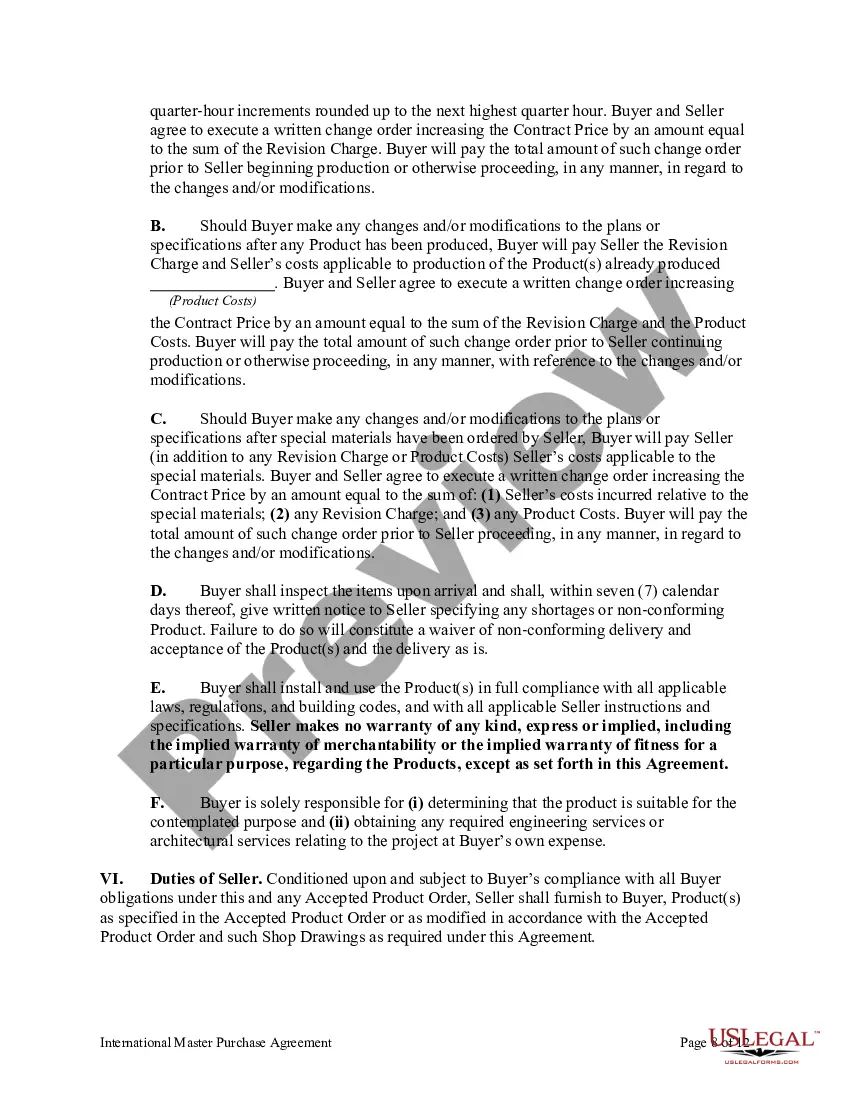
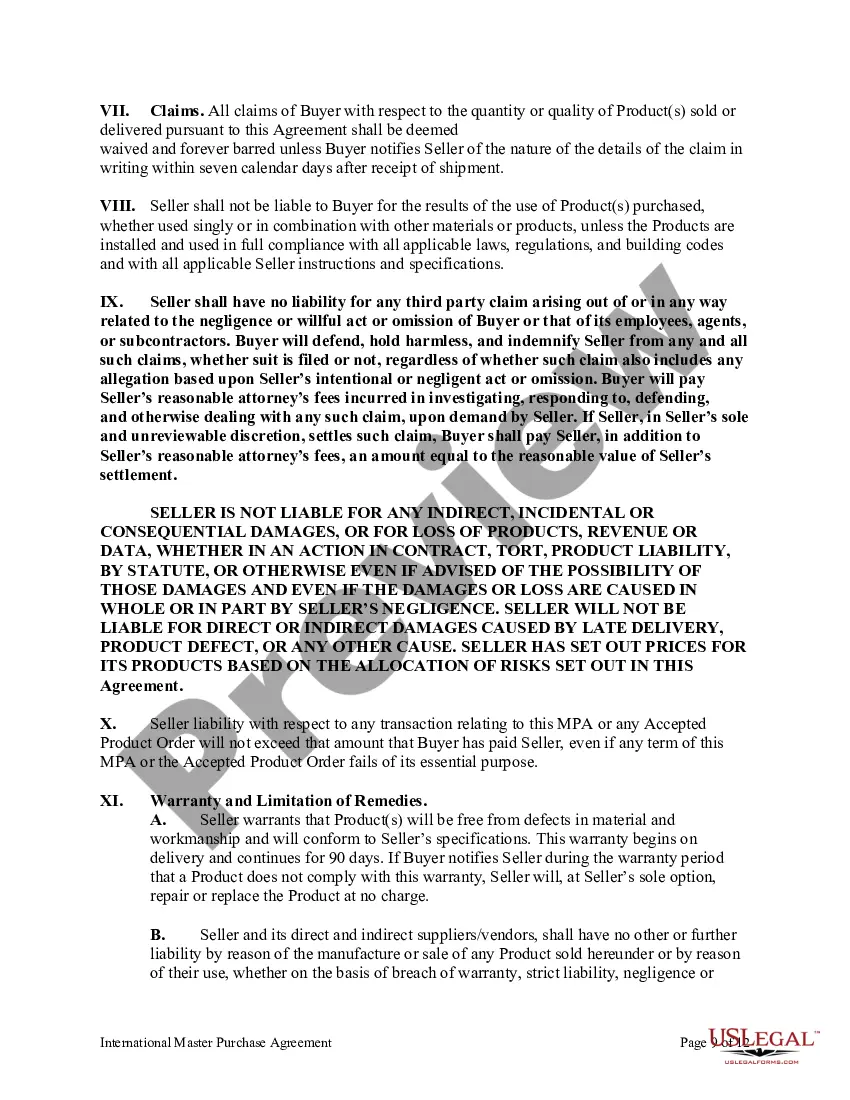
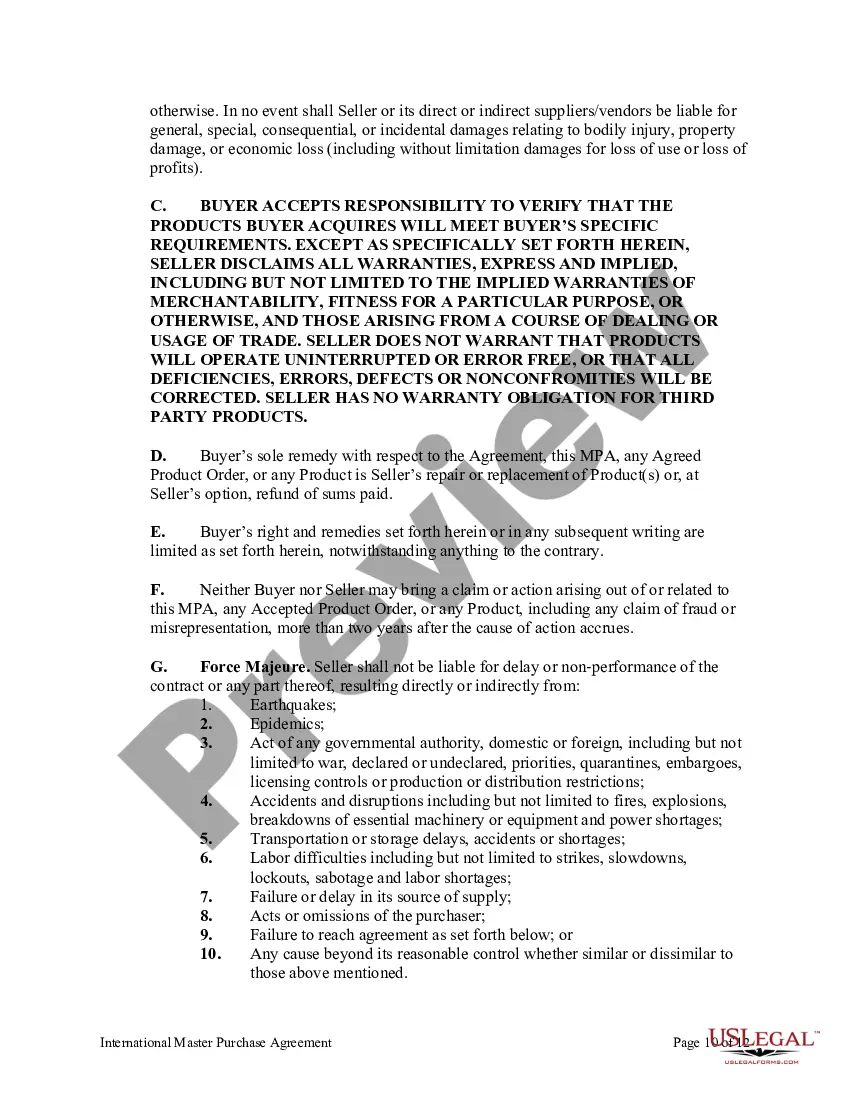



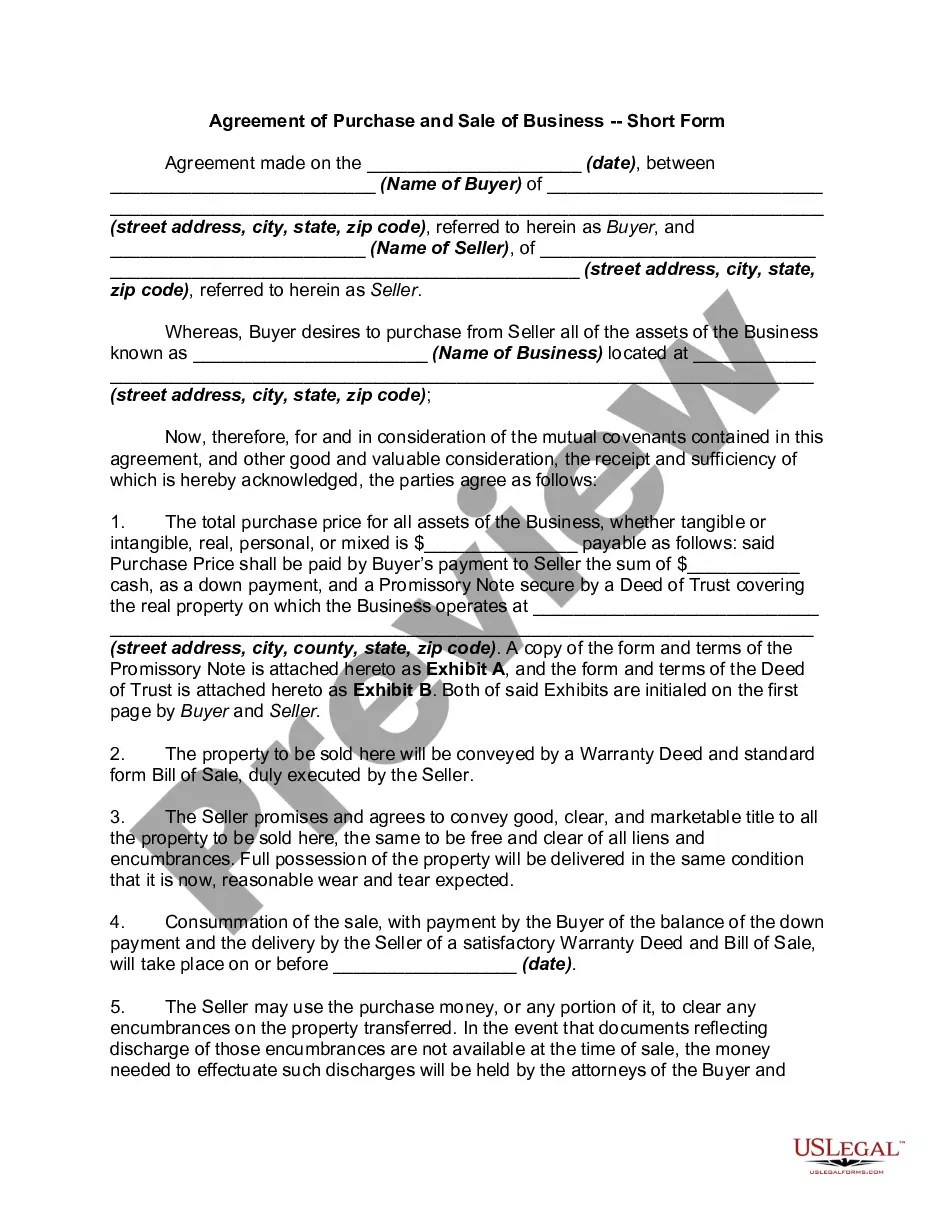
Get your form ready online
Our built-in tools help you complete, sign, share, and store your documents in one place.
Make edits, fill in missing information, and update formatting in US Legal Forms—just like you would in MS Word.
Download a copy, print it, send it by email, or mail it via USPS—whatever works best for your next step.
Sign and collect signatures with our SignNow integration. Send to multiple recipients, set reminders, and more. Go Premium to unlock E-Sign.
If this form requires notarization, complete it online through a secure video call—no need to meet a notary in person or wait for an appointment.
We protect your documents and personal data by following strict security and privacy standards.

Make edits, fill in missing information, and update formatting in US Legal Forms—just like you would in MS Word.

Download a copy, print it, send it by email, or mail it via USPS—whatever works best for your next step.

Sign and collect signatures with our SignNow integration. Send to multiple recipients, set reminders, and more. Go Premium to unlock E-Sign.

If this form requires notarization, complete it online through a secure video call—no need to meet a notary in person or wait for an appointment.

We protect your documents and personal data by following strict security and privacy standards.
Looking for another form?



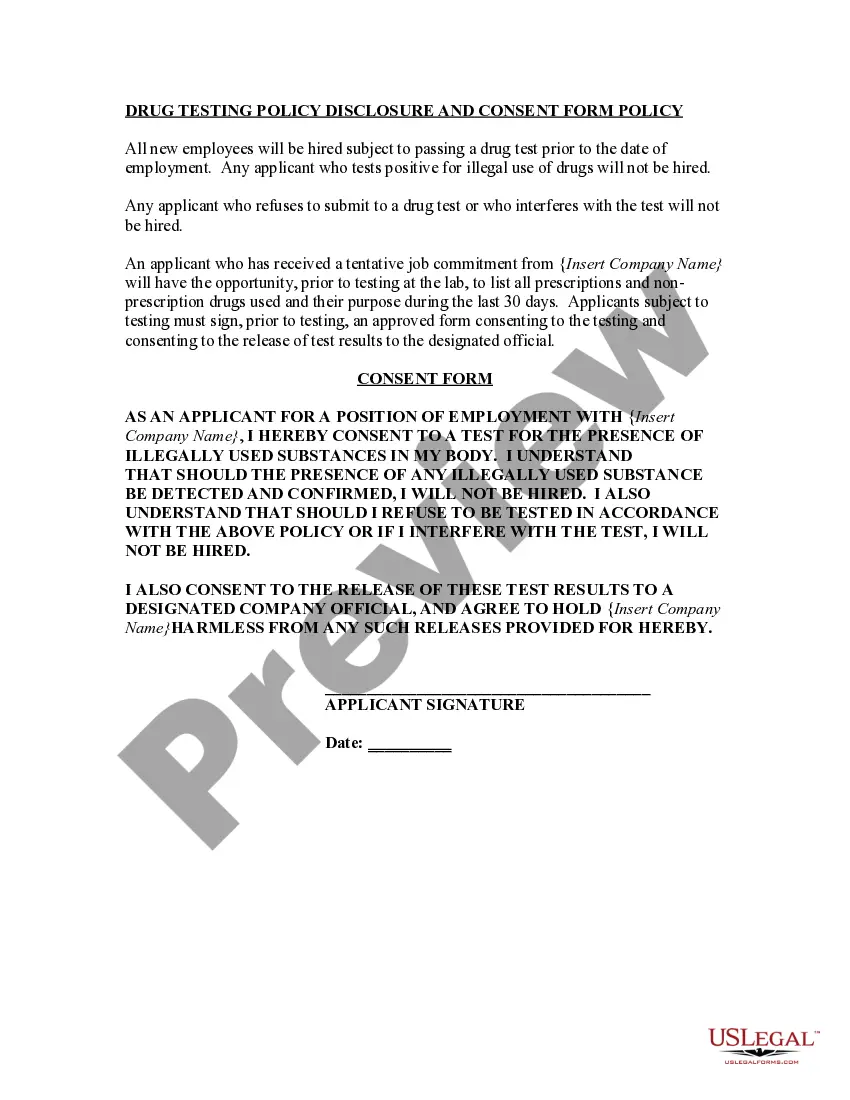
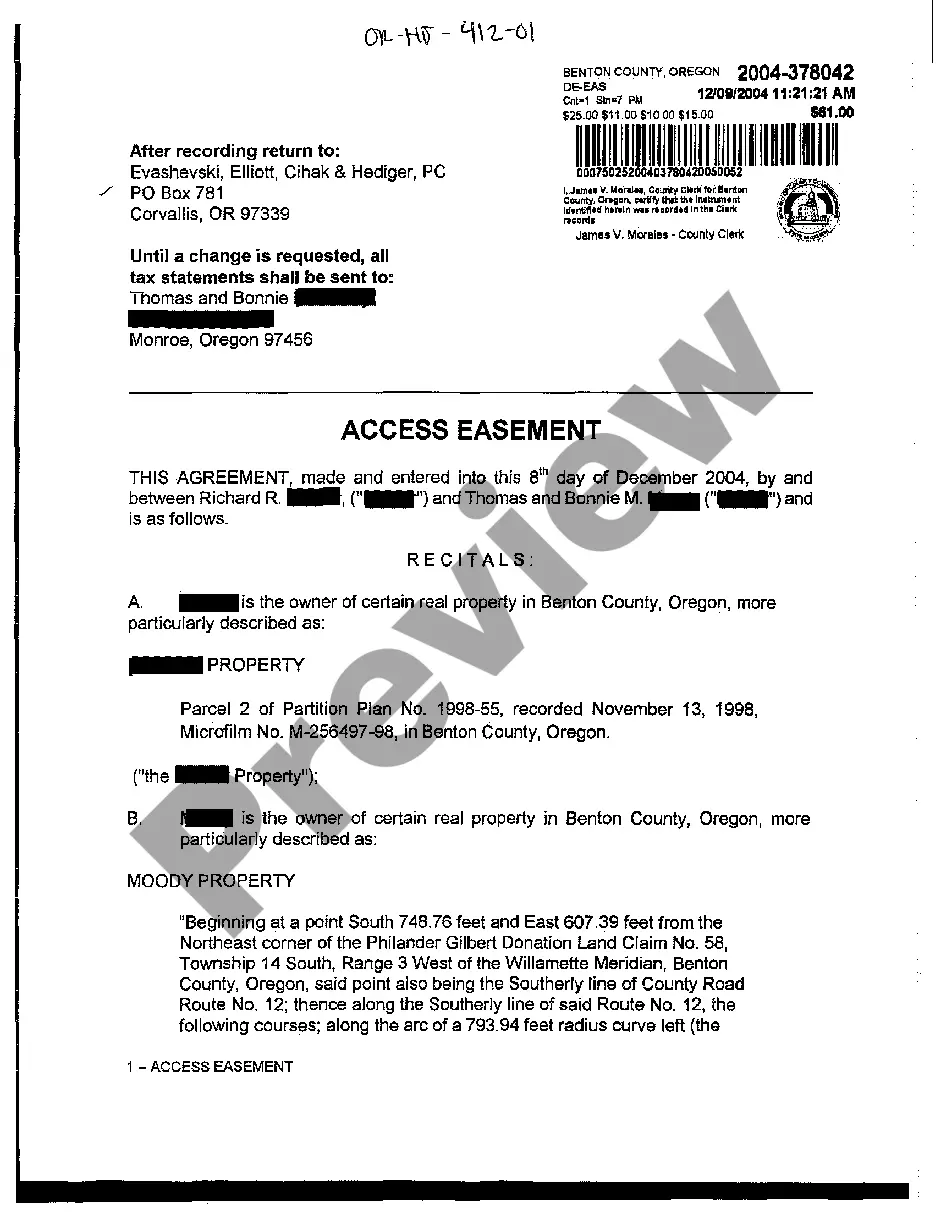




Form popularity
FAQ
An agreement is a promise or arrangement between two or more parties to do, or not do, something. It's usually informal and sometimes unwritten (but not always). Some examples of agreements include a letter of intent, or a confidentiality agreement that precedes a commercial discussion.
How to write an agreement letter Title your document. Provide your personal information and the date. Include the recipient's information. Address the recipient and write your introductory paragraph. Write a detailed body. Conclude your letter with a paragraph, closing remarks, and a signature. Sign your letter.
Elements of a sales agreement Buyer and seller names and contact information. Description of goods, services, or property being purchased. Payment amount, dates, and method. Liability of each party in the case of loss, damage, or delivery failure. Ownership information, such as when ownership formally transfers to the buyer.
It is against the law to operate a home improvement business in Suffolk County without a license. Call the Office of Consumer Affairs at 631-853-4600 to find out if a contractor is licensed and to check the firm's complaint history. Our Office is also available online at .suffolkcountyny/consumeraffairs.
Here's what's required: Complete the basic license application. Create a login and apply for licensing. Provide sales tax ID number. Provide proof of residency. Provide proof of business address. Provide proof of workers' compensation insurance. Provide proof of EPA certification (for businesses that apply)
RMO License One of the most common, and often easiest ways that people without any prior experience can gain access to a contractor license is by utilizing either an “RMO” or “RME.”
For license verification, please call Consumer Affairs at (631) 853-4600.
To obtain a Home Improvement Contractor License, please visit the New York City Department of Consumer Affairs or call (212) 487-4060. If you need to renew, change or update your license, call (212) 487-4104.
