Loan Agreement Form Download With Signature In Collin
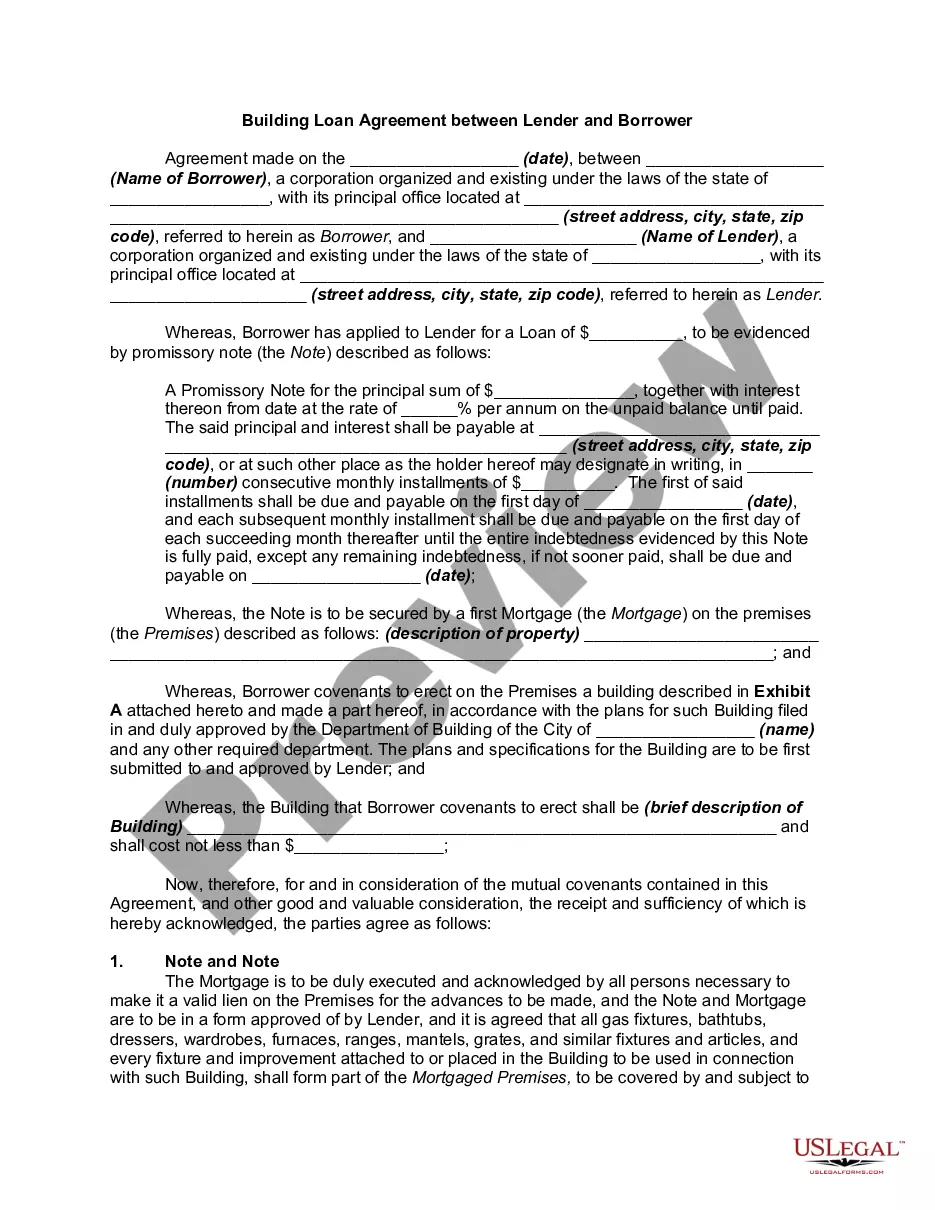
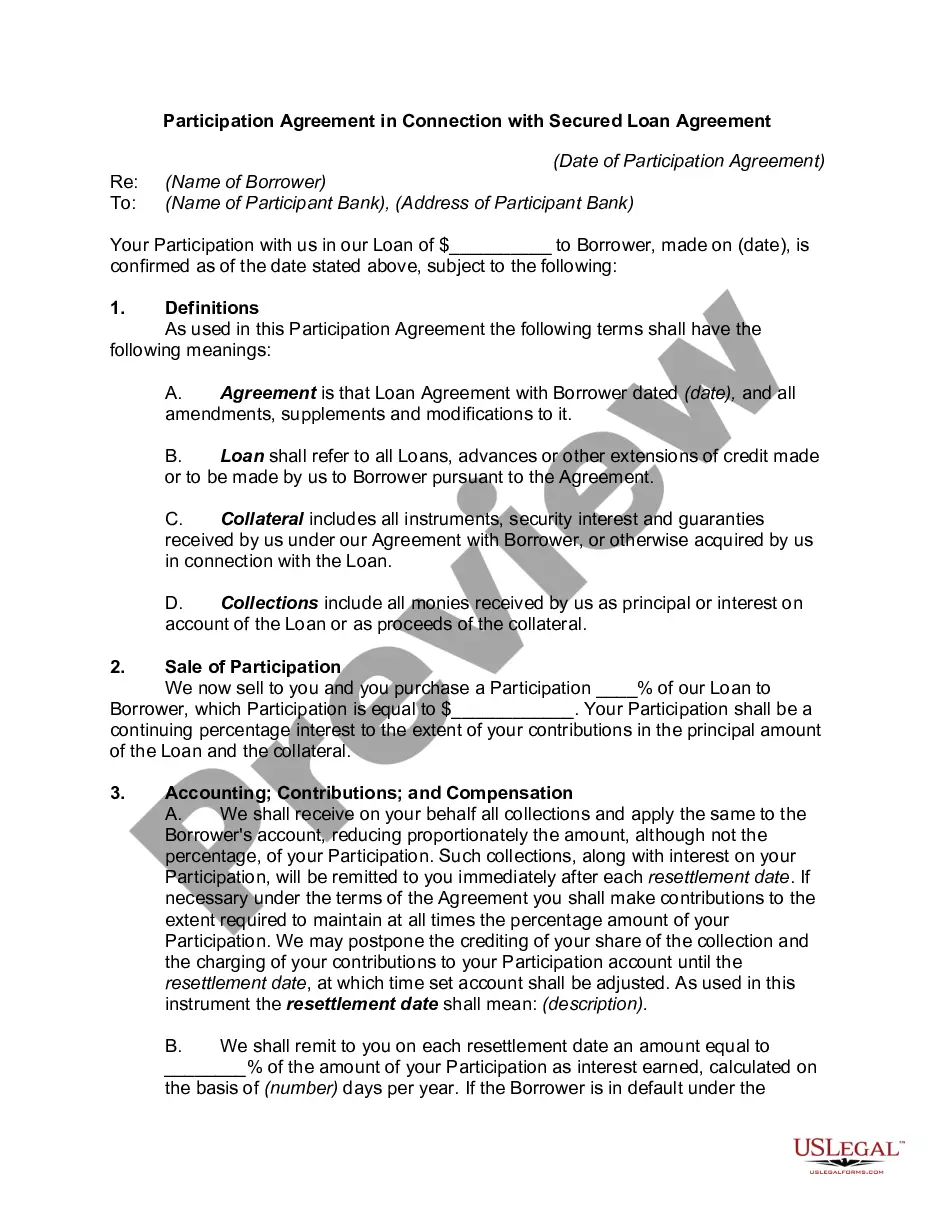
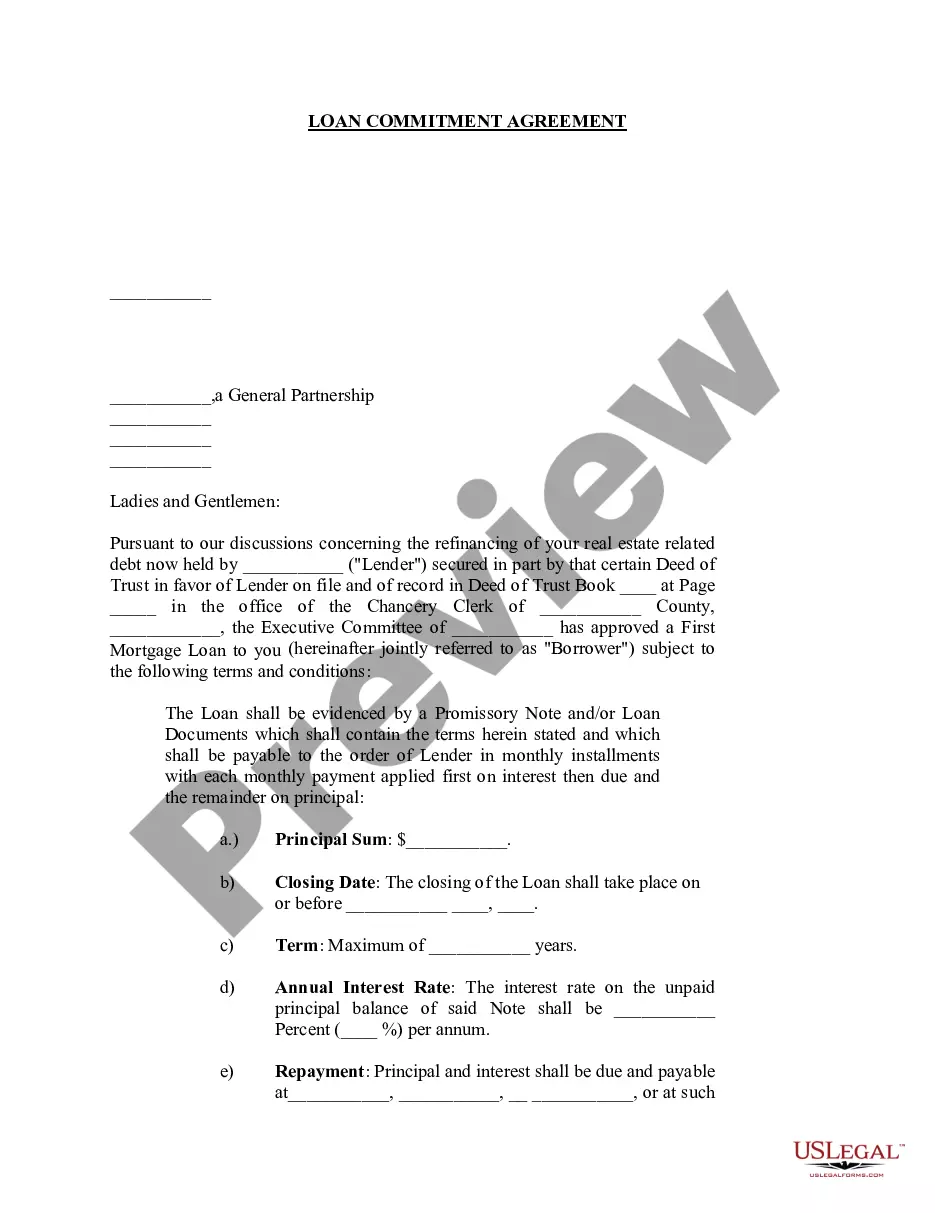
Description
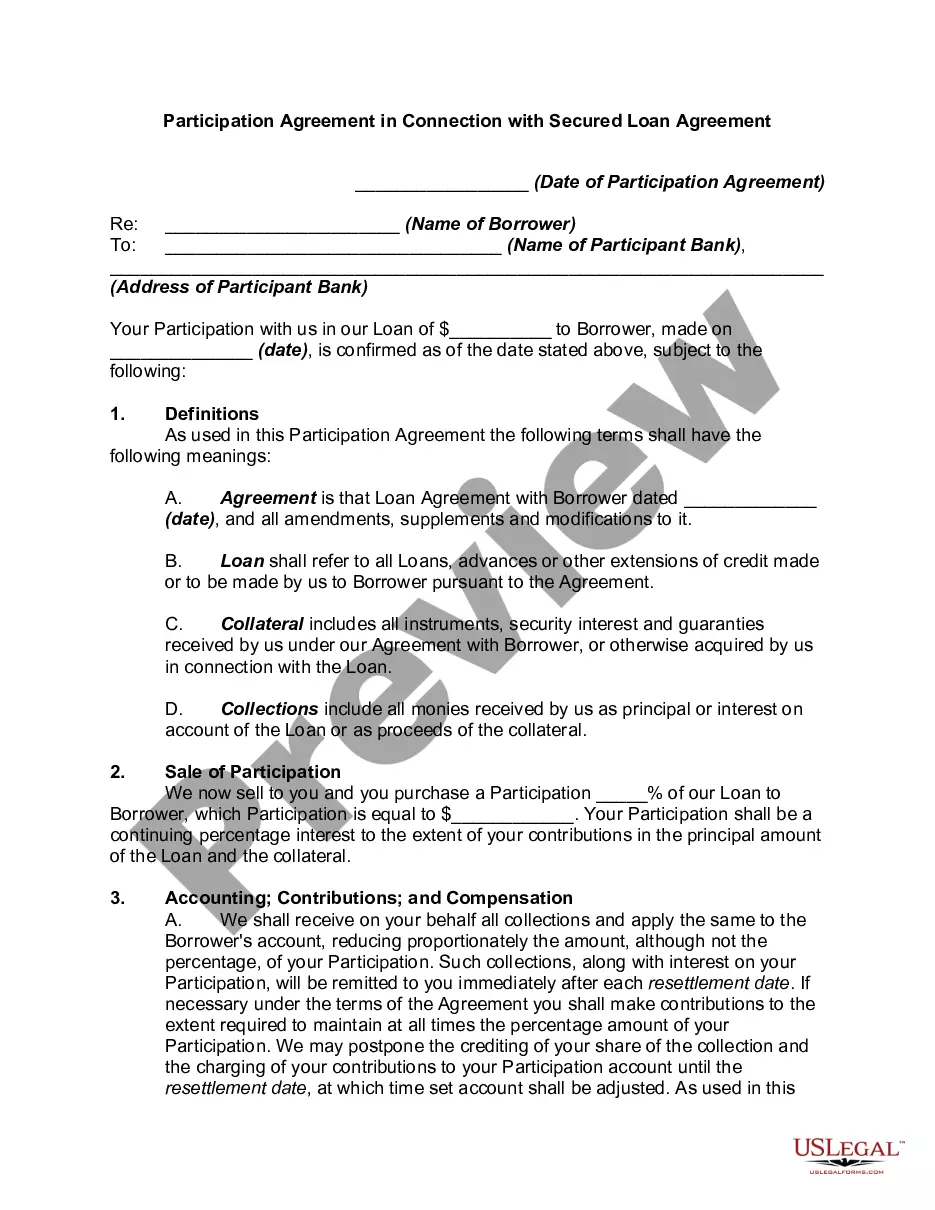
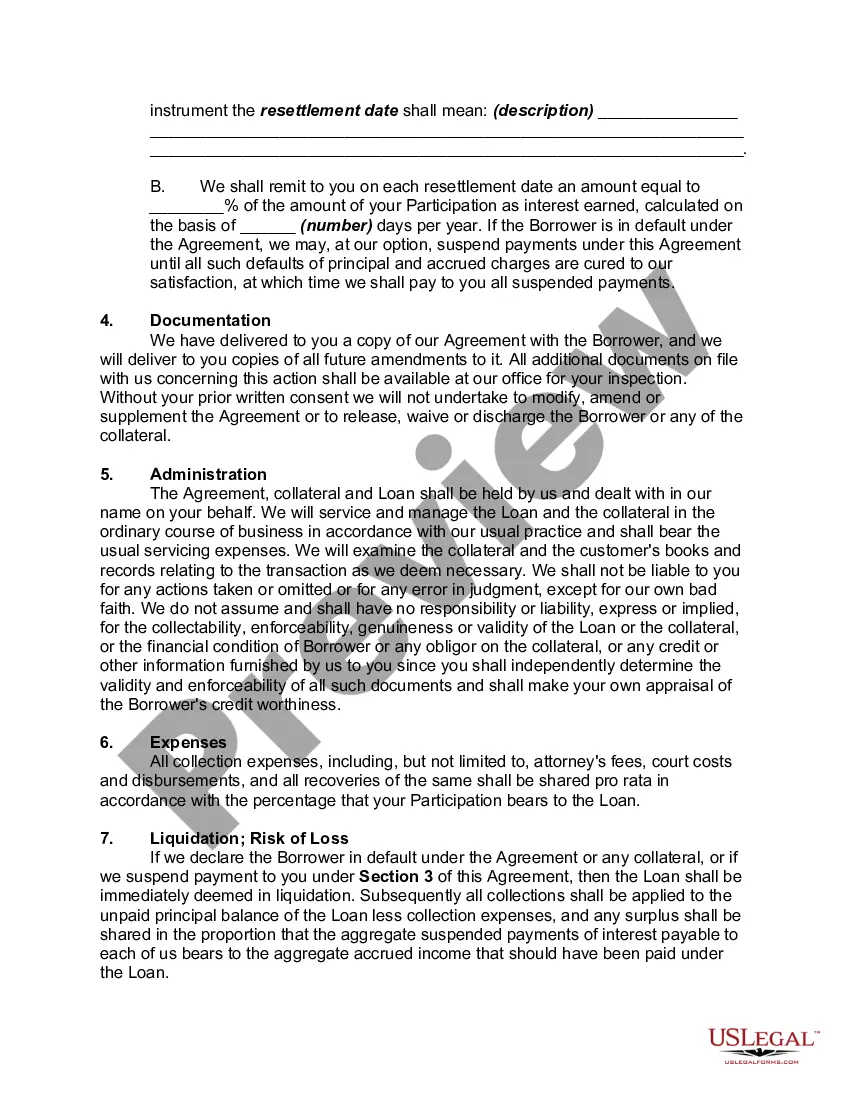
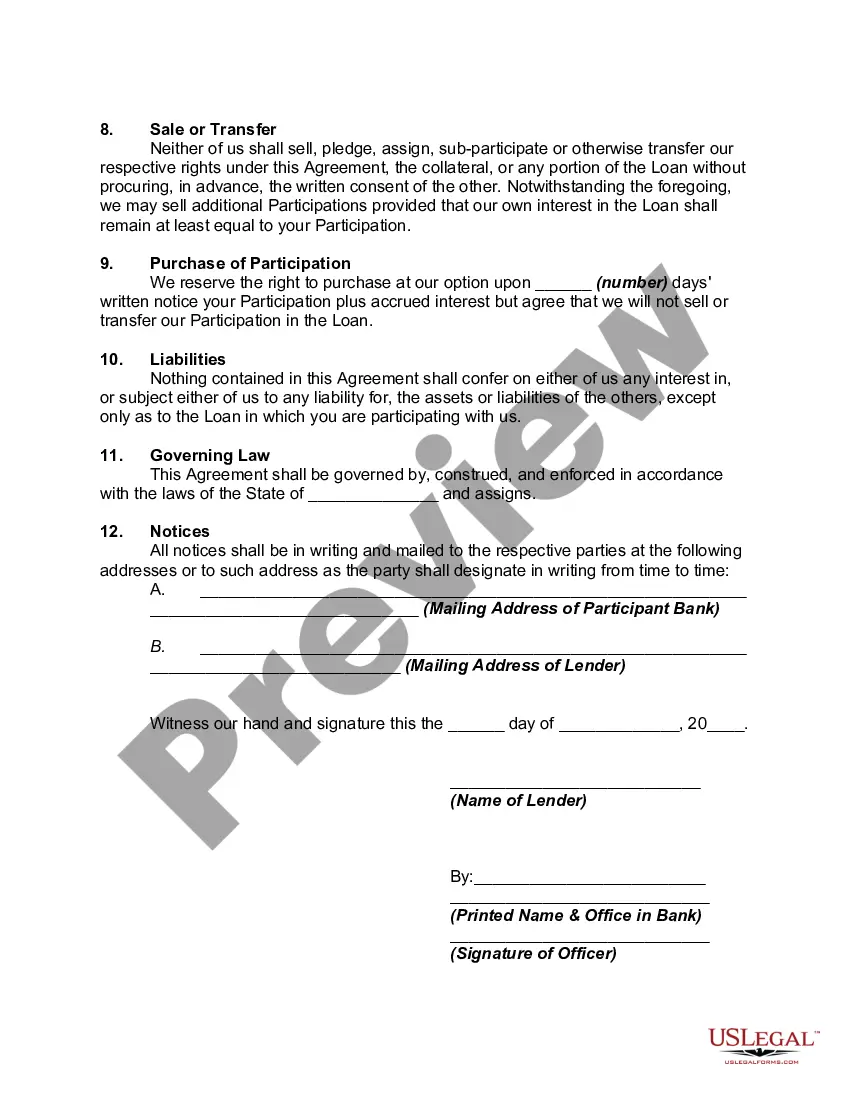
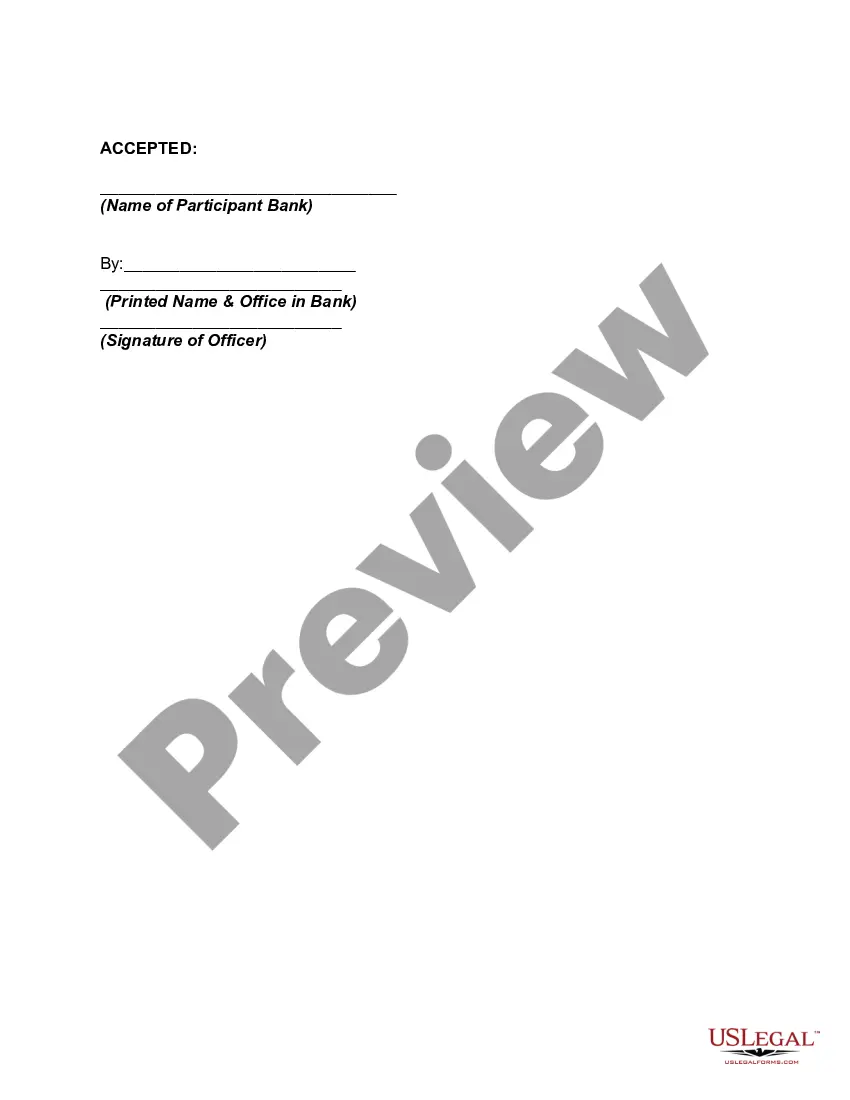
Get your form ready online
Our built-in tools help you complete, sign, share, and store your documents in one place.
Make edits, fill in missing information, and update formatting in US Legal Forms—just like you would in MS Word.
Download a copy, print it, send it by email, or mail it via USPS—whatever works best for your next step.
Sign and collect signatures with our SignNow integration. Send to multiple recipients, set reminders, and more. Go Premium to unlock E-Sign.
If this form requires notarization, complete it online through a secure video call—no need to meet a notary in person or wait for an appointment.
We protect your documents and personal data by following strict security and privacy standards.

Make edits, fill in missing information, and update formatting in US Legal Forms—just like you would in MS Word.

Download a copy, print it, send it by email, or mail it via USPS—whatever works best for your next step.

Sign and collect signatures with our SignNow integration. Send to multiple recipients, set reminders, and more. Go Premium to unlock E-Sign.

If this form requires notarization, complete it online through a secure video call—no need to meet a notary in person or wait for an appointment.

We protect your documents and personal data by following strict security and privacy standards.
Looking for another form?






Form popularity
FAQ
How to draft a contract between two parties: A step-by-step checklist Know your parties. Agree on the terms. Set clear boundaries. Spell out the consequences. Specify how you will resolve disputes. Cover confidentiality. Check the legality of the contract. Open it up to negotiation.
7 Best Practices When Drafting Simple Agreements Start with a clear statement of purpose. Define key terms and definitions. Use clear and concise language. Include dispute resolution provisions. Consider the potential consequences of the breach. Include termination and renewal provisions. Use a standard contract template.
Documents that are, by law, not allowed to be signed electronically includes: Sales Agreements for land or buildings. Wills. Any document where another type of signature (i.e. non-electronic) has been agreed to. Any document where the law requires another type of signature. Long term lease agreements of 20 years and longer.
Yes. Loans closed through the remote online notarization process can include either wet-ink signed promissory Notes (i.e. non-eMortgages) or electronically signed Notes (i.e. eMortgages).
Although a document must be signed by each party to be considered legally binding, the mere presence of signatures does not guarantee that an agreement is enforceable in court. To be considered a legally binding contract or document, three critical elements must also be present: Subject, Consideration, and Capacity.
A signed agreement is a legally binding document in which two or more parties have agreed to specific terms, conditions, or obligations and have formally indicated their consent by signing the document. These agreements, also called contracts, outline the rights and responsibilities of each party involved.
