Sample Letter With Contact Information In Utah
Description


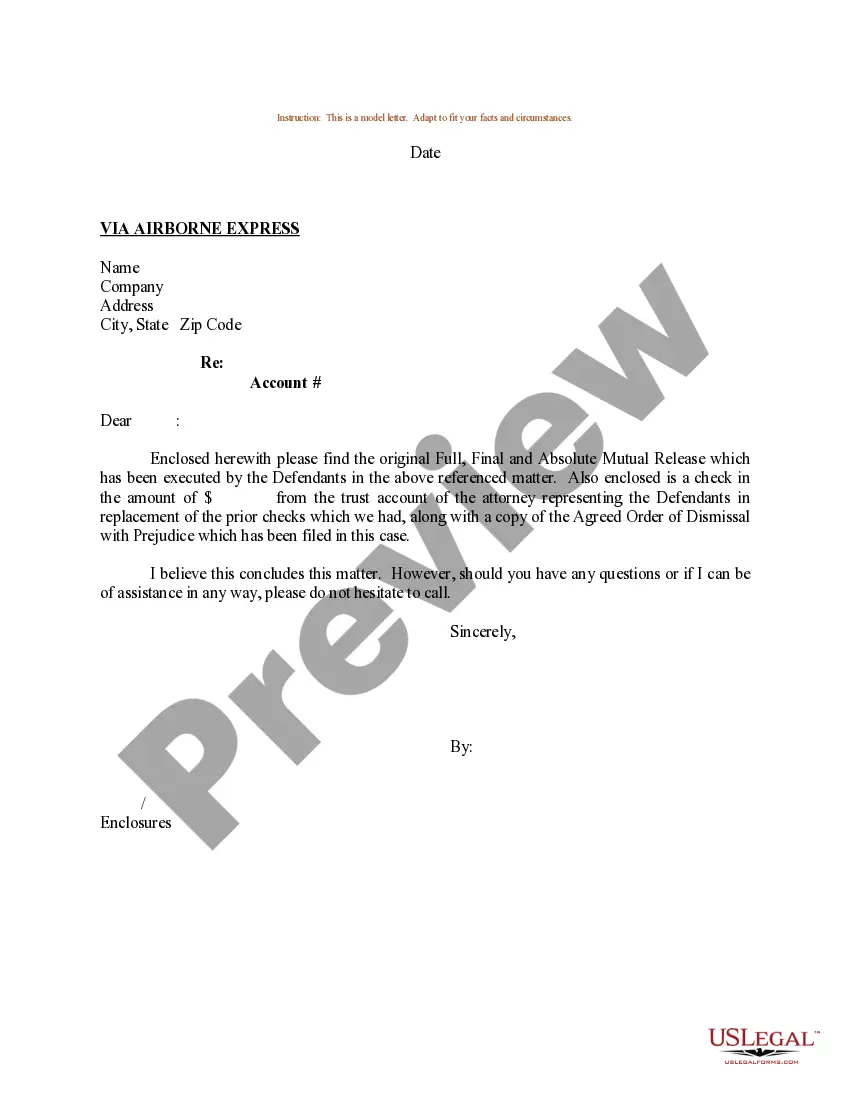

Get your form ready online
Our built-in tools help you complete, sign, share, and store your documents in one place.
Make edits, fill in missing information, and update formatting in US Legal Forms—just like you would in MS Word.
Download a copy, print it, send it by email, or mail it via USPS—whatever works best for your next step.
Sign and collect signatures with our SignNow integration. Send to multiple recipients, set reminders, and more. Go Premium to unlock E-Sign.
If this form requires notarization, complete it online through a secure video call—no need to meet a notary in person or wait for an appointment.
We protect your documents and personal data by following strict security and privacy standards.

Make edits, fill in missing information, and update formatting in US Legal Forms—just like you would in MS Word.

Download a copy, print it, send it by email, or mail it via USPS—whatever works best for your next step.

Sign and collect signatures with our SignNow integration. Send to multiple recipients, set reminders, and more. Go Premium to unlock E-Sign.

If this form requires notarization, complete it online through a secure video call—no need to meet a notary in person or wait for an appointment.

We protect your documents and personal data by following strict security and privacy standards.
Looking for another form?






Form popularity
FAQ
Things to Remember When Requesting Contact Details State the purpose and add context of the request and also share information about the project so as to justify the need. Keep the tone professional and polite throughout the email so that the other person does not feel that they are being imposed upon.
Present your key point as either a statement, a question, or a request. Middle Support your main point with details that clarify the situation, news, and implications. If appropriate, focus on benefits. Closing Note any action the reader should take; include steps that may be taken; and add contact information.
You should always include your signature and contact information after closing a letter. If you're mailing your letter, include your address at the top of the letter so that the recipient can respond by mail if necessary.
Write your letter heading A letter heading, which is the first part of a business letter, provides the sender's contact information to make it easy for the recipient to respond. For a letter on plain paper, include your name, title and the company's name, followed by the company's address.
Please contact Utah Interactive at 801-983-0275, or email support@utah.
Here's how it should look: Line 1: Full name. Line 2: The company you work for, if applicable. Line 3: Your street address. Line 4: Your city, state (two-letter abbreviation) and ZIP code. Line 5: Your country if you are writing to someone in a different country. Line 6: Your phone number and/or email address.

