Sample Letter With Contact Information In Suffolk
Description



Get your form ready online
Our built-in tools help you complete, sign, share, and store your documents in one place.
Make edits, fill in missing information, and update formatting in US Legal Forms—just like you would in MS Word.
Download a copy, print it, send it by email, or mail it via USPS—whatever works best for your next step.
Sign and collect signatures with our SignNow integration. Send to multiple recipients, set reminders, and more. Go Premium to unlock E-Sign.
If this form requires notarization, complete it online through a secure video call—no need to meet a notary in person or wait for an appointment.
We protect your documents and personal data by following strict security and privacy standards.

Make edits, fill in missing information, and update formatting in US Legal Forms—just like you would in MS Word.

Download a copy, print it, send it by email, or mail it via USPS—whatever works best for your next step.

Sign and collect signatures with our SignNow integration. Send to multiple recipients, set reminders, and more. Go Premium to unlock E-Sign.

If this form requires notarization, complete it online through a secure video call—no need to meet a notary in person or wait for an appointment.

We protect your documents and personal data by following strict security and privacy standards.
Looking for another form?








Form popularity
FAQ
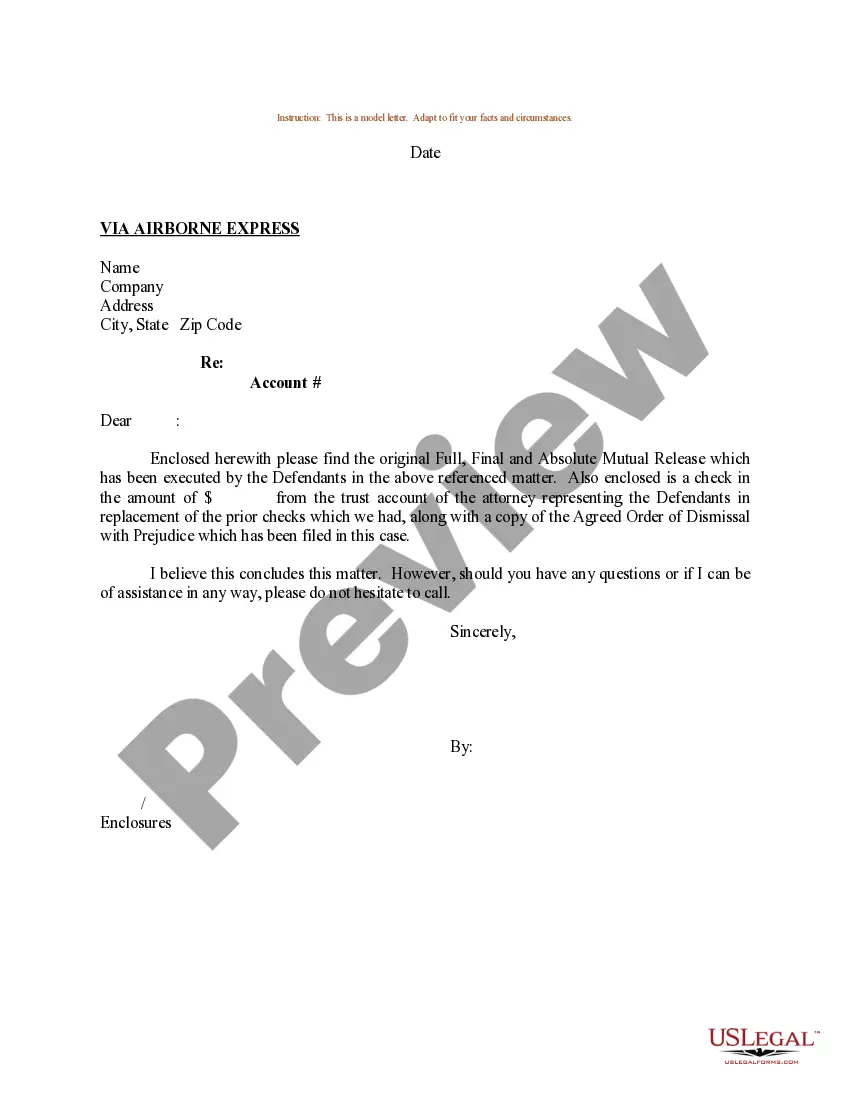
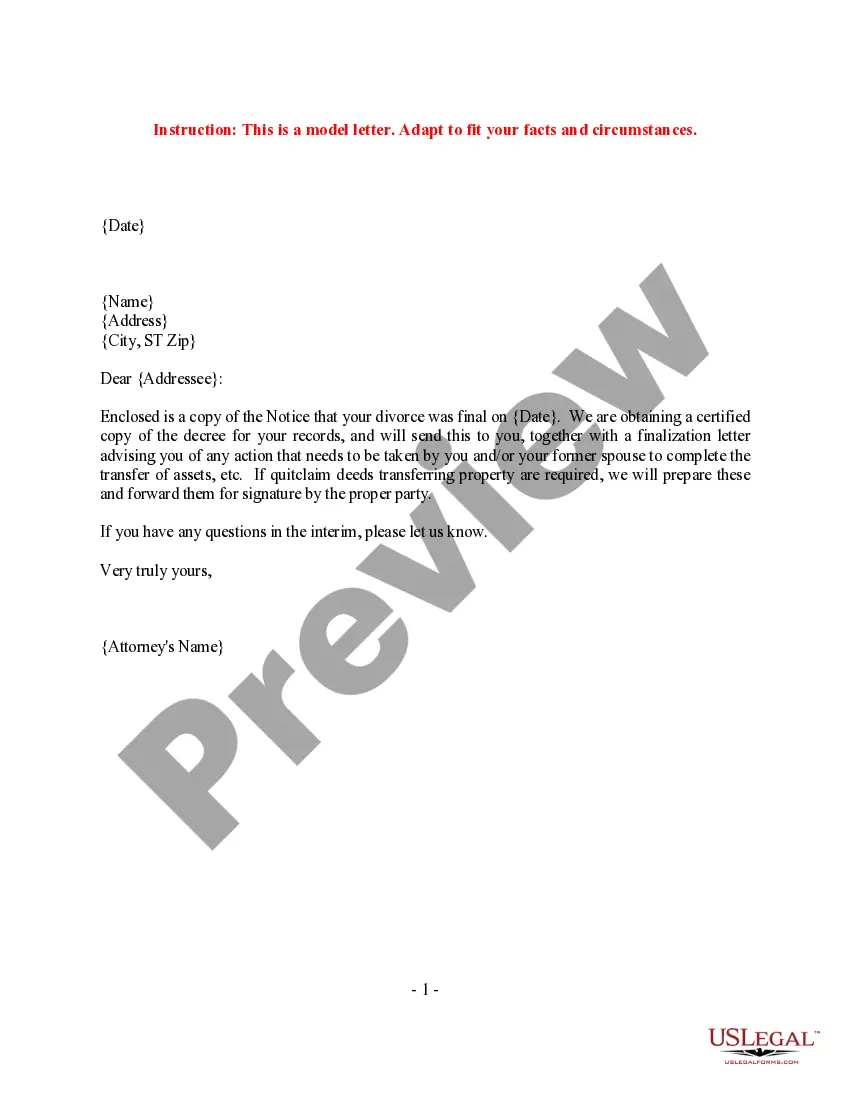
First include your name, address, phone number, and the date. This information should be located at the top of the page, either in the center, or indented on the right side of the paper. You then include the name and address of the person to whom you are sending the letter.
Put Contact Information at the Top of Written Cover Letters Use single spacing and a consistent font, and format it as a block of text. Include your name, street address, city, state and zip code, phone number, and email address on single-spaced separate lines.
To get started, write the hiring manager's contact information at the top-left of your letter of application, including their name, company address, phone number, and email address. If the job ad doesn't list this information, search for it online or call the company to ask for the hiring manager's details.
Include your name, address, and phone number where you can be contacted, as well as the date. You then include the name and address of the person you are sending the letter to. With new paragraphs, just skip a line instead of indenting. Add your phone number where you can be contacted in the last paragraph.
Your letter should be professionally formatted with your name, address, phone number, and email address in the top left. On the next line down, add the date, followed by the name and address of the recipient. As with any document, you begin writing the cover letter with 'Dear Name' on the left of the page.
Create a reference sheet to have ready for when a potential employer asks and include the following information: Name, Current Job/Position, Company, Phone Number, Email Address, and a Reference Description: Write one sentence explaining how you know or have worked with this person, where, when, and for how long.
How to format contact information on your resume Write your full name in a bold font at the top of your resume. Include your phone number after your name. Write your email address under your name after listing your phone number. Include the city and state where you live, avoiding any abbreviations.
2. Start with your contact information Line 1: Full name. Line 2: The company you work for, if applicable. Line 3: Your street address. Line 4: Your city, state (two-letter abbreviation) and ZIP code. Line 5: Your country if you are writing to someone in a different country. Line 6: Your phone number and/or email address.
List your contact information first—at the top left of the document. Use single spacing and a consistent font, and format it as a block of text. Include your name, street address, city, state and zip code, phone number, and email address on single-spaced separate lines.

