Sample Letters With Dates In San Antonio
Description


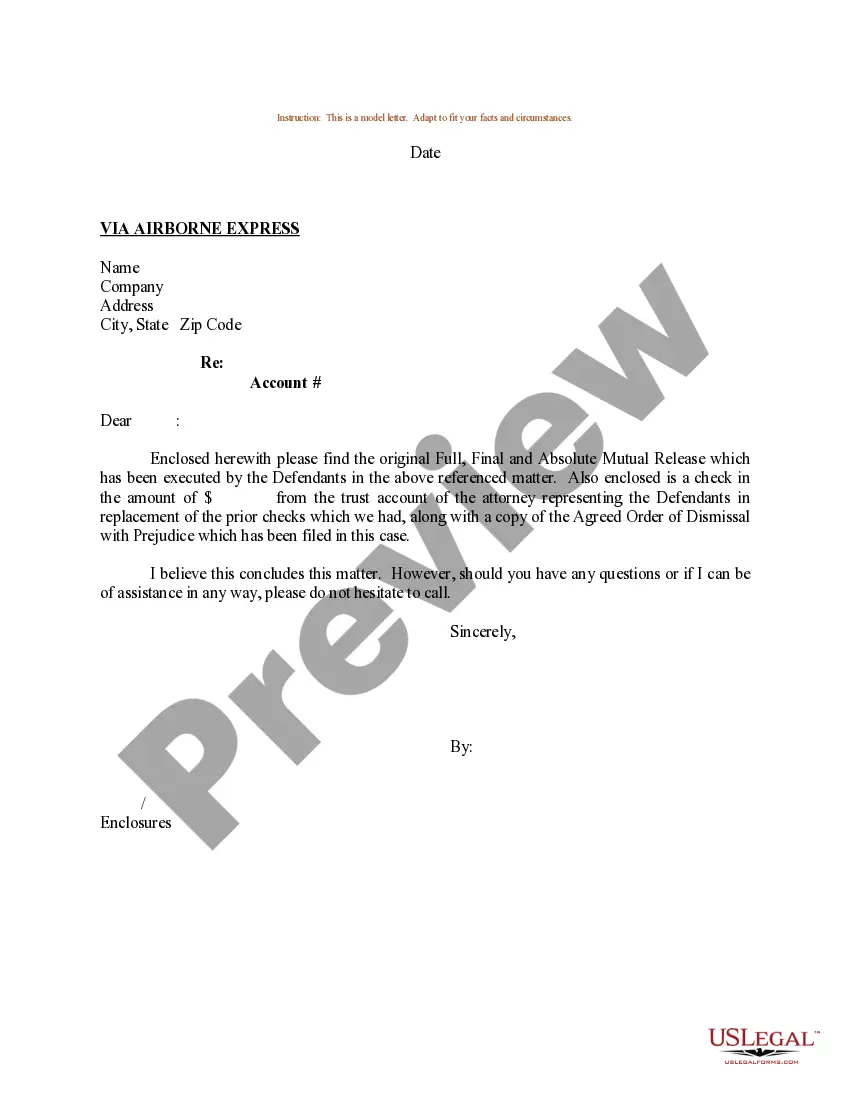
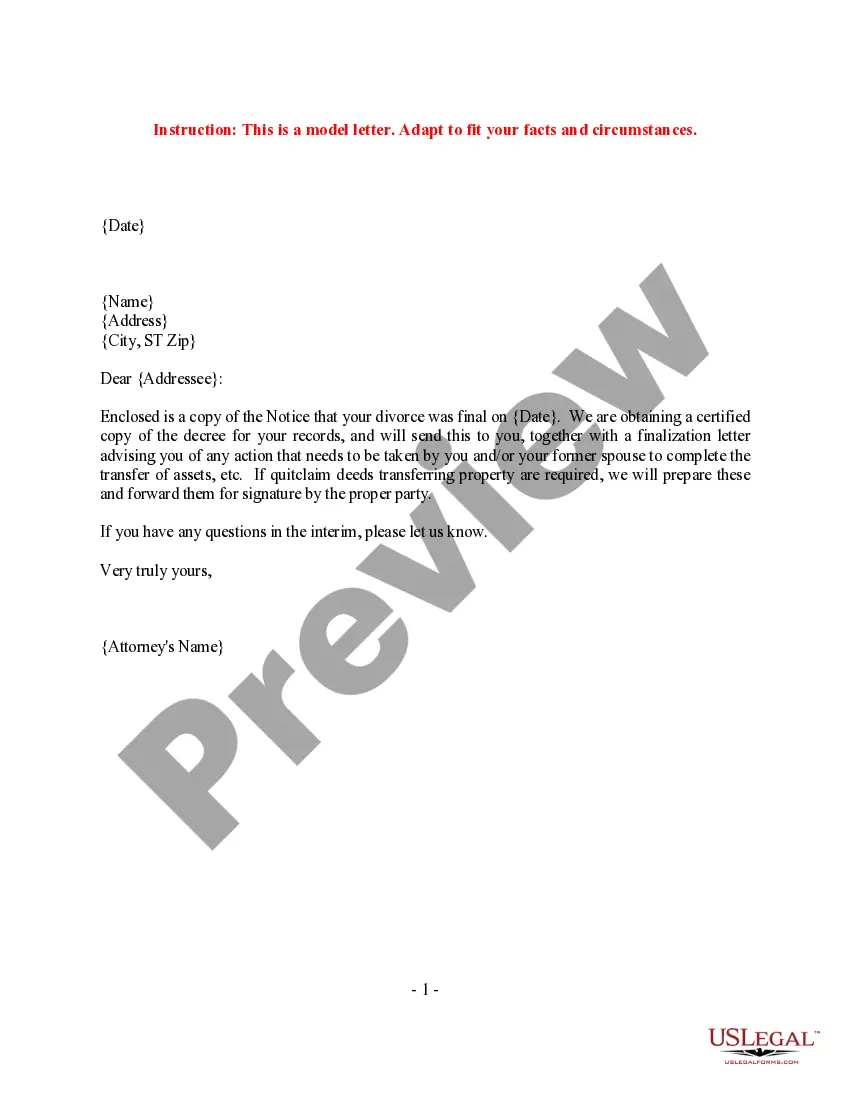

Get your form ready online
Our built-in tools help you complete, sign, share, and store your documents in one place.
Make edits, fill in missing information, and update formatting in US Legal Forms—just like you would in MS Word.
Download a copy, print it, send it by email, or mail it via USPS—whatever works best for your next step.
Sign and collect signatures with our SignNow integration. Send to multiple recipients, set reminders, and more. Go Premium to unlock E-Sign.
If this form requires notarization, complete it online through a secure video call—no need to meet a notary in person or wait for an appointment.
We protect your documents and personal data by following strict security and privacy standards.

Make edits, fill in missing information, and update formatting in US Legal Forms—just like you would in MS Word.

Download a copy, print it, send it by email, or mail it via USPS—whatever works best for your next step.

Sign and collect signatures with our SignNow integration. Send to multiple recipients, set reminders, and more. Go Premium to unlock E-Sign.

If this form requires notarization, complete it online through a secure video call—no need to meet a notary in person or wait for an appointment.

We protect your documents and personal data by following strict security and privacy standards.
Looking for another form?
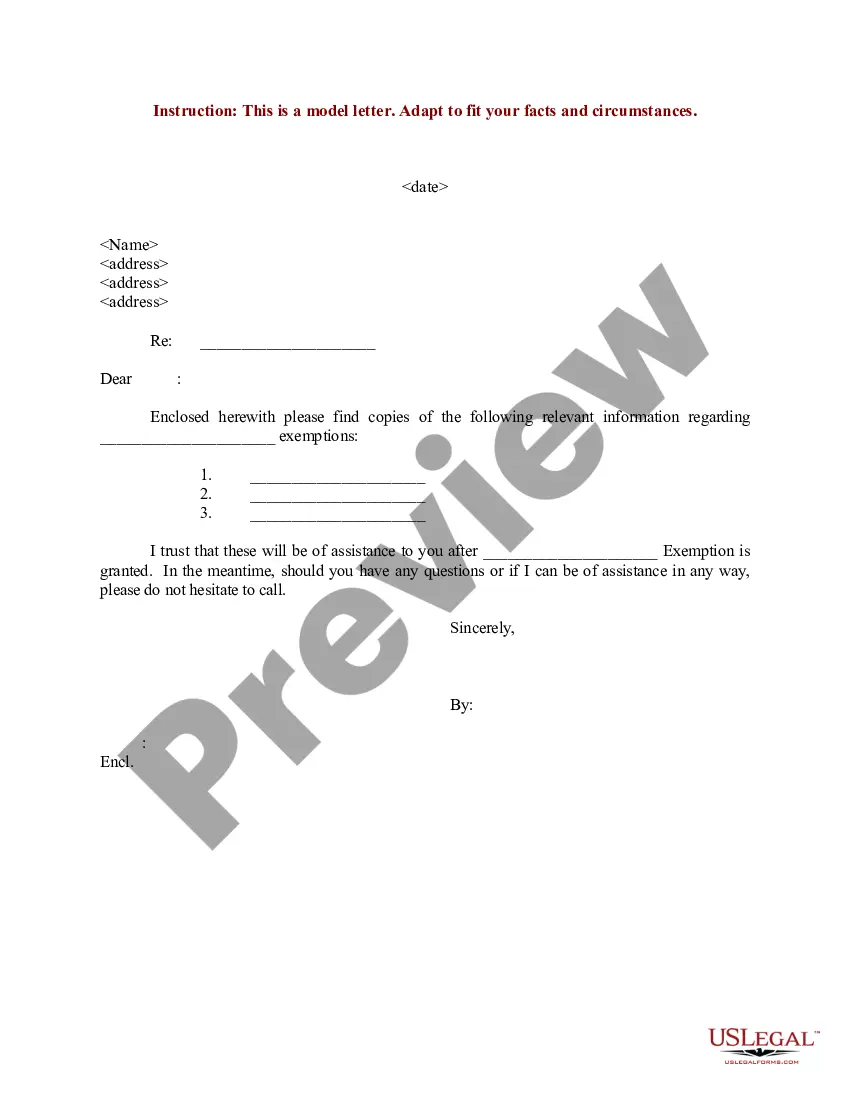
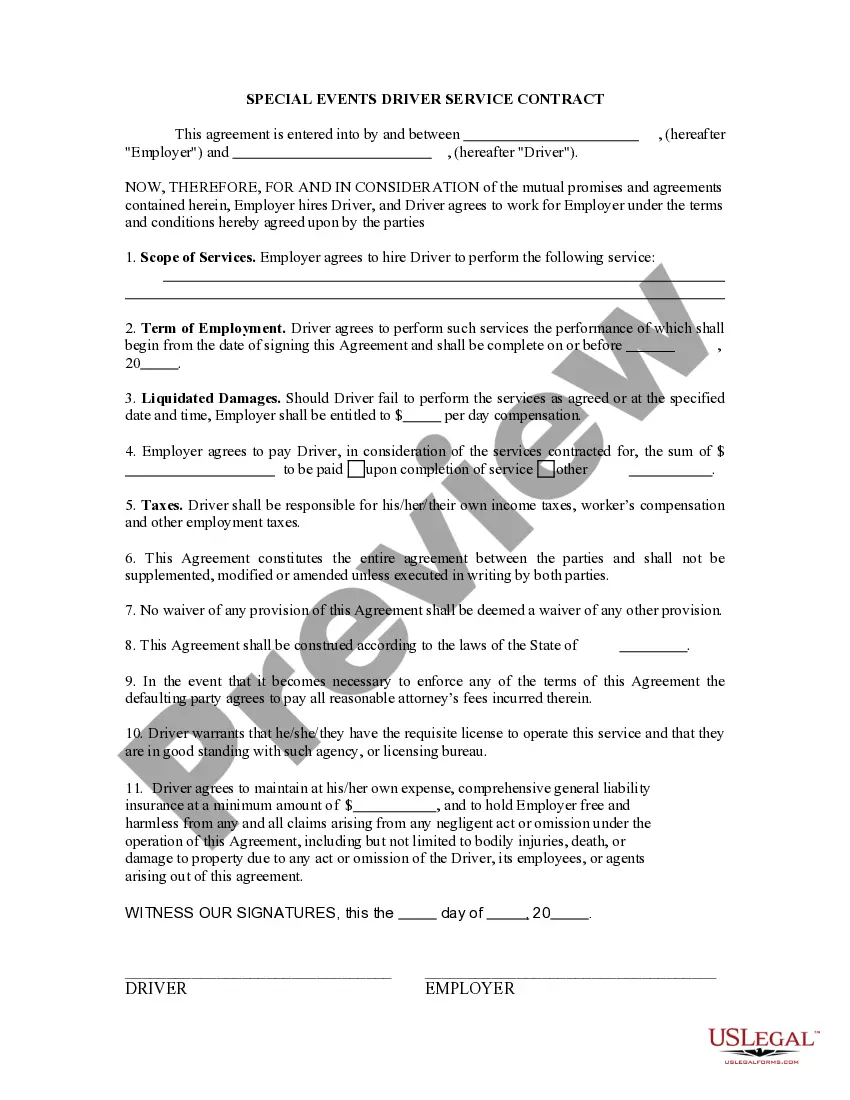







Form popularity
FAQ
(The United States-based convention for formatting a date places the month before the day. For example: June 11, 2001. ) Write out the month, day and year two inches from the top of the page. Depending which format you are using for your letter, either left justify the date or tab to the center point and type the date.
For date ranges, use “space-dash-space” formatting: “June – August 2017” not “June-August 2017”. Be sure that same style of dash (shorter hyphen or slightly longer en-dash) is used consistently throughout. Align dates on the right margin.
This format puts the year first, followed by the month and then the day, i.e. YYYY-MM-DD. For example: 2023-04-12 would be 12 April 2023. 2024-08-05 would be 05 August 2024.
Write out the full date with no abbreviations. If both you and your recipient of the letter are in the U.S., Belize, or Micronesia, write your date in month-date-year format. For instance, if your letter were dated 02/23/2019, you would write the date as "February 23, 2019."
For example, if you were to write a formal business letter, you'd write out the entire date, including the full month. In British English, you could write the date as 6th September 2019. In American English, you could use September 6, 2019.
When giving date or time ranges in running text, spell out the words from, to, and between: She attended college from 1986 to 1990. In other uses, use the en dash: the 2012–13 academic year.
Range of dates Use whole date (day, month, year) if years are different, e.g. 1 January 1990–5 February 1995. Only include the year after the second date if the months are the same, e.g. 1 January–5 February 1990. Only include the month and year after the second date if these are the same, e.g. 1–5 January 1990.
Range of dates Use whole date (day, month, year) if years are different, e.g. 1 January 1990–5 February 1995. Only include the year after the second date if the months are the same, e.g. 1 January–5 February 1990. Only include the month and year after the second date if these are the same, e.g. 1–5 January 1990.
State laws, rather than local county laws, dictate whether you are eligible to change your name, but you must initiate your civil suit by filing documents with the Bexar County District Clerk. The Civil Filing Main Line phone number is (210) 335-2621. The Bexar County District Clerk's Office is located at 101 W.
The Bexar County District Clerk's Office is located at 101 W. Nueva, Suite 217, San Antonio, Texas 78205. They can be reached at (210) 335-2113.

