Sample Letter With Signature In Massachusetts
Description


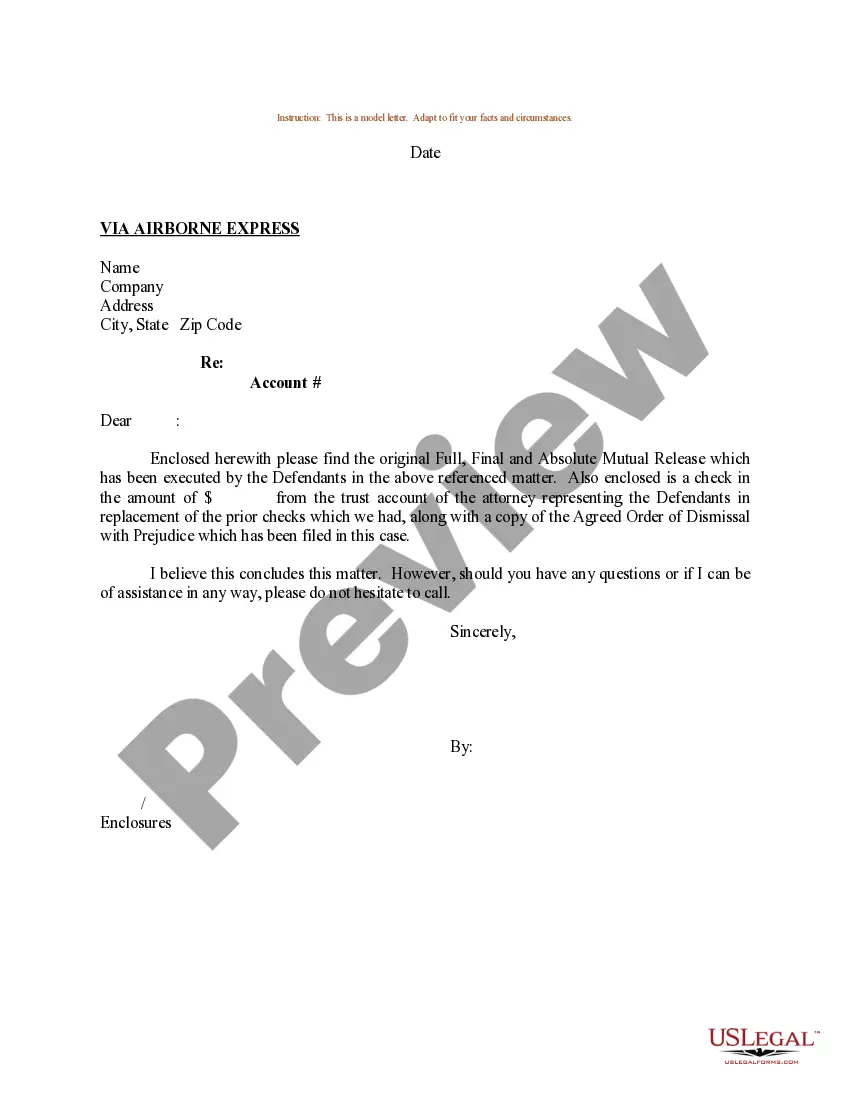
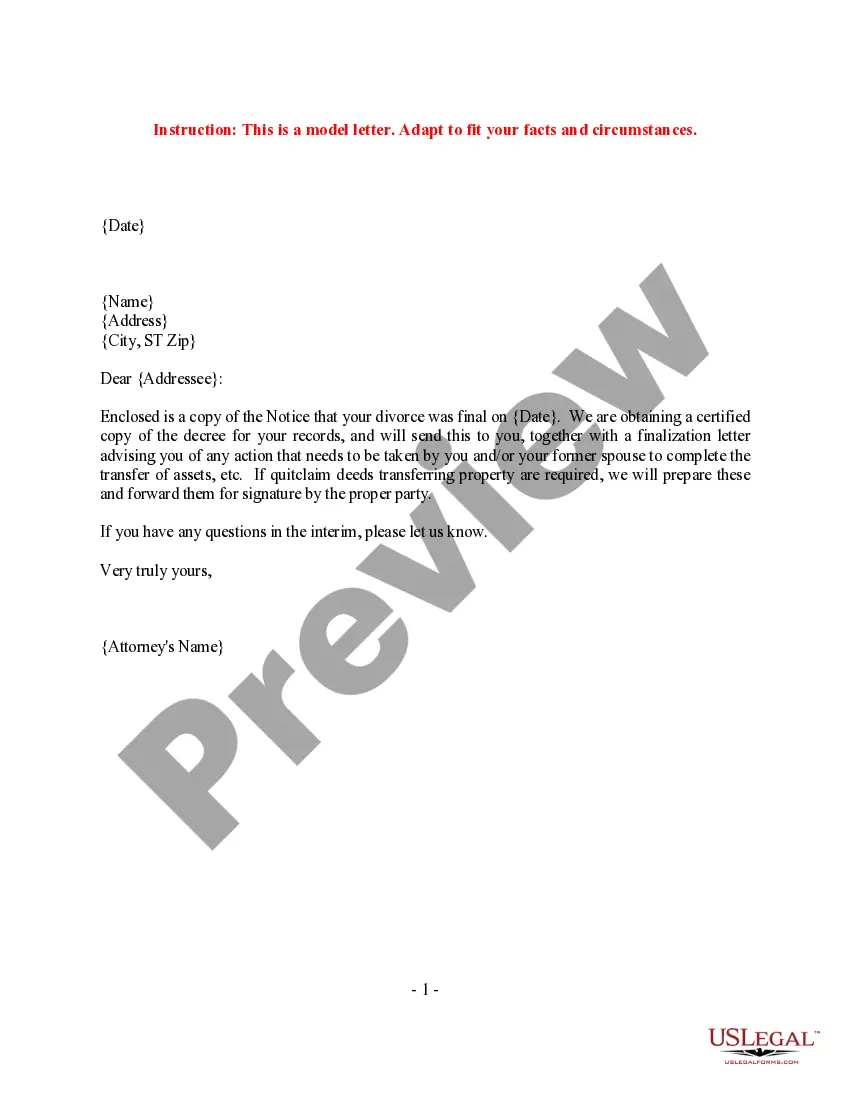

Get your form ready online
Our built-in tools help you complete, sign, share, and store your documents in one place.
Make edits, fill in missing information, and update formatting in US Legal Forms—just like you would in MS Word.
Download a copy, print it, send it by email, or mail it via USPS—whatever works best for your next step.
Sign and collect signatures with our SignNow integration. Send to multiple recipients, set reminders, and more. Go Premium to unlock E-Sign.
If this form requires notarization, complete it online through a secure video call—no need to meet a notary in person or wait for an appointment.
We protect your documents and personal data by following strict security and privacy standards.

Make edits, fill in missing information, and update formatting in US Legal Forms—just like you would in MS Word.

Download a copy, print it, send it by email, or mail it via USPS—whatever works best for your next step.

Sign and collect signatures with our SignNow integration. Send to multiple recipients, set reminders, and more. Go Premium to unlock E-Sign.

If this form requires notarization, complete it online through a secure video call—no need to meet a notary in person or wait for an appointment.

We protect your documents and personal data by following strict security and privacy standards.
Looking for another form?


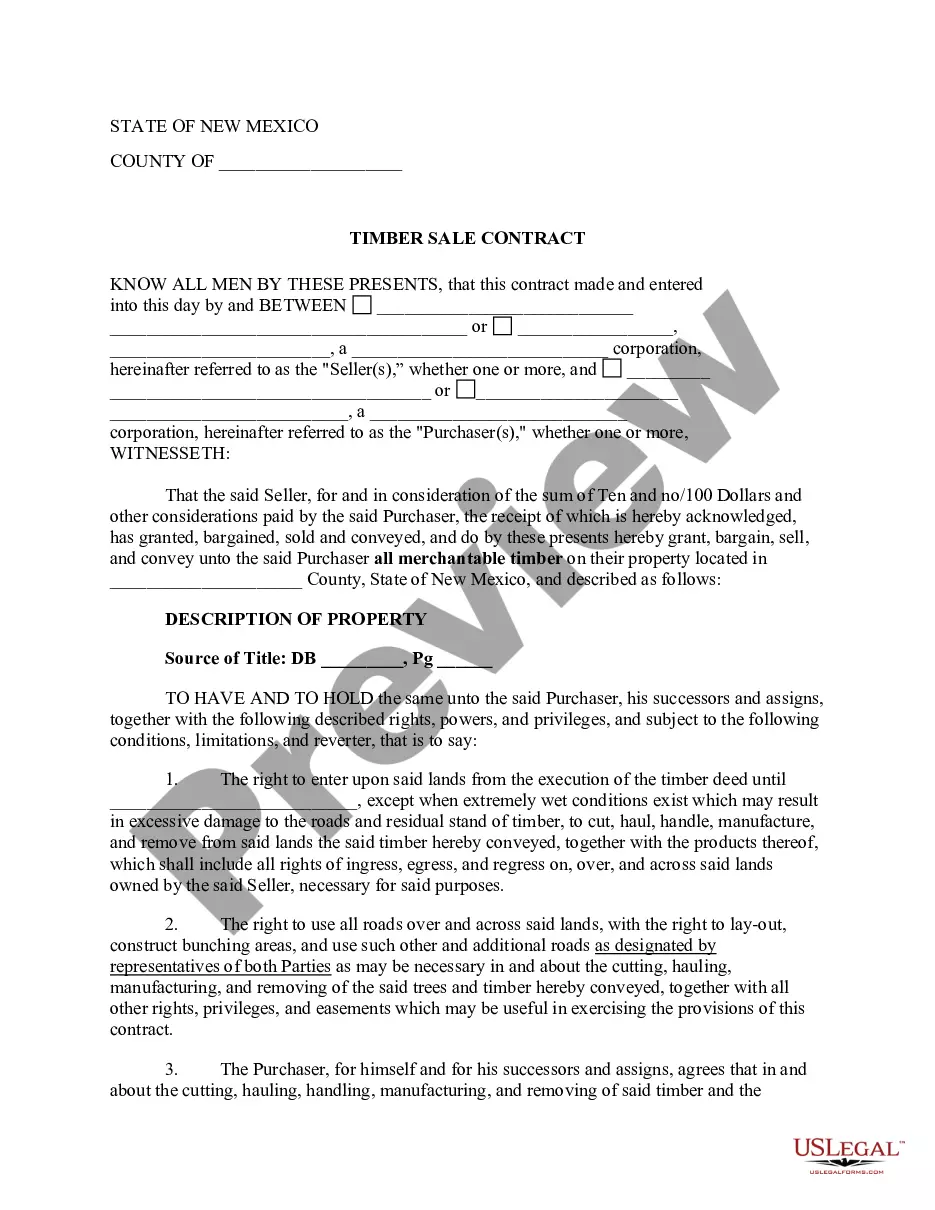

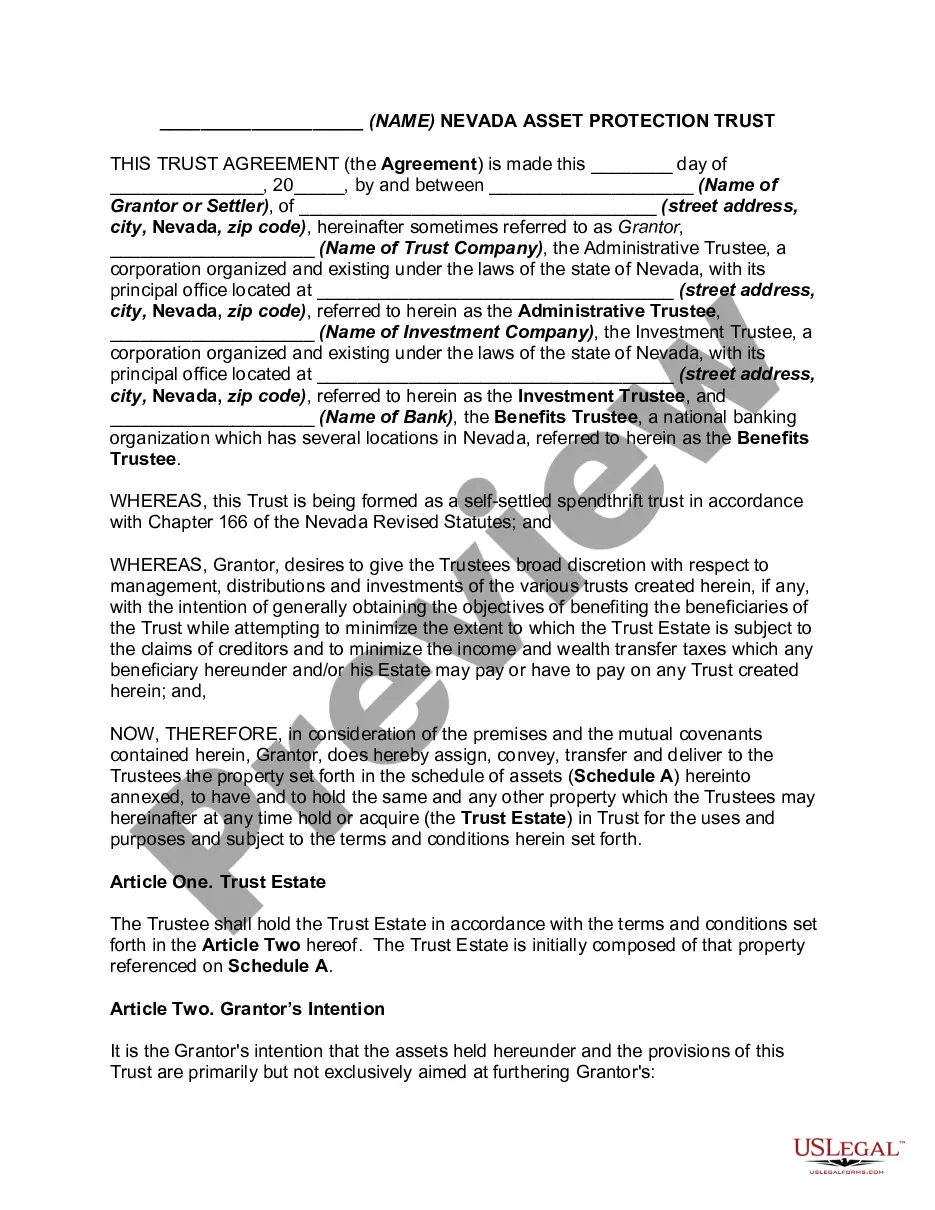




Form popularity
FAQ
A signer must meet face-to-face with a Notary in order to have their signature notarized. Be sure that any person whose signature needs notarization is available and can attend your appointment with the Notary Public. A Notary cannot notarize a person's signature over the phone or video chat.
Notaries on the Notarize Network are always online and available 24/7. Upload or scan your document. Create a Proof account. Verify your connection. Verify your identity. Connect with a notary on a video call. Access your completed document. Download or send document to another person.
In Massachusetts: The Notary Public will require that you provide valid, current, government issued, photo identification. Bring the unsigned document to the Notary Public, sign the document in front of the Notary. The Notary will take your oath or acknowledgement, sign and apply their notary seal.
NOTICE:Notary Oath Appointment Information Oaths are administered by appointment only, at our Boston, Springfield, and Fall River locations. Call ahead to schedule your appointment: Boston: (617) 727-2836. Springfield: (413) 784-1376.
Governor Healey has signed into law, Chapter 2 of the Acts of 2023 (available at: Chap. 2 of the Acts of 2023 – Supp Budget (mass)), which amend M. G. L. c. 222, Sections 23 through 33, allowing documents to be notarized online and completely digitally, without requiring physical stamps and signatures.
To make a notarized letter, begin with your contact details, create a clear message explaining the purpose of the letter. Include any legal language if necessary. Conclude with a formal closing and leave space for your signature. And that's how you write a statement that needs to be notarized.
A Massachusetts notary acknowledgment is used to confirm the legitimacy of a signature on a legal document. A notary acknowledgment verifies that the signer personally appeared before a notary public, proved their identity, and willingly provided their signature on the document.
Writing the Letter as a Resident Start with your legal name. Certify your address. State the length of time you've resided at the residence. Include any other residents. Type your oath. Follow with a closing phrase and your name. Sign and date the letter. Create a line for the notary's signature.
No, they are not the same. Witnessing simply involves observing you sign a document. An acknowledgment, however, goes a step further to ensure that your signature on the document was made willingly and voluntarily.

