Sample Letter With Re In Clark
Description


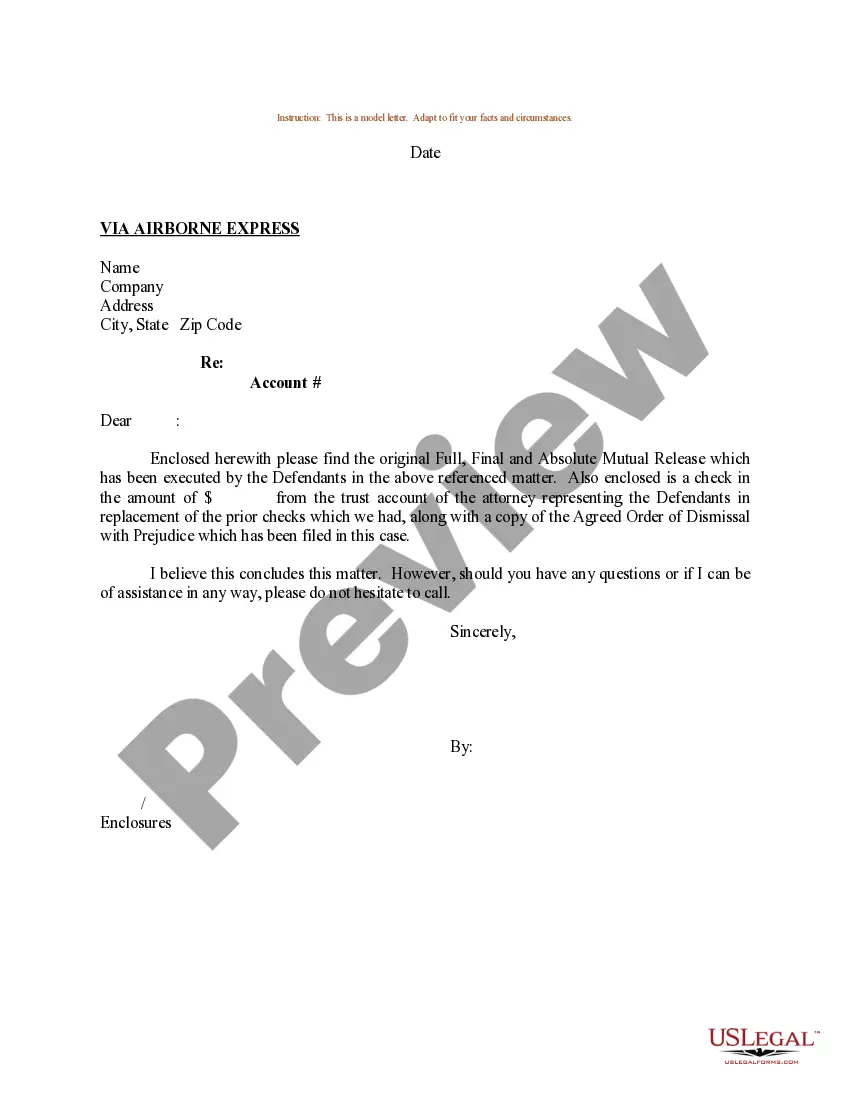

Get your form ready online
Our built-in tools help you complete, sign, share, and store your documents in one place.
Make edits, fill in missing information, and update formatting in US Legal Forms—just like you would in MS Word.
Download a copy, print it, send it by email, or mail it via USPS—whatever works best for your next step.
Sign and collect signatures with our SignNow integration. Send to multiple recipients, set reminders, and more. Go Premium to unlock E-Sign.
If this form requires notarization, complete it online through a secure video call—no need to meet a notary in person or wait for an appointment.
We protect your documents and personal data by following strict security and privacy standards.

Make edits, fill in missing information, and update formatting in US Legal Forms—just like you would in MS Word.

Download a copy, print it, send it by email, or mail it via USPS—whatever works best for your next step.

Sign and collect signatures with our SignNow integration. Send to multiple recipients, set reminders, and more. Go Premium to unlock E-Sign.

If this form requires notarization, complete it online through a secure video call—no need to meet a notary in person or wait for an appointment.

We protect your documents and personal data by following strict security and privacy standards.
Looking for another form?







Form popularity
FAQ
Subject: Designation Change Letter Dear <Name>, Your designation has been changed to <New Designation> with effect from <date>. All the other terms and conditions of your employment shall remain as mentioned in the Letter of Appointment dated <date> (a copy of which has been issued to you).
Outline significant changes in the position. This can be written as a one paragraph brief job description. Please identify specific duties and responsibilities and provide a breakdown of the approximate percentage (ideally not greater than 20% or less than 5%) of annual time spent on average on each duty.
A designation letter is a formal document issued by an employer that officially communicates an employee's new position or role within the organization.
Ans: The designation of the addressee comes at the top-left of the letter after the address of the sender and the date. After that, the receiver's address finds mention. This entire structure follows left alignment.
“Re” is typically placed between the salutation (e.g., “Dear Sir/Madam”) and the body of the letter, or sometimes after the address but before the salutation.
Keep it formal and concise. Write your letter on your business or organization letterhead if possible. The recipient likely reads dozens, if not hundreds of letters, so keep yours concise and to the point. Aim for at least one page but no more than two.
How to Write a Re-Designation Letter: Step-to-Step Process! Format & Salutation: Introduction & Purpose: State the Reasons: Show Understanding & Flexibility: Suggest Alternative Solutions: Request Meeting: Express Gratitude: Proofread & Edit:
'Re:' in a cover letter is an abbreviation of the word 'regarding' in a subject line that lets the employer know the purpose of your letter (e.g., what job you're applying for). Using 'Re:' in a cover letter is optional (unless the job advert specifically asks you to do so).
Ask in person first. Before you send a formal, written request for a letter of recommendation, speak with each individual in person. Send a formal letter of recommendation request. Follow up before the due date. Say a final thank you.
Consider a teacher who led a club you were in. If requested by the college, you can also think about other adults who know you well. A coach, employer, or club adviser can say a lot about your skills and character. Ask your admissions officer if it okay to submit recommendations beyond what is required by the college.

