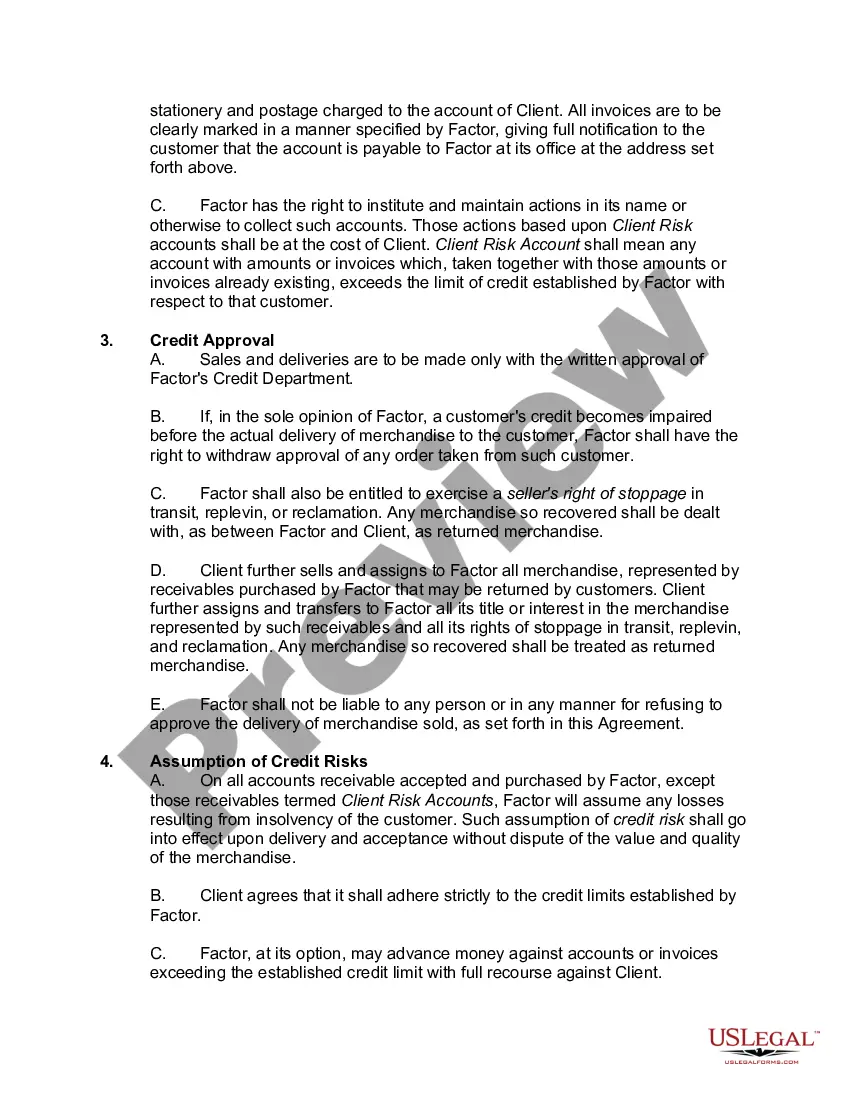
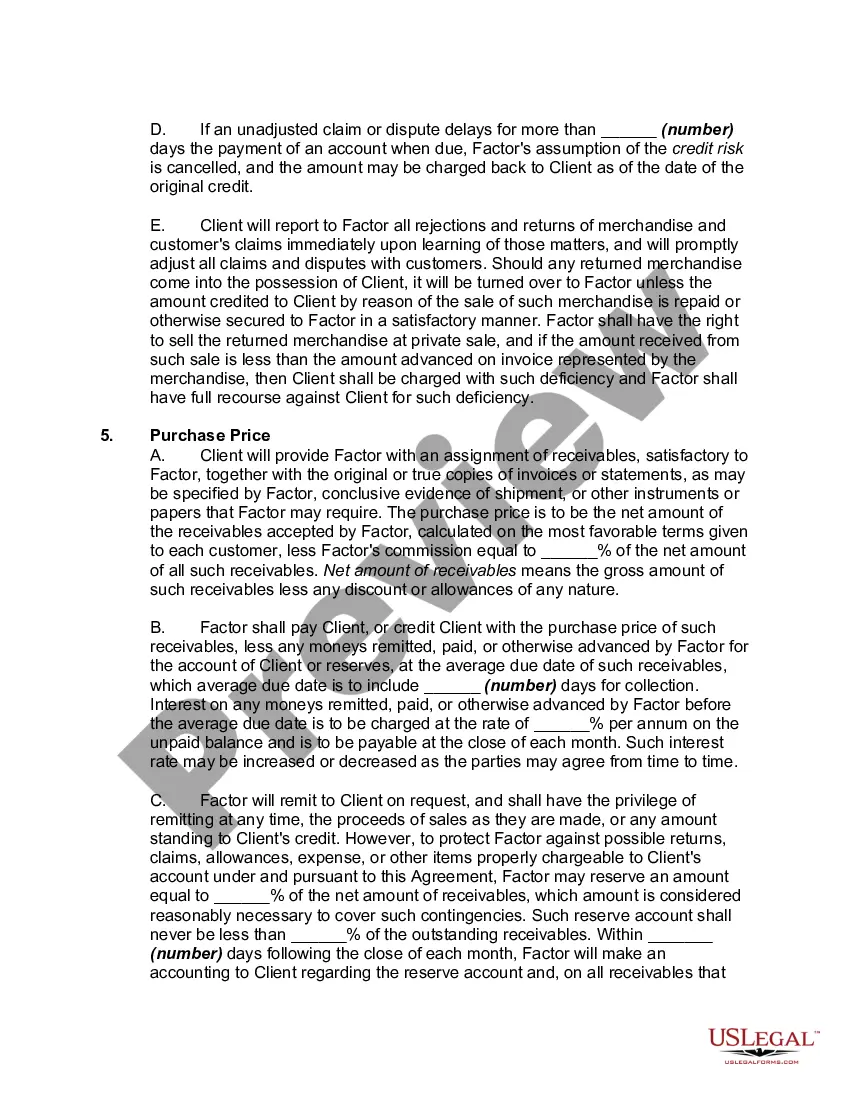
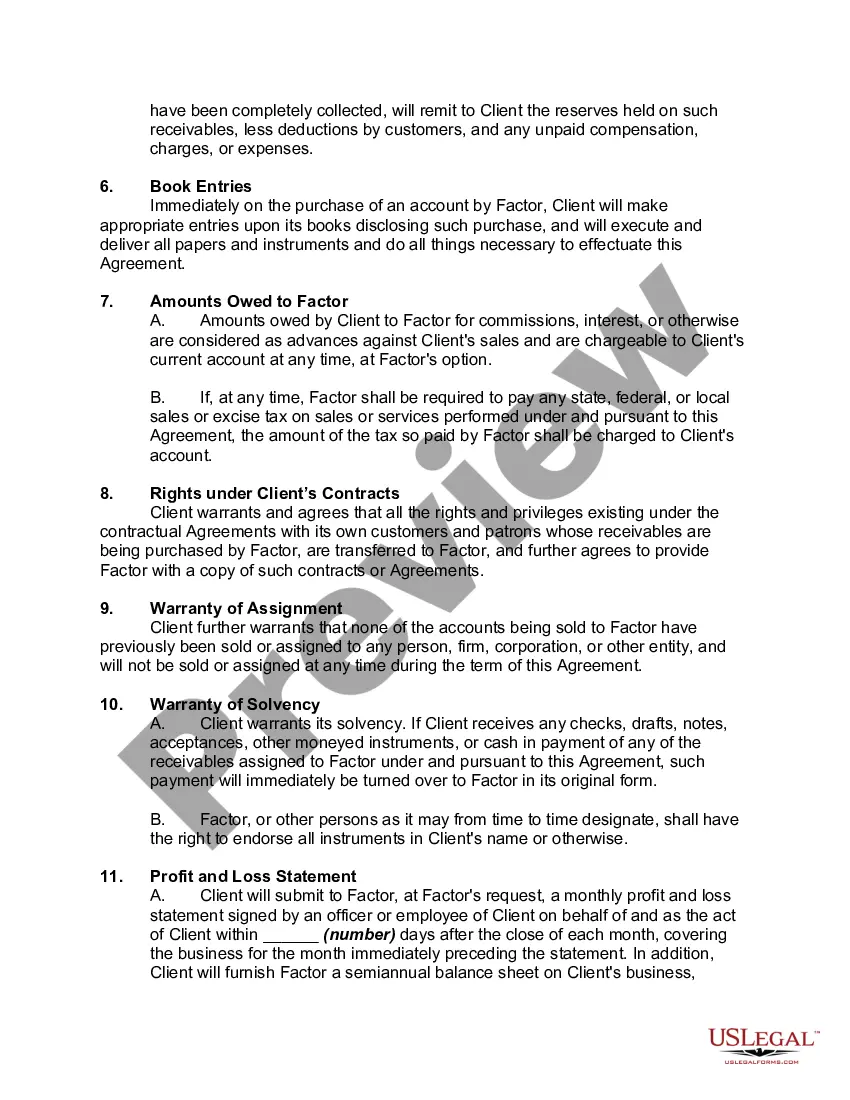
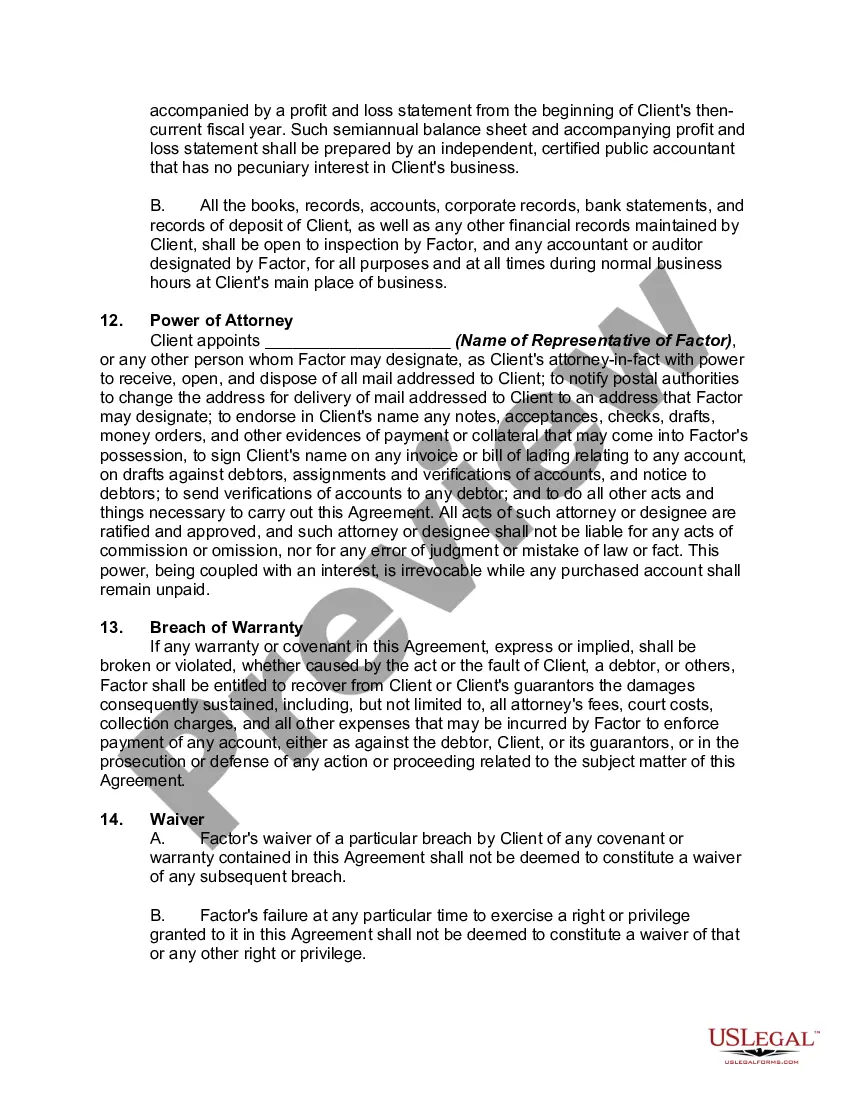
Agreement Accounts Receivable For Dummies In Virginia
Description

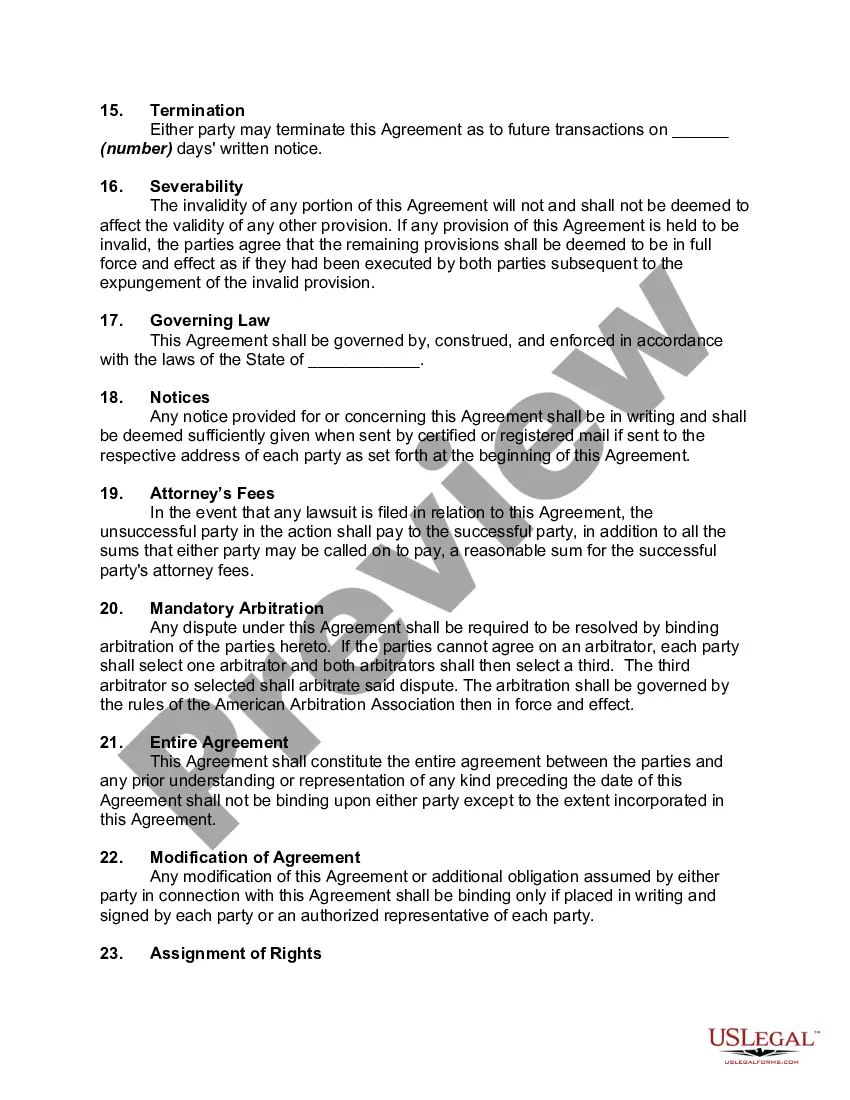

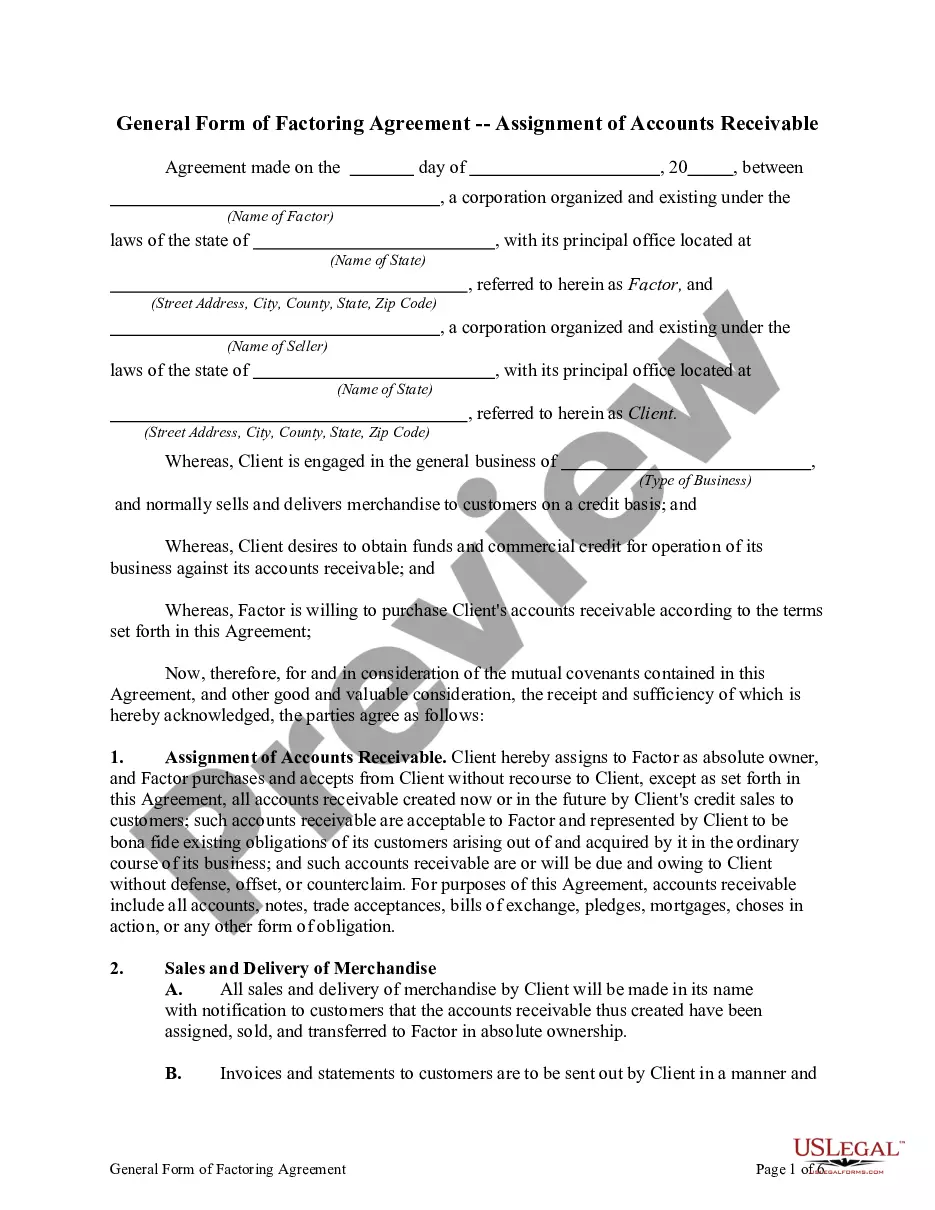
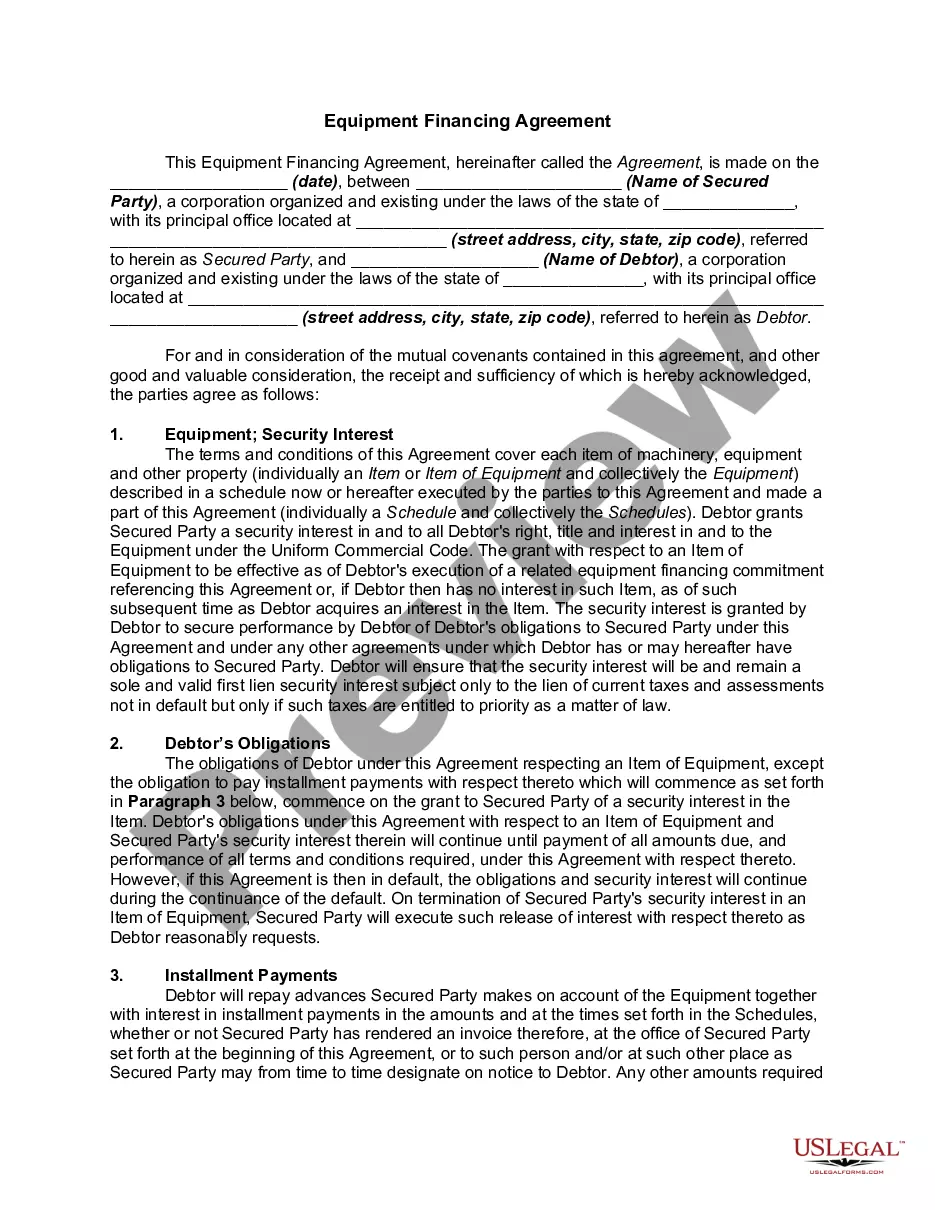
Get your form ready online
Our built-in tools help you complete, sign, share, and store your documents in one place.
Make edits, fill in missing information, and update formatting in US Legal Forms—just like you would in MS Word.
Download a copy, print it, send it by email, or mail it via USPS—whatever works best for your next step.
Sign and collect signatures with our SignNow integration. Send to multiple recipients, set reminders, and more. Go Premium to unlock E-Sign.
If this form requires notarization, complete it online through a secure video call—no need to meet a notary in person or wait for an appointment.
We protect your documents and personal data by following strict security and privacy standards.

Make edits, fill in missing information, and update formatting in US Legal Forms—just like you would in MS Word.

Download a copy, print it, send it by email, or mail it via USPS—whatever works best for your next step.

Sign and collect signatures with our SignNow integration. Send to multiple recipients, set reminders, and more. Go Premium to unlock E-Sign.

If this form requires notarization, complete it online through a secure video call—no need to meet a notary in person or wait for an appointment.

We protect your documents and personal data by following strict security and privacy standards.
Looking for another form?
Form popularity
FAQ
The 10% Rule specifically suggests that if 10% or more of a customer's receivables are significantly overdue, all receivables from that customer may be considered high-risk.
The primary accounts receivable classification includes trade receivables (accounts receivable), notes receivable, and other receivables.
The 10-Step Accounts Receivable Process Develop a Credit Application Process. Create a Collection Plan. Compliance with Consumer Credit Laws. Send Out Invoices. Choose an Accounts Receivable Management System. Track the Collection Process. Log All Charges and Expenses in Real-time. Incentivize Early Payment Discounts.
At a high level, this process is accomplished through invoicing and collections, and includes sending the invoice, managing collections, processing payments, matching payments to invoices, and posting the payments. Let's dig into the details by examining the eight steps in the accounts receivable process.
How Are Accounts Receivable Journal Entries Recorded? AR journal entries are recorded in the accounting system using a double-entry bookkeeping system. In this system, each transaction is recorded with two journal entries, one debiting one account and one crediting another account.
To report accounts receivable, gather information about outstanding amounts owed by customers, create an accounts receivable ledger, categorize the accounts by age, prepare a report that summarizes the outstanding amounts, analyze the report, and take action to collect payments and manage the balance.
Record the total debit amount in the accounts receivable account ing to the invoice. When the customer pays the invoice in full, post a debit in the sales account. This helps balance the double-entry system, which can help you avoid accounting errors and balance books more effectively.
The “10% Rule” is a specific guideline used in cross-aging to determine when a portion of a company's accounts receivable should be classified as doubtful or uncollectible.
Average accounts receivables is calculated as the sum of the starting and ending receivables over a set period of time (usually a month, quarter, or year). That number is then divided by 2 to determine an accurate financial ratio.
