Agreement General Form For Employee In Houston
Description

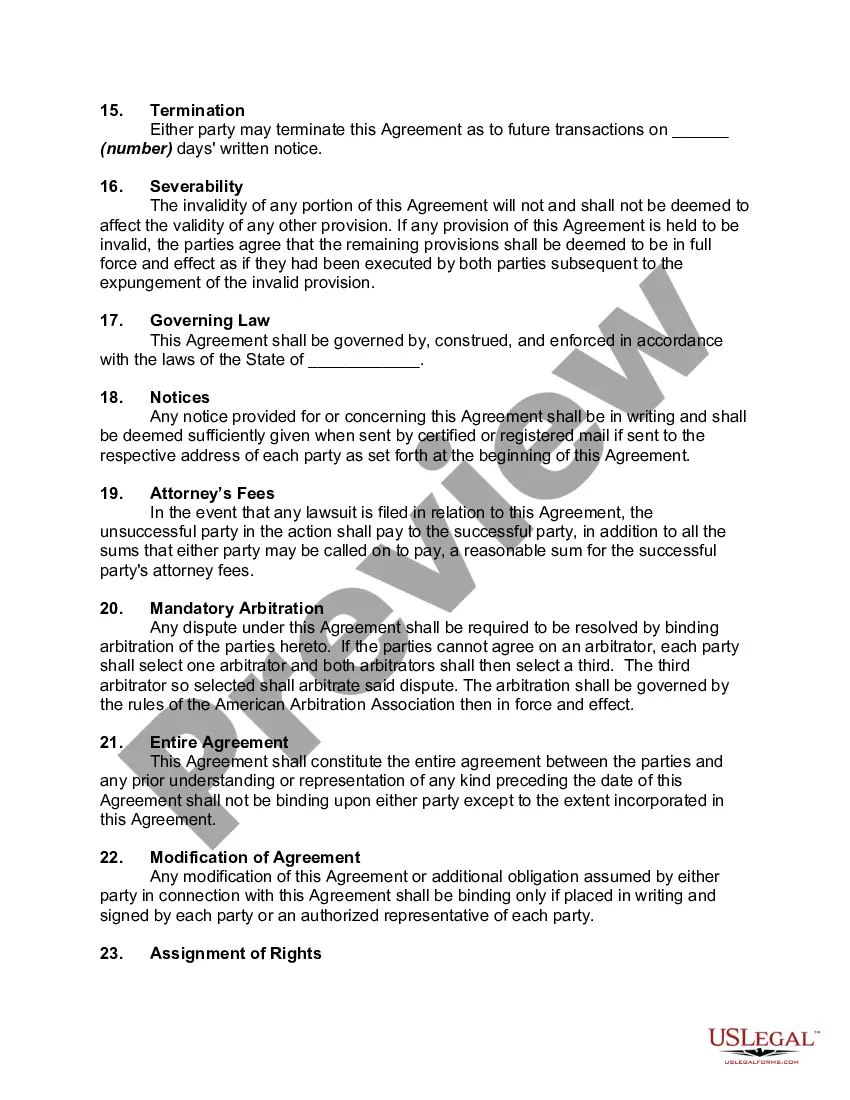

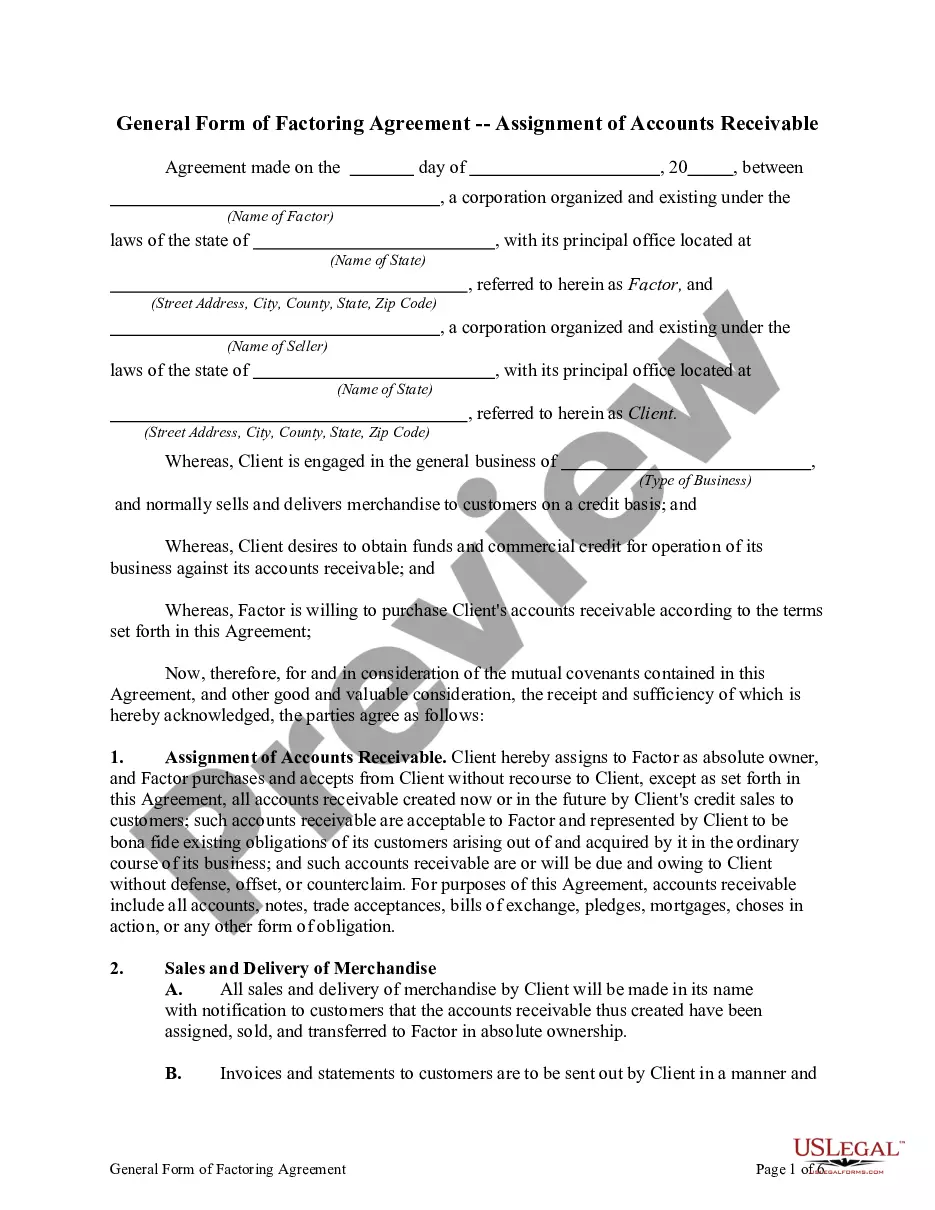
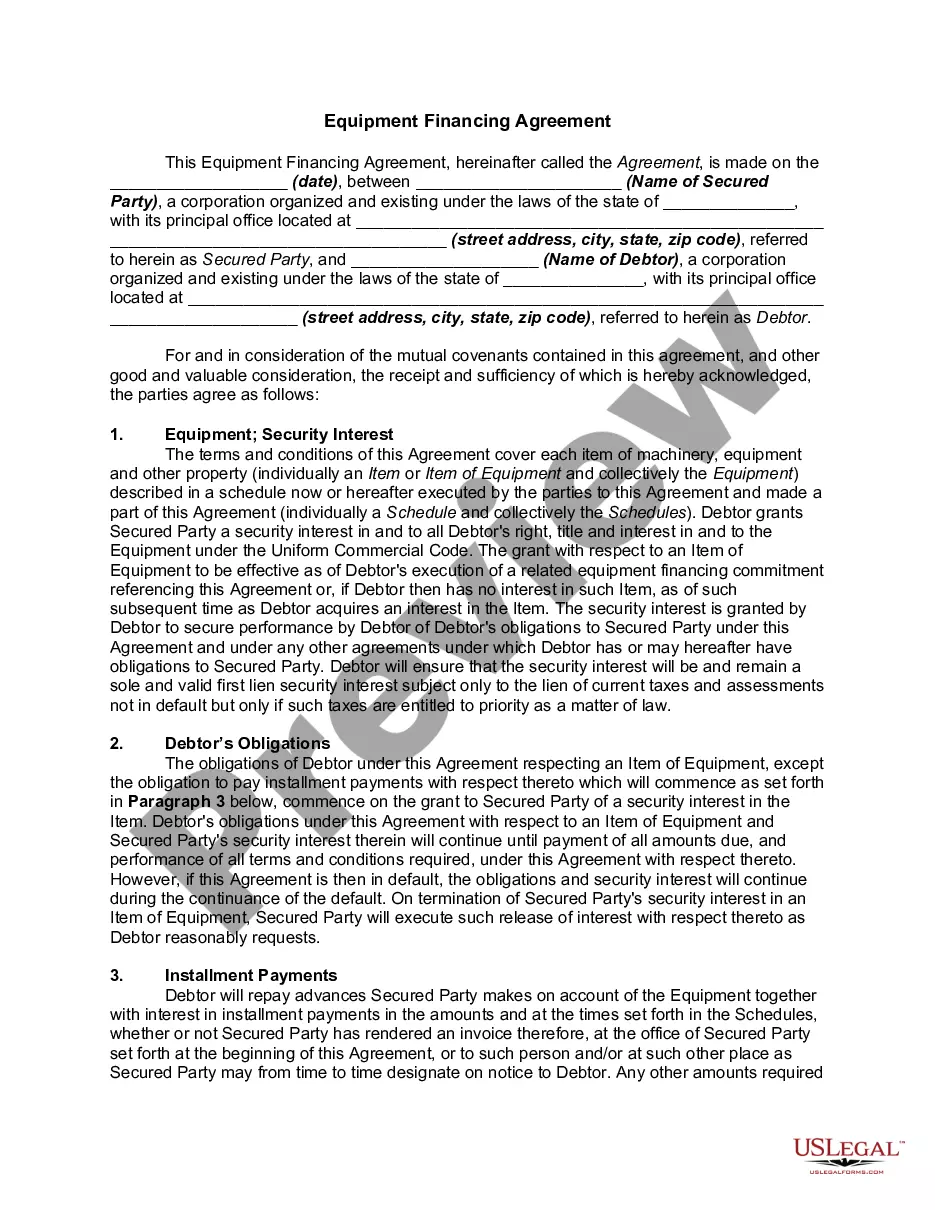
Get your form ready online
Our built-in tools help you complete, sign, share, and store your documents in one place.
Make edits, fill in missing information, and update formatting in US Legal Forms—just like you would in MS Word.
Download a copy, print it, send it by email, or mail it via USPS—whatever works best for your next step.
Sign and collect signatures with our SignNow integration. Send to multiple recipients, set reminders, and more. Go Premium to unlock E-Sign.
If this form requires notarization, complete it online through a secure video call—no need to meet a notary in person or wait for an appointment.
We protect your documents and personal data by following strict security and privacy standards.

Make edits, fill in missing information, and update formatting in US Legal Forms—just like you would in MS Word.

Download a copy, print it, send it by email, or mail it via USPS—whatever works best for your next step.

Sign and collect signatures with our SignNow integration. Send to multiple recipients, set reminders, and more. Go Premium to unlock E-Sign.

If this form requires notarization, complete it online through a secure video call—no need to meet a notary in person or wait for an appointment.

We protect your documents and personal data by following strict security and privacy standards.
Looking for another form?
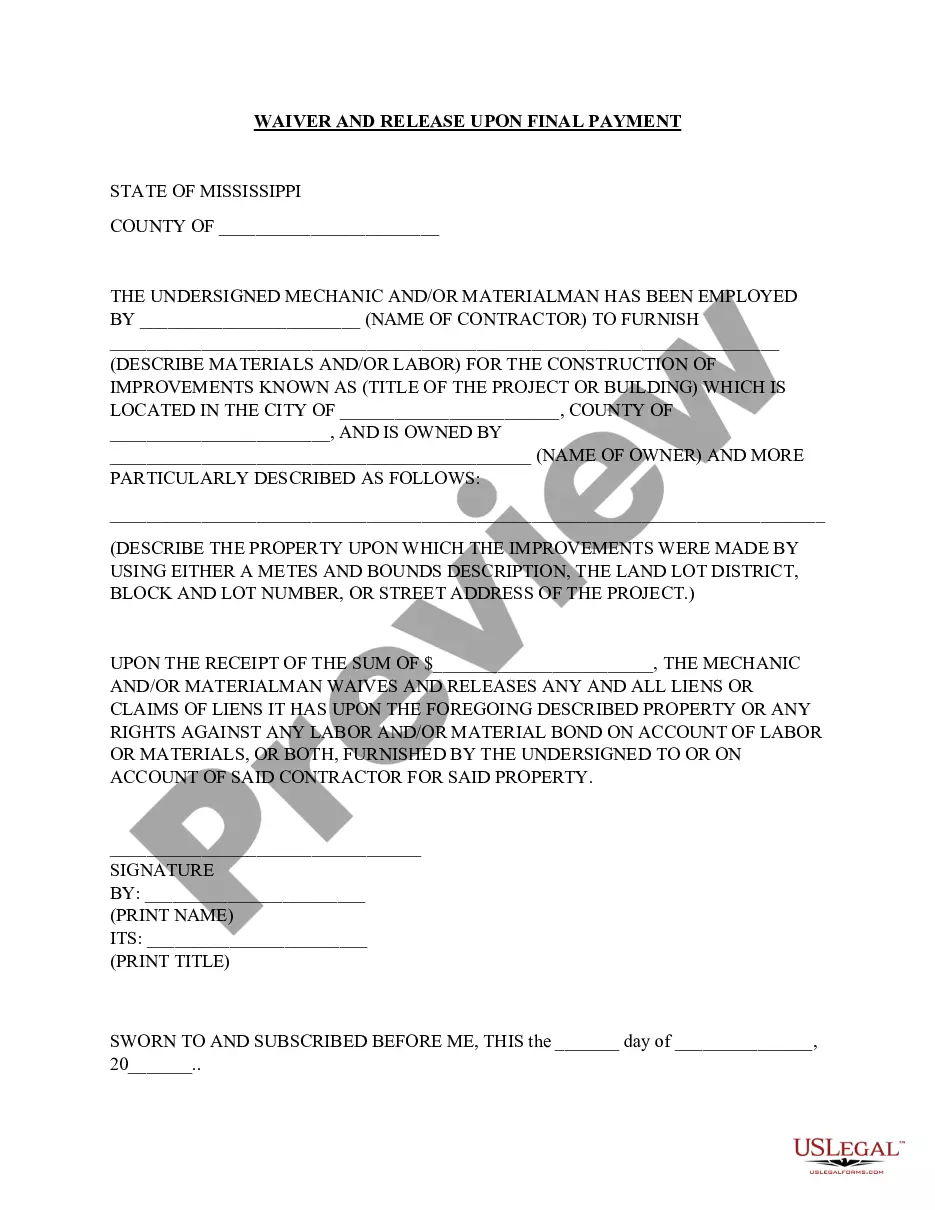








Form popularity
FAQ
Who do I contact for help with my Retirement account? Our team is here for you. Call 888.769.2362, 402.323.1592, or email 401k@ubt, and we'll be happy to help.
Your Social Security Statement (Statement) is available to view online by opening a my Social Security account. Millions of people of all ages now use these online accounts to learn about their future Social Security benefits and current earnings history.
To confirm your invoice total or if you have any questions or concerns, please contact the Benefits Division at 832-393-6000 or email LWOP@houstontx.
Medicare Advantage Documents Department/Retiree ClusterBenefit Administrator AssignedPhone Retirees A - F Glenda Guillory (832) 393-6113 Retirees G - M Lisa Ingram (832) 393-6111 Retirees N - Z Kemp Lenued (832) 393-6103
The most common types of employment forms to complete are: W-4 form (or W-9 for contractors) I-9 Employment Eligibility Verification form. State Tax Withholding form.
Form I-9, Employment Eligibility Verification PDF. Form W-4, Employee's Withholding Certificate. Form W-4P, Withholding Certificate for Pension or Annuity Payments. Form W-9, Request for Taxpayer Identification Number and Certification.
Form W-4, Employee's Withholding Certificate, is required by the IRS. Employers use Form W-4 to determine the amount of federal income tax to withhold from an employee's wages. Employees can add information to Form W-4 to increase or decrease their federal income tax withholding.
Guide to writing contracts of employment Names of the parties. The full details of the business, and the employee's full name and address. Employment contract start date. Employee's job title and description. Workplace. Working hours. Probationary period. Salary. Deductions.
Texas is considered a “right to work” state, meaning contracts aren't required, and the state doesn't put many legal requirements on employment relationships. Still, employers are increasingly using employment contracts across all industries and professions.
What New Hire Paperwork Is Required in Texas? I-9 Employment Verification Form. W-4 Federal Tax Withholding Form. Texas Notice of Paydays. Worker's Compensation Coverage Notification. Texas New Hire Reporting.
